 ChecklistGuro
 Real Estate Agent Performance Tracking Process
Optimize your brokerage's productivity with our comprehensive Real Estate Agent Performance Tracking Process. Learn how to monitor KPIs, evaluate sales conversion rates, and implement data-driven coaching strategies to boost agent retention and maximize revenue growth.
Ce modèle a été installé 3 fois.
Début
Début du flux de travail/processus.
1. Fetch Agent Profiles
Retrieve all active agents and their associated performance metrics from the Agent Data Model.
2. Fetch Monthly Sales Data
Retrieve all completed property sale entries for the current month.
3. Calculate Total Sales Volume
Sum the 'Sale Price' property from all completed sales entries to get total revenue.
4. Calculate Average Commission Rate
Calculate the average value of the 'Commission %' field from the monthly sales entries.
5. Calculate Agent Commission Earned
Multiply the Total Sales Volume by the Agent's specific commission percentage.
6. Update Agent Monthly KPI
Update the 'Monthly Revenue' and 'Units Sold' fields in the Agent's Data Model record.
7. Create Performance Review Record
Create a new entry in the 'Performance Reviews' data model for the monthly summary.
8. Assign Monthly Review Task
Create a task for the Sales Manager to review the calculated KPIs and approve the monthly summary.
9. Agent Self-Reflection Task
Create a task for the specific Agent to complete their monthly self-assessment checklist.
10. Send Performance Summary to Agent
Send an automated email to the agent containing their monthly sales totals and commission earned.
11. Notify Manager of Low Performance
Send an email to the Sales Manager if the aggregate sales volume falls below the predefined threshold.
12. Generate Monthly Agency Dashboard
Generate a comprehensive visual report summarizing all agents' performance for the agency leadership.
13. Send Milestone Alert
Send an SMS to the agent when a high-value sale (e.g., > $1M) is recorded in the system.
14. Cleanup Draft Reviews
Delete any incomplete or expired performance review entries from the previous month.
Fin
Fin du flux de travail/processus.
Début du flux de travail/processus.
Retrieve all active agents and their associated performance metrics from the Agent Data Model.
Retrieve all completed property sale entries for the current month.
Sum the 'Sale Price' property from all completed sales entries to get total revenue.
Calculate the average value of the 'Commission %' field from the monthly sales entries.
Multiply the Total Sales Volume by the Agent's specific commission percentage.
Update the 'Monthly Revenue' and 'Units Sold' fields in the Agent's Data Model record.
Create a new entry in the 'Performance Reviews' data model for the monthly summary.
Create a task for the Sales Manager to review the calculated KPIs and approve the monthly summary.
Create a task for the specific Agent to complete their monthly self-assessment checklist.
Send an automated email to the agent containing their monthly sales totals and commission earned.
Send an email to the Sales Manager if the aggregate sales volume falls below the predefined threshold.
Generate a comprehensive visual report summarizing all agents' performance for the agency leadership.
Send an SMS to the agent when a high-value sale (e.g., > $1M) is recorded in the system.
Delete any incomplete or expired performance review entries from the previous month.
Fin du flux de travail/processus.
Commentaires
Aucun commentaire n'a été publié pour le moment. Soyez le premier à en ajouter un !
Démonstration de la solution de gestion immobilière
Simplifiez vos opérations immobilières ! ChecklistGuro rationalise la gestion immobilière, les renouvellements de baux et les demandes de maintenance. Améliorez la satisfaction des locataires et maximisez le retour sur investissement. Gérez tout cela grâce à notre plateforme Work OS.
Modèles de flux de travail associés

Property Inventory and Asset Management Workflow

Real Estate Referral Management Process

Property Tax and Compliance Management Workflow

Tenant Move-in and Move-out Workflow

Real Estate Market Analysis and Reporting Process

Property Showing and Tour Scheduling Workflow

Real Estate Closing Checklist and Workflow
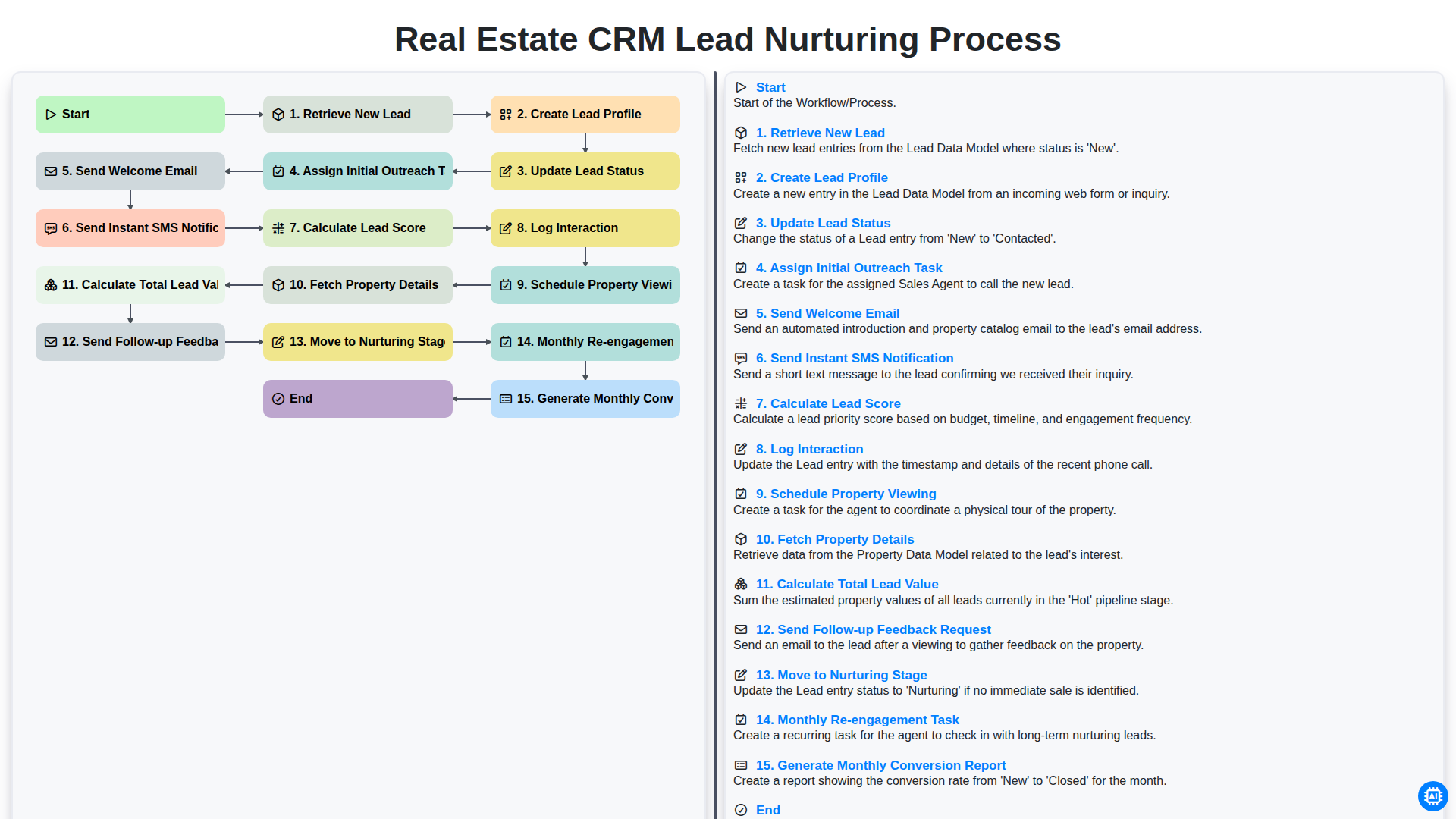
Real Estate CRM Lead Nurturing Process
Nous pouvons le faire ensemble
Besoin d'aide avec les listes de contrôle?
Vous avez une question ? Nous sommes là pour vous aider. Veuillez soumettre votre demande et nous vous répondrons rapidement.