 ChecklistGuro
 Digital Advertising Campaign Execution Process
Streamline your marketing operations with our Digital Advertising Campaign Execution Process. This step-by-step workflow optimizes every stage of your ad lifecycle-from strategic planning and creative development to audience targeting, deployment, and real-time performance tracking. Master your task management, eliminate bottlenecks, and drive higher ROI with a structured, repeatable framework designed for high-performing digital marketing teams.
Ce modèle a été installé 4 fois.
Début
Début du flux de travail/processus.
1. Retrieve Client Brief
Fetch the initial campaign requirements and objectives from the Client Brief data model.
2. Create Campaign Record
Generate a new entry in the Campaign Master data model to track the execution of this specific campaign.
3. Assign Media Planner
Create a task for the Media Planner to define target audiences and channel selection.
4. Update Media Plan
Update the Campaign Record with the finalized budget and channel allocation details.
5. Creative Asset Production
Create a task for the Design Team to produce banners, videos, and copy based on the media plan.
6. Get Approved Assets
Retrieve the completed creative assets from the Assets data model.
7. Ad Setup & Implementation
Create a task for the Ad Ops specialist to implement ads in platforms (Google Ads, Meta, etc.).
8. Set Campaign Status to 'Live'
Update the Campaign Record status to 'Active' once implementation is verified.
9. Fetch Daily Performance Data
Retrieve daily metric entries (clicks, impressions, spend) from the Performance Data model.
10. Calculate Total Spend
Aggregate all daily spend entries to determine the total accumulated campaign expenditure.
11. Calculate CPC
Execute formula (Total Clicks / Total Spend) to determine the Cost Per Click.
12. Calculate ROAS
Execute formula (Total Revenue / Total Spend) to determine Return on Ad Spend.
13. Performance Optimization Review
Create a task for the Account Manager to review metrics and suggest budget reallocations.
14. Send Client Progress Update
Send an automated email to the client containing the current campaign performance summary.
15. Generate End-of-Campaign Report
Create a comprehensive performance report summarizing all campaign KPIs.
16. Archive Campaign
Update the Campaign Record status to 'Completed' and close the project.
Fin
Fin du flux de travail/processus.
Début du flux de travail/processus.
Fetch the initial campaign requirements and objectives from the Client Brief data model.
Generate a new entry in the Campaign Master data model to track the execution of this specific campaign.
Create a task for the Media Planner to define target audiences and channel selection.
Update the Campaign Record with the finalized budget and channel allocation details.
Create a task for the Design Team to produce banners, videos, and copy based on the media plan.
Retrieve the completed creative assets from the Assets data model.
Create a task for the Ad Ops specialist to implement ads in platforms (Google Ads, Meta, etc.).
Update the Campaign Record status to 'Active' once implementation is verified.
Retrieve daily metric entries (clicks, impressions, spend) from the Performance Data model.
Aggregate all daily spend entries to determine the total accumulated campaign expenditure.
Execute formula (Total Clicks / Total Spend) to determine the Cost Per Click.
Execute formula (Total Revenue / Total Spend) to determine Return on Ad Spend.
Create a task for the Account Manager to review metrics and suggest budget reallocations.
Send an automated email to the client containing the current campaign performance summary.
Create a comprehensive performance report summarizing all campaign KPIs.
Update the Campaign Record status to 'Completed' and close the project.
Fin du flux de travail/processus.
Questions fréquemment posées
Commentaires
Aucun commentaire n'a été publié pour le moment. Soyez le premier à en ajouter un !
Démonstration de la solution de gestion des tâches
Organisez-vous et augmentez votre productivité ! ChecklistGuro simplifie la gestion des tâches, la priorisation et le suivi des progrès. Accomplissez davantage, réduisez le stress et atteignez vos objectifs. Gérez tout cela grâce à notre plateforme Work OS.
Modèles de flux de travail associés
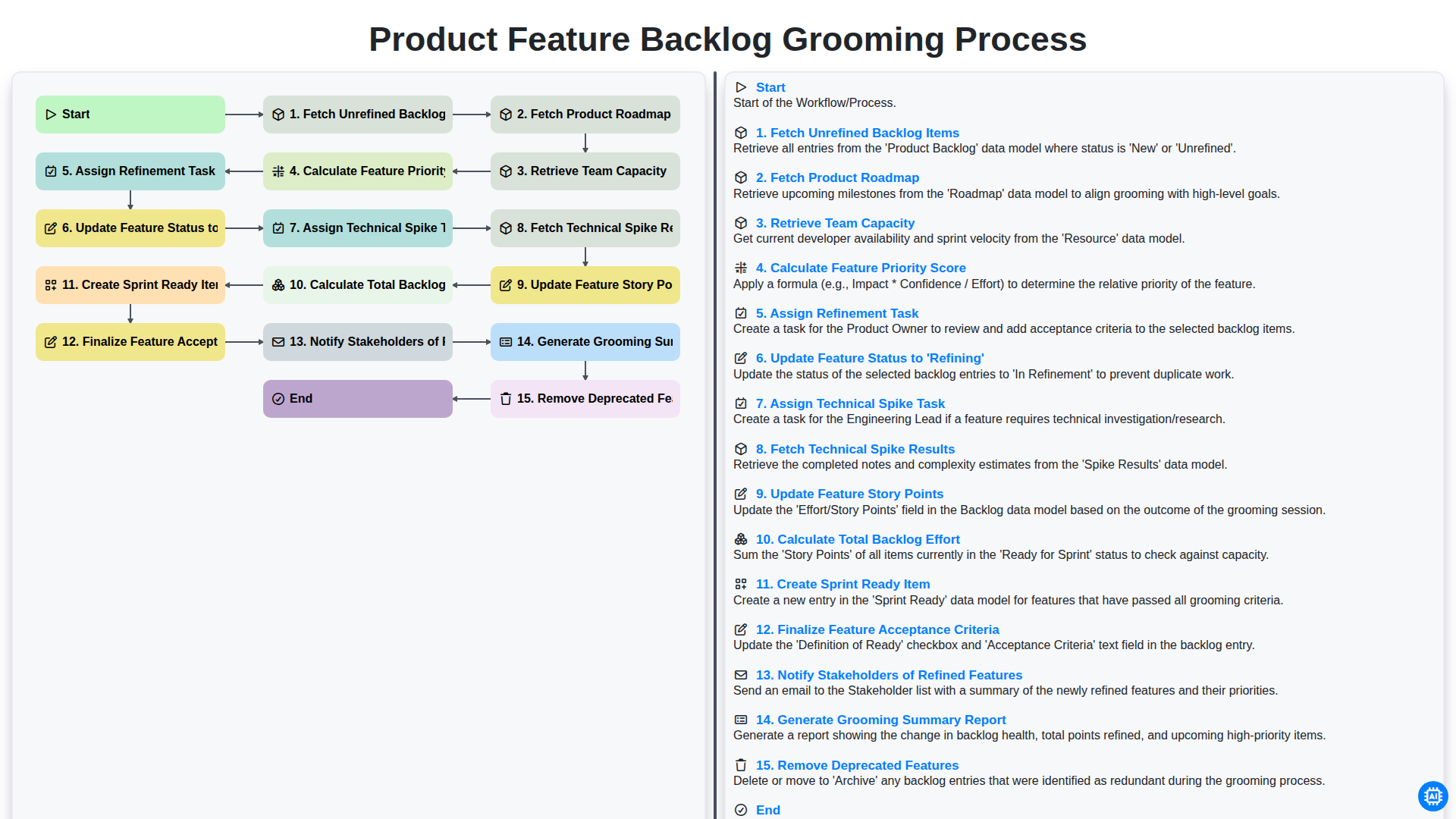
Product Feature Backlog Grooming Process
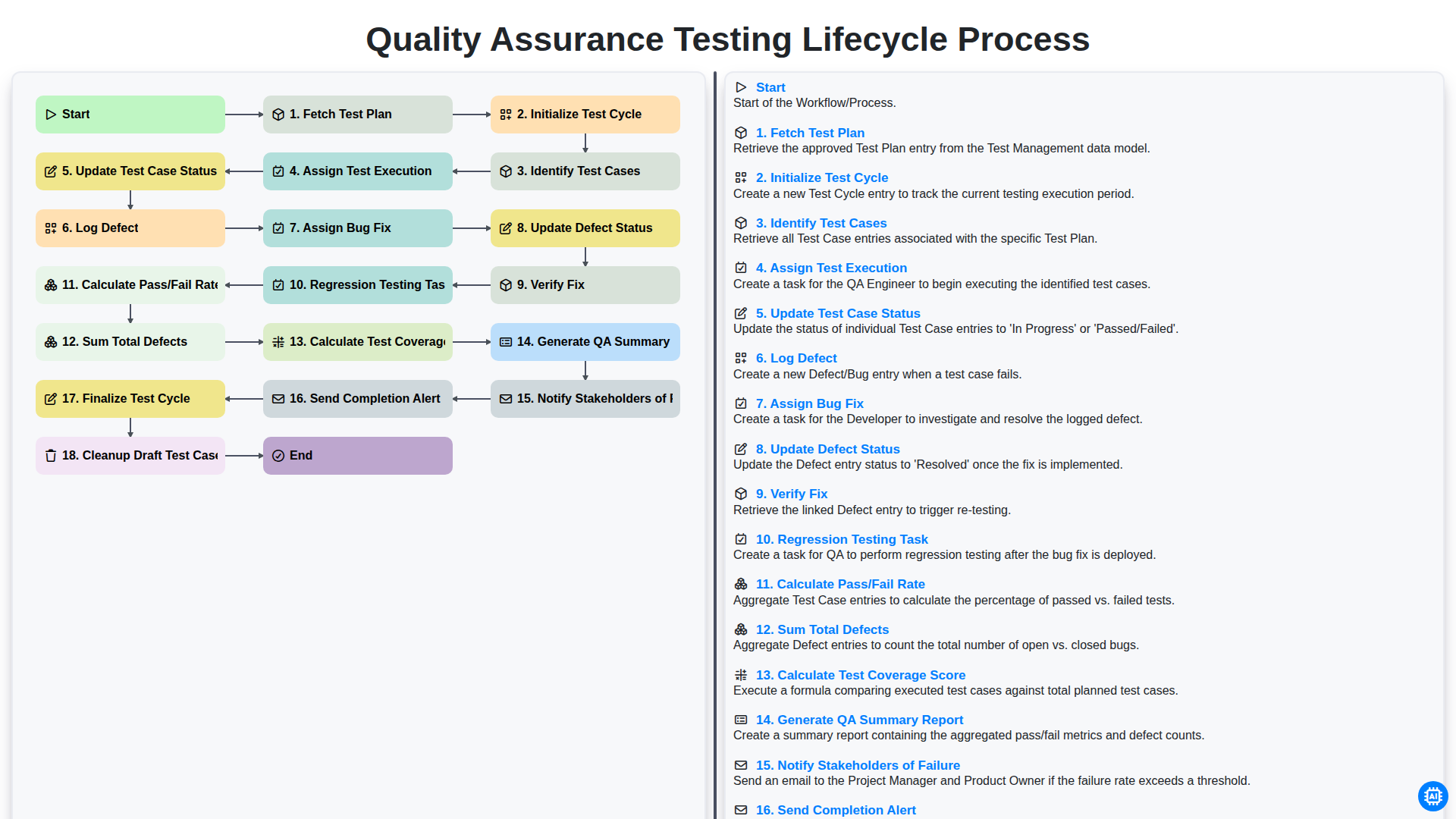
Quality Assurance Testing Lifecycle Process
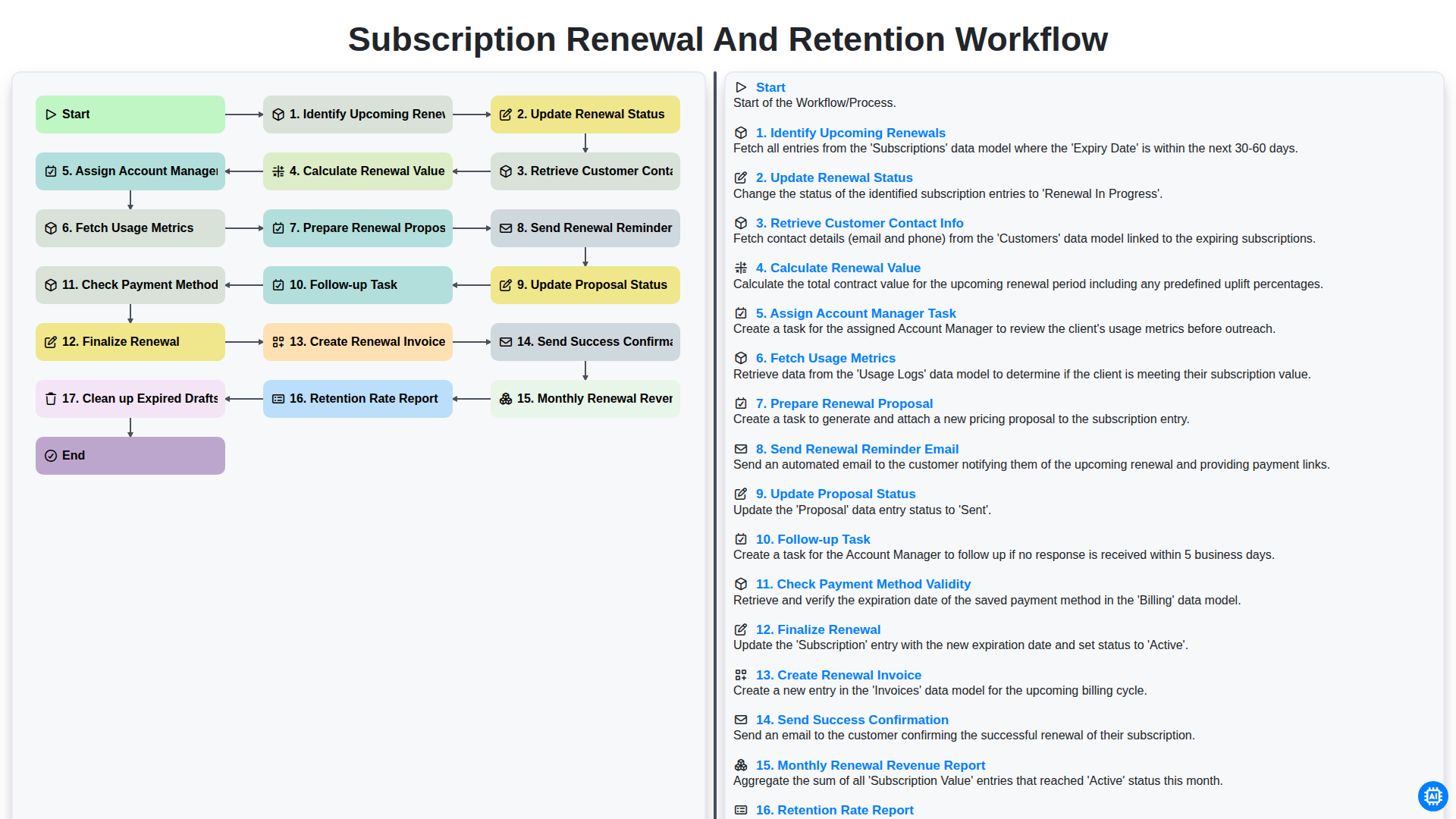
Subscription Renewal and Retention Workflow
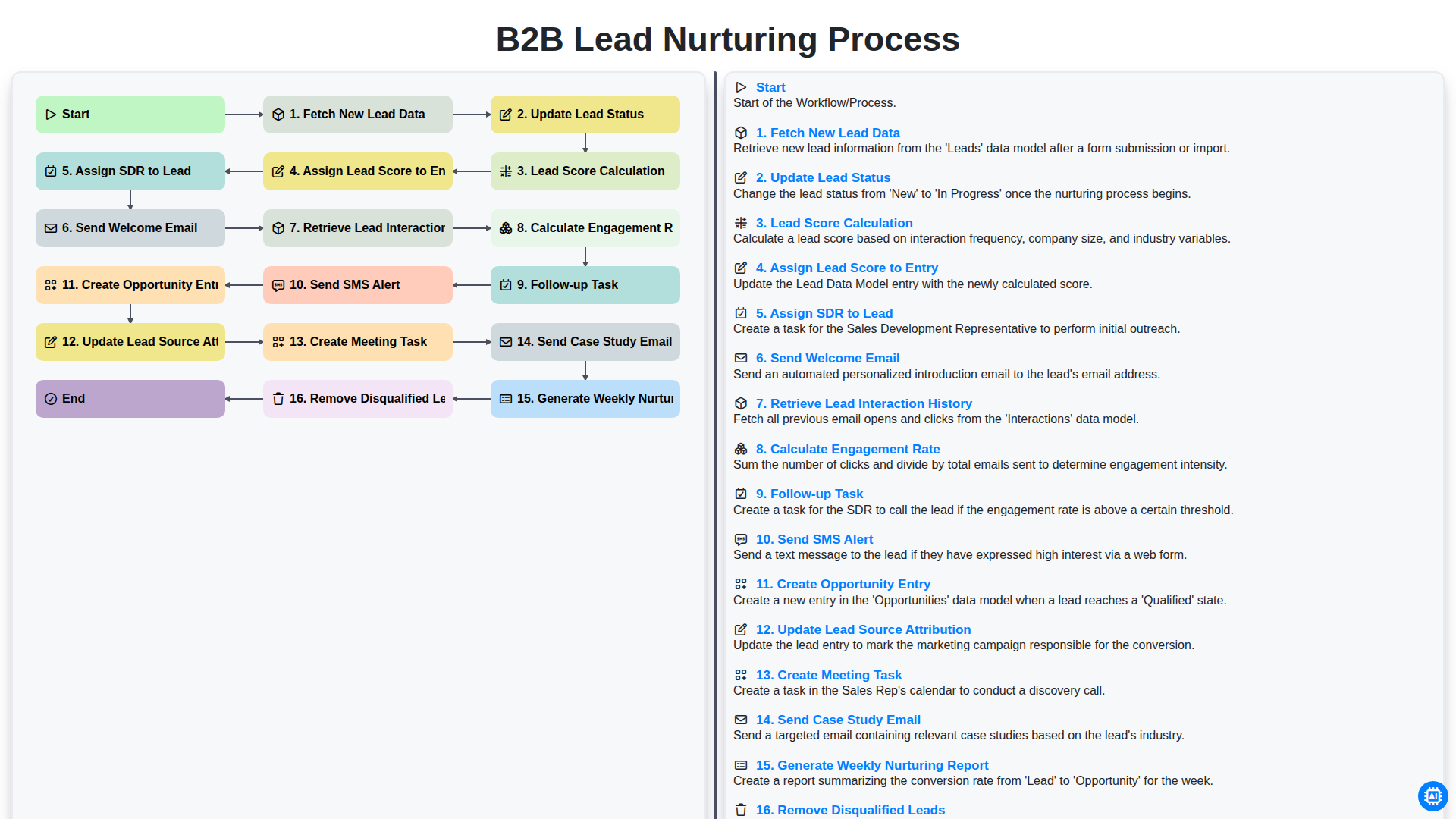
B2B Lead Nurturing Process
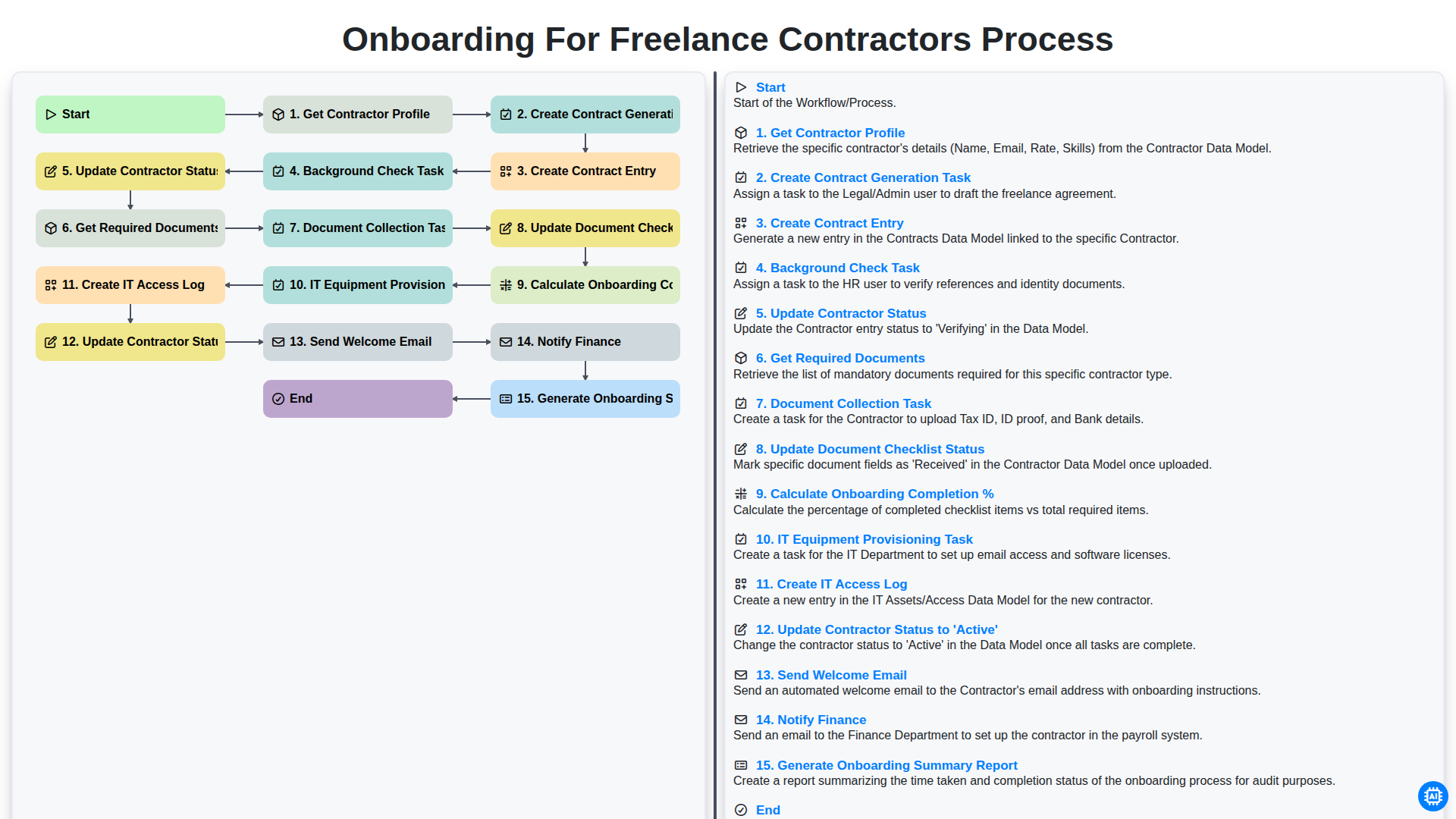
Onboarding for Freelance Contractors Process
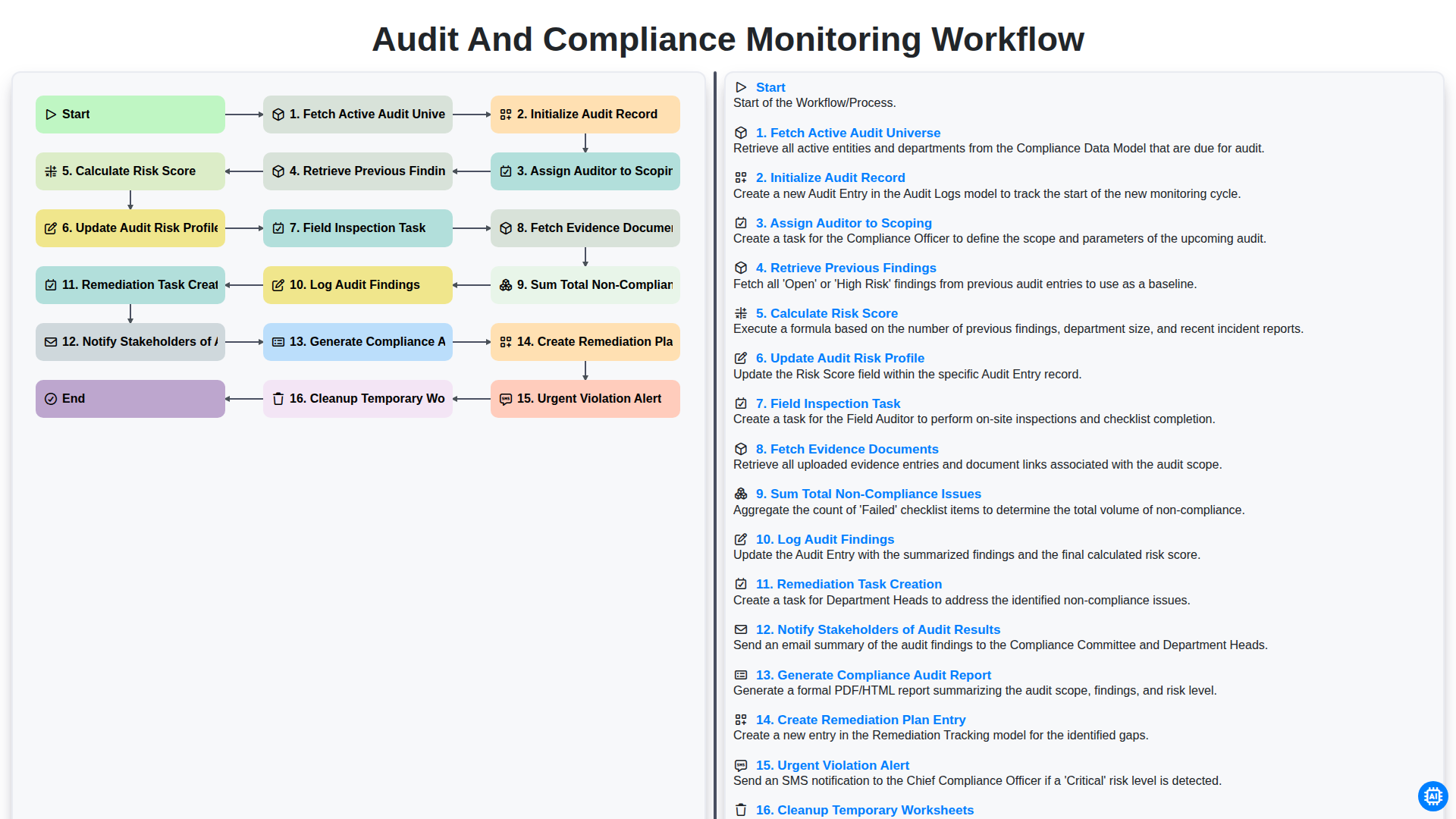
Audit and Compliance Monitoring Workflow
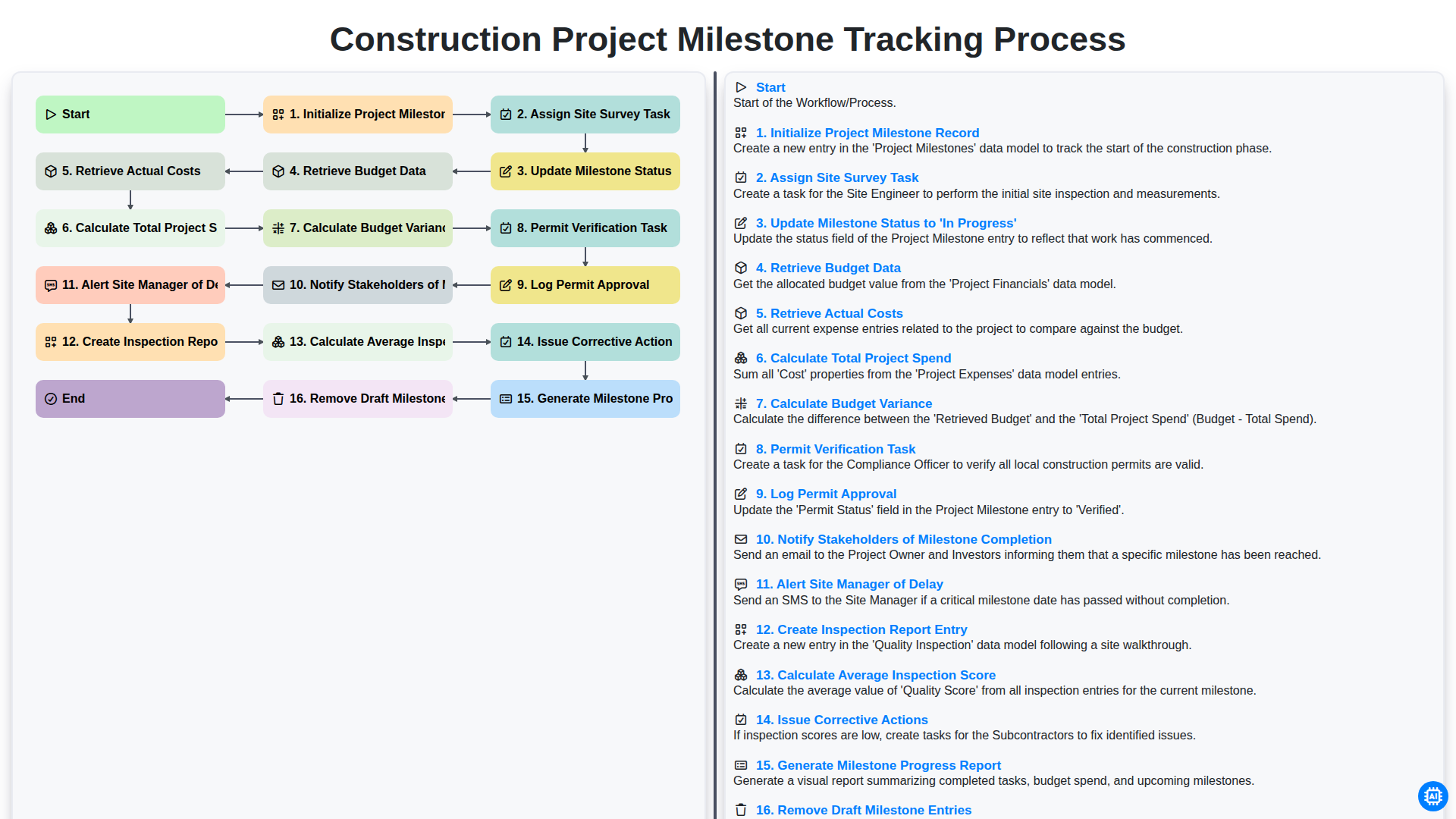
Construction Project Milestone Tracking Process
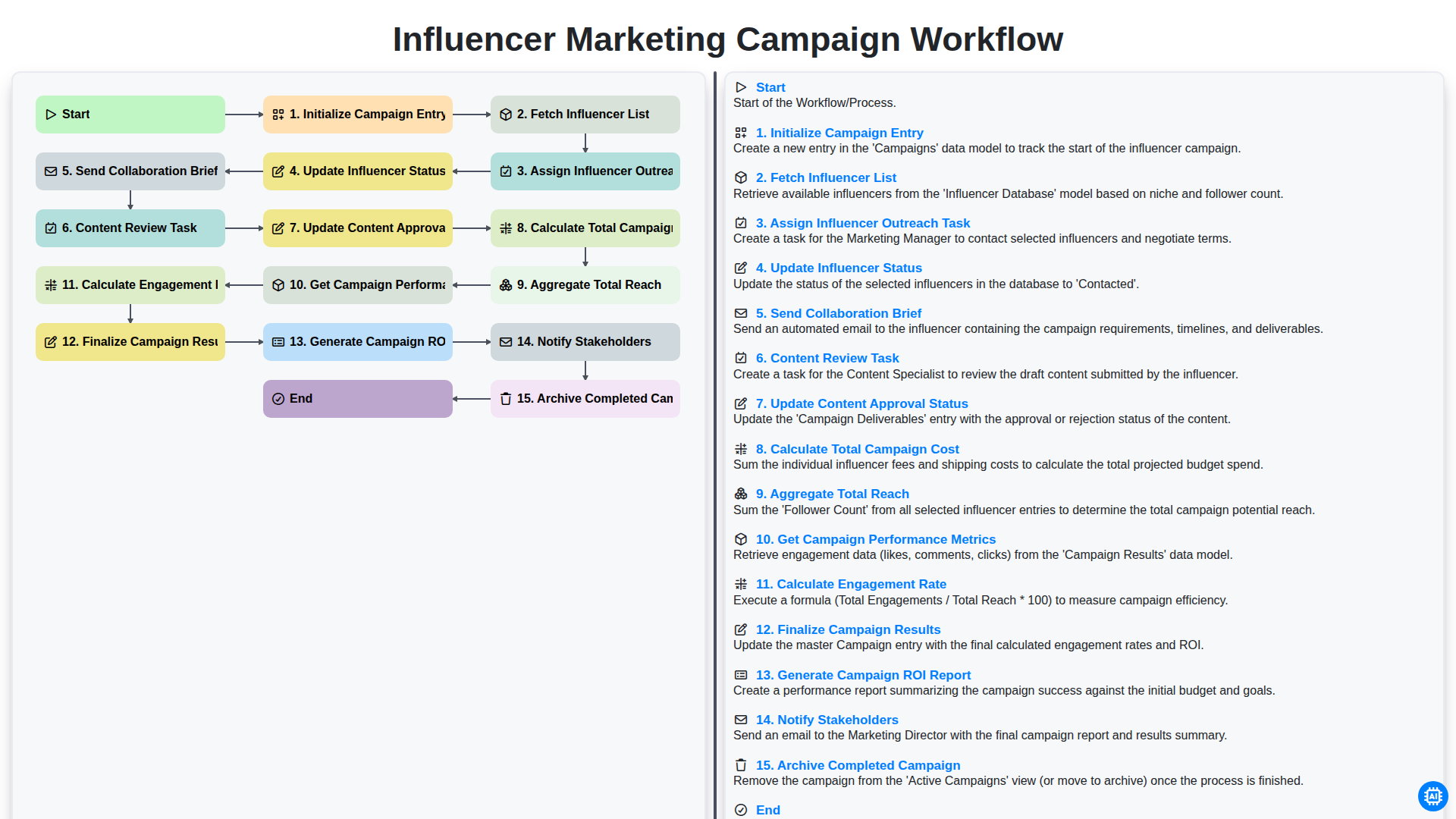
Influencer Marketing Campaign Workflow
Besoin d'aide avec les listes de contrôle?
Vous avez une question ? Nous sommes là pour vous aider. Veuillez soumettre votre demande et nous vous répondrons rapidement.