 ChecklistGuro
 Batch Picking Process Optimization
Boost warehouse efficiency and reduce travel time with our Batch Picking Process Optimization workflow. Learn how to streamline order fulfillment, minimize picker movements, and maximize throughput within your Warehouse Management System (WMS) for faster, error-free shipping.
Ce modèle a été installé 3 fois.
Début
Début du flux de travail/processus.
1. Fetch Pending Orders
Retrieve all orders from the Order Data Model that are in 'Ready to Pick' status.
2. Calculate Total Item Count
Sum the total quantity of all individual line items within the selected batch of orders.
3. Calculate Estimated Picking Time
Calculate the estimated duration of the batch based on total item count multiplied by a standard pick-rate constant.
4. Create Picking Batch
Create a new entry in the 'Picking Batch' Data Model containing the aggregated order IDs and calculated metrics.
5. Assign Picking Task
Create a task assigned to the Warehouse Operator to begin the physical picking process for the new batch.
6. Update Order Status
Update the status of all included orders from 'Ready to Pick' to 'In Progress' within the Order Data Model.
7. Quality Control Verification
Create a sub-task for the QC Specialist to verify the contents of the batch once picking is completed.
8. Retrieve Warehouse Bin Locations
Get the location data for all items included in the current picking batch to generate a pick-path.
9. Log Discrepancies
Update the Picking Batch entry with any quantity mismatches found during the physical pick.
10. Generate Packing Slip
Create a new entry in the Documentation Data Model to serve as the manifest for the completed batch.
11. Notify Shipping Department
Send an email to the Shipping Team indicating that a batch has completed picking and is ready for packing.
12. Batch Efficiency Report
Generate a performance report comparing the estimated picking time vs. actual time taken for the batch.
13. Close Picking Batch
Update the Picking Batch entry status to 'Completed' or 'Closed'.
Fin
Fin du flux de travail/processus.
Début du flux de travail/processus.
Retrieve all orders from the Order Data Model that are in 'Ready to Pick' status.
Sum the total quantity of all individual line items within the selected batch of orders.
Calculate the estimated duration of the batch based on total item count multiplied by a standard pick-rate constant.
Create a new entry in the 'Picking Batch' Data Model containing the aggregated order IDs and calculated metrics.
Create a task assigned to the Warehouse Operator to begin the physical picking process for the new batch.
Update the status of all included orders from 'Ready to Pick' to 'In Progress' within the Order Data Model.
Create a sub-task for the QC Specialist to verify the contents of the batch once picking is completed.
Get the location data for all items included in the current picking batch to generate a pick-path.
Update the Picking Batch entry with any quantity mismatches found during the physical pick.
Create a new entry in the Documentation Data Model to serve as the manifest for the completed batch.
Send an email to the Shipping Team indicating that a batch has completed picking and is ready for packing.
Generate a performance report comparing the estimated picking time vs. actual time taken for the batch.
Update the Picking Batch entry status to 'Completed' or 'Closed'.
Fin du flux de travail/processus.
Questions fréquemment posées
Commentaires
Aucun commentaire n'a été publié pour le moment. Soyez le premier à en ajouter un !
Démonstration de la solution WMS - Système de gestion d'entrepôt
Optimisez vos opérations d'entrepôt et augmentez l'efficacité ! Le WMS de ChecklistGuro rationalise la gestion des stocks, l'exécution des commandes et l'expédition. Réduisez les erreurs, améliorez la précision et maximisez l'utilisation de l'espace. Gérez tout cela grâce à notre plateforme Work OS.
Modèles de flux de travail associés
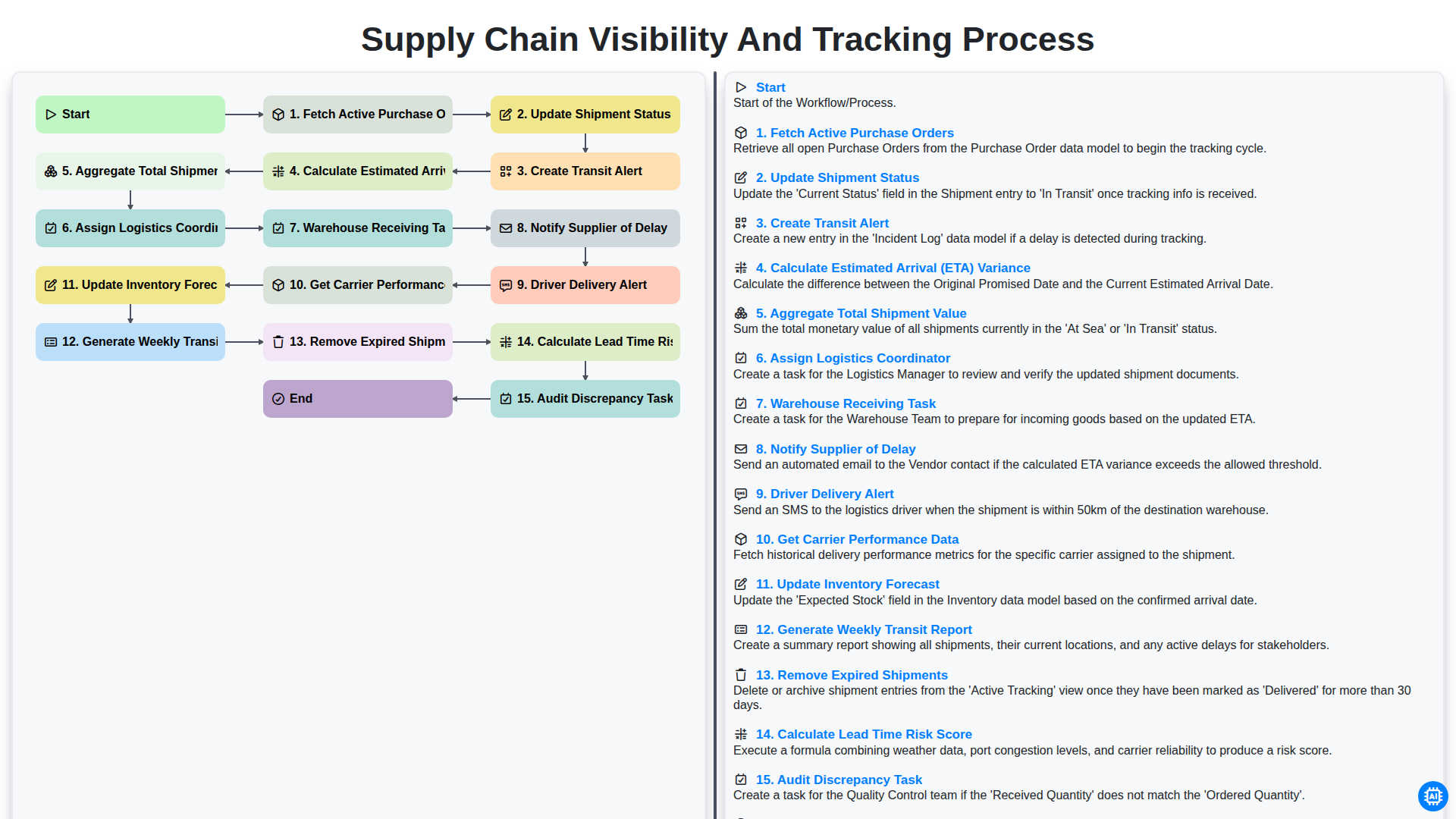
Supply Chain Visibility and Tracking Process
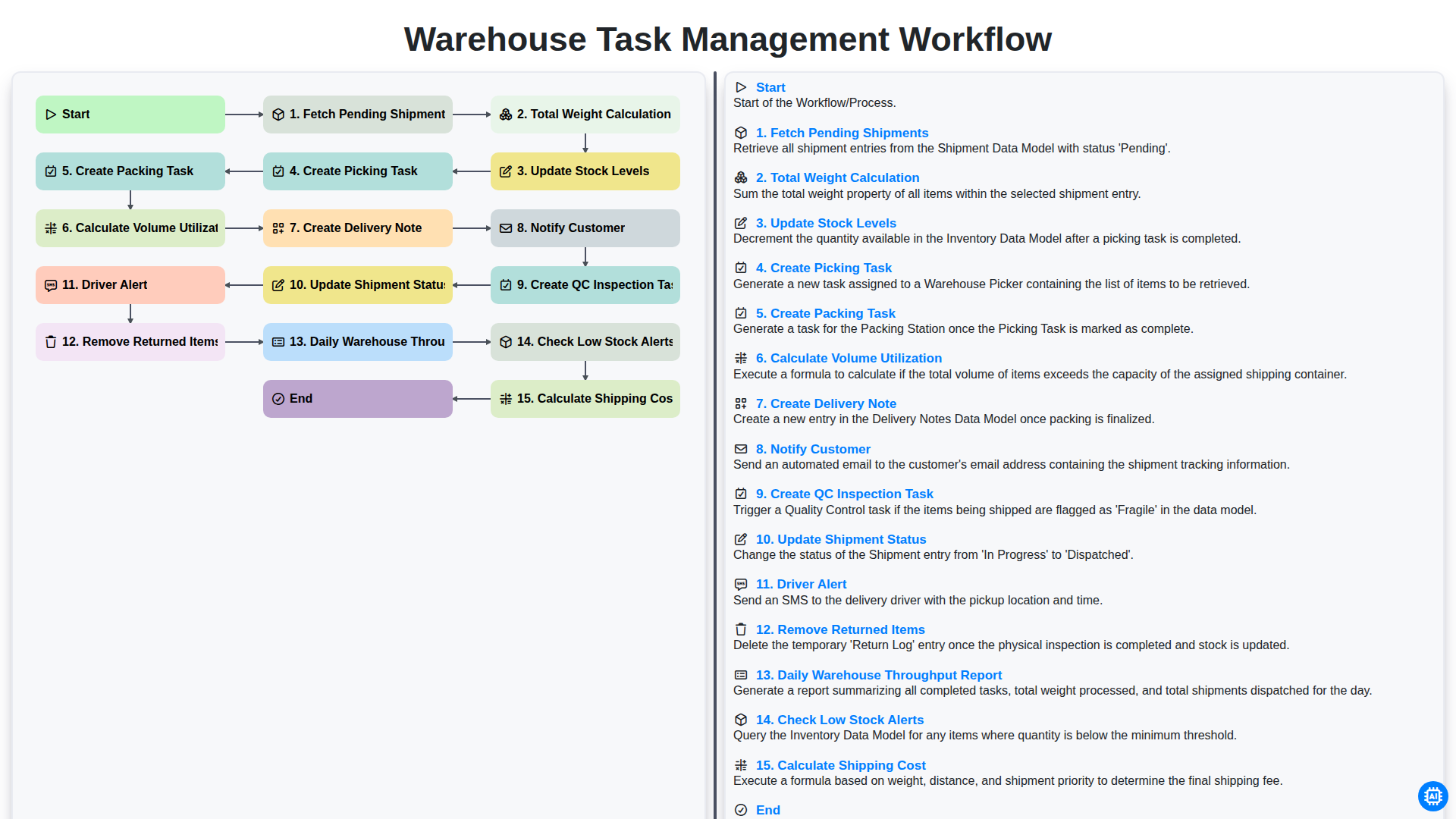
Warehouse Task Management Workflow
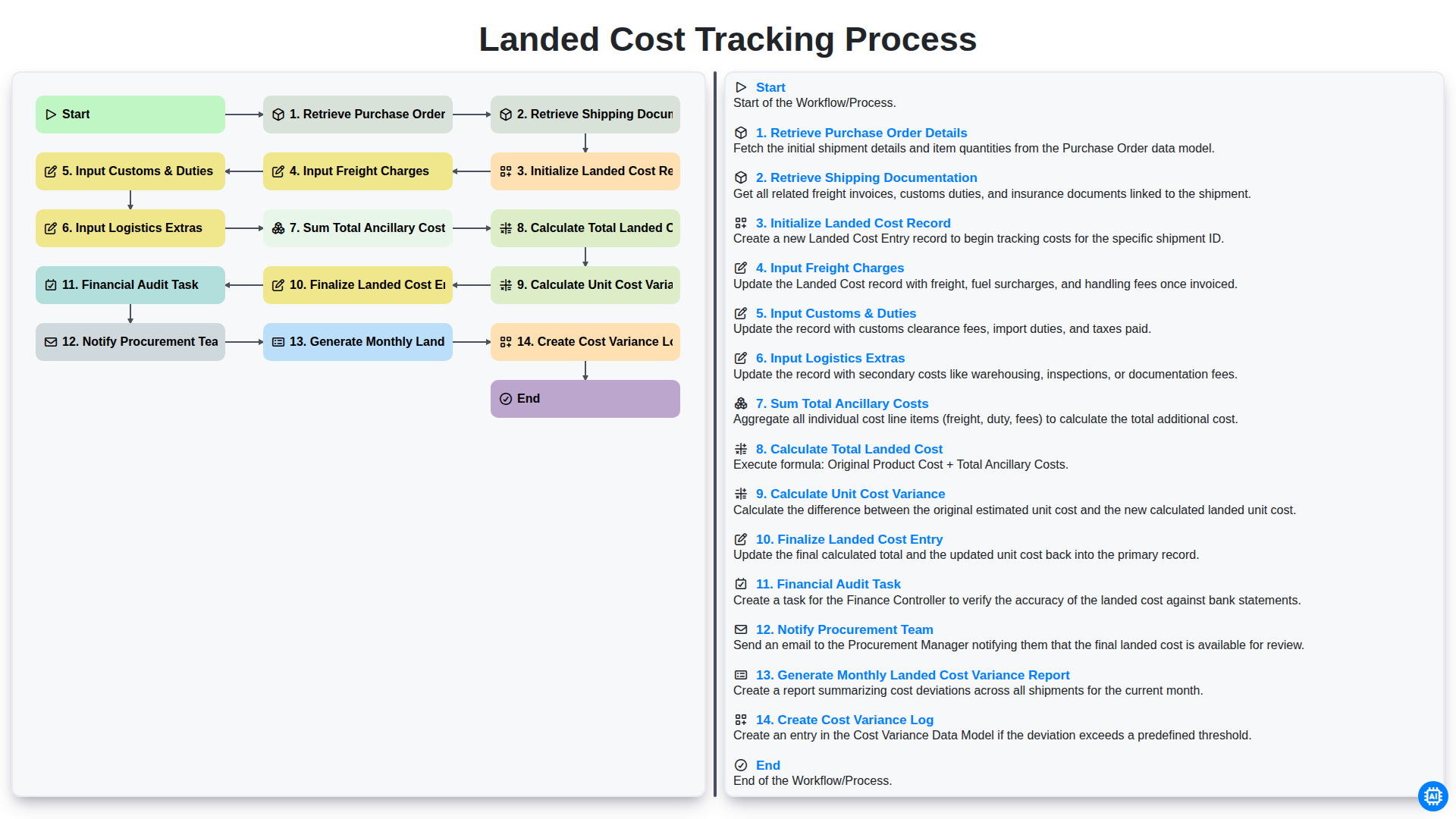
Landed Cost Tracking Process
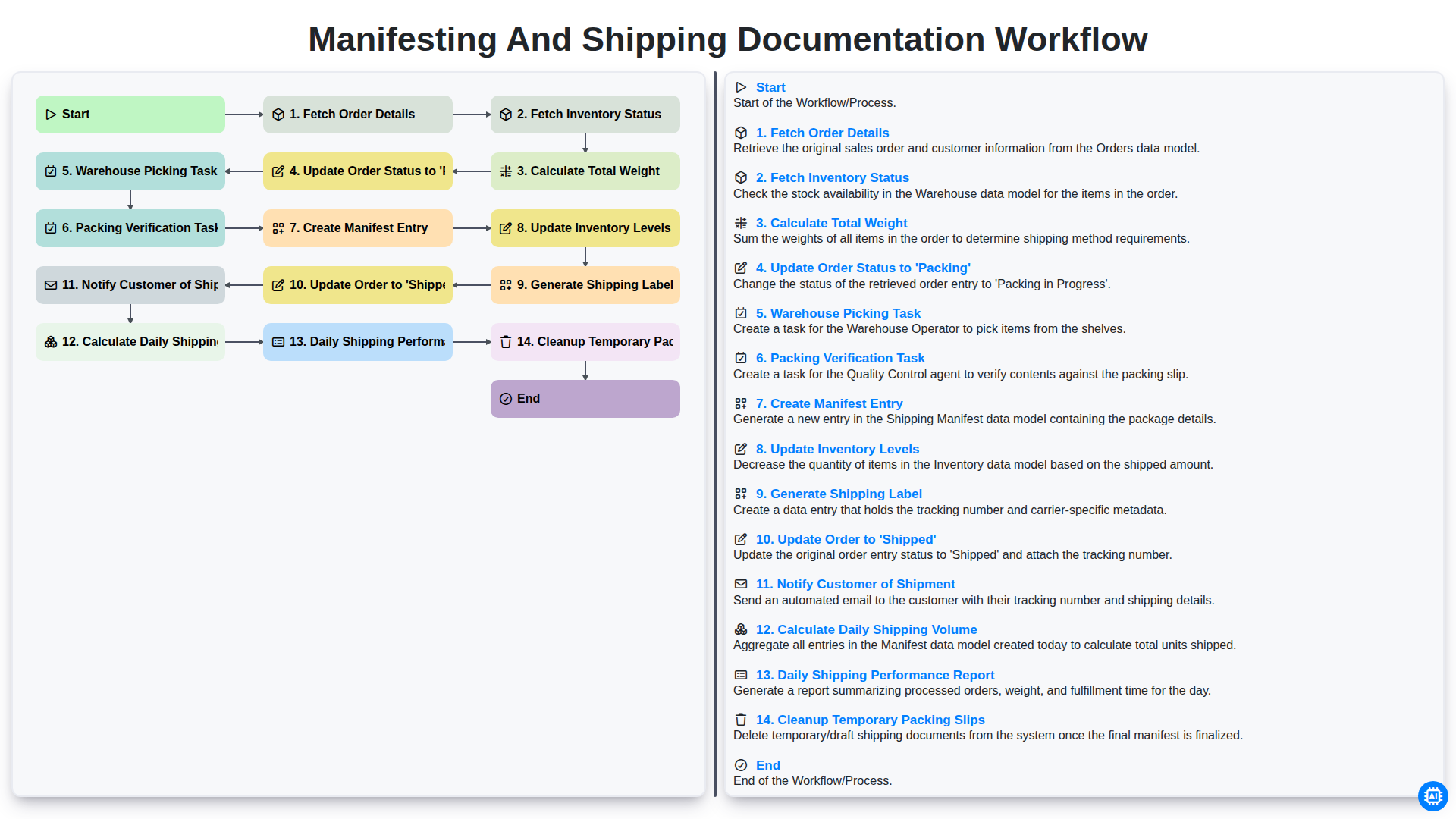
Manifesting and Shipping Documentation Workflow
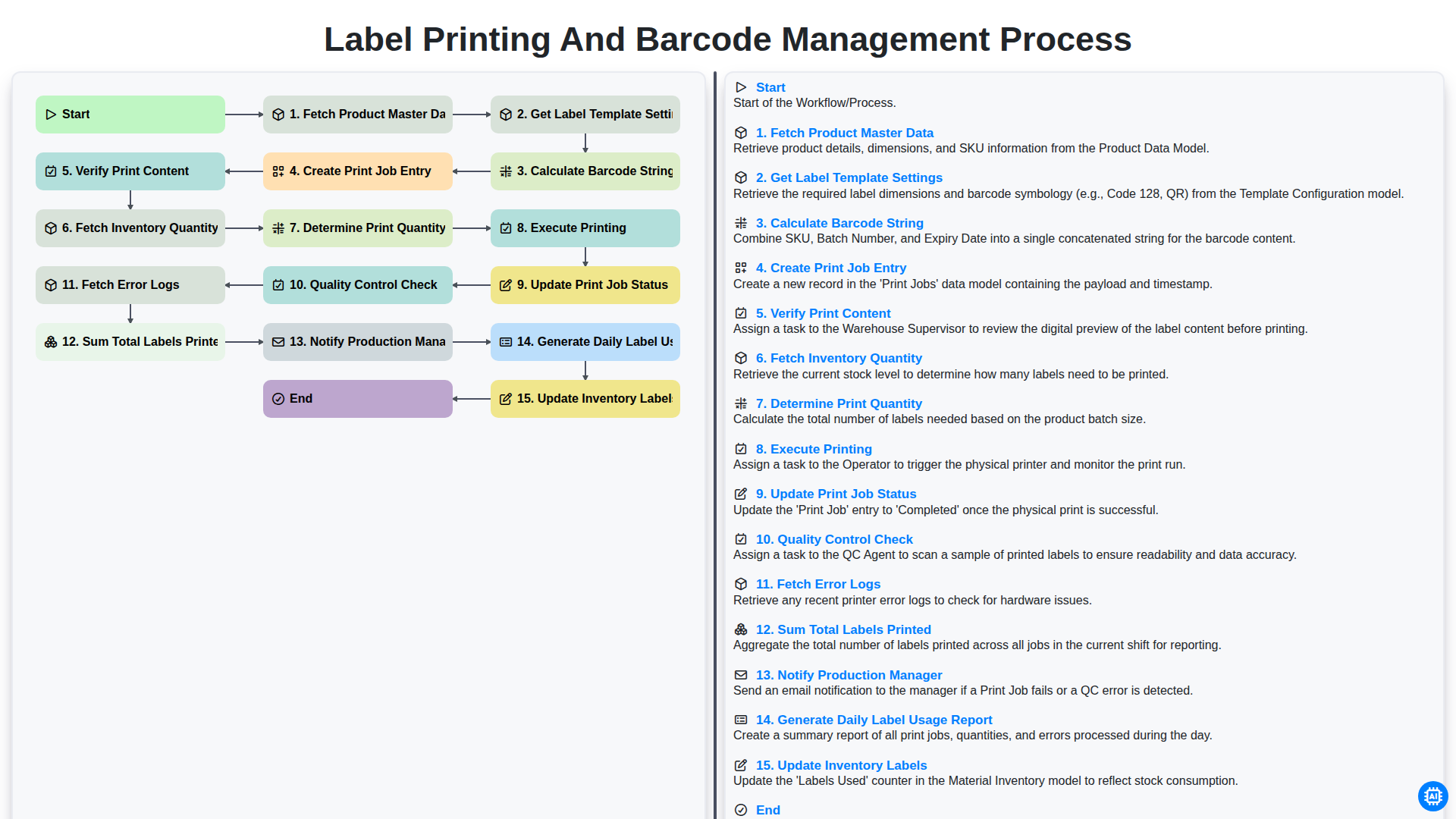
Label Printing and Barcode Management Process
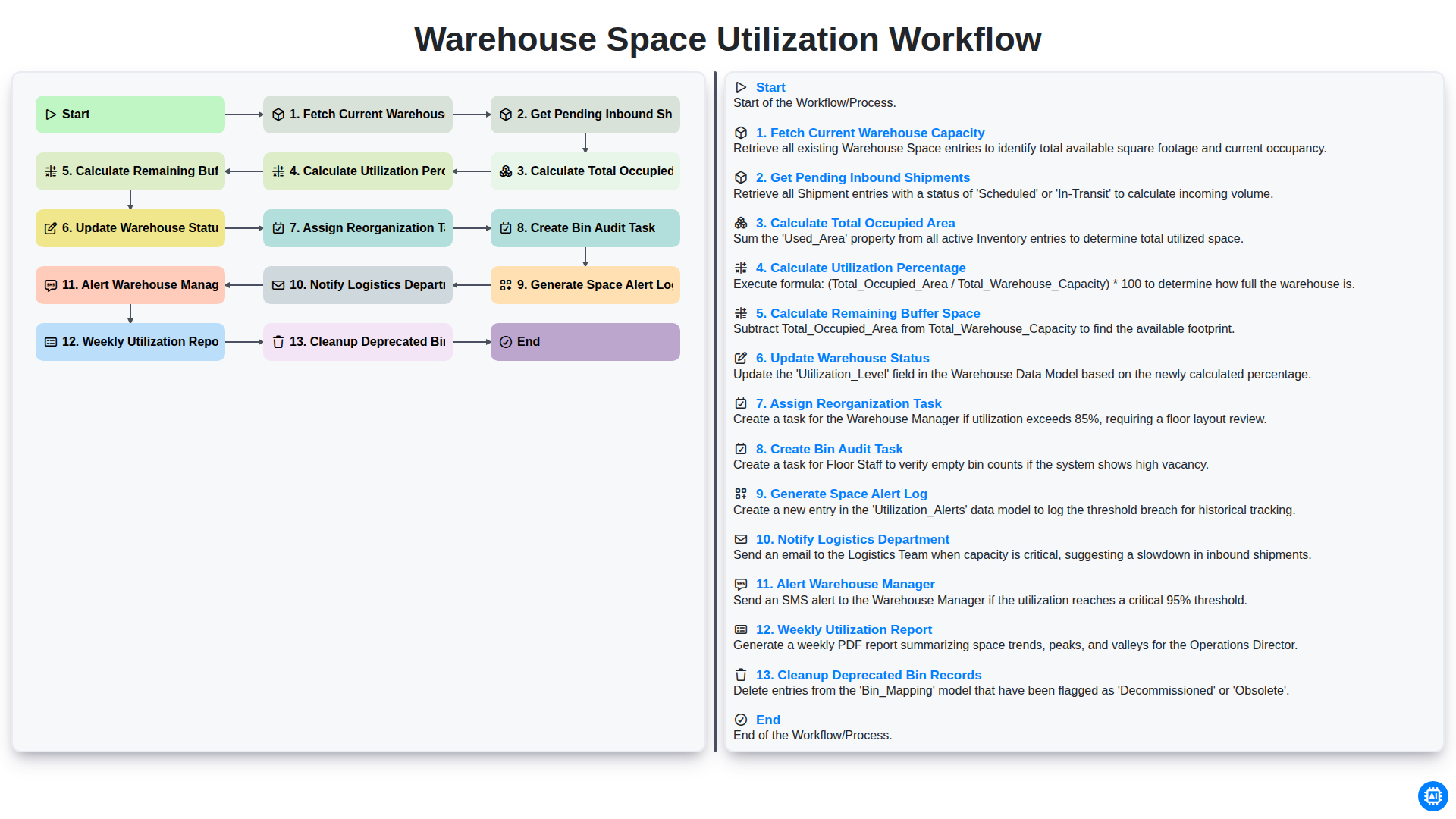
Warehouse Space Utilization Workflow
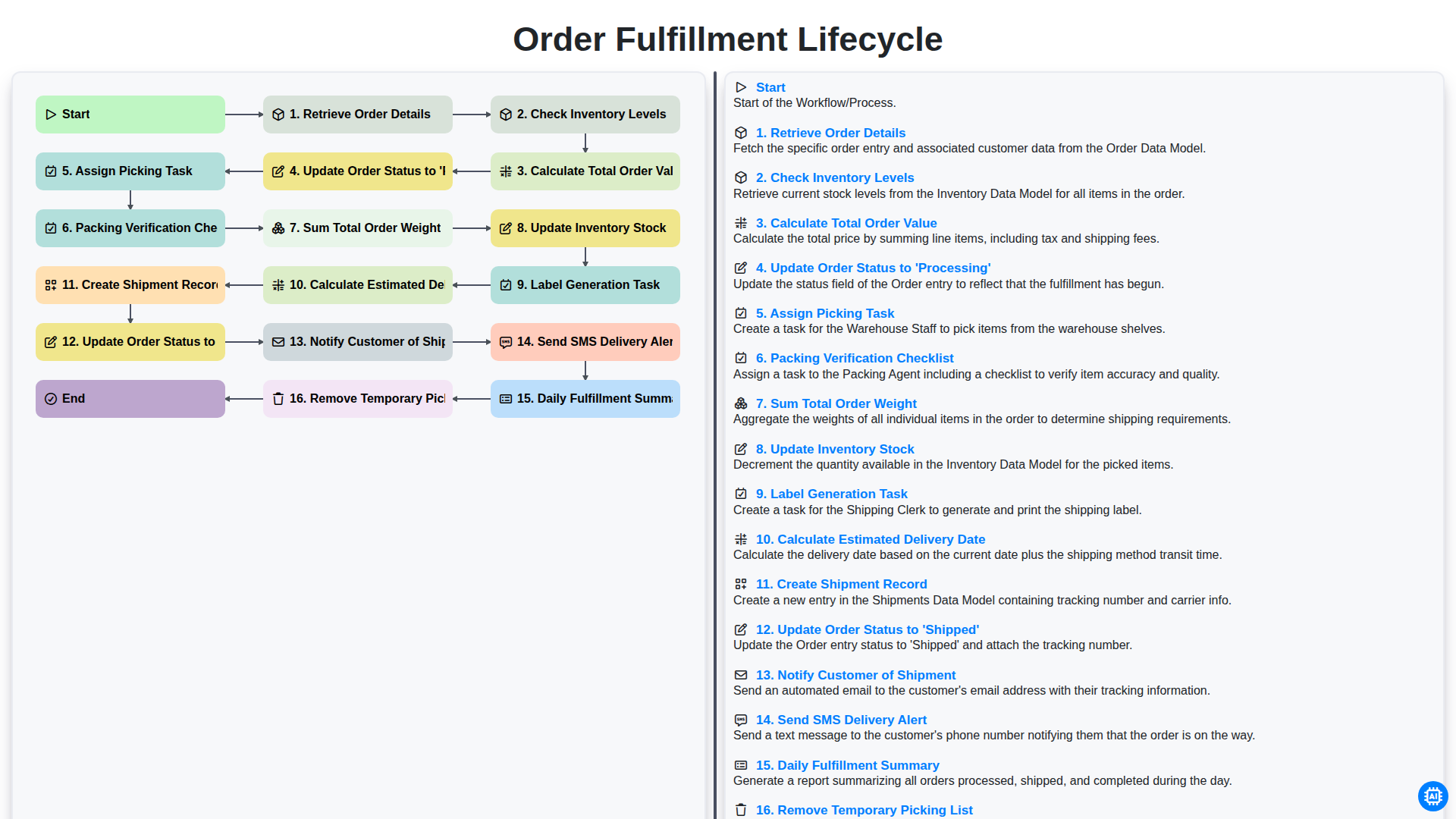
Order Fulfillment Lifecycle
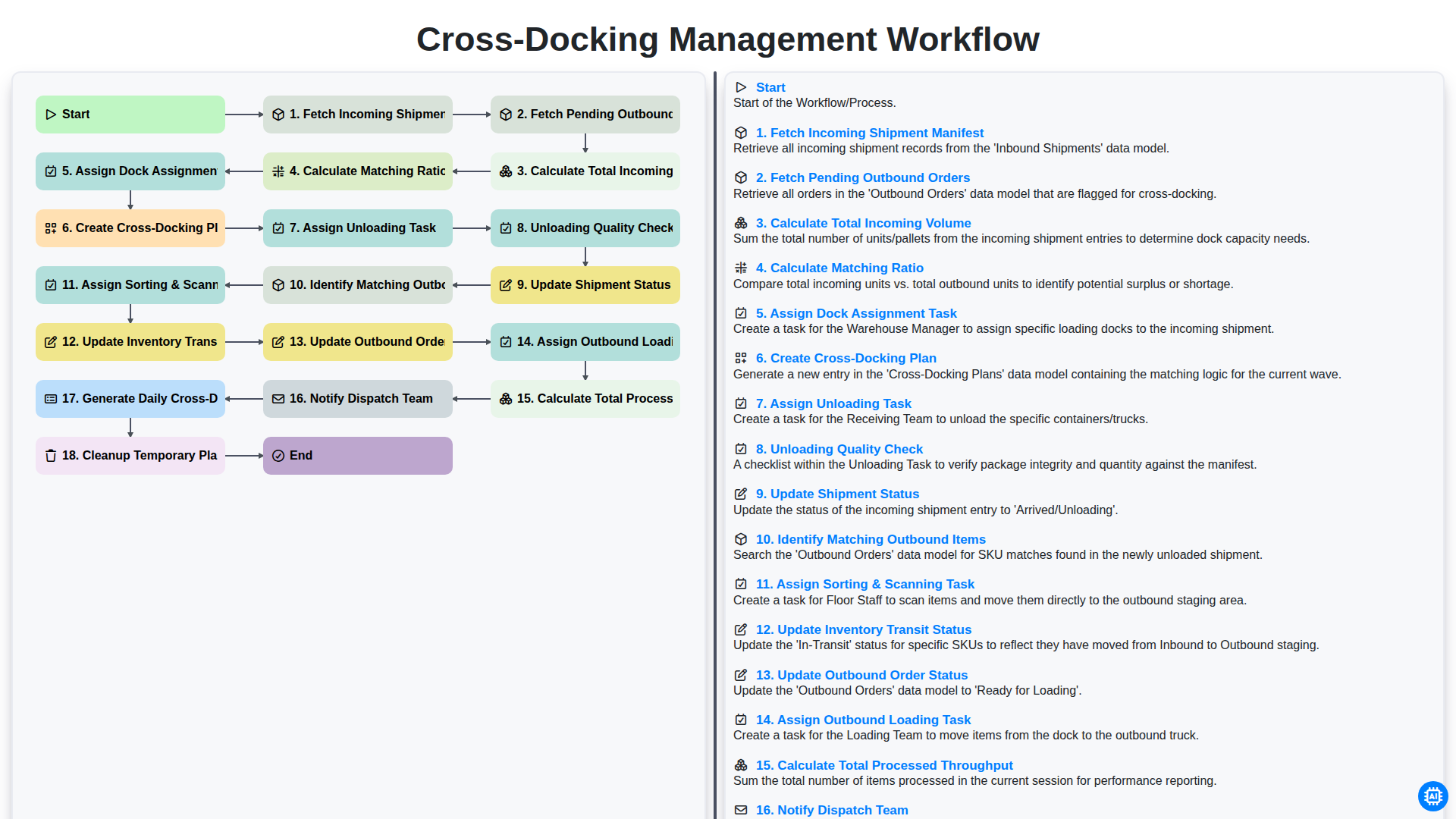
Cross-Docking Management Workflow
Besoin d'aide avec les listes de contrôle?
Vous avez une question ? Nous sommes là pour vous aider. Veuillez soumettre votre demande et nous vous répondrons rapidement.