 ChecklistGuro
 Cycle Counting and Inventory Audit Workflow
Optimize your warehouse accuracy with our Cycle Counting and Inventory Audit Workflow. Streamline real-time stock verification, eliminate manual discrepancies, and ensure 100% inventory integrity with automated auditing processes designed for modern WMS integration.
Ce modèle a été installé 4 fois.
Début
Début du flux de travail/processus.
1. Fetch Inventory Master List
Retrieve all active items from the Inventory Data Model to identify which items are due for a count.
2. Create Audit Session
Initialize a new Audit Session entry that links specific warehouse locations and timestamps to the audit.
3. Assign Counting Task
Generate a task for Warehouse Staff to perform the physical count of items in the assigned zone.
4. Create Checklist: Physical Verification
Attach a checklist to the task containing steps like 'Verify SKU', 'Check Expiry', and 'Inspect Packaging Condition'.
5. Update Physical Count Entry
Record the quantity found during the physical count into the Audit Entry data model.
6. Retrieve System Quantities
Fetch the expected quantities from the Inventory Master Data Model to compare against the physical count.
7. Calculate Variance
Subtract the Physical Count value from the System Quantity value to determine the discrepancy (Variance = System - Physical).
8. Calculate Variance Percentage
Calculate the severity of the error by dividing the Variance by the System Quantity.
9. Summarize Total Discrepancy Value
Sum the monetary value of all discrepancies found during the audit session to assess financial impact.
10. Update Inventory Master Stock Levels
Update the main Inventory Data Model with the new verified quantities to ensure records match reality.
11. Trigger Investigation Task
Create a high-priority task for the Inventory Manager if the variance exceeds a predefined threshold.
12. Notify Management of Discrepancy
Send an automated email to the Finance Department summarizing the total loss or gain detected during the audit.
13. Generate Audit Reconciliation Report
Create a final PDF/Sheet report containing the audit session details, variances, and the 'Authorized' status for record keeping.
14. Clean up Temporary Audit Logs
Delete temporary/draft counting entries once the final audit session is reconciled and closed.
Fin
Fin du flux de travail/processus.
Début du flux de travail/processus.
Retrieve all active items from the Inventory Data Model to identify which items are due for a count.
Initialize a new Audit Session entry that links specific warehouse locations and timestamps to the audit.
Generate a task for Warehouse Staff to perform the physical count of items in the assigned zone.
Attach a checklist to the task containing steps like 'Verify SKU', 'Check Expiry', and 'Inspect Packaging Condition'.
Record the quantity found during the physical count into the Audit Entry data model.
Fetch the expected quantities from the Inventory Master Data Model to compare against the physical count.
Subtract the Physical Count value from the System Quantity value to determine the discrepancy (Variance = System - Physical).
Calculate the severity of the error by dividing the Variance by the System Quantity.
Sum the monetary value of all discrepancies found during the audit session to assess financial impact.
Update the main Inventory Data Model with the new verified quantities to ensure records match reality.
Create a high-priority task for the Inventory Manager if the variance exceeds a predefined threshold.
Send an automated email to the Finance Department summarizing the total loss or gain detected during the audit.
Create a final PDF/Sheet report containing the audit session details, variances, and the 'Authorized' status for record keeping.
Delete temporary/draft counting entries once the final audit session is reconciled and closed.
Fin du flux de travail/processus.
Questions fréquemment posées
Commentaires
Aucun commentaire n'a été publié pour le moment. Soyez le premier à en ajouter un !
Démonstration de la solution WMS - Système de gestion d'entrepôt
Optimisez vos opérations d'entrepôt et augmentez l'efficacité ! Le WMS de ChecklistGuro rationalise la gestion des stocks, l'exécution des commandes et l'expédition. Réduisez les erreurs, améliorez la précision et maximisez l'utilisation de l'espace. Gérez tout cela grâce à notre plateforme Work OS.
Modèles de flux de travail associés
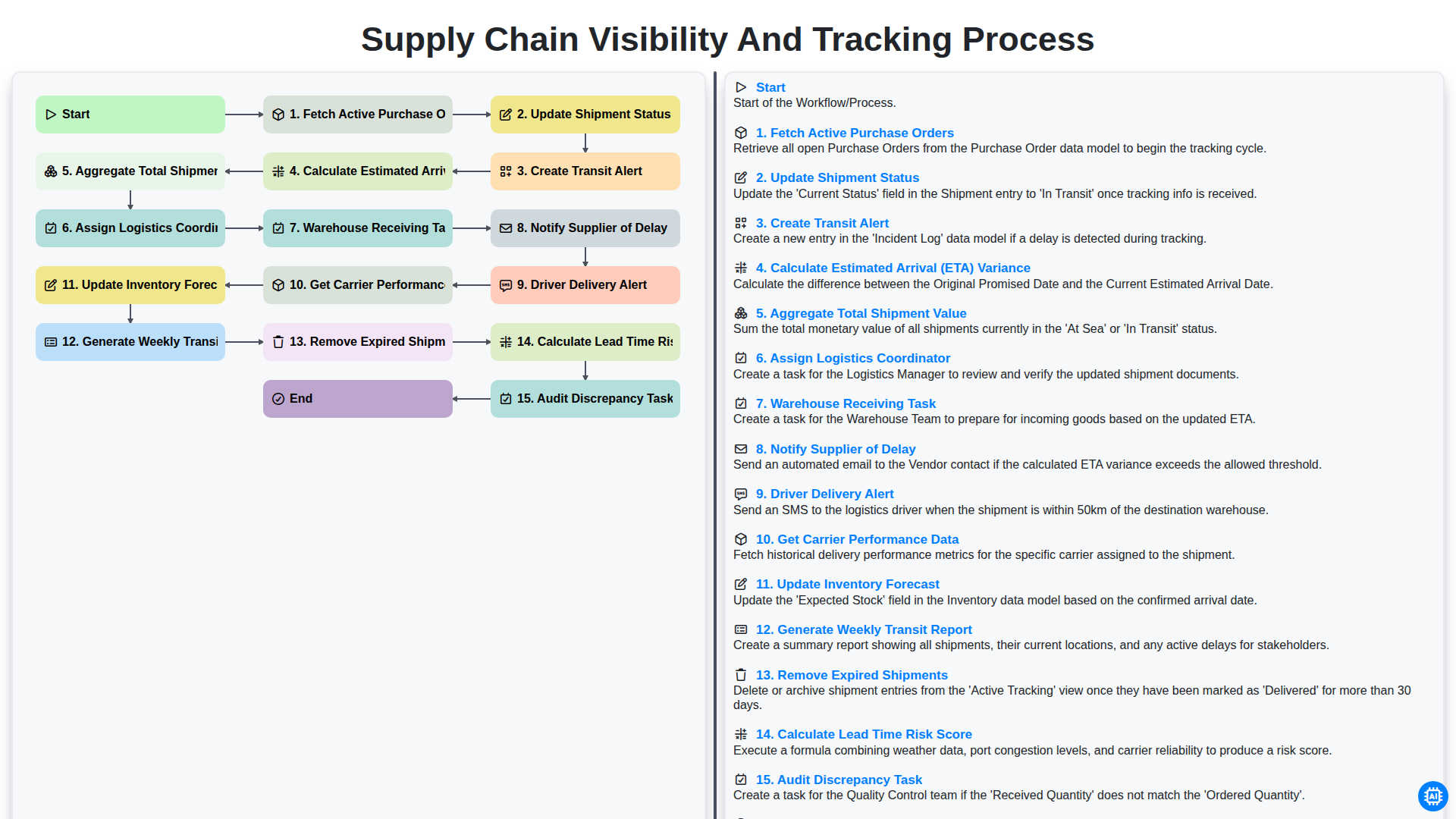
Supply Chain Visibility and Tracking Process
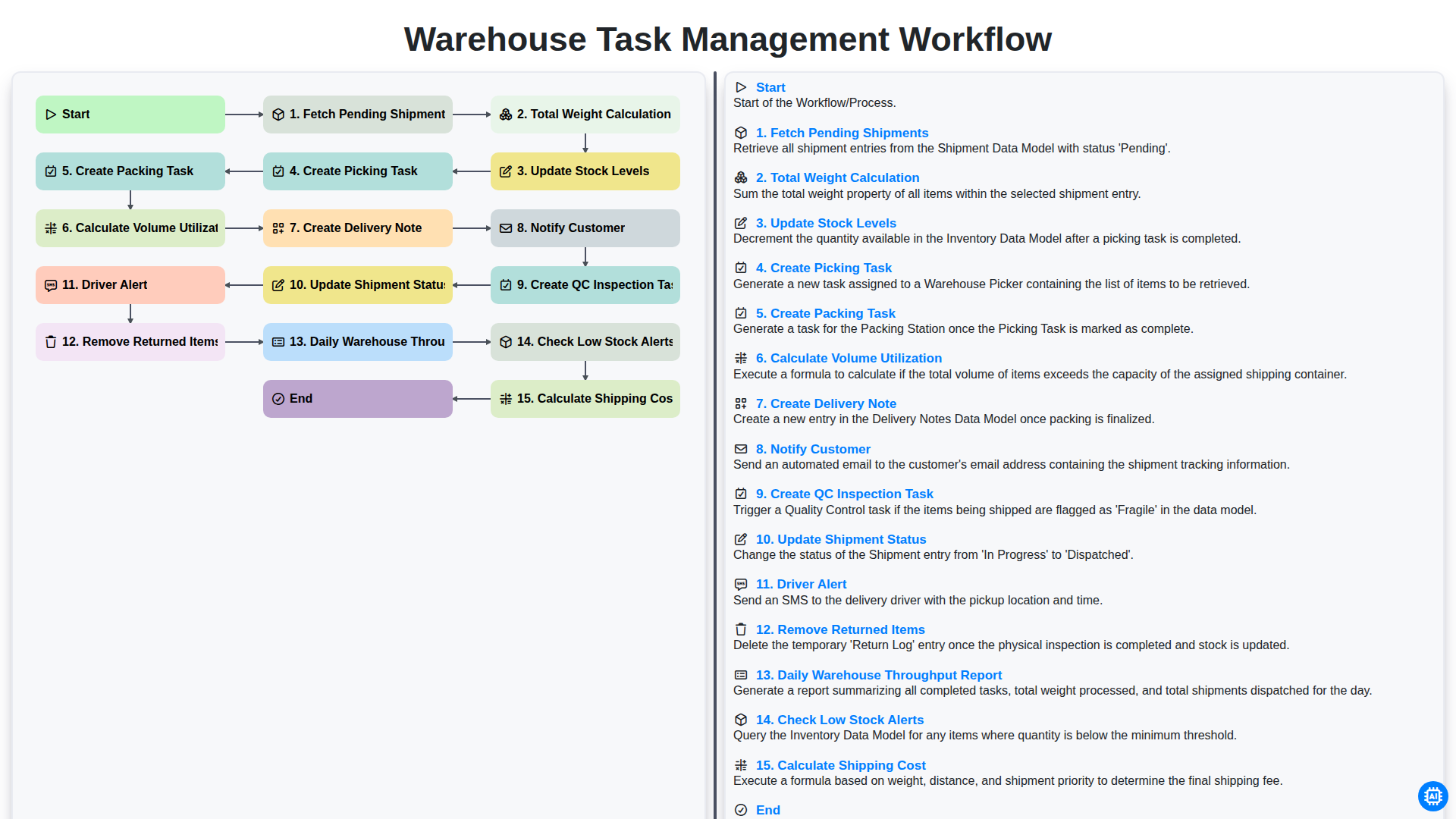
Warehouse Task Management Workflow
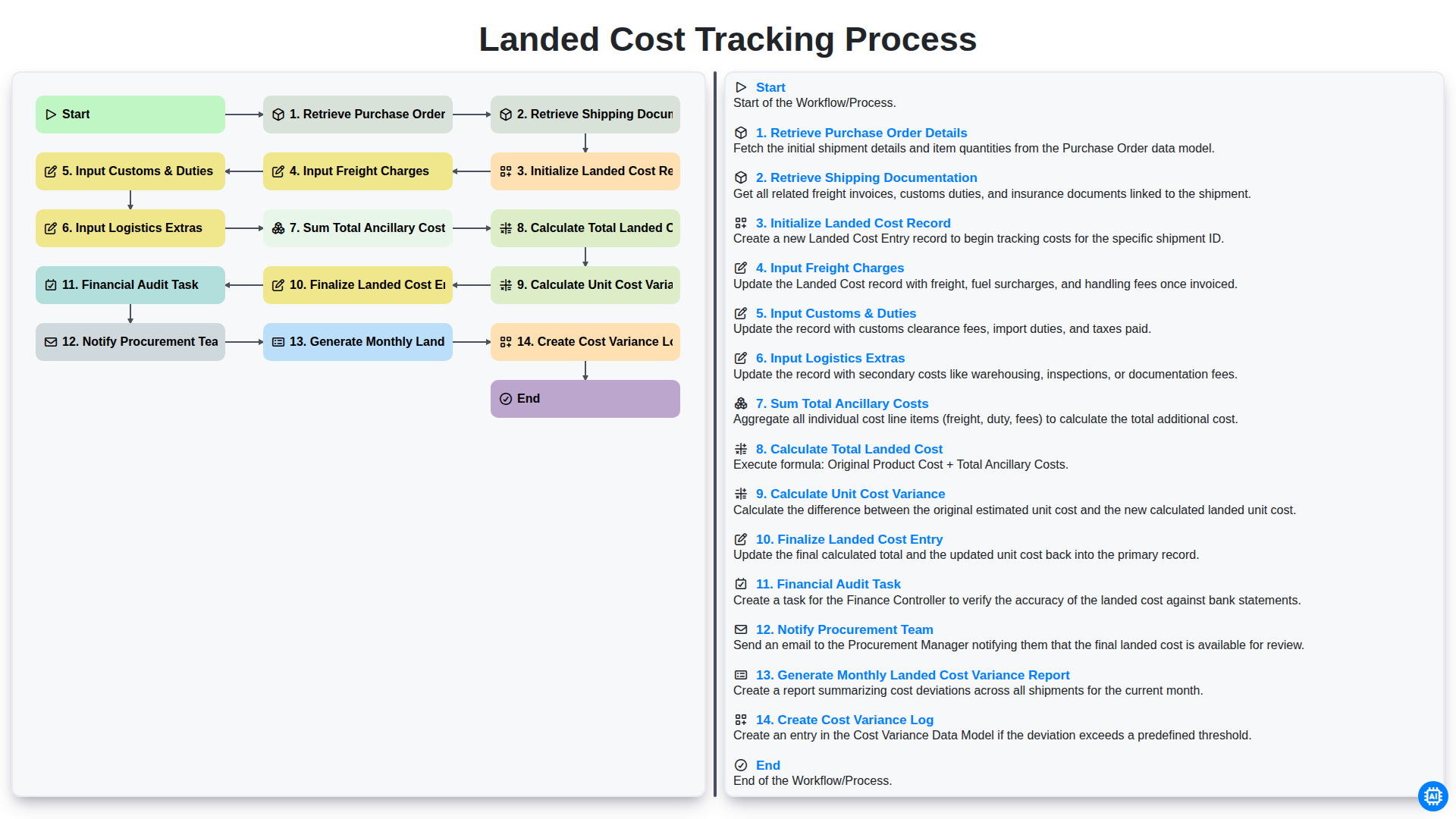
Landed Cost Tracking Process
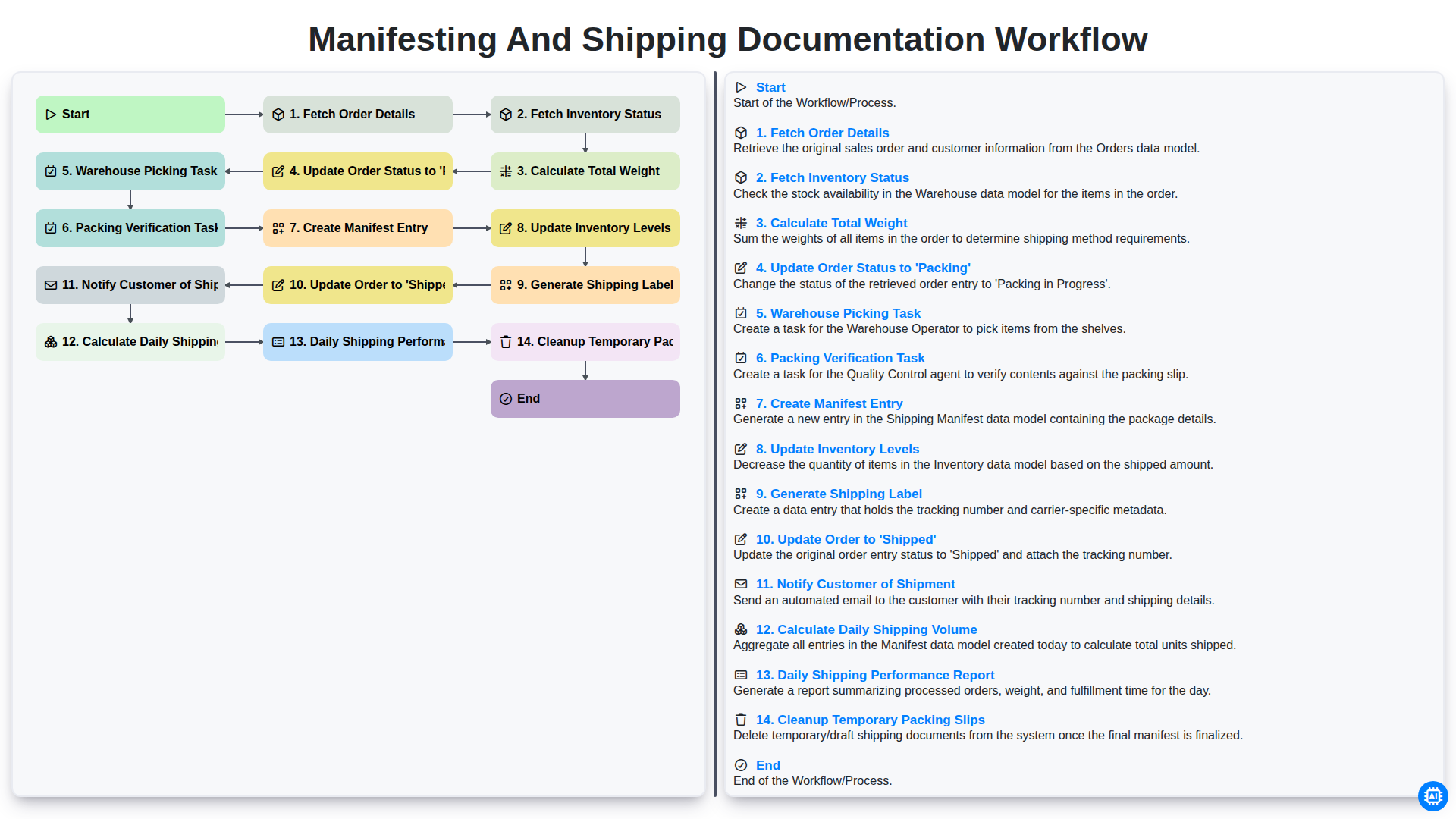
Manifesting and Shipping Documentation Workflow
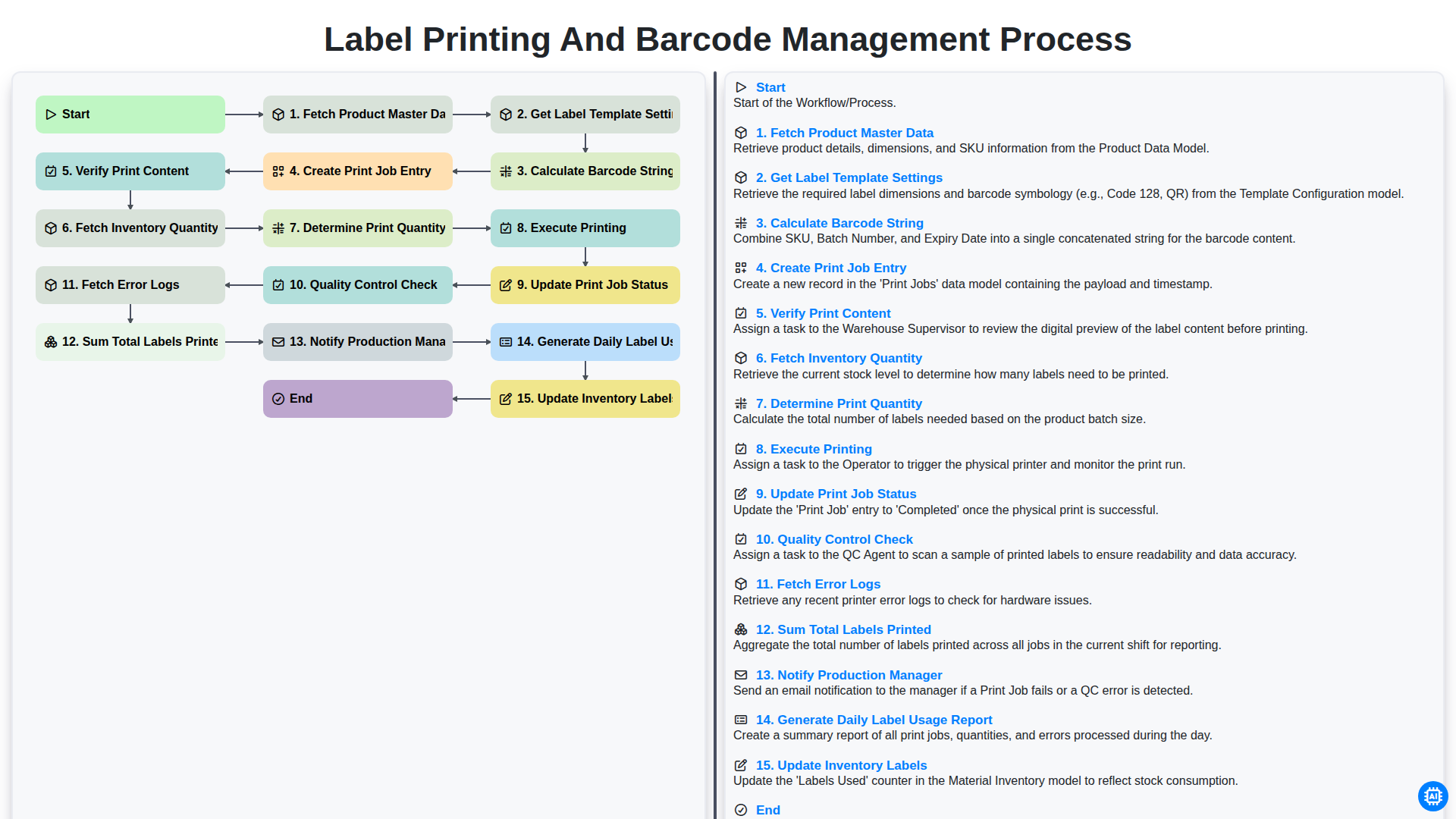
Label Printing and Barcode Management Process
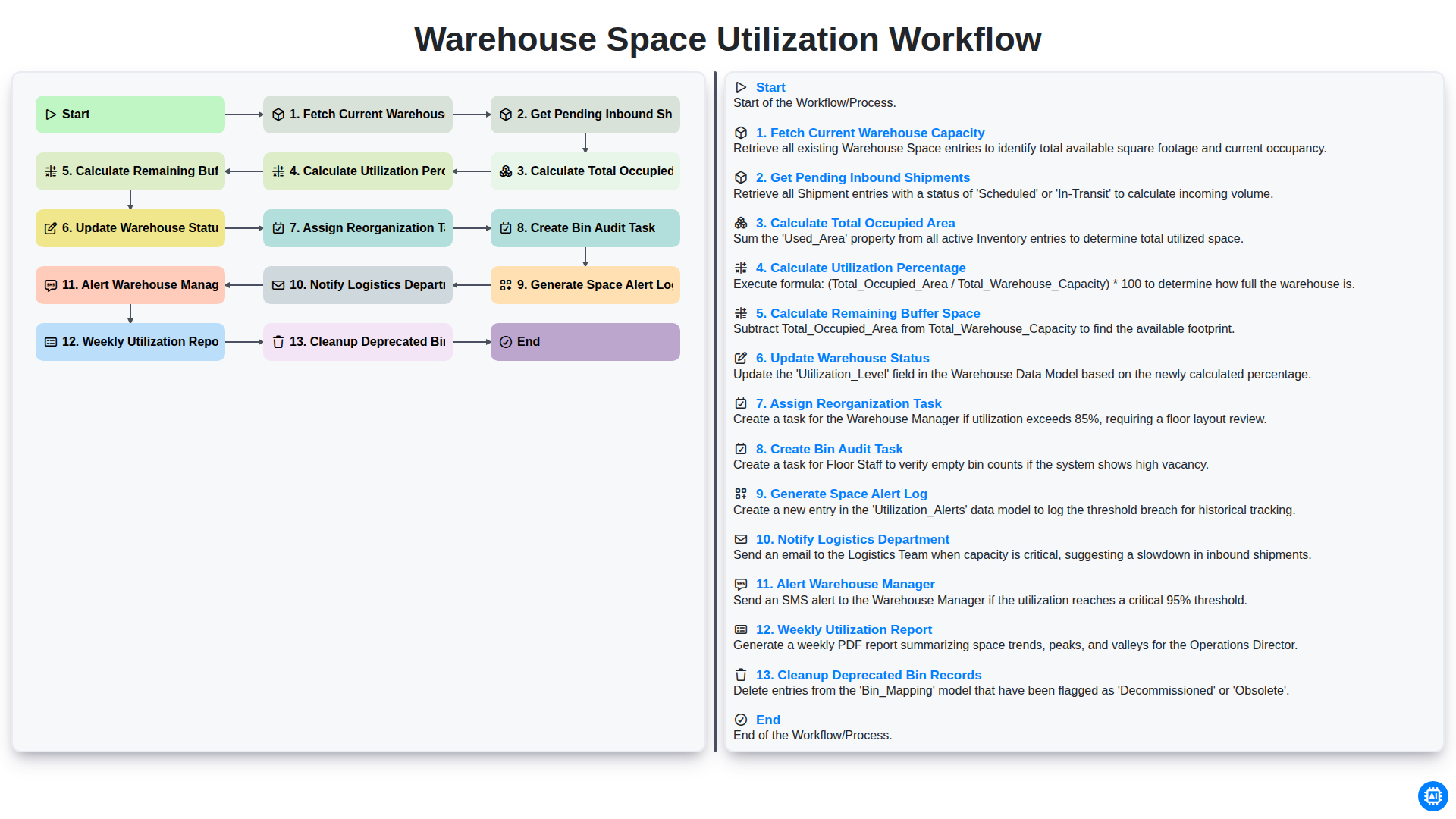
Warehouse Space Utilization Workflow
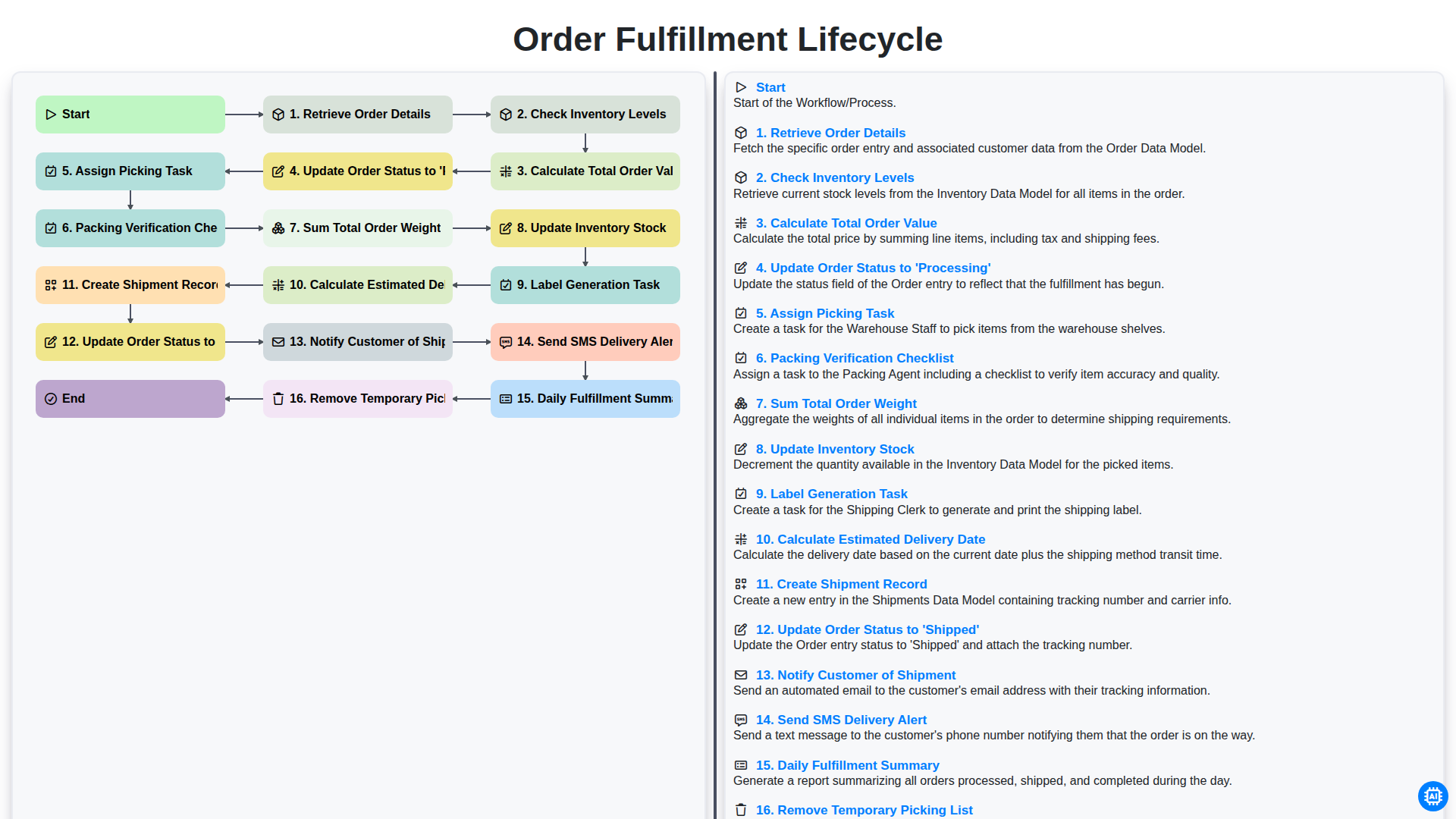
Order Fulfillment Lifecycle
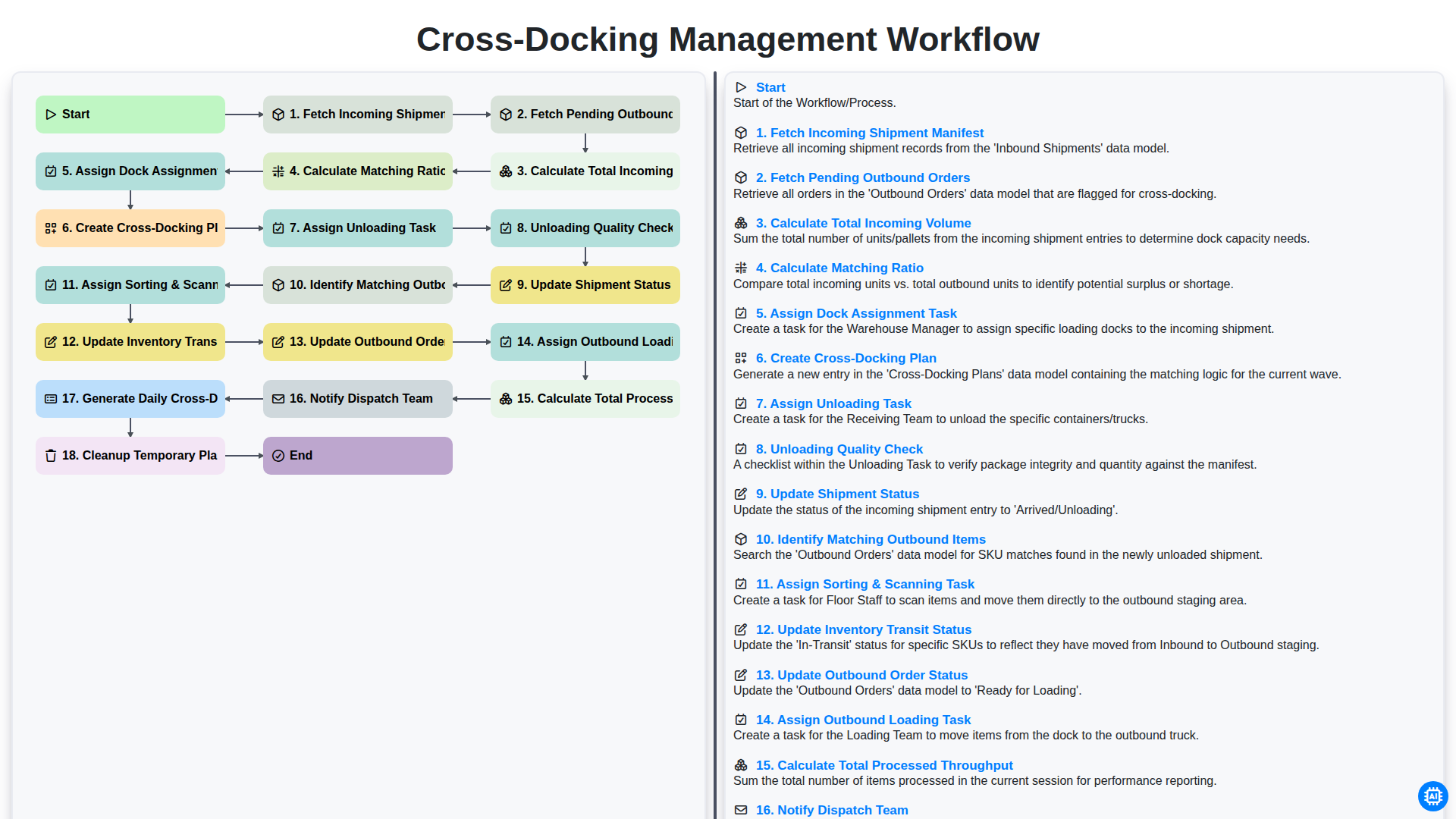
Cross-Docking Management Workflow
Besoin d'aide avec les listes de contrôle?
Vous avez une question ? Nous sommes là pour vous aider. Veuillez soumettre votre demande et nous vous répondrons rapidement.