 ChecklistGuro
 Seasonal Vehicle Inspection Workflow
Boost customer retention and drive service revenue with our Seasonal Vehicle Inspection Workflow. Streamline your auto repair shop's operations by implementing a standardized, repeatable process for multi-point inspections during seasonal transitions. This optimized workflow helps technicians identify critical maintenance needs, provides transparent digital inspections for clients, and ensures your shop stays ahead of seasonal trends like winter prep or summer AC checks. Perfect for shop owners looking to automate preventative maintenance marketing and increase average repair orders (ARO) through professional, data-driven vehicle health reports.
Ten szablon został zainstalowany 4 razy.
Rozpoczęcie
Rozpoczęcie przepływu pracy/procesu.
1. Fetch Vehicle Fleet
Retrieve all active vehicle records from the Vehicle Data Model to identify which need inspection.
2. Get Inspection Schedule
Retrieve the predefined seasonal inspection schedule and deadline dates.
3. Calculate Days Until Deadline
Calculate the remaining days between the current date and the inspection due date.
4. Set Inspection Status to 'Pending'
Update the status of the selected vehicle entries to 'Scheduled' for the current season.
5. Assign Inspection Task
Create a new task assigned to the Fleet Technician to perform the physical inspection.
6. Create Checklist for Technician
Generate a standardized seasonal checklist (tires, fluids, brakes, lights) within the inspection task.
7. Retrieve Inspection Results
Fetch the completed inspection data entries and checklist responses.
8. Calculate Maintenance Score
Calculate a health score based on the number of 'Fail' vs 'Pass' items in the checklist.
9. Summarize Fleet Health
Aggregate all inspection results to calculate the percentage of the fleet that passed the inspection.
10. Create Maintenance Work Order
If failures are detected, create a new entry in the Maintenance Work Order data model.
11. Update Vehicle Maintenance Record
Update the 'Last Inspected Date' and 'Maintenance Needed' flag in the Vehicle Data Model.
12. Notify Fleet Manager
Send an email report to the Fleet Manager summarizing the inspection outcomes and critical failures.
13. Alert Technician of Urgent Repairs
Send an SMS to the lead mechanic if a critical safety failure is identified during the inspection.
14. Generate Seasonal Compliance Report
Create a comprehensive PDF report containing all inspection results for regulatory compliance.
15. Archive Completed Inspection Logs
Remove temporary inspection draft entries from the active workspace to maintain system cleanliness.
Koniec
Koniec przepływu pracy/procesu.
Rozpoczęcie przepływu pracy/procesu.
Retrieve all active vehicle records from the Vehicle Data Model to identify which need inspection.
Retrieve the predefined seasonal inspection schedule and deadline dates.
Calculate the remaining days between the current date and the inspection due date.
Update the status of the selected vehicle entries to 'Scheduled' for the current season.
Create a new task assigned to the Fleet Technician to perform the physical inspection.
Generate a standardized seasonal checklist (tires, fluids, brakes, lights) within the inspection task.
Fetch the completed inspection data entries and checklist responses.
Calculate a health score based on the number of 'Fail' vs 'Pass' items in the checklist.
Aggregate all inspection results to calculate the percentage of the fleet that passed the inspection.
If failures are detected, create a new entry in the Maintenance Work Order data model.
Update the 'Last Inspected Date' and 'Maintenance Needed' flag in the Vehicle Data Model.
Send an email report to the Fleet Manager summarizing the inspection outcomes and critical failures.
Send an SMS to the lead mechanic if a critical safety failure is identified during the inspection.
Create a comprehensive PDF report containing all inspection results for regulatory compliance.
Remove temporary inspection draft entries from the active workspace to maintain system cleanliness.
Koniec przepływu pracy/procesu.
Komentarze
Na razie nie ma żadnych komentarzy. Dodaj pierwszy!
Demonstracja rozwiązania do zarządzania warsztatem samochodowym
Popraw wyniki swojego warsztatu samochodowego i zwiększ zyski! ChecklistGuro upraszcza śledzenie zleceń, zarządzanie zapasami i komunikację z klientami. Popraw efektywność, zmniejsz liczbę błędów i zwiększ satysfakcję klientów. Zarządzaj wszystkim za pomocą naszej platformy Work OS.
Powiązane Szablony Pracy

End-of-Day Shop Reporting and Reconciliation Workflow

Automotive Workshop Staff Scheduling Process

Pre-Paid Service Plan Management Process

Customer Feedback and Review Management Workflow

Automotive Workshop Equipment Maintenance Schedule

Shop Supplies and Consumables Inventory Process

Workshop Technician Time Tracking Workflow
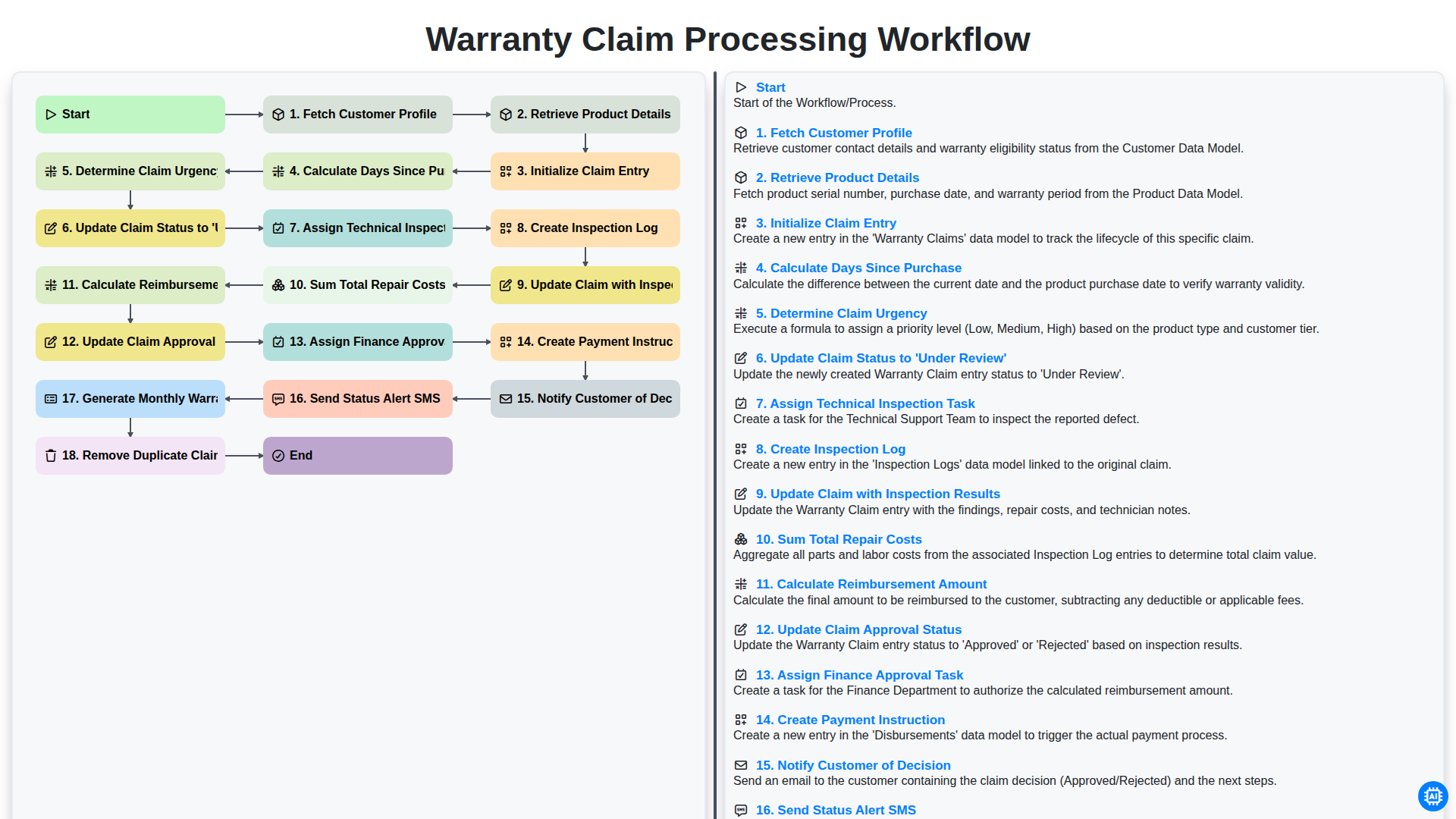
Warranty Claim Processing Workflow
Możemy to zrobić razem
Potrzebujesz pomocy z listami kontrolnymi?
Masz pytanie? Jesteśmy tu, aby pomóc. Prześlij zapytanie, a my szybko na nie odpowiemy.