 ChecklistGuro
 Resource Allocation and Capacity Planning
Master the art of optimizing your team's productivity with our Resource Allocation and Capacity Planning workflow. Eliminate bottlenecks, prevent burnout, and ensure every project is perfectly balanced by intelligently mapping task demands against real-time team availability. This streamlined process provides the visibility you need to make data-driven staffing decisions, optimize skill utilization, and keep your project timelines on track.
Ten szablon został zainstalowany 2 razy.
Rozpoczęcie
Rozpoczęcie przepływu pracy/procesu.
1. Fetch Available Resources
Retrieve all entries from the 'Resources' data model to identify available personnel and their skill sets.
2. Fetch Pending Projects
Retrieve all entries from the 'Projects' data model that are in the 'Planning' or 'Backlog' stage.
3. Calculate Total Capacity
Sum the 'Available Hours' property from all retrieved resource entries to determine total available bandwidth.
4. Calculate Total Demand
Sum the 'Estimated Hours' property from all pending project entries to determine the workload requirements.
5. Calculate Capacity Gap
Subtract Total Demand from Total Capacity to determine if there is a surplus or a deficit in man-hours.
6. Calculate Utilization Percentage
Divide Total Demand by Total Capacity to determine the projected utilization rate of the workforce.
7. Create Allocation Review Task
Create a task for the Resource Manager to review the calculated gap and approve the proposed allocation.
8. Update Resource Availability
Update the 'Allocated Hours' property in the Resource data model once a project assignment is confirmed.
9. Create Allocation Record
Create a new entry in the 'Allocations' data model to link a specific Resource to a specific Project.
10. Assign Task to Resource
Create individual tasks for the assigned resources based on the approved project milestones.
11. Notify Resource Manager of Overcapacity
Send an email alert to the Resource Manager if the Utilization Percentage exceeds 90%.
12. Notify Assigned Personnel
Send an email to the assigned resource notifying them of their new project allocation and upcoming tasks.
13. Generate Capacity Forecast Report
Generate a visual report showing the projected resource utilization for the next 3 months based on the current data.
14. Remove Draft Allocation
Delete the temporary allocation entry if the resource assignment is rejected during the review task.
Koniec
Koniec przepływu pracy/procesu.
Rozpoczęcie przepływu pracy/procesu.
Retrieve all entries from the 'Resources' data model to identify available personnel and their skill sets.
Retrieve all entries from the 'Projects' data model that are in the 'Planning' or 'Backlog' stage.
Sum the 'Available Hours' property from all retrieved resource entries to determine total available bandwidth.
Sum the 'Estimated Hours' property from all pending project entries to determine the workload requirements.
Subtract Total Demand from Total Capacity to determine if there is a surplus or a deficit in man-hours.
Divide Total Demand by Total Capacity to determine the projected utilization rate of the workforce.
Create a task for the Resource Manager to review the calculated gap and approve the proposed allocation.
Update the 'Allocated Hours' property in the Resource data model once a project assignment is confirmed.
Create a new entry in the 'Allocations' data model to link a specific Resource to a specific Project.
Create individual tasks for the assigned resources based on the approved project milestones.
Send an email alert to the Resource Manager if the Utilization Percentage exceeds 90%.
Send an email to the assigned resource notifying them of their new project allocation and upcoming tasks.
Generate a visual report showing the projected resource utilization for the next 3 months based on the current data.
Delete the temporary allocation entry if the resource assignment is rejected during the review task.
Koniec przepływu pracy/procesu.
Czy ten szablon przepływu pracy okazał się pomocny?
Komentarze
Na razie nie ma żadnych komentarzy. Dodaj pierwszy!
Demonstracja rozwiązania do zarządzania projektami
Realizuj projekty na czas i w ramach budżetu! ChecklistGuro upraszcza zarządzanie zadaniami, współpracę i śledzenie postępów. Zwiększ widoczność i popraw produktywność zespołu. Zarządzaj wszystkim za pomocą naszej platformy Work OS.
Powiązane Szablony Pracy

Strategic Planning and Execution Process

Digital Transformation Project Workflow

Employee Onboarding Project Management

Customer Implementation Workflow

Design System Maintenance Process

Quality Assurance (QA) Testing Workflow
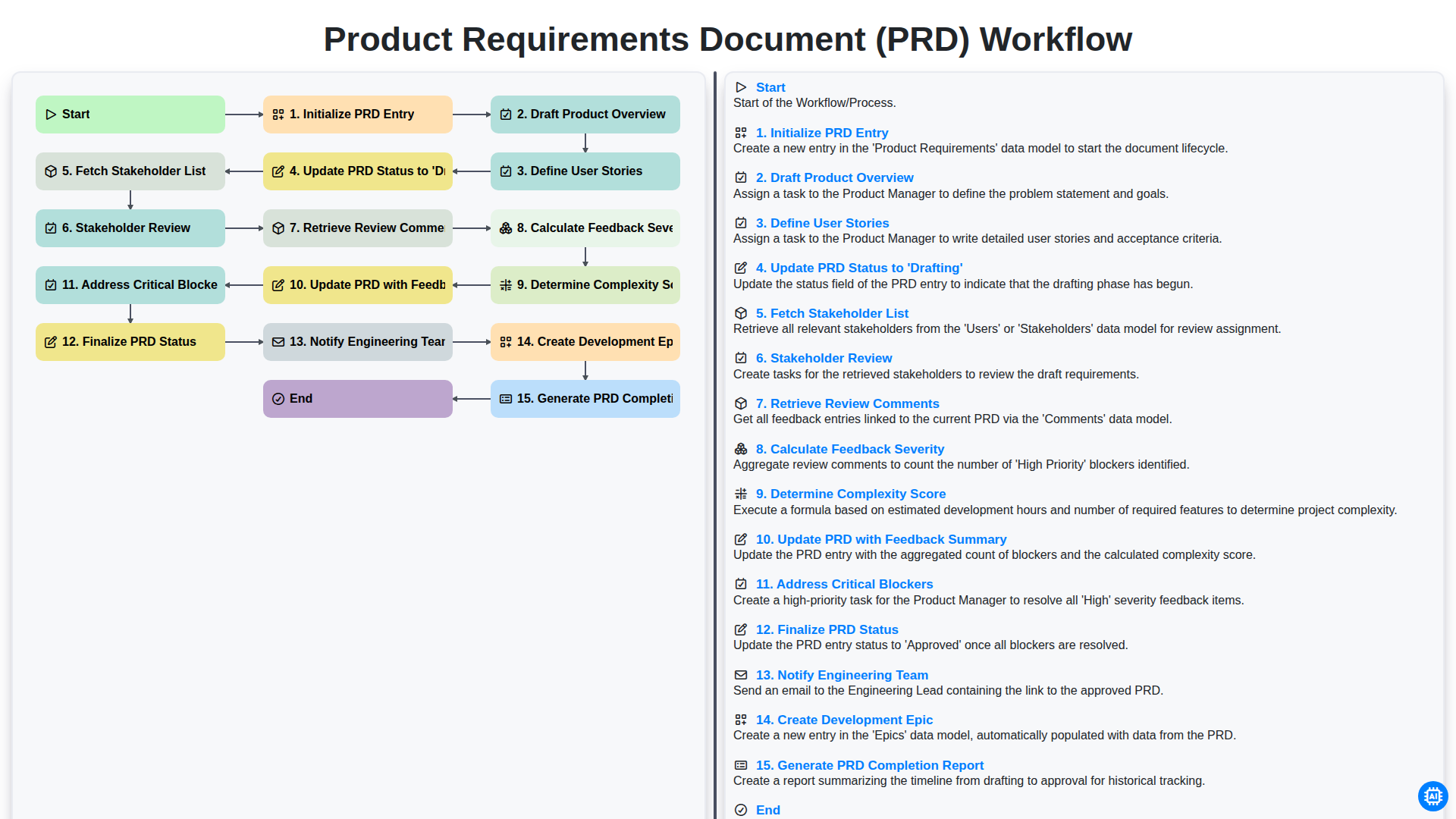
Product Requirements Document (PRD) Workflow

Internal Audit and Compliance Workflow
Możemy to zrobić razem
Potrzebujesz pomocy z listami kontrolnymi?
Masz pytanie? Jesteśmy tu, aby pomóc. Prześlij zapytanie, a my szybko na nie odpowiemy.