 ChecklistGuro
 Fluxo de trabalho para serviços de limpeza e conservação.
Otimize a manutenção das suas instalações com o nosso abrangente fluxo de trabalho de serviços de limpeza e higiene. Este guia passo a passo otimiza os protocolos de saneamento, a alocação de recursos e os controlos de qualidade, garantindo um ambiente impecável, higiénico e em conformidade com as normas. Ideal para gestores de instalações que pretendem padronizar as operações de limpeza, melhorar a responsabilização dos funcionários e aumentar a eficiência da manutenção dos edifícios.
Este modelo foi instalado 5 vezes.
Começar
Início do fluxo de trabalho/processo.
1. Obter o contrato de prestação de serviços ao cliente.
Obtenha o contrato de prestação de serviços específico e a frequência das limpezas para o cliente.
2. Criar entrada para o cronograma de limpeza
Crie uma nova entrada de serviço agendada no modelo de dados do Plano Mestre.
3. Atribuir tarefa à equipe de limpeza.
Crie uma tarefa para a equipa de limpeza designada, para que realize o serviço de limpeza.
4. Criar Tarefa de Inspeção de Qualidade
Crie uma tarefa de acompanhamento para que o supervisor inspecione o trabalho após a limpeza.
5. Atualizar o estado do serviço
Atualize o estado do registo do serviço de limpeza de «Agendado» para «Em curso» ou «Concluído».
6. Obtenha os níveis de inventário.
Verifique os níveis atuais de stock de materiais de limpeza (detergentes, panos, etc.).
7. Calcular os materiais necessários.
Calcule a quantidade de solução de limpeza necessária com base na área total do local do cliente.
8. Atualizar o inventário de produtos em estoque.
Retire do modelo de dados de inventário os materiais de limpeza que foram utilizados.
9. Criar Pedido de Reposição de Estoque
Crie uma nova entrada no modelo de dados de Compras caso o stock fique abaixo de um determinado limite.
10. Total dos custos semanais de limpeza
Some os custos de todas as tarefas de limpeza concluídas esta semana para calcular o total dos gastos operacionais.
11. Notificar o cliente sobre a conclusão.
Envie um e-mail automático ao cliente para confirmar que o serviço de limpeza foi concluído.
12. Informe a equipe sobre a alteração do horário.
Envie uma mensagem SMS para a equipa de limpeza caso o horário do serviço seja alterado ou atualizado.
13. Gerar Relatório Semanal de Serviços
Gere um relatório que resuma todas as tarefas concluídas, os incidentes e o feedback dos clientes durante a semana.
14. Atualizar a pontuação de satisfação do cliente.
Atualize a classificação do nível de satisfação do cliente no modelo de dados do Perfil do Cliente com base nos resultados da inspeção.
15. Remover Consulta Cancelada
Remova a entrada do serviço da programação ativa se o cliente cancelar.
Fim
Fim do fluxo de trabalho/processo.
Início do fluxo de trabalho/processo.
Obtenha o contrato de prestação de serviços específico e a frequência das limpezas para o cliente.
Crie uma nova entrada de serviço agendada no modelo de dados do Plano Mestre.
Crie uma tarefa para a equipa de limpeza designada, para que realize o serviço de limpeza.
Crie uma tarefa de acompanhamento para que o supervisor inspecione o trabalho após a limpeza.
Atualize o estado do registo do serviço de limpeza de «Agendado» para «Em curso» ou «Concluído».
Verifique os níveis atuais de stock de materiais de limpeza (detergentes, panos, etc.).
Calcule a quantidade de solução de limpeza necessária com base na área total do local do cliente.
Retire do modelo de dados de inventário os materiais de limpeza que foram utilizados.
Crie uma nova entrada no modelo de dados de Compras caso o stock fique abaixo de um determinado limite.
Some os custos de todas as tarefas de limpeza concluídas esta semana para calcular o total dos gastos operacionais.
Envie um e-mail automático ao cliente para confirmar que o serviço de limpeza foi concluído.
Envie uma mensagem SMS para a equipa de limpeza caso o horário do serviço seja alterado ou atualizado.
Gere um relatório que resuma todas as tarefas concluídas, os incidentes e o feedback dos clientes durante a semana.
Atualize a classificação do nível de satisfação do cliente no modelo de dados do Perfil do Cliente com base nos resultados da inspeção.
Remova a entrada do serviço da programação ativa se o cliente cancelar.
Fim do fluxo de trabalho/processo.
Comentários
Ainda não existem comentários. Seja o primeiro a adicionar um!
Demonstração da Solução de Gestão de Instalações
Garanta o bom funcionamento das suas instalações! O ChecklistGuro simplifica a manutenção, as inspeções e a gestão de fornecedores. Reduza o tempo de inatividade, otimize a eficiência e melhore a segurança. Gerencie tudo com o nosso Sistema Operacional de Trabalho.
Modelos de Fluxo de Trabalho Relacionados

Move Management and Relocation Workflow
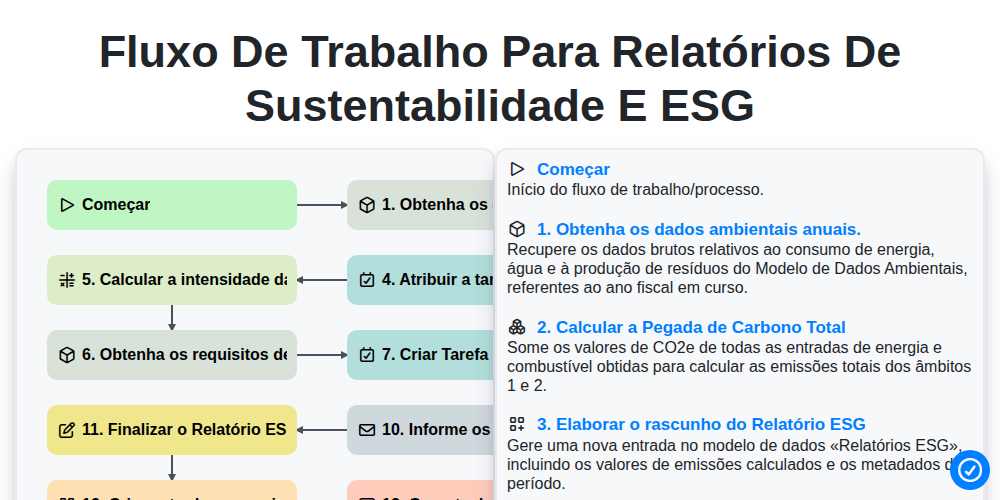
Fluxo de trabalho para relatórios de sustentabilidade e ESG

Certificate of Insurance (COI) Tracking Process

Building Automation System (BAS) Monitoring Process

Decommissioning and Asset Disposal Workflow

Annual Budgeting and Cost Control Process

Water Management and Leak Detection Process

Waste Management and Recycling Workflow
Podemos fazer isso juntos.
Precisa de ajuda com o(a) Gestão de Instalações?
Tem alguma dúvida? Estamos aqui para ajudar. Envie a sua questão e responderemos o mais breve possível.