 ChecklistGuro
 Planeamento de Resposta a Emergências e de Evacuação
Garanta a segurança dos ocupantes e a continuidade das operações com o nosso abrangente fluxo de trabalho para o Planeamento de Resposta a Emergências e Evacuação. Concebido para profissionais de gestão de instalações, este processo simplificado oferece uma estrutura passo a passo para desenvolver protocolos de crise eficazes, realizar avaliações de risco e implementar procedimentos de evacuação eficientes, de forma a mitigar os riscos durante incidentes críticos.
Este modelo foi instalado 2 vezes.
Começar
Início do fluxo de trabalho/processo.
1. Obter o diretório de funcionários.
Recupere todas as informações de contacto dos funcionários (endereço de e-mail, número de telefone, departamento) a partir do Modelo de Dados dos Funcionários.
2. Obtenha os recursos para plantas baixas.
Recupere todos os pontos de concentração e as saídas de emergência designados para a localização atual do edifício.
3. Identifique o pessoal com maior risco.
Identifique os indivíduos com dificuldades de mobilidade ou necessidades especiais de assistência no modelo de dados de recursos humanos.
4. Calcular o número total de funcionários.
Calcule o número total de funcionários e visitantes que estão atualmente presentes no edifício.
5. Atualizar o estado do incidente
Atualize o painel global de emergências com o estado atual (por exemplo, «Evacuação em curso»).
6. Designar os responsáveis por cada andar.
Defina tarefas para os responsáveis por cada setor, para que limpem as respetivas áreas.
7. Atribuir Verificação de Segurança
Crie uma tarefa para a Equipa de Segurança, para que esta verifique todas as saídas e portões perimetrais.
8. Enviar Alerta em Massa
Envie uma mensagem SMS de emergência para todos os números de telemóvel obtidos a partir do diretório de funcionários.
9. Notificar os Serviços de Emergência
Envie um e-mail automático contendo o tipo de incidente e a localização para as autoridades locais de bombeiros e polícia.
10. Relatório de Incidente de Registo
Crie uma nova entrada no modelo de dados do Registo de Incidentes, incluindo a data e hora e os detalhes iniciais.
11. Calcular a porcentagem de evacuação.
Some o número de entradas com o estado «Seguro» e o número de entradas com o estado «Em falta» para determinar a percentagem de conclusão.
12. Realizar a chamada.
Crie uma lista de verificação para que os responsáveis pelo ponto de encontro confirmem se todos os funcionários estão presentes.
13. Atualizar o estado do ponto de encontro.
Atualize a entrada específica do Ponto de Encontro para «Ocupado» ou «Loteado».
14. Gerar um resumo pós-incidente.
Elabore um relatório detalhado que resuma a cronologia, o número de vítimas e os danos causados pelo incidente, para fins de registro.
15. Alertas Ativos Claros
Apague ou arquive os alertas de emergência ativos temporários assim que for confirmado que a situação está sob controlo («Tudo Limpo»).
Fim
Fim do fluxo de trabalho/processo.
Início do fluxo de trabalho/processo.
Recupere todas as informações de contacto dos funcionários (endereço de e-mail, número de telefone, departamento) a partir do Modelo de Dados dos Funcionários.
Recupere todos os pontos de concentração e as saídas de emergência designados para a localização atual do edifício.
Identifique os indivíduos com dificuldades de mobilidade ou necessidades especiais de assistência no modelo de dados de recursos humanos.
Calcule o número total de funcionários e visitantes que estão atualmente presentes no edifício.
Atualize o painel global de emergências com o estado atual (por exemplo, «Evacuação em curso»).
Defina tarefas para os responsáveis por cada setor, para que limpem as respetivas áreas.
Crie uma tarefa para a Equipa de Segurança, para que esta verifique todas as saídas e portões perimetrais.
Envie uma mensagem SMS de emergência para todos os números de telemóvel obtidos a partir do diretório de funcionários.
Envie um e-mail automático contendo o tipo de incidente e a localização para as autoridades locais de bombeiros e polícia.
Crie uma nova entrada no modelo de dados do Registo de Incidentes, incluindo a data e hora e os detalhes iniciais.
Some o número de entradas com o estado «Seguro» e o número de entradas com o estado «Em falta» para determinar a percentagem de conclusão.
Crie uma lista de verificação para que os responsáveis pelo ponto de encontro confirmem se todos os funcionários estão presentes.
Atualize a entrada específica do Ponto de Encontro para «Ocupado» ou «Loteado».
Elabore um relatório detalhado que resuma a cronologia, o número de vítimas e os danos causados pelo incidente, para fins de registro.
Apague ou arquive os alertas de emergência ativos temporários assim que for confirmado que a situação está sob controlo («Tudo Limpo»).
Fim do fluxo de trabalho/processo.
Perguntas Mais Frequentes
Comentários
Ainda não existem comentários. Seja o primeiro a adicionar um!
Demonstração da Solução de Gestão de Instalações
Garanta o bom funcionamento das suas instalações! O ChecklistGuro simplifica a manutenção, as inspeções e a gestão de fornecedores. Reduza o tempo de inatividade, otimize a eficiência e melhore a segurança. Gerencie tudo com o nosso Sistema Operacional de Trabalho.
Modelos de Fluxo de Trabalho Relacionados

Move Management and Relocation Workflow
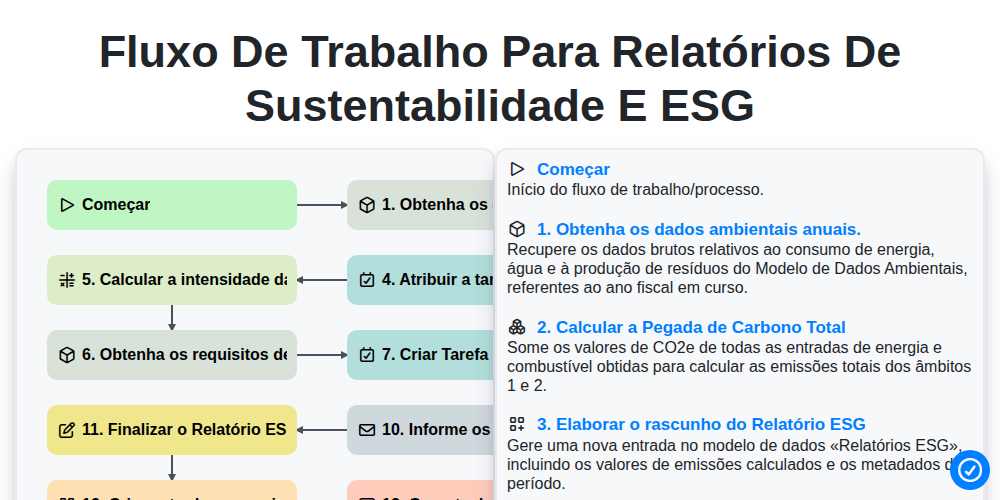
Fluxo de trabalho para relatórios de sustentabilidade e ESG

Certificate of Insurance (COI) Tracking Process

Building Automation System (BAS) Monitoring Process

Decommissioning and Asset Disposal Workflow

Annual Budgeting and Cost Control Process

Water Management and Leak Detection Process

Waste Management and Recycling Workflow
Precisa de ajuda com o(a) Gestão de Instalações?
Tem alguma dúvida? Estamos aqui para ajudar. Envie a sua questão e responderemos o mais breve possível.