 ChecklistGuro
 Immunization Tracking and Record Management
Streamline clinical operations with our automated Immunization Tracking and Record Management workflow. Ensure patient safety and regulatory compliance with real-time vaccination monitoring, automated dosage scheduling, and seamless digital immunization record updates designed specifically for modern healthcare providers.
Este modelo foi instalado 2 vezes.
Começar
Início do fluxo de trabalho/processo.
1. Fetch Patient Profile
Retrieve existing patient data from the Patient Data Model to check for vaccination history.
2. Fetch Vaccine Inventory
Retrieve current stock levels and expiration dates from the Vaccine Inventory Data Model.
3. Calculate Next Dose Date
Apply a formula based on the vaccine type interval (e.g., Dose 1 Date + 21 days) to determine the follow-up schedule.
4. Update Patient Vaccination Record
Update the patient's immunization record with the newly administered dose details and date.
5. Create Administration Log
Generate a new entry in the Administration Logs data model to record the specific instance of the injection.
6. Decrement Vaccine Stock
Reduce the quantity available in the Vaccine Inventory Data Model by one unit.
7. Schedule Follow-up Appointment
Create a task for the Clinic Coordinator to book the patient's next immunization date.
8. Verify Expiration Date
Create a task for the Lab Technician to inspect vaccine vials for upcoming expiration.
9. Send Vaccination Confirmation
Send an automated email to the patient/guardian confirming the vaccine administered and the date of the next dose.
10. Send Appointment Reminder
Send an SMS alert to the patient's registered phone number 24 hours before the next scheduled dose.
11. Calculate Total Doses Administered
Aggregate all entries in the Administration Logs to sum the total number of vaccines given this month.
12. Calculate Wastage Rate
Aggregate expired vaccine entries vs. used vaccine entries to determine the percentage of waste.
13. Generate Monthly Immunization Report
Create a comprehensive report summarizing patient coverage, stock levels, and upcoming needs for clinic management.
14. Remove Expired Batch Record
Delete entries from the Inventory model for batches that have been physically disposed of.
Fim
Fim do fluxo de trabalho/processo.
Início do fluxo de trabalho/processo.
Retrieve existing patient data from the Patient Data Model to check for vaccination history.
Retrieve current stock levels and expiration dates from the Vaccine Inventory Data Model.
Apply a formula based on the vaccine type interval (e.g., Dose 1 Date + 21 days) to determine the follow-up schedule.
Update the patient's immunization record with the newly administered dose details and date.
Generate a new entry in the Administration Logs data model to record the specific instance of the injection.
Reduce the quantity available in the Vaccine Inventory Data Model by one unit.
Create a task for the Clinic Coordinator to book the patient's next immunization date.
Create a task for the Lab Technician to inspect vaccine vials for upcoming expiration.
Send an automated email to the patient/guardian confirming the vaccine administered and the date of the next dose.
Send an SMS alert to the patient's registered phone number 24 hours before the next scheduled dose.
Aggregate all entries in the Administration Logs to sum the total number of vaccines given this month.
Aggregate expired vaccine entries vs. used vaccine entries to determine the percentage of waste.
Create a comprehensive report summarizing patient coverage, stock levels, and upcoming needs for clinic management.
Delete entries from the Inventory model for batches that have been physically disposed of.
Fim do fluxo de trabalho/processo.
Comentários
Ainda não existem comentários. Seja o primeiro a adicionar um!
Demonstração da Solução de Gestão de Serviços de Saúde
Otimize as operações de saúde e melhore o atendimento aos pacientes? A plataforma Work OS da ChecklistGuro simplifica tudo, desde o agendamento e a cobrança de consultas até a gestão de conformidade e de pessoal. Aumente a eficiência, reduza a carga administrativa e concentre-se no que é mais importante: os seus pacientes. Descubra como a ChecklistGuro pode transformar a sua organização de saúde!
Modelos de Fluxo de Trabalho Relacionados

Disaster Recovery and Emergency Response Plan

Healthcare Facility Management and Maintenance

Medical Coding and Billing Accuracy Process

Radiology Imaging Workflow and Management

Patient Feedback and Satisfaction Management

Compliance Auditing and Regulatory Reporting

Healthcare Data Analytics and Reporting Process
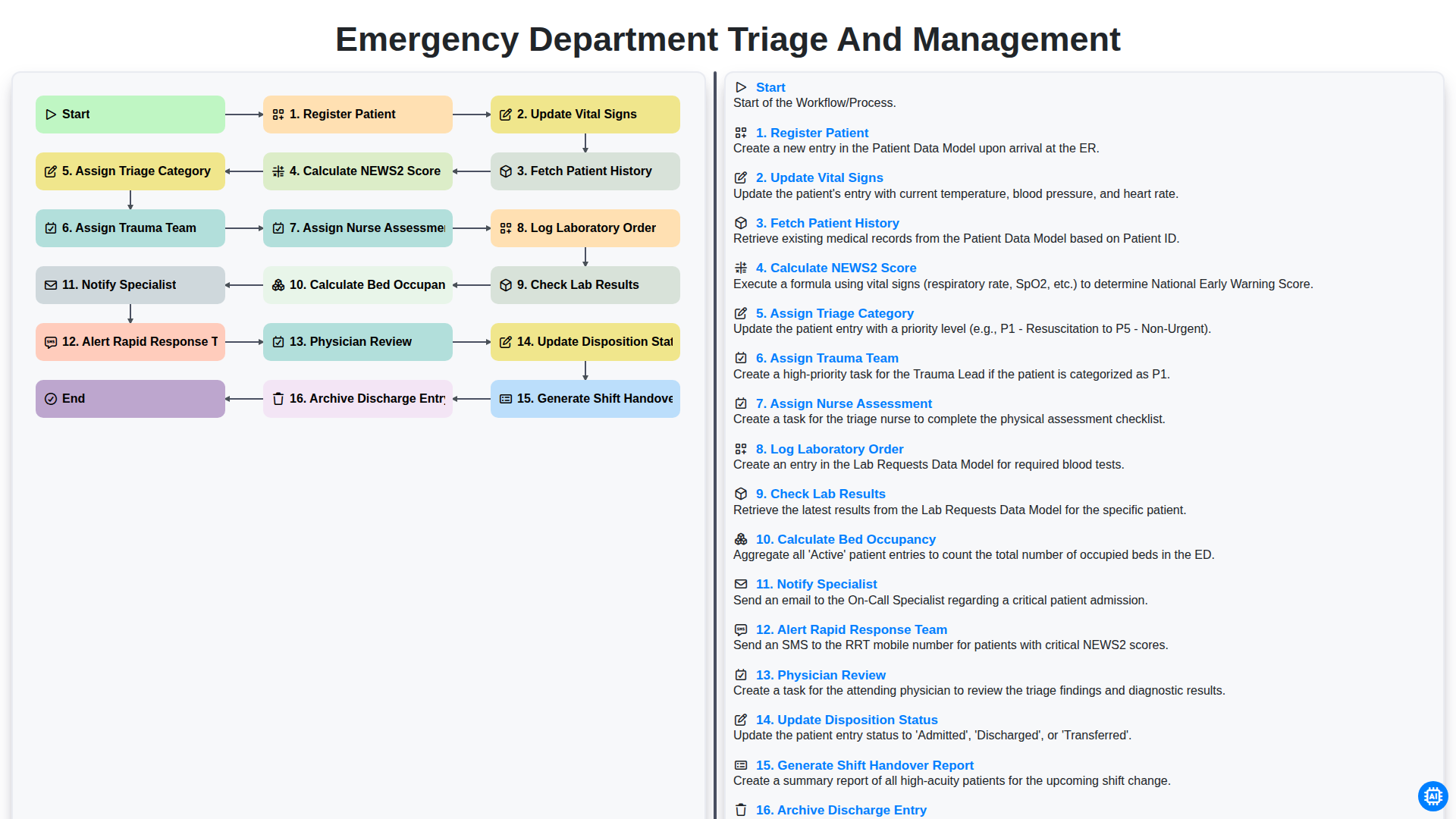
Emergency Department Triage and Management
Podemos fazer isso juntos.
Precisa de ajuda com o(a) Assistência médica?
Tem alguma dúvida? Estamos aqui para ajudar. Envie a sua questão e responderemos o mais breve possível.