 ChecklistGuro
 Atribuição automática de quartos e sincronização do estado da limpeza.
Otimize as operações do seu hotel com a nossa funcionalidade de Atribuição Automática de Quartos e Sincronização do Estado da Limpeza. Elimine erros manuais e falhas de comunicação, sincronizando instantaneamente as atualizações em tempo real do serviço de limpeza com a atribuição automática de quartos aos hóspedes, garantindo processos de check-in fluidos e uma maior eficiência na preparação dos quartos, para proporcionar uma experiência superior aos hóspedes.
Este modelo foi instalado 1 vezes.
Começar
Início do fluxo de trabalho/processo.
1. Obter todas as informações sobre os quartos.
Recupere todos os registos de quartos do Modelo de Dados de Quartos para verificar o estado atual e a disponibilidade.
2. Obter tarefas ativas de manutenção.
Identifique todas as tarefas de limpeza em curso que estão atualmente atribuídas aos funcionários, para evitar conflitos de horários.
3. Contar o número de quartos sujos.
Some o número de quartos em que o campo «Estado» está definido como «Sujo» ou «Precisa de Limpeza».
4. Calcular a pontuação de prioridade para a limpeza
Aplique uma fórmula que tenha em conta o tempo decorrido desde a última limpeza e a hora prevista para o check-in, para priorizar os quartos.
5. Atualizar o estado do quarto para «Limpeza em curso»
Altere o estado de uma entrada específica de sala para «Em curso» assim que um membro da equipa aceitar a tarefa.
6. Atribuir tarefa de limpeza
Crie uma nova tarefa para o membro da equipa de limpeza, indicando o número do quarto e a lista de verificação das tarefas de limpeza.
7. Criar entrada no registo de limpezas
Crie uma nova entrada no modelo de dados dos Registros de Serviços de Limpeza para monitorizar a hora de início da sessão de limpeza.
8. Atualizar o estado do quarto para «Limpo/Pronto».
Atualize a entrada do modelo de dados da sala para «Pronto» assim que a lista de verificação for concluída.
9. Obter os próximos registos de entrada
Recupere os registos de reserva dos hóspedes para identificar quais os quartos com o estado «Pronto» que serão necessários em seguida.
10. Atribuir quarto à reserva do cliente.
Atualize a entrada da reserva do hóspede com o ID específico do quarto para finalizar a atribuição.
11. Informe a receção quando a sala estiver pronta.
Envie um e-mail automático para a equipa da receção, informando-a de que um determinado quarto está agora disponível para o processo de check-in.
12. Informe o(a) empregado(a) doméstico(a) sobre a nova tarefa.
Envie um alerta por SMS para o funcionário responsável pela limpeza sempre que for criada uma tarefa de limpeza de alta prioridade.
13. Relatório Diário de Eficiência da Equipe de Limpeza
Gere um relatório que resuma o número total de quartos limpos, o tempo médio de limpeza e o número de quartos sujos que ainda precisam ser limpos.
14. Remover entrada de tarefa concluída
Remova o registo temporário de atribuição de tarefas da fila ativa assim que a sala for marcada como «Pronta».
Fim
Fim do fluxo de trabalho/processo.
Início do fluxo de trabalho/processo.
Recupere todos os registos de quartos do Modelo de Dados de Quartos para verificar o estado atual e a disponibilidade.
Identifique todas as tarefas de limpeza em curso que estão atualmente atribuídas aos funcionários, para evitar conflitos de horários.
Some o número de quartos em que o campo «Estado» está definido como «Sujo» ou «Precisa de Limpeza».
Aplique uma fórmula que tenha em conta o tempo decorrido desde a última limpeza e a hora prevista para o check-in, para priorizar os quartos.
Altere o estado de uma entrada específica de sala para «Em curso» assim que um membro da equipa aceitar a tarefa.
Crie uma nova tarefa para o membro da equipa de limpeza, indicando o número do quarto e a lista de verificação das tarefas de limpeza.
Crie uma nova entrada no modelo de dados dos Registros de Serviços de Limpeza para monitorizar a hora de início da sessão de limpeza.
Atualize a entrada do modelo de dados da sala para «Pronto» assim que a lista de verificação for concluída.
Recupere os registos de reserva dos hóspedes para identificar quais os quartos com o estado «Pronto» que serão necessários em seguida.
Atualize a entrada da reserva do hóspede com o ID específico do quarto para finalizar a atribuição.
Envie um e-mail automático para a equipa da receção, informando-a de que um determinado quarto está agora disponível para o processo de check-in.
Envie um alerta por SMS para o funcionário responsável pela limpeza sempre que for criada uma tarefa de limpeza de alta prioridade.
Gere um relatório que resuma o número total de quartos limpos, o tempo médio de limpeza e o número de quartos sujos que ainda precisam ser limpos.
Remova o registo temporário de atribuição de tarefas da fila ativa assim que a sala for marcada como «Pronta».
Fim do fluxo de trabalho/processo.
Comentários
Ainda não existem comentários. Seja o primeiro a adicionar um!
Demonstração da Solução de Gestão Hoteleira
Gerir um hotel, restaurante ou outro negócio no setor da hotelaria é um desafio. A plataforma Work OS da ChecklistGuro simplifica a gestão, desde as reservas e o atendimento aos clientes até ao controlo de inventário e à organização de horários dos funcionários. Melhore a eficiência, aprimore a experiência dos clientes e aumente a rentabilidade! Descubra como a ChecklistGuro pode transformar as suas operações no setor da hotelaria.
Modelos de Fluxo de Trabalho Relacionados

Hotel Departmental Communication and Task Management Workflow
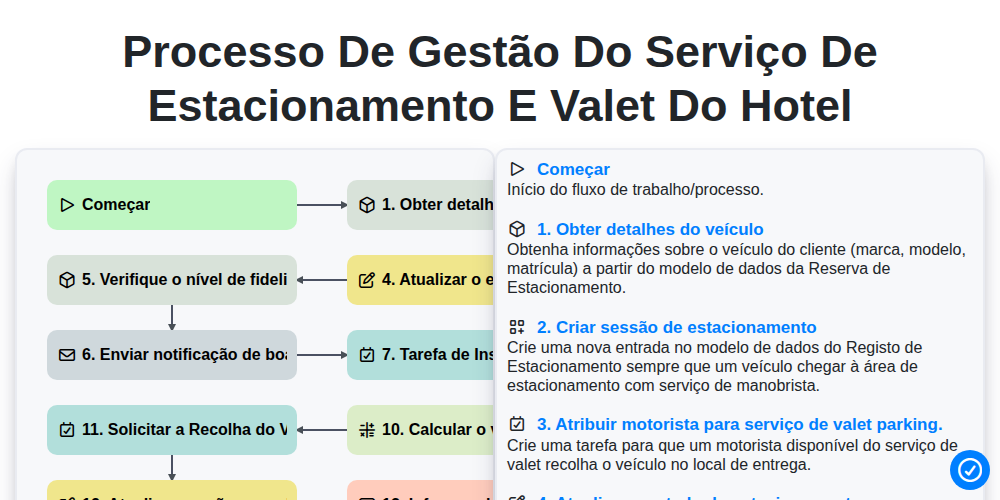
Processo de Gestão do Serviço de Estacionamento e Valet do Hotel
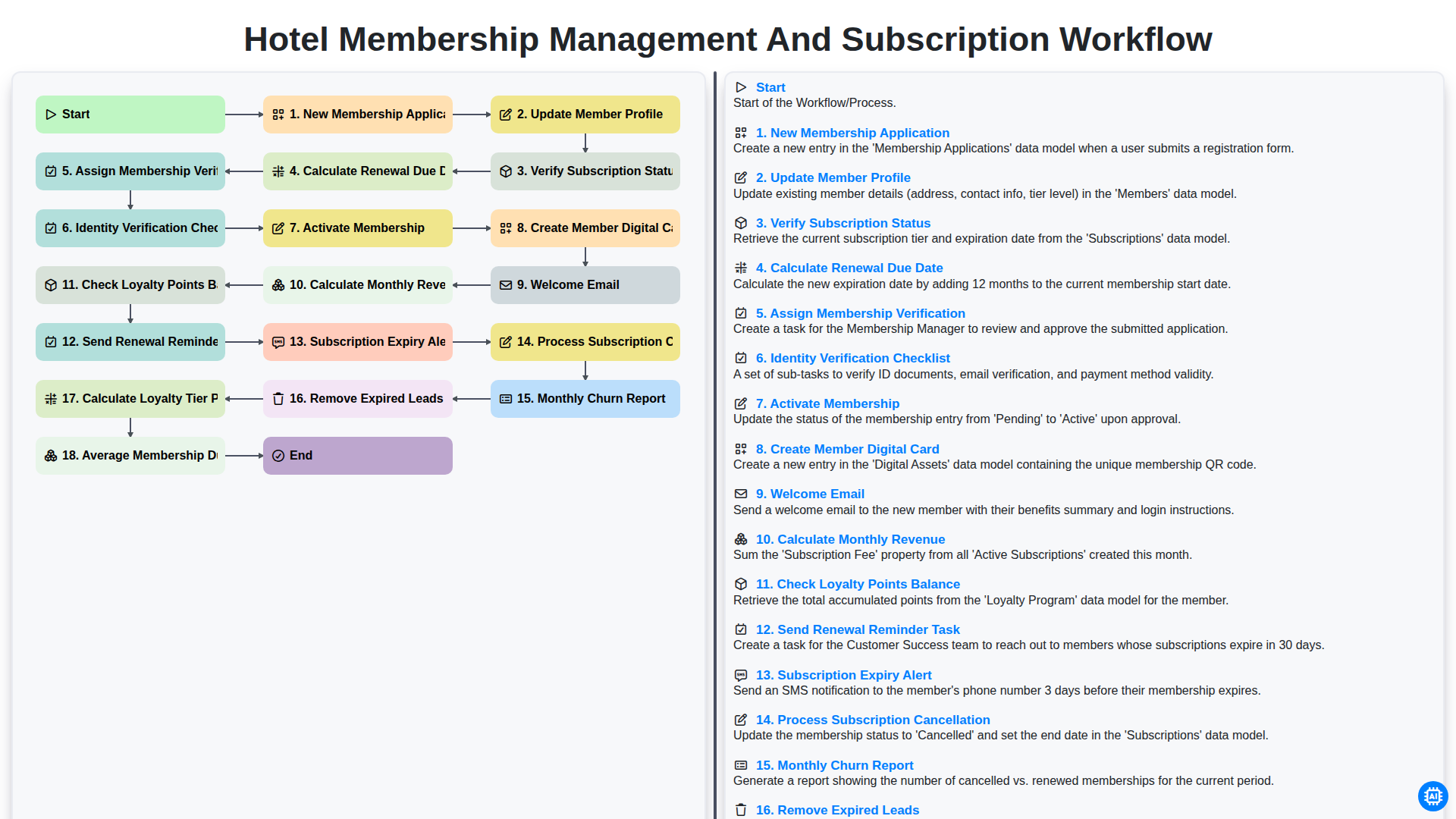
Hotel Membership Management and Subscription Workflow

Hotel VIP Guest Arrival and Personalized Service Process

Hotel Staff Onboarding and Training Management Workflow
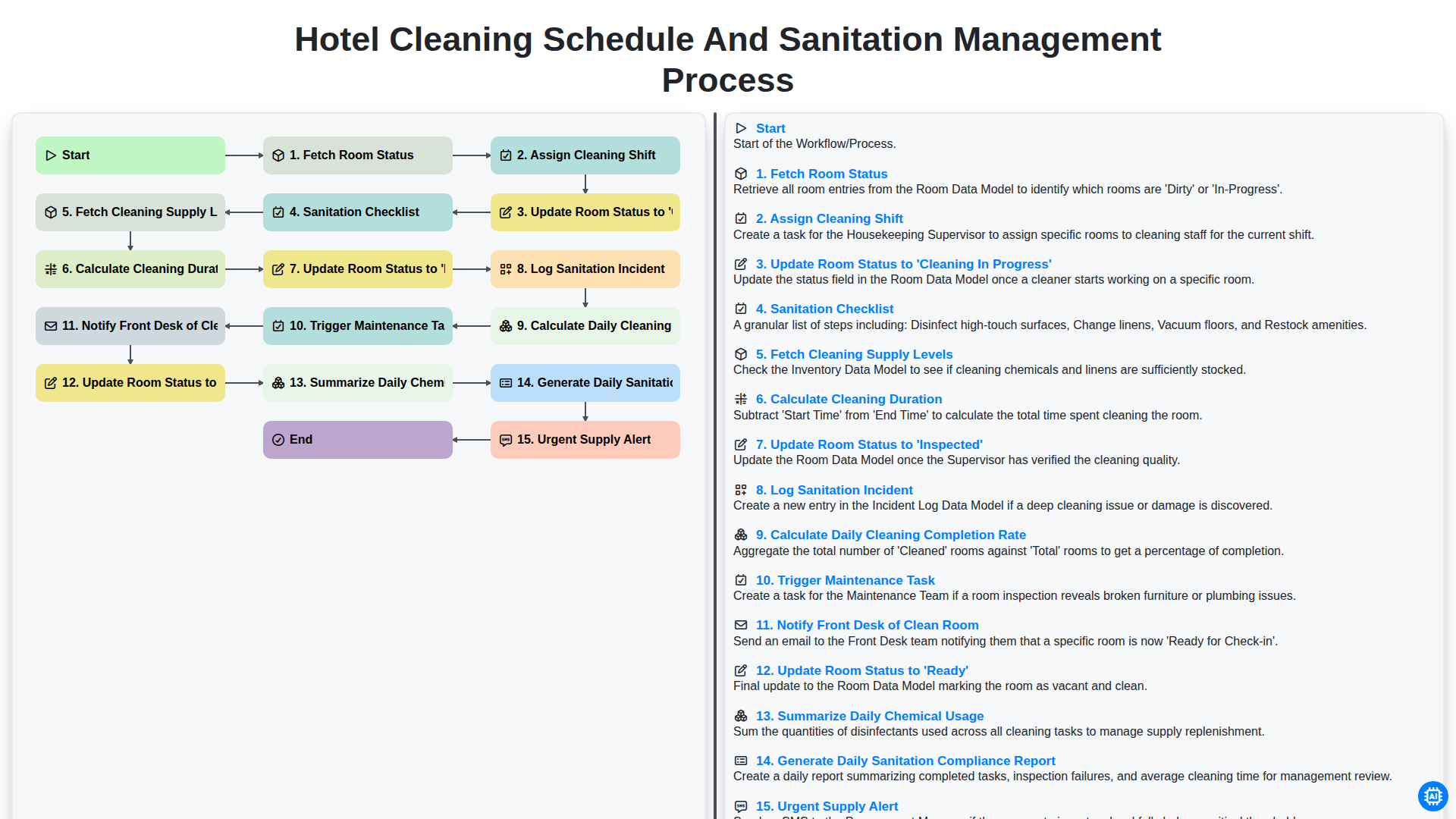
Hotel Cleaning Schedule and Sanitation Management Process

Hotel Group Booking and Room Block Management Workflow
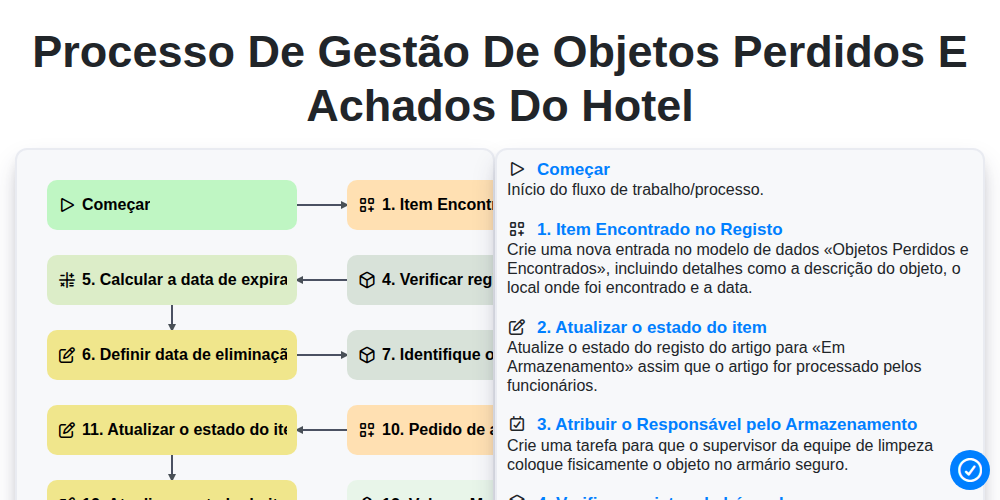
Processo de Gestão de Objetos Perdidos e Achados do Hotel
Podemos fazer isso juntos.
Precisa de ajuda com o(a) Hospitalidade?
Tem alguma dúvida? Estamos aqui para ajudar. Envie a sua questão e responderemos o mais breve possível.