 ChecklistGuro
 Automated Room Assignment and Housekeeping Status Sync
Streamline your hotel operations with our Automated Room Assignment and Housekeeping Status Sync. Eliminate manual errors and communication gaps by instantly syncing real-time housekeeping updates with automated guest room assignments, ensuring seamless check-ins and optimized turnover efficiency for a superior guest experience.
This Template was installed 1 times.
Start
Start of the Workflow/Process.
1. Fetch All Room Entries
Retrieve all room records from the Room Data Model to check current status and availability.
2. Fetch Active Housekeeping Tasks
Identify all ongoing cleaning tasks currently assigned to staff to prevent overlapping schedules.
3. Count Dirty Rooms
Aggregate the number of rooms where the 'Status' field is set to 'Dirty' or 'Needs Cleaning'.
4. Calculate Cleaning Priority Score
Apply a formula based on 'Time Since Last Cleaned' and 'Expected Check-in Time' to prioritize rooms.
5. Update Room Status to 'Cleaning in Progress'
Change the status of a specific room entry to 'In Progress' once a staff member accepts the task.
6. Assign Housekeeping Task
Create a new task for the Housekeeping Staff member containing the room number and cleaning checklist.
7. Create Cleaning Log Entry
Generate a new entry in the Housekeeping Logs data model to track the start time of the cleaning session.
8. Update Room to 'Clean/Ready'
Update the room data model entry to 'Ready' once the checklist is completed.
9. Fetch Upcoming Check-ins
Retrieve guest reservation entries to identify which 'Ready' rooms are needed next.
10. Assign Room to Guest Reservation
Update the Guest Reservation entry with the specific Room ID to finalize the assignment.
11. Notify Front Desk of Ready Room
Send an automated email to the Front Desk team notifying them that a specific room is now available for check-in.
12. Notify Housekeeper of New Assignment
Send an SMS alert to the assigned housekeeper when a high-priority cleaning task is created.
13. Daily Housekeeping Efficiency Report
Generate a report summarizing total rooms cleaned, average cleaning time, and pending dirty rooms.
14. Remove Completed Task Entry
Remove the temporary task-assignment record from the active queue once the room is marked 'Ready'.
End
End of the Workflow/Process.
Start of the Workflow/Process.
Retrieve all room records from the Room Data Model to check current status and availability.
Identify all ongoing cleaning tasks currently assigned to staff to prevent overlapping schedules.
Aggregate the number of rooms where the 'Status' field is set to 'Dirty' or 'Needs Cleaning'.
Apply a formula based on 'Time Since Last Cleaned' and 'Expected Check-in Time' to prioritize rooms.
Change the status of a specific room entry to 'In Progress' once a staff member accepts the task.
Create a new task for the Housekeeping Staff member containing the room number and cleaning checklist.
Generate a new entry in the Housekeeping Logs data model to track the start time of the cleaning session.
Update the room data model entry to 'Ready' once the checklist is completed.
Retrieve guest reservation entries to identify which 'Ready' rooms are needed next.
Update the Guest Reservation entry with the specific Room ID to finalize the assignment.
Send an automated email to the Front Desk team notifying them that a specific room is now available for check-in.
Send an SMS alert to the assigned housekeeper when a high-priority cleaning task is created.
Generate a report summarizing total rooms cleaned, average cleaning time, and pending dirty rooms.
Remove the temporary task-assignment record from the active queue once the room is marked 'Ready'.
End of the Workflow/Process.
Frequently Asked Questions
Comments
There are no comments yet. Be the first to add one!
Hospitality Management Solution Demo
Running a hotel, restaurant, or other hospitality business is demanding. ChecklistGuro's Work OS platform simplifies management, from reservations and guest services to inventory and staff scheduling. Improve efficiency, enhance guest experience, and boost profitability! See how ChecklistGuro can transform your hospitality operations.
Related Workflow Templates

Hotel Departmental Communication and Task Management Workflow
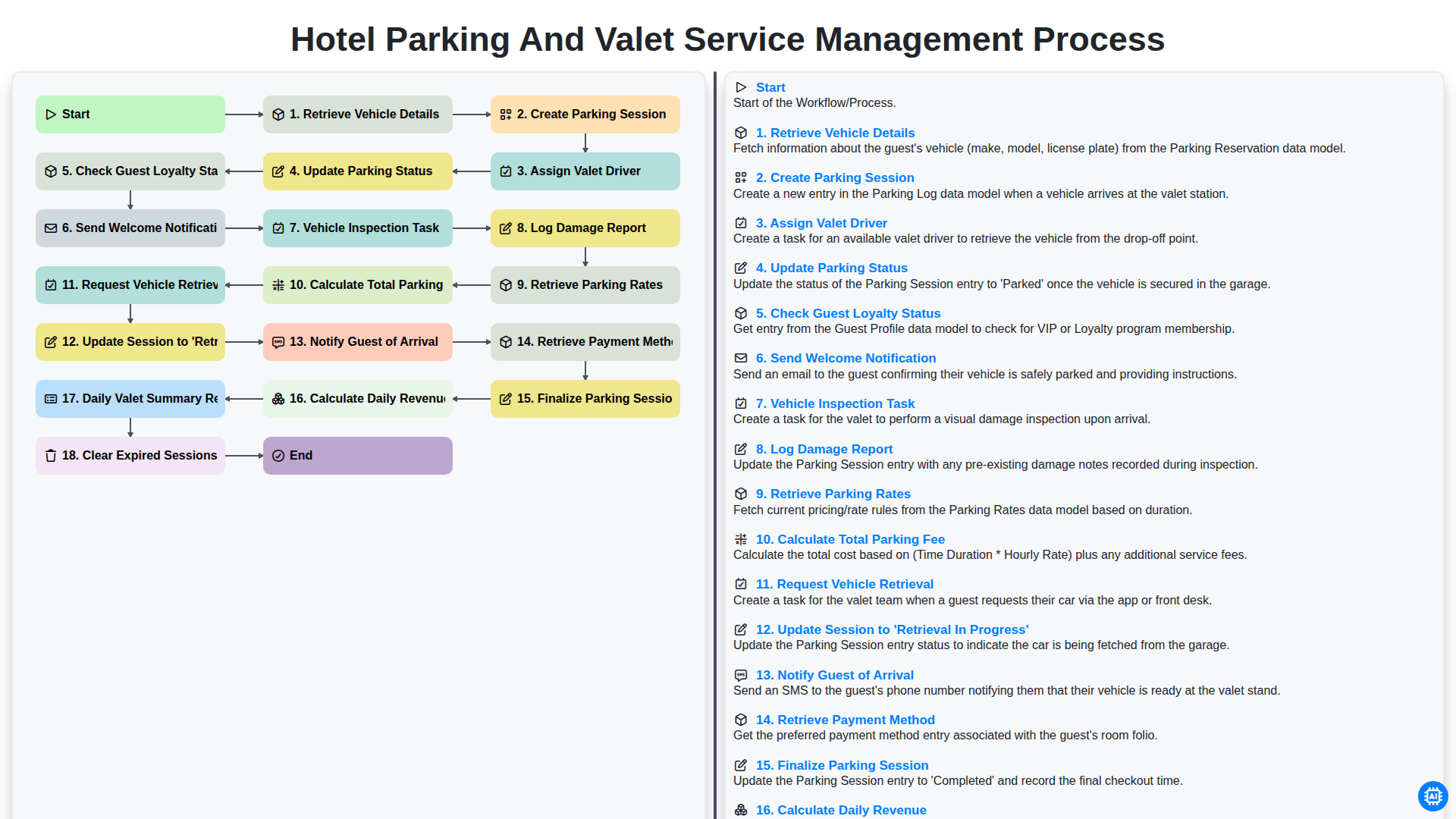
Hotel Parking and Valet Service Management Process
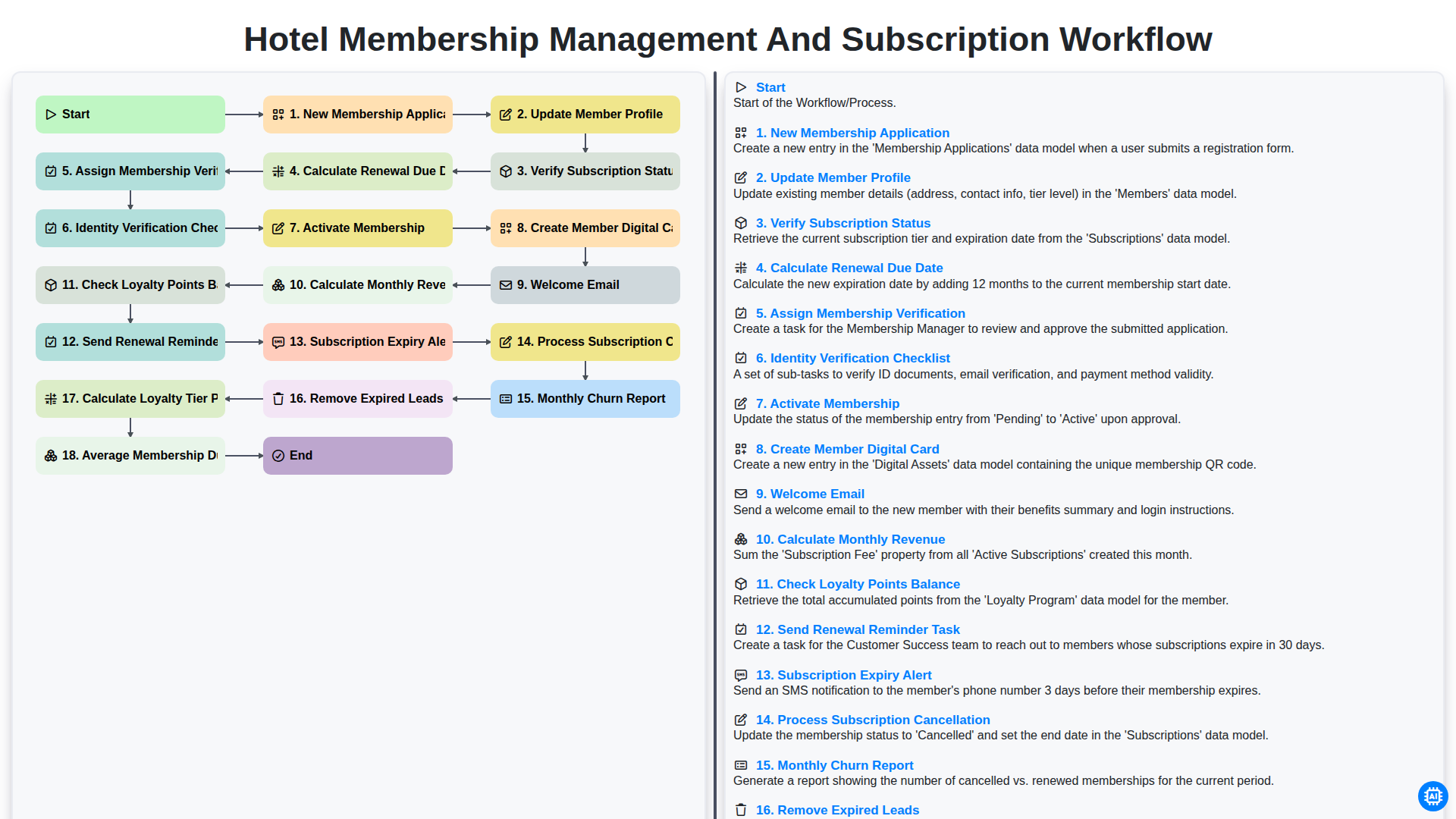
Hotel Membership Management and Subscription Workflow

Hotel VIP Guest Arrival and Personalized Service Process

Hotel Staff Onboarding and Training Management Workflow
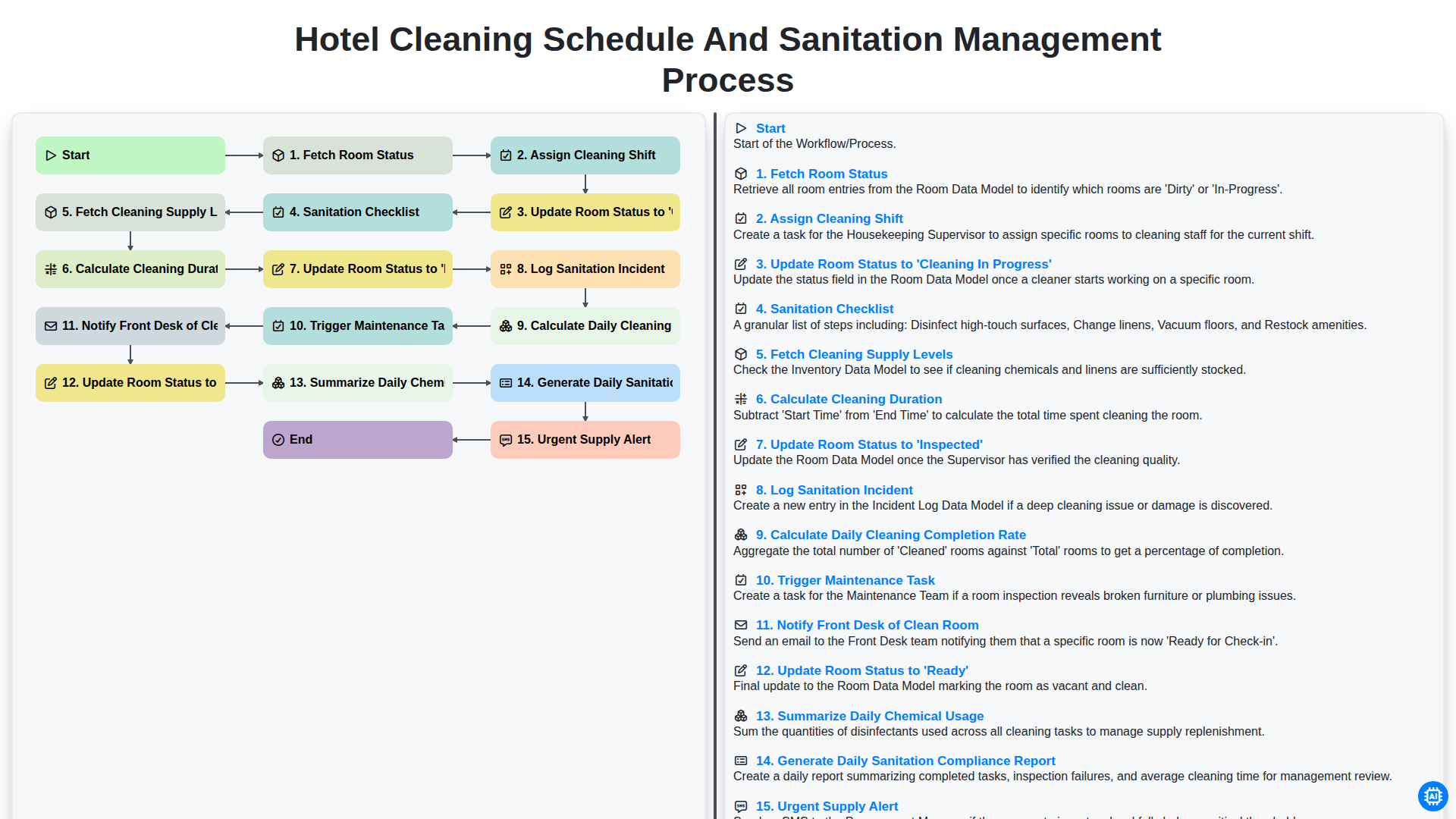
Hotel Cleaning Schedule and Sanitation Management Process

Hotel Group Booking and Room Block Management Workflow
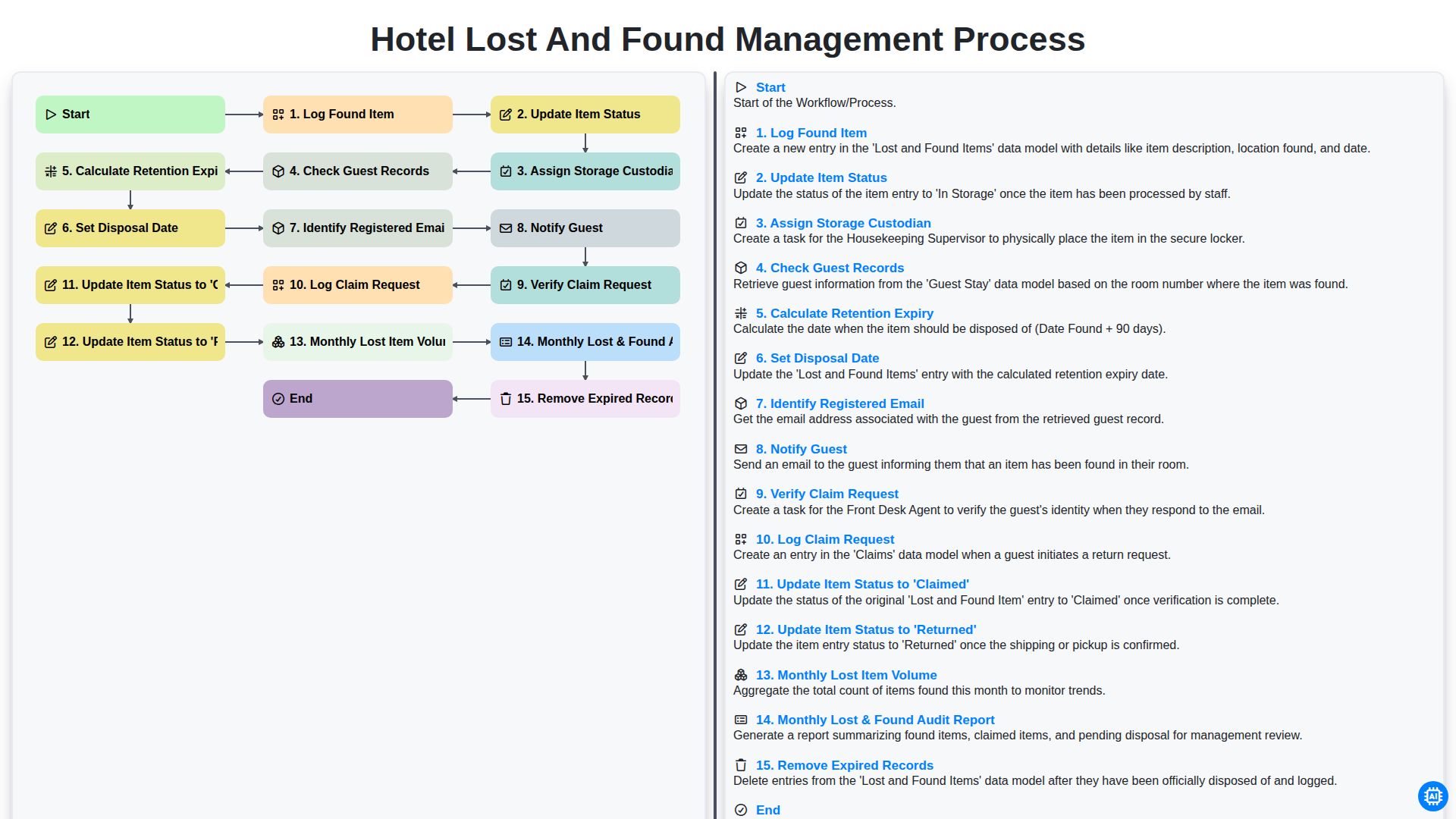
Hotel Lost and Found Management Process
We can do it Together
Need help with
Hospitality?
Have a question? We're here to help. Please submit your inquiry, and we'll respond promptly.