 ChecklistGuro
 Fluxo de trabalho para a gestão das provisões para sinistros
Otimize as suas operações de seguros com o nosso fluxo de trabalho automatizado de gestão das provisões para sinistros. Melhore a precisão, reduza perdas e garanta o cumprimento das normas através do monitoramento em tempo real das provisões para perdas, verificações automatizadas de adequação e aprovações simplificadas dos peritos. Consolide a sua estabilidade financeira, eliminando erros manuais e acelerando o ciclo de vida dos sinistros, desde a notificação até à resolução.
Este modelo foi instalado 4 vezes.
Começar
Início do fluxo de trabalho/processo.
1. Obter os detalhes mais recentes da reclamação.
Recupere a entrada inicial da reclamação e os dados associados ao incidente a partir do Modelo de Dados de Reclamações.
2. Recupere os dados históricos das reservas.
Obtenha os registros de reservas anteriores para o mesmo número de identificação da reclamação, a fim de identificar as alterações nos valores da reserva.
3. Calcular a Variação da Reserva
Calcule a diferença entre a nova reserva proposta e a reserva existente atualmente.
4. Total de Reservas Pendentes
Some todos os lançamentos de reservas em aberto na carteira para calcular a exposição financeira total.
5. Atribuir revisão ao avaliador de sinistros
Crie uma tarefa para o perito responsável, para que ele valide o novo valor da reserva.
6. Atualize o estado da reclamação para «Em análise»
Atualize o estado da entrada principal da reclamação para indicar que uma alteração na reserva está a ser processada.
7. Tarefa de Aprovação do Gestor
Se a variação exceder um limite específico, crie uma tarefa de aprovação para o Gestor de Reclamações.
8. Criar registro de transação de reserva
Crie uma nova entrada no modelo de dados das Transações de Reserva para registar o novo valor.
9. Atualizar o Registo Principal de Reivindicações
Atualize o valor total de «Montante incorrido» na entrada principal da reclamação para incluir a nova reserva.
10. Notificar o avaliador sobre a aprovação.
Envie um e-mail ao responsável pela avaliação para confirmar que a alteração no valor da reserva foi aprovada e processada.
11. Informe as partes interessadas sobre alterações de grande importância.
Envie um e-mail para o Departamento de Finanças sempre que houver atualizações sobre as reservas que excedam o limite estabelecido para valores elevados.
12. Gerar o Relatório Mensal de Reservas
Elabore um relatório resumido de todos os movimentos de reservas processados durante este período.
13. Limpar os arquivos de registro de cálculos temporários.
Elimine as entradas de dados temporárias utilizadas para os cálculos intermediários durante o fluxo de trabalho.
14. Alerta urgente para o gerente.
Envie uma mensagem SMS para o Gestor de Reclamações se for sinalizado que é necessário aumentar as reservas, indicando que a situação é «Crítica» ou «Urgente».
Fim
Fim do fluxo de trabalho/processo.
Início do fluxo de trabalho/processo.
Recupere a entrada inicial da reclamação e os dados associados ao incidente a partir do Modelo de Dados de Reclamações.
Obtenha os registros de reservas anteriores para o mesmo número de identificação da reclamação, a fim de identificar as alterações nos valores da reserva.
Calcule a diferença entre a nova reserva proposta e a reserva existente atualmente.
Some todos os lançamentos de reservas em aberto na carteira para calcular a exposição financeira total.
Crie uma tarefa para o perito responsável, para que ele valide o novo valor da reserva.
Atualize o estado da entrada principal da reclamação para indicar que uma alteração na reserva está a ser processada.
Se a variação exceder um limite específico, crie uma tarefa de aprovação para o Gestor de Reclamações.
Crie uma nova entrada no modelo de dados das Transações de Reserva para registar o novo valor.
Atualize o valor total de «Montante incorrido» na entrada principal da reclamação para incluir a nova reserva.
Envie um e-mail ao responsável pela avaliação para confirmar que a alteração no valor da reserva foi aprovada e processada.
Envie um e-mail para o Departamento de Finanças sempre que houver atualizações sobre as reservas que excedam o limite estabelecido para valores elevados.
Elabore um relatório resumido de todos os movimentos de reservas processados durante este período.
Elimine as entradas de dados temporárias utilizadas para os cálculos intermediários durante o fluxo de trabalho.
Envie uma mensagem SMS para o Gestor de Reclamações se for sinalizado que é necessário aumentar as reservas, indicando que a situação é «Crítica» ou «Urgente».
Fim do fluxo de trabalho/processo.
Comentários
Ainda não existem comentários. Seja o primeiro a adicionar um!
Demonstração da Solução de Gestão de Seguros
Gerir políticas, sinistros e o cumprimento de normas no setor de seguros é uma tarefa complexa. A plataforma Work OS da ChecklistGuro simplifica as suas operações, desde a análise de risco e renovações até à gestão de sinistros e elaboração de relatórios. Melhore a eficiência, reduza erros e aumente a satisfação dos clientes. Descubra como a ChecklistGuro pode transformar o seu negócio de seguros!
Modelos de Fluxo de Trabalho Relacionados

Policy Lifecycle Management Workflow

Insurance Renewal Quote Automation
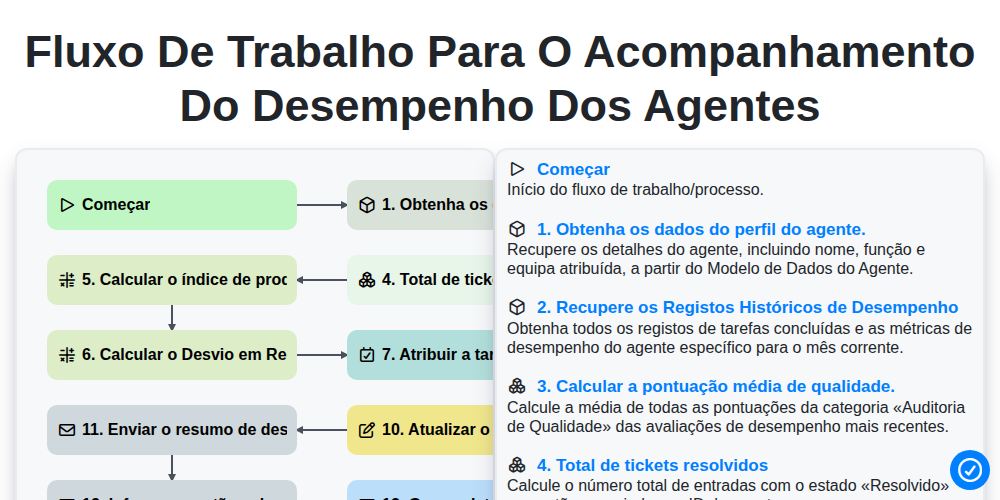
Fluxo de trabalho para o acompanhamento do desempenho dos agentes

Insurance Renewal Management Process

Insurance Regulatory Reporting Process

Insurance Quote Generation Process

Policy Cancellation and Lapsed Workflow
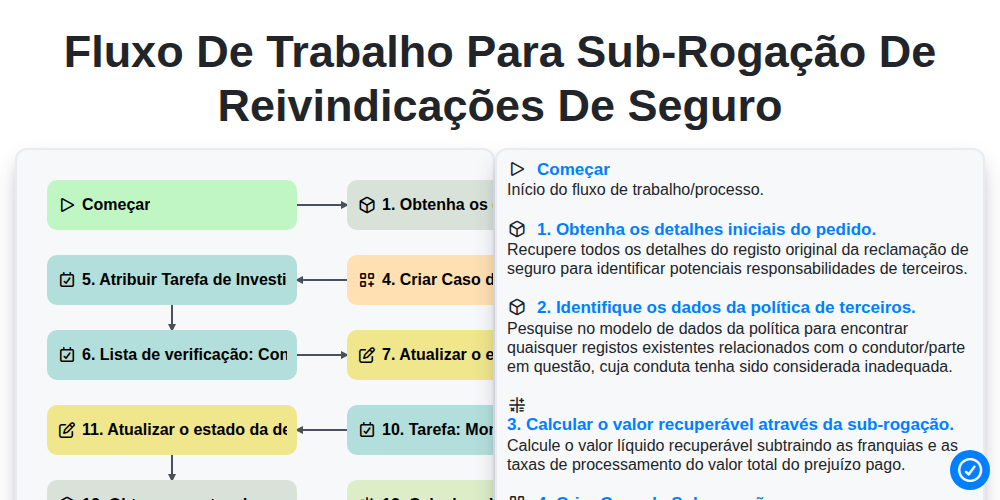
Fluxo de Trabalho para Sub-rogação de Reivindicações de Seguro
Podemos fazer isso juntos.
Precisa de ajuda com o(a) Seguro?
Tem alguma dúvida? Estamos aqui para ajudar. Envie a sua questão e responderemos o mais breve possível.