 ChecklistGuro
Concrete Vibration Checklist
Ensure strong, vibration-free concrete with our comprehensive Concrete Vibration Checklist! Download this essential Construction checklist to prevent voids, improve density, and guarantee structural integrity. Perfect for contractors, engineers, and inspectors. Get your free checklist today!
This Template was installed 4 times.
Pre-Vibration Assessment
Tasks to be completed before vibration commences to ensure proper setup and identify potential issues.
Concrete Mix Design Approved?
Concrete Slump (in)
Reinforcement Placement Confirmed?
Any Formwork Issues Observed?
Pour Date
Pour Location Coordinates
Weather Conditions Suitable?
Vibrator Setup & Inspection
Verification of vibrator functionality, power supply, and connection to concrete.
Vibrator Serial Number
Vibrator Type (Internal/External)
Power Supply Voltage (V)
Power Cord Condition
Frequency (Hz) - Measured
Any Pre-Existing Damage/Notes?
Vibrator Functionality Check (Motor/Mechanism)
Amplitude Setting (if adjustable)
Placement & Monitoring
Proper vibrator placement within the concrete and monitoring of vibration characteristics.
Number of Vibrators Used
Vibrator Location 1 (GPS Coordinates)
Vibrator Location 2 (GPS Coordinates)
Vibration Frequency (Hz)
Amplitude Setting (if adjustable)
Vibrator Contact Method
Notes on Vibrator Positioning and Justification
Start Time of Vibration (per location)
End Time of Vibration (per location)
Concrete Consolidation
Observation of concrete consolidation behavior and adjustments made during vibration.
Concrete Slump (inches)
Number of Vibrator Passes per Location
Observations of Concrete Surface During Vibration
Surface Bleeding Observed?
Describe any Segregation Observed (if applicable)
Concrete Appearance After Vibration
Time (minutes) of Vibration per Location
Post-Vibration Assessment
Evaluation of the concrete surface and identifying any potential issues after vibration.
Surface Appearance - Is the concrete surface smooth and free of honeycombing?
Surface Void Depth (if any):
Detailed description of surface conditions (e.g., visible voids, air pockets, texture):
Air Entrapment – Are there any signs of excessive air entrapment?
Note any corrective actions taken after vibration (e.g., additional finishing):
Bleeding - Is there excessive bleeding?
Inspector Signature
Date of Inspection
Documentation & Sign-off
Record of observations, adjustments, and confirmation of successful vibration.
Date of Vibration
Start Time of Vibration
End Time of Vibration
Duration of Vibration (minutes)
Summary of Observations & Adjustments
Vibration Outcome
Concrete Technician Signature
Vibator Type
Supporting Photos/Videos (Optional)
Frequently Asked Questions
Can I customize this template after installing it?
Absolutely. Once installed, you can add, remove, or reorder tasks, add custom fields, and adjust deadlines to fit your specific workflow.
Can I add images or photos to these checklist items?
Yes. Our platform allows you to attach photos, signatures, and notes to any checklist item for better verification and proof of completion.
Can I create a custom checklist from scratch instead of using a template?
Yes. You can use our "Create your own checklist" feature to build a unique workflow tailored exactly to your operational requirements.
Can I add dependencies between tasks?
Yes, you can set up conditional logic and dependencies to ensure your team follows the correct sequence of operations.
Can I assign specific checklist items to different team members?
Yes. You can assign individual tasks to specific employees, ensuring clear accountability across your entire team.
Can I use these checklists on mobile devices in the field?
Yes. Our platform is fully responsive, allowing your team to complete, update, and upload photos to checklists directly from any smartphone or tablet.
How do I notify my manager when a checklist is completed?
You can set up automated notifications (via email, push notification, or in-app alerts) to trigger whenever a checklist is finished or if an item fails inspection.
Can multiple people work on the same checklist simultaneously?
Yes, the platform supports real-time updates, allowing multiple users to contribute to a single live checklist.
Where is the data from completed checklists stored?
All completed checklists are stored securely in your Work OS dashboard, creating a permanent, searchable audit trail of your operations.
Can I generate reports based on my checklist results?
Yes. You can track completion rates, identify recurring issues, and monitor team performance through our integrated reporting and analytics tools.
How can I use these checklists for compliance or auditing purposes?
Because our checklists capture timestamps, photos, and digital signatures, they serve as a robust digital paper trail for regulatory compliance and internal audits.
Can I export my completed checklist data for use in other tools?
Yes. You can export your data in various formats (CSV, Excel, etc.) to integrate your operational insights with your other business software.
Comments
There are no comments yet. Be the first to add one!
Construction Management Solution Demo
Build smarter, not harder! ChecklistGuro streamlines construction projects from planning to closeout. Manage tasks, inspections, safety protocols & more - all in one place. Reduce delays, improve communication, and deliver projects on time & on budget.
Related Checklist Templates
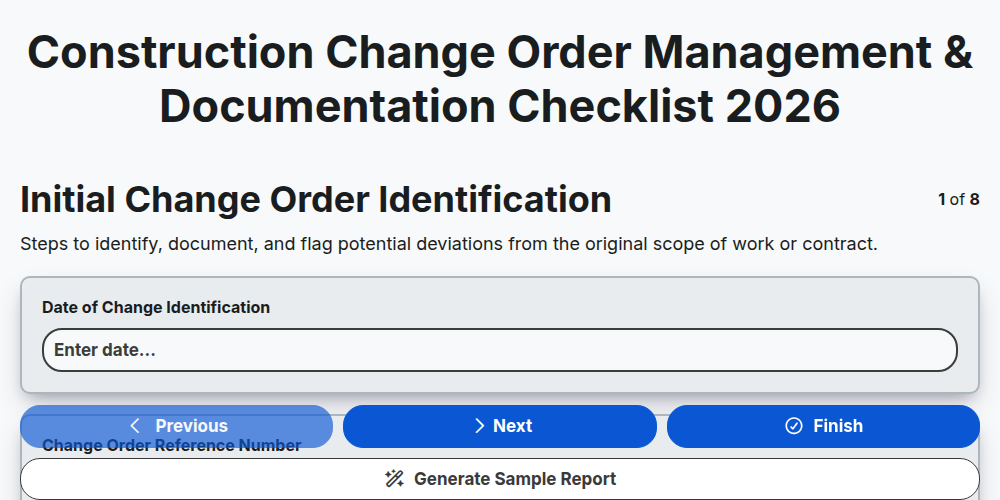
Construction Change Order Management & Documentation Checklist 2026
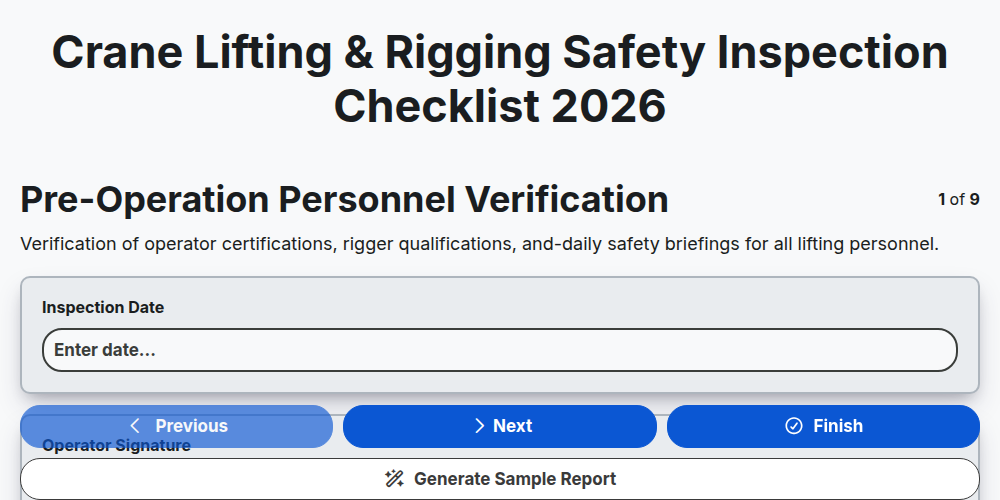
Crane Lifting & Rigging Safety Inspection Checklist 2026
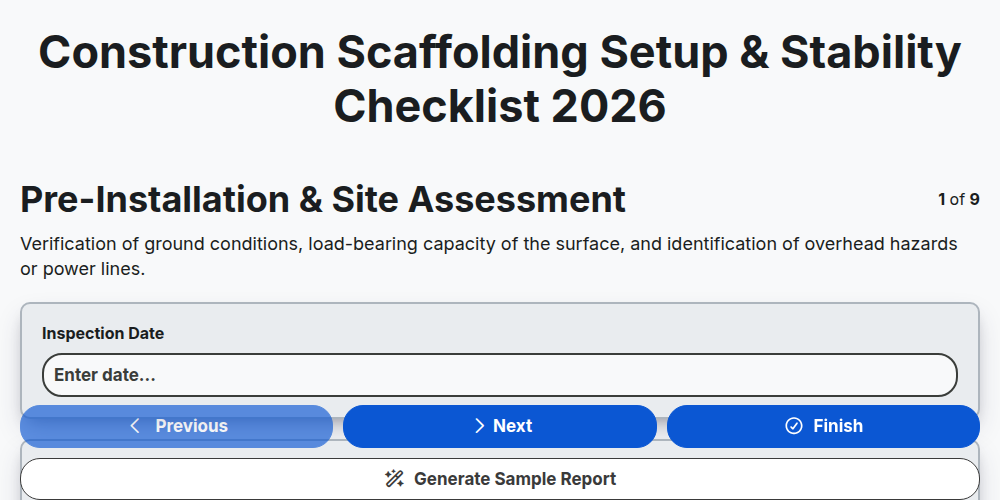
Construction Scaffolding Setup & Stability Checklist 2026
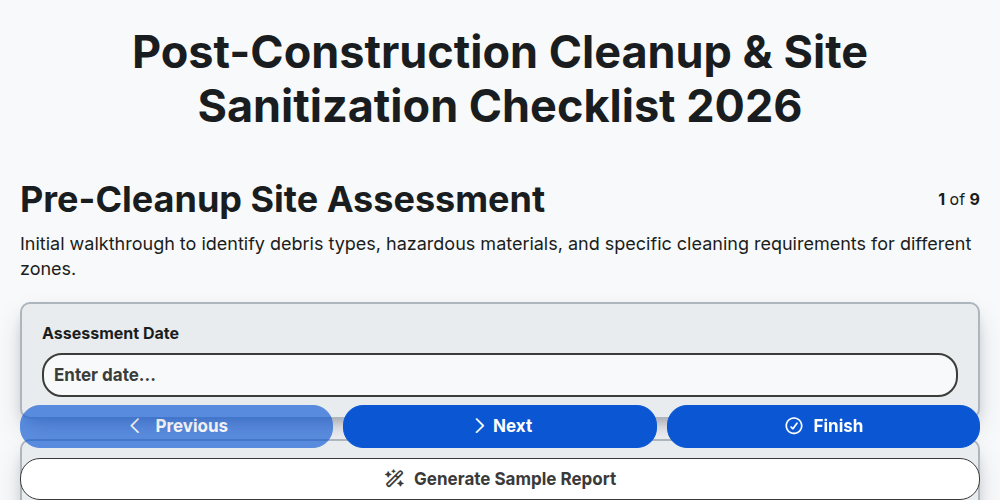
Post-Construction Cleanup & Site Sanitization Checklist 2026
Construction Site Security & Access Control Checklist 2026
Pre-Demolition Site Assessment & Safety Checklist 2026
Construction Site Waste Management & Recycling Checklist 2026
Subcontractor Daily Progress Reporting Checklist 2026
Need help with
Строителство?
Have a question? We're here to help. Please submit your inquiry, and we'll respond promptly.