 ChecklistGuro
Stakeholder Communication Plan Checklist
Ensure your construction project stays on track and avoids costly delays! Download our free Stakeholder Communication Plan Checklist. Minimize conflict, maximize buy-in, and keep everyone informed - from clients to contractors. Get organized and build better relationships. #construction #communication #projectmanagement #checklist #stakeholders
This Template was installed 4 times.
Stakeholder Identification & Analysis
Ensuring all relevant stakeholders are identified and their communication needs understood.
Define the scope of stakeholder identification (e.g., geographic area, project phases)
Describe the methodology used for stakeholder identification (e.g., brainstorming, document review, expert consultation)
Stakeholder Type (Select all that apply)
For each identified stakeholder group, briefly describe their level of influence and interest.
Estimate the number of affected residents.
Primary Contact Method (For each stakeholder group, select the primary method)
Document any specific cultural or language considerations for stakeholder communication.
Attach a stakeholder register (if available).
Communication Objectives & Goals
Defining what you want to achieve through stakeholder communication.
Overall Communication Goal for the Construction Project
Target Engagement Rate (e.g., % of stakeholders attending online briefings)
Primary Objective: (Select One)
Specific Measurable Goals for Key Stakeholder Groups (e.g., Community Residents)
Desired Outcome Regarding Public Perception:
Number of Stakeholder Meetings Planned (Overall)
Communication Channels & Methods
Selecting appropriate channels and methods for reaching each stakeholder group.
Primary Communication Methods (Select all that apply)
Preferred Communication Method for General Public
Preferred Communication Method for Regulatory Agencies
Specific Social Media Platforms Used (if applicable)
Frequency of Email Updates (per week)
Date of next Community Meeting
Notes on tailoring communication for specific stakeholder groups (e.g., language, complexity)
Communication Schedule & Frequency
Establishing a timeline and frequency for communication updates.
Frequency of Project-Wide Updates (e.g., weekly, bi-weekly)
Date of Next Project-Wide Update
Time of Scheduled Project-Wide Updates
Preferred Communication Method for General Updates (choose one)
Date of Next Stakeholder Meeting (if applicable)
Lead Time for Notification of Major Milestones (days)
Notes regarding schedule adjustments or potential delays in communication.
Roles & Responsibilities
Defining who is responsible for creating, delivering, and managing communication.
Communication Plan Owner
Responsible for Message Approval
Brief Description of Project Manager's Communication Responsibilities
Brief Description of Construction Manager's Communication Responsibilities
Responsible for Managing Online Communication (Website, Social Media)
Number of designated Spokespeople (trained for media interaction)
List of contact information for key communication personnel (name, title, phone, email)
Who is responsible for maintaining the stakeholder communication log?
Message Development & Content
Ensuring messages are clear, concise, and appropriate for each stakeholder group.
Key Message for Project Overview
Summary of Potential Disruptions & Mitigation Strategies
FAQ Document (Initial Draft)
Message Tone (Select all that apply)
Preferred Language for Primary Stakeholder Group
Draft Visuals (e.g., Site Map, Renderings)
Contact Person for Message Inquiries
Feedback Mechanisms & Response
Establishing ways to receive feedback from stakeholders and address concerns.
Primary Feedback Channel(s)
Describe the process for handling incoming stakeholder feedback.
Target Response Time (in business days) for initial feedback acknowledgement.
Who is responsible for responding to stakeholder feedback?
Document process for escalating critical or unresolved issues.
What methods will be used to track and document stakeholder feedback?
Date of last stakeholder feedback review and process update.
Risk & Issue Management
Planning for potential communication challenges and how to address them.
Identify potential communication risks (e.g., rumors, misinformation, negative publicity)
Describe potential communication issues (e.g., community protests, media inquiries, stakeholder concerns)
Risk Priority Score (1-5, 1=Low, 5=High)
Mitigation Strategies for top 3 risks
Primary contact person for media inquiries:
Escalation Path for critical communication issues
Date of last review of Risk & Issue Management plan
Identify potential 'hot button' issues with community members:
Plan Review & Updates
Establishing a process for regularly reviewing and updating the communication plan.
Date of Last Plan Review
Summary of Changes Made During Last Review
Frequency of Scheduled Reviews (e.g., Monthly, Quarterly)
Review Trigger (What initiates a plan review?)
Notes on Potential Updates Required for Next Review
Date of Next Scheduled Review
Legal & Regulatory Compliance
Ensuring all communication adheres to relevant legal and regulatory requirements.
Applicable Environmental Regulations Reviewed?
Summary of Relevant Environmental Permits & Approvals
Labor Laws & Regulations Verified?
Documentation of Employee Communication Regarding Rights & Safety
Date of Last Legal/Regulatory Review
Noise Ordinance Compliance Plan in Place?
Description of procedures to ensure accessibility of communications (ADA compliance)
Frequently Asked Questions
Can I customize this template after installing it?
Absolutely. Once installed, you can add, remove, or reorder tasks, add custom fields, and adjust deadlines to fit your specific workflow.
Can I add images or photos to these checklist items?
Yes. Our platform allows you to attach photos, signatures, and notes to any checklist item for better verification and proof of completion.
Can I create a custom checklist from scratch instead of using a template?
Yes. You can use our "Create your own checklist" feature to build a unique workflow tailored exactly to your operational requirements.
Can I add dependencies between tasks?
Yes, you can set up conditional logic and dependencies to ensure your team follows the correct sequence of operations.
Can I assign specific checklist items to different team members?
Yes. You can assign individual tasks to specific employees, ensuring clear accountability across your entire team.
Can I use these checklists on mobile devices in the field?
Yes. Our platform is fully responsive, allowing your team to complete, update, and upload photos to checklists directly from any smartphone or tablet.
How do I notify my manager when a checklist is completed?
You can set up automated notifications (via email, push notification, or in-app alerts) to trigger whenever a checklist is finished or if an item fails inspection.
Can multiple people work on the same checklist simultaneously?
Yes, the platform supports real-time updates, allowing multiple users to contribute to a single live checklist.
Where is the data from completed checklists stored?
All completed checklists are stored securely in your Work OS dashboard, creating a permanent, searchable audit trail of your operations.
Can I generate reports based on my checklist results?
Yes. You can track completion rates, identify recurring issues, and monitor team performance through our integrated reporting and analytics tools.
How can I use these checklists for compliance or auditing purposes?
Because our checklists capture timestamps, photos, and digital signatures, they serve as a robust digital paper trail for regulatory compliance and internal audits.
Can I export my completed checklist data for use in other tools?
Yes. You can export your data in various formats (CSV, Excel, etc.) to integrate your operational insights with your other business software.
Comments
There are no comments yet. Be the first to add one!
Construction Management Solution Demo
Build smarter, not harder! ChecklistGuro streamlines construction projects from planning to closeout. Manage tasks, inspections, safety protocols & more - all in one place. Reduce delays, improve communication, and deliver projects on time & on budget.
Related Checklist Templates
Construction Change Order Management & Documentation Checklist 2026
Crane Lifting & Rigging Safety Inspection Checklist 2026
Construction Scaffolding Setup & Stability Checklist 2026
Post-Construction Cleanup & Site Sanitization Checklist 2026
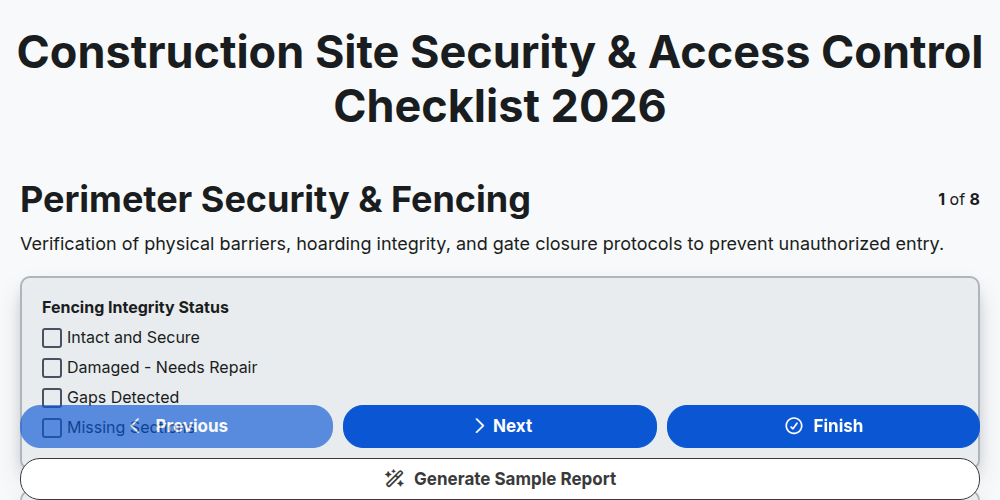
Construction Site Security & Access Control Checklist 2026
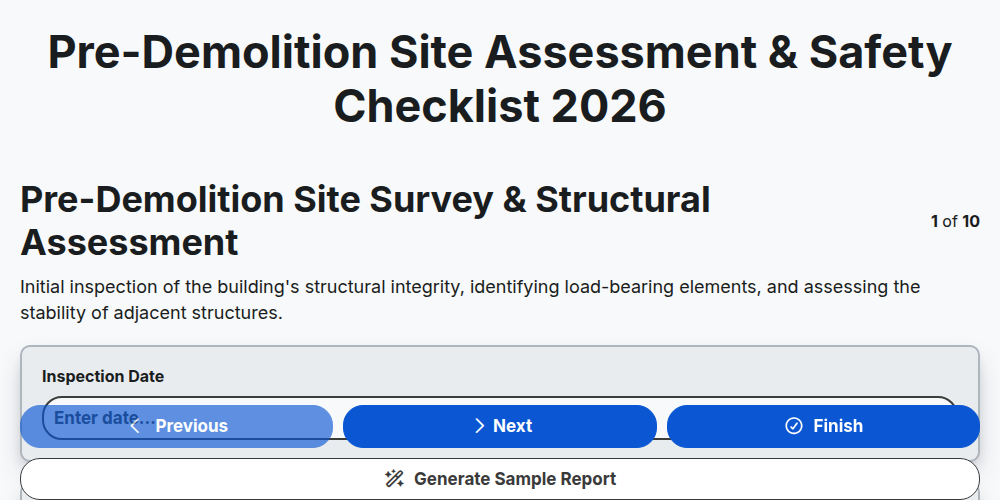
Pre-Demolition Site Assessment & Safety Checklist 2026
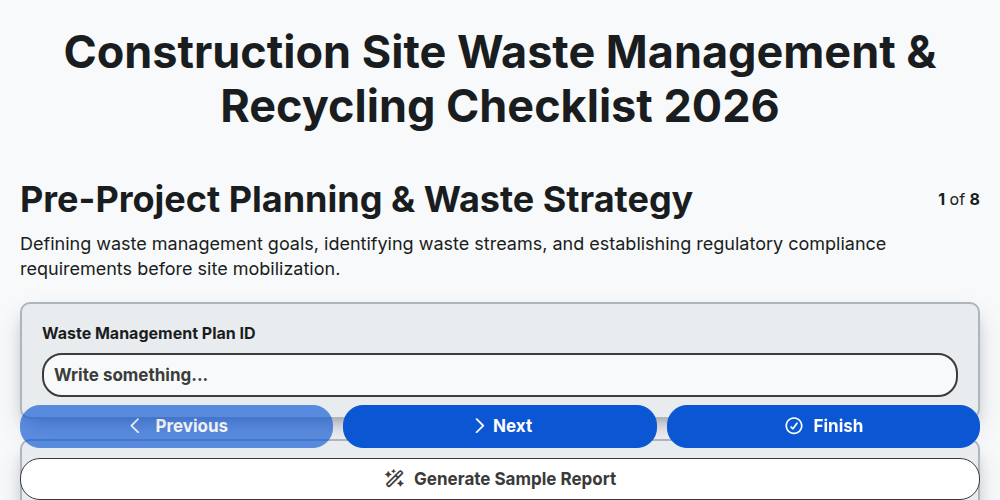
Construction Site Waste Management & Recycling Checklist 2026
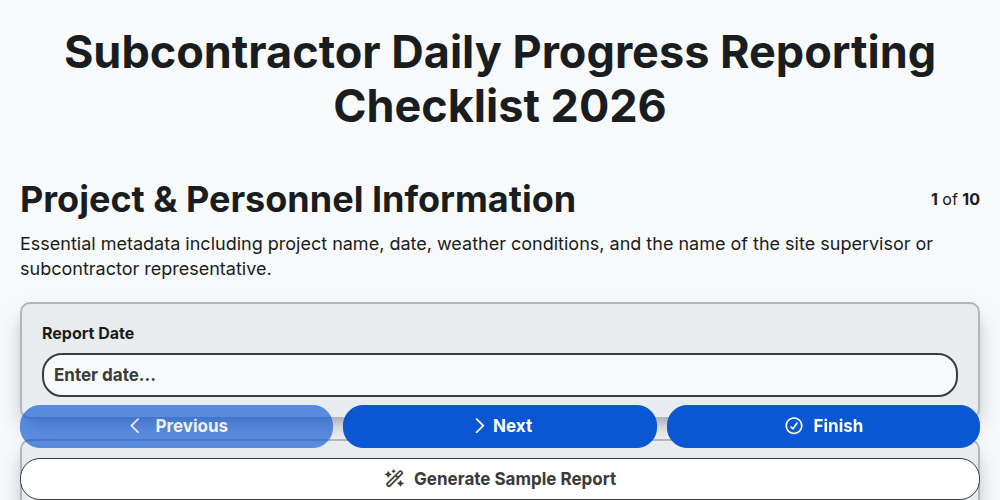
Subcontractor Daily Progress Reporting Checklist 2026
Need help with
Строителство?
Have a question? We're here to help. Please submit your inquiry, and we'll respond promptly.