 ChecklistGuro
Utilities Coordination Checklist
Ensure seamless construction projects! Download our free Utilities Coordination Checklist - your guide to avoiding costly delays, safety hazards, and regulatory issues. Stay organized & compliant with this essential construction checklist.
This Template was installed 1 times.
Pre-Construction Planning & Design
Activities related to identifying, planning, and designing for utilities before construction begins.
Define Project Utility Requirements
Estimated Utility Load (kW/kVA)
Utility Provider(s) Identified?
Target Date for Utility Coordination Plan Completion
Preliminary Site Utility Plans (if available)
Types of Utilities Involved (select all that apply)
Specify 'Other' Utilities (if selected)
Utility Location & Verification
Focuses on accurately identifying and verifying the locations of existing utilities on-site.
Request for Utility Records Submitted?
Date of Utility Record Request
Summary of Received Utility Records (e.g., Maps, Drawings, Reports)
Upload Utility Record Drawings/Maps (PDF, DWG, etc.)
Type of Utility Location Verification Method Used?
Details of Verification Method (if 'Other' selected above)
Depth of Utilities Verified (feet/meters)
Description of Any Discrepancies Found Between Records and Actual Location
Resolution of Discrepancies Verified?
Details of Resolution Method.
Coordination with Utility Companies
Details the processes for communication and agreement with utility providers.
Initial Utility Company Contact Made?
Date of Initial Utility Company Contact
Summary of Initial Contact & Discussion Points
Utility Company Representative Assigned?
Representative's Name
Representative's Contact Information (Phone/Email)
Requested Connection Capacity (e.g., kVA, gallons/minute)
Description of Agreed-Upon Connection Points & Requirements
Utility Company Provided Connection Diagrams/Specifications
Construction & Installation
Covers activities during the construction phase related to utility work.
Scheduled Utility Tie-in Date
Estimated Time for Utility Tie-in
Details of Utility Company Representative On-Site (Name, Contact Info)
Utility Pressure/Voltage Readings (Before & After Tie-in)
Utility Protection Measures Implemented (Select all that apply)
Notes on any deviations from the approved Utility Installation Plan
Photos/Videos of Utility Tie-in Process
Utility Tie-in Success?
As-Built Documentation & Handover
Focuses on accurate record-keeping and transferring responsibility for the utilities.
Date of As-Built Survey Completion
Summary of Deviations from Original Plans
As-Built Drawings (PDF)
Updated Utility Schedules (Excel/CSV)
Updated Utility Types Documented?
Number of Revised Utility Records Created
Description of any special handover instructions
Handover Status
Contractor Representative Signature
Client Representative Signature
Safety & Environmental Considerations
Addresses safety protocols and environmental protection measures related to utility work.
Identify Potential Environmental Impacts (e.g., soil erosion, water contamination)
Specify 'Other' Environmental Impacts (if selected)
Utility Company's Environmental Protection Plan Reviewed?
Distance of work zone from sensitive environmental areas (e.g., wetlands, streams)
Date of Environmental Risk Assessment
Confined Space Entry Permit Required for Utility Work?
Upload Confined Space Entry Permits (if applicable)
Traffic Control Plan in Place for Utility Work?
Describe Specific Safety Precautions for Utility Work (e.g., lockout/tagout procedures)
Frequently Asked Questions
Can I customize this template after installing it?
Absolutely. Once installed, you can add, remove, or reorder tasks, add custom fields, and adjust deadlines to fit your specific workflow.
Can I add images or photos to these checklist items?
Yes. Our platform allows you to attach photos, signatures, and notes to any checklist item for better verification and proof of completion.
Can I create a custom checklist from scratch instead of using a template?
Yes. You can use our "Create your own checklist" feature to build a unique workflow tailored exactly to your operational requirements.
Can I add dependencies between tasks?
Yes, you can set up conditional logic and dependencies to ensure your team follows the correct sequence of operations.
Can I assign specific checklist items to different team members?
Yes. You can assign individual tasks to specific employees, ensuring clear accountability across your entire team.
Can I use these checklists on mobile devices in the field?
Yes. Our platform is fully responsive, allowing your team to complete, update, and upload photos to checklists directly from any smartphone or tablet.
How do I notify my manager when a checklist is completed?
You can set up automated notifications (via email, push notification, or in-app alerts) to trigger whenever a checklist is finished or if an item fails inspection.
Can multiple people work on the same checklist simultaneously?
Yes, the platform supports real-time updates, allowing multiple users to contribute to a single live checklist.
Where is the data from completed checklists stored?
All completed checklists are stored securely in your Work OS dashboard, creating a permanent, searchable audit trail of your operations.
Can I generate reports based on my checklist results?
Yes. You can track completion rates, identify recurring issues, and monitor team performance through our integrated reporting and analytics tools.
How can I use these checklists for compliance or auditing purposes?
Because our checklists capture timestamps, photos, and digital signatures, they serve as a robust digital paper trail for regulatory compliance and internal audits.
Can I export my completed checklist data for use in other tools?
Yes. You can export your data in various formats (CSV, Excel, etc.) to integrate your operational insights with your other business software.
Comments
There are no comments yet. Be the first to add one!
Construction Management Solution Demo
Build smarter, not harder! ChecklistGuro streamlines construction projects from planning to closeout. Manage tasks, inspections, safety protocols & more - all in one place. Reduce delays, improve communication, and deliver projects on time & on budget.
Related Checklist Templates
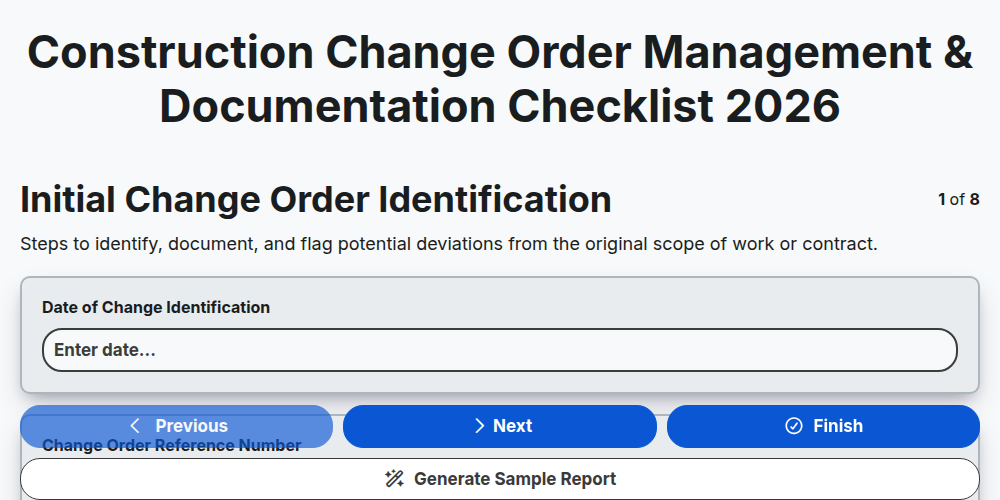
Construction Change Order Management & Documentation Checklist 2026
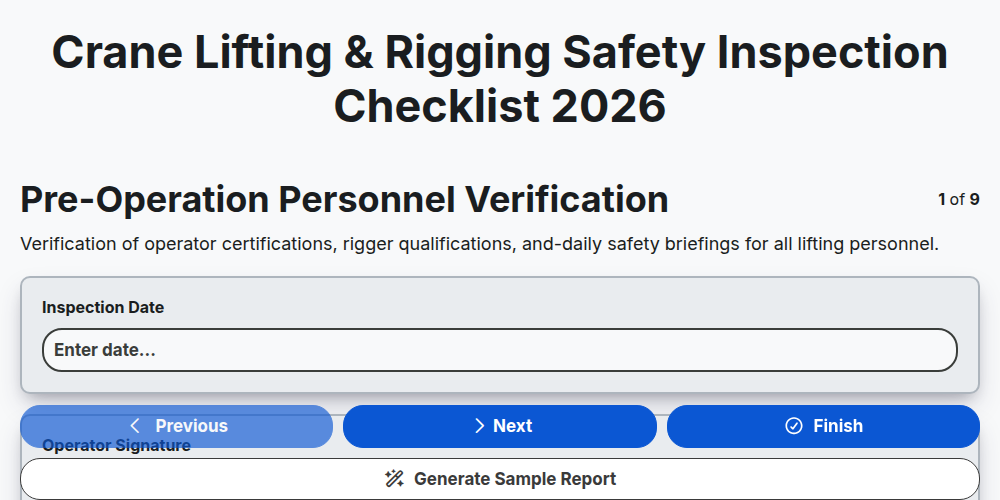
Crane Lifting & Rigging Safety Inspection Checklist 2026
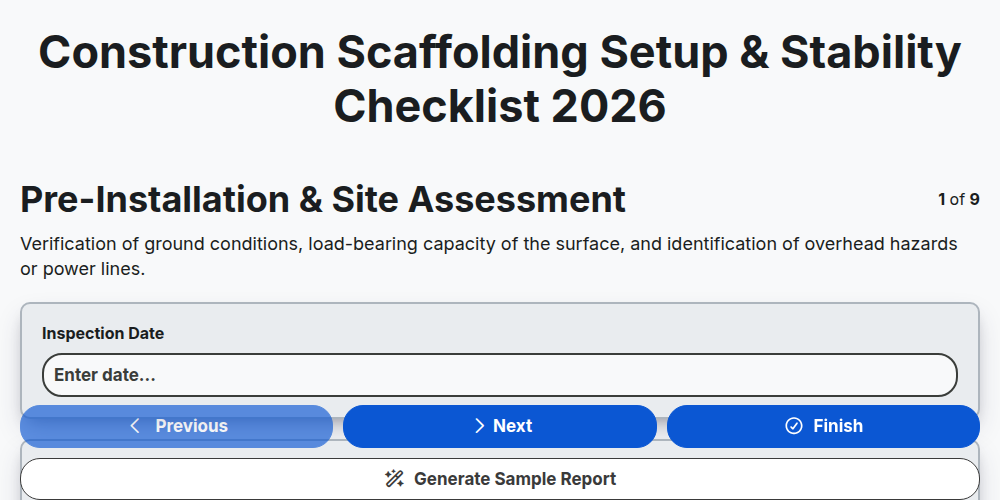
Construction Scaffolding Setup & Stability Checklist 2026
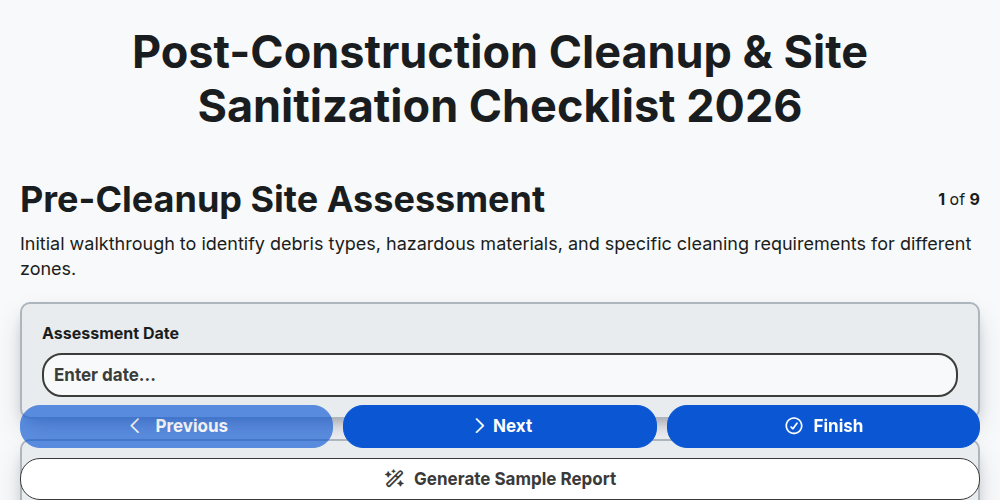
Post-Construction Cleanup & Site Sanitization Checklist 2026
Construction Site Security & Access Control Checklist 2026
Pre-Demolition Site Assessment & Safety Checklist 2026
Construction Site Waste Management & Recycling Checklist 2026
Subcontractor Daily Progress Reporting Checklist 2026
Need help with
Строителство?
Have a question? We're here to help. Please submit your inquiry, and we'll respond promptly.