 ChecklistGuro
 CRM API Integration Checklist
Unlock seamless data flow! This CRM API Integration Checklist ensures your connections are secure, reliable, and fully functional. Avoid costly errors and accelerate your CRM projects-download now!
This Template was installed 5 times.
Planning & Requirements
Initial planning and gathering requirements for the CRM API integration.
Define Integration Objectives
Estimated Data Volume (Records)
Data Direction (One-Way or Two-Way)
Target Go-Live Date
Affected CRM Modules
External System Name
API Key Management & Security
Securely managing API keys, authentication, and authorization protocols.
API Key Description
API Key Length (Characters)
Encryption Method
Key Rotation Schedule
Access Control List (ACL) Description
Multi-Factor Authentication (MFA) Enabled?
Data Mapping & Transformation
Defining data mappings and transformations between systems.
Source CRM Field Type
Destination CRM Field Type
Data Transformation Logic (e.g., formula, concatenation)
Decimal Precision (if applicable)
Date Format Conversion (if applicable)
Data Validation Rules (e.g., required, unique)
Default Value (if no source data)
Error Handling & Logging
Implementing robust error handling and logging mechanisms.
Describe the error logging strategy (e.g., centralized, per-application)
Maximum log file size (in MB)
Error Severity Levels (e.g., DEBUG, INFO, WARNING, ERROR, CRITICAL)
Specify how error notifications will be handled (e.g., email, Slack)
Which CRM API endpoints require enhanced error logging?
Last reviewed and updated error handling procedures
Rate Limiting & Throttling
Managing API usage to adhere to rate limits and prevent throttling.
API Request Limit Per Minute
API Request Limit Per Hour
Retry Delay (seconds)
Throttling Strategy
Bucket Size (if applicable)
Specific API Endpoint Rate Limits (if different)
Testing & Validation
Thorough testing of the integration, including unit, integration, and user acceptance testing.
Number of Successful API Calls
Number of Failed API Calls
Data Synchronization Accuracy (High/Medium/Low)
End-to-End Data Flow Validation (Pass/Fail)
Date of Last Successful Integration Test
Detailed Notes on Testing Results/Issues Encountered
Specific Data Fields Tested
Attach Testing Logs/Screenshots
Deployment & Monitoring
Deploying the integration to production and establishing ongoing monitoring.
Deployment Date
Deployment Window (hours)
Deployment Checklist Version
Deployment Environment(s)
Deployment Notes/Comments
Initial API Call Success Rate (%)
Deployment Status
Post-Deployment Validation Results
Documentation & Training
Creating documentation for the integration and providing training to relevant personnel.
Integration Design Document Summary
API Integration Flow Diagram
Target Audience for Training
Training Completion Deadline
Training Material Outline
Training Delivery Method
Compliance & Security Review
Verifying compliance with security policies and regulations.
Regulatory Framework Adherence (e.g., GDPR, CCPA)
Specific Compliance Requirements Met (Detailed Explanation)
Number of Data Subject Access Requests (DSARs) Processed
Data Encryption at Rest?
Data Residency Requirements Complied With?
Details of Security Audits Conducted (Date & Scope)
Security Audit Report (if applicable)
Maintenance & Updates
Planning for ongoing maintenance and updates to the integration.
Last Maintenance Date
Version Number
Maintenance Notes
Next Scheduled Review Date
Integration Status
API Endpoint URL
Frequently Asked Questions
Can I customize this template after installing it?
Absolutely. Once installed, you can add, remove, or reorder tasks, add custom fields, and adjust deadlines to fit your specific workflow.
Can I add images or photos to these checklist items?
Yes. Our platform allows you to attach photos, signatures, and notes to any checklist item for better verification and proof of completion.
Can I create a custom checklist from scratch instead of using a template?
Yes. You can use our "Create your own checklist" feature to build a unique workflow tailored exactly to your operational requirements.
Can I add dependencies between tasks?
Yes, you can set up conditional logic and dependencies to ensure your team follows the correct sequence of operations.
Can I assign specific checklist items to different team members?
Yes. You can assign individual tasks to specific employees, ensuring clear accountability across your entire team.
Can I use these checklists on mobile devices in the field?
Yes. Our platform is fully responsive, allowing your team to complete, update, and upload photos to checklists directly from any smartphone or tablet.
How do I notify my manager when a checklist is completed?
You can set up automated notifications (via email, push notification, or in-app alerts) to trigger whenever a checklist is finished or if an item fails inspection.
Can multiple people work on the same checklist simultaneously?
Yes, the platform supports real-time updates, allowing multiple users to contribute to a single live checklist.
Where is the data from completed checklists stored?
All completed checklists are stored securely in your Work OS dashboard, creating a permanent, searchable audit trail of your operations.
Can I generate reports based on my checklist results?
Yes. You can track completion rates, identify recurring issues, and monitor team performance through our integrated reporting and analytics tools.
How can I use these checklists for compliance or auditing purposes?
Because our checklists capture timestamps, photos, and digital signatures, they serve as a robust digital paper trail for regulatory compliance and internal audits.
Can I export my completed checklist data for use in other tools?
Yes. You can export your data in various formats (CSV, Excel, etc.) to integrate your operational insights with your other business software.
Comments
There are no comments yet. Be the first to add one!
CRM - Customer Relationship Management Solution Demo
Struggling to manage customer interactions & track leads? ChecklistGuro provides a centralized CRM solution, connecting your sales, marketing, & support teams for improved collaboration & customer experiences. Simplify your workflow & close more deals.
Related Checklist Templates
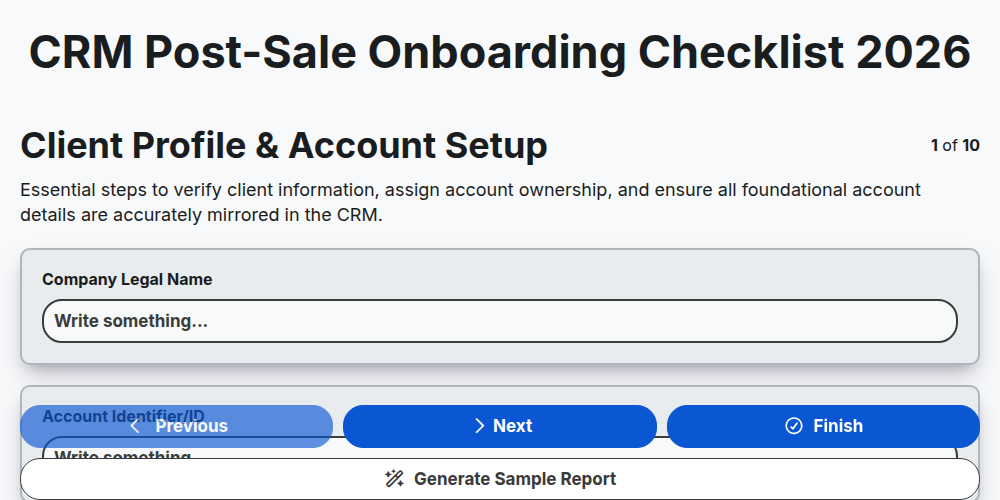
CRM Post-Sale Onboarding Checklist 2026
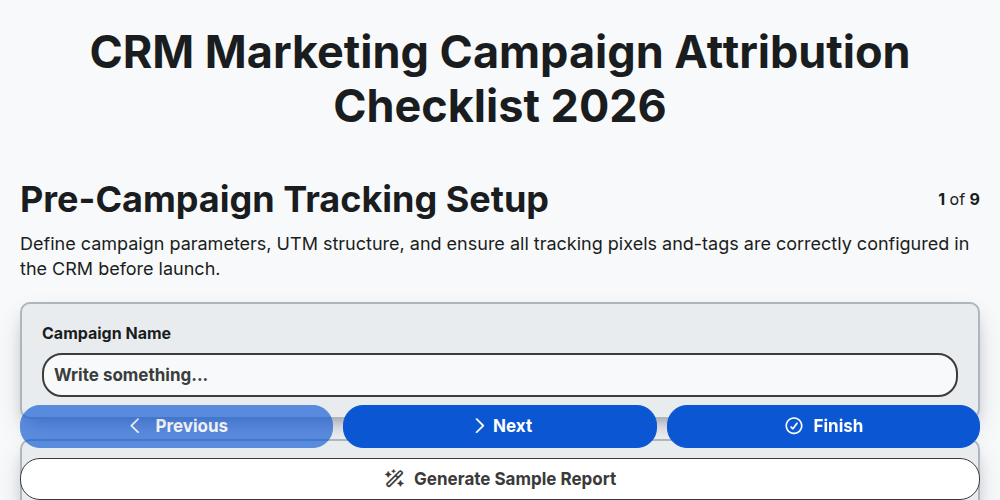
CRM Marketing Campaign Attribution Checklist 2026
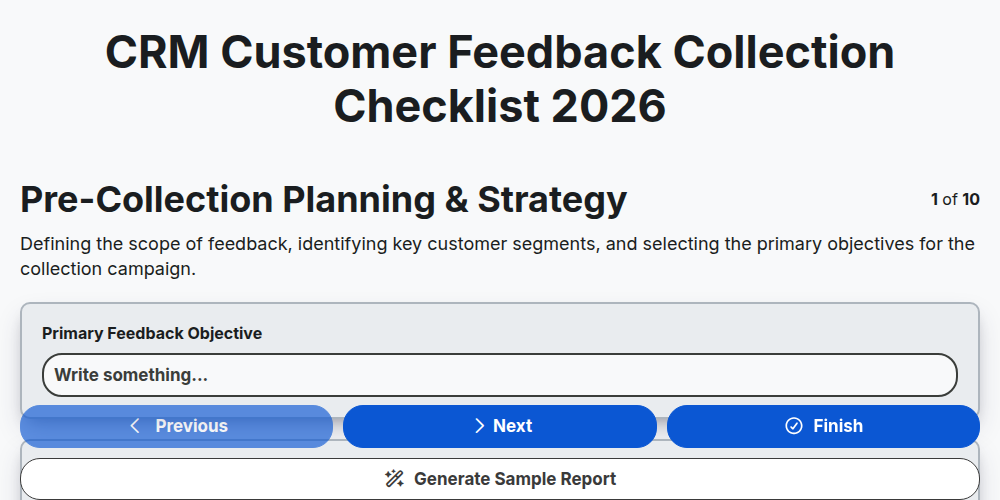
CRM Customer Feedback Collection Checklist 2026
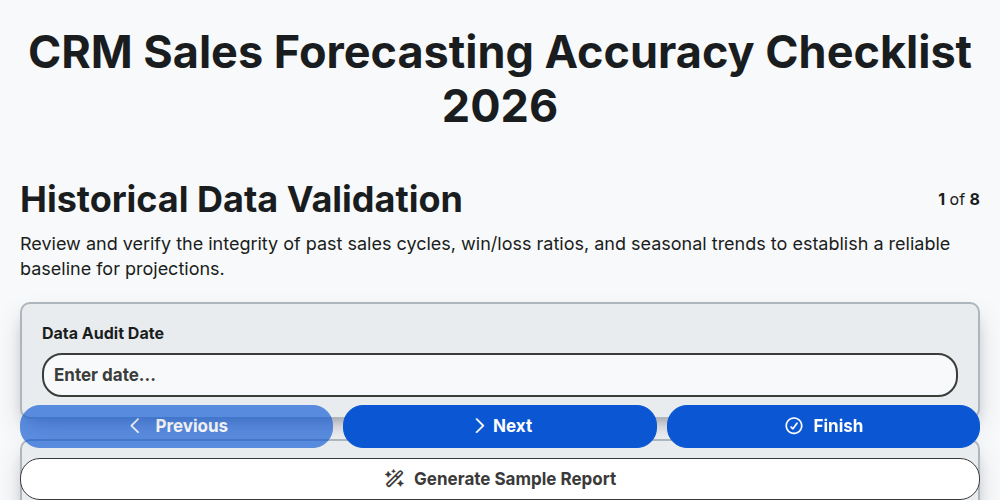
CRM Sales Forecasting Accuracy Checklist 2026
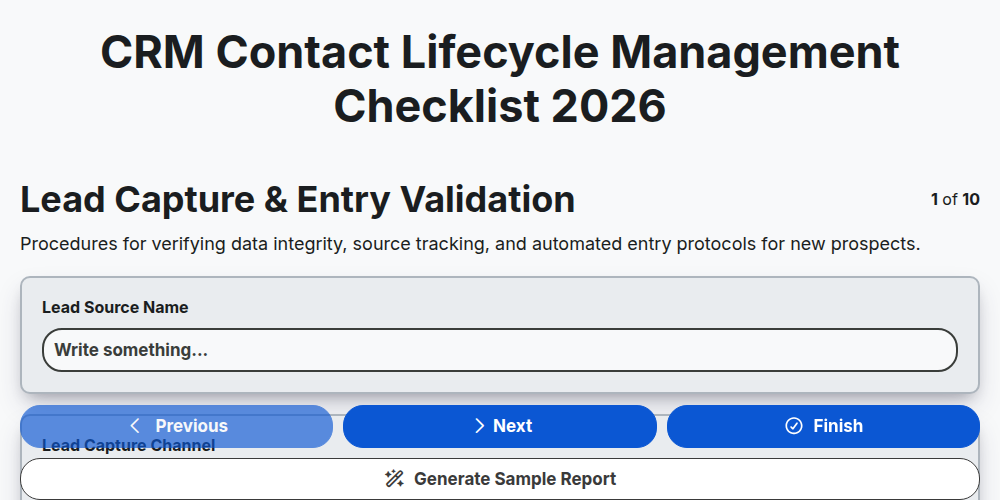
CRM Contact Lifecycle Management Checklist 2026
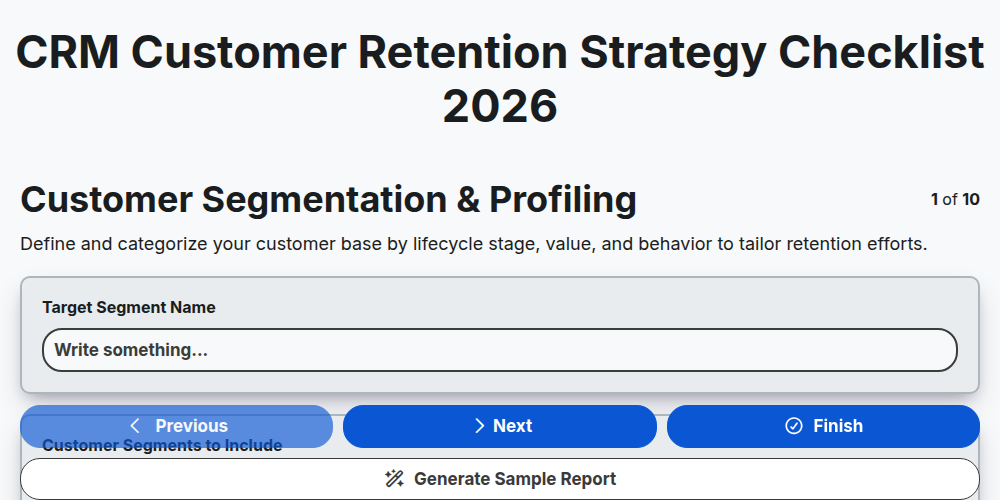
CRM Customer Retention Strategy Checklist 2026
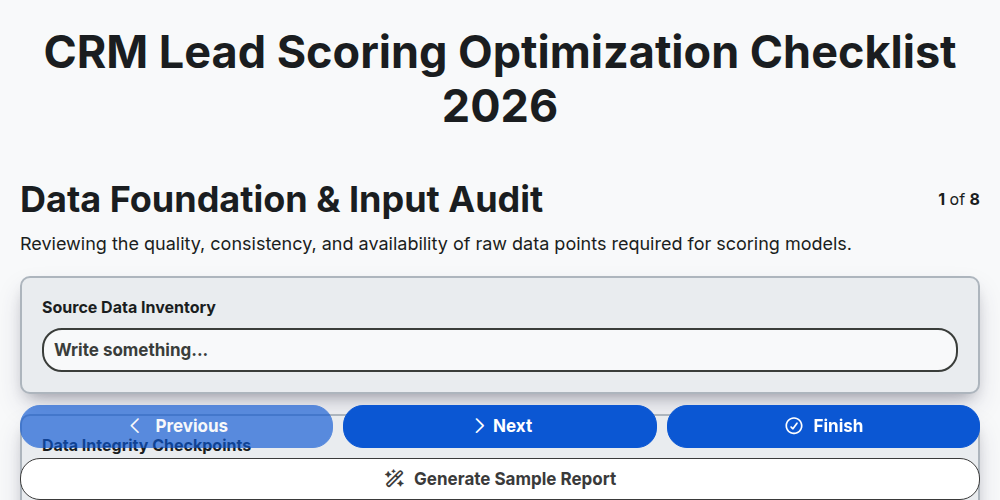
CRM Lead Scoring Optimization Checklist 2026
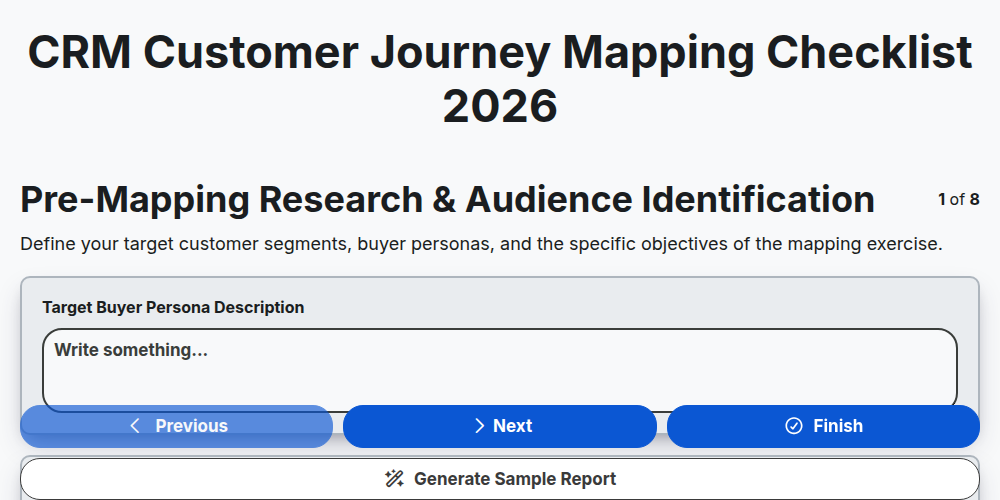
CRM Customer Journey Mapping Checklist 2026
Need help with
Управление на взаимоотношенията с клиенти?
Have a question? We're here to help. Please submit your inquiry, and we'll respond promptly.