 ChecklistGuro
Dental Charting Checklist: Exam Findings & Treatment Needs
Ensure accurate patient records and optimal treatment planning with our Dental Charting Checklist. Streamline exam findings, track treatment needs, and boost your dental practice's efficiency - all in one place!
This Template was installed 2 times.
Patient Demographics & Medical History
Verify patient information, review medical history updates, and note any pertinent allergies or medications.
Patient Full Name
Date of Birth
Patient Age
Patient Phone Number
Medical History (Please describe)
Allergies
Primary Insurance
Current Medications (List all medications and dosages)
Extraoral Examination
Document observations of the face, lymph nodes, temporomandibular joints (TMJs), and occlusal relationships.
Patient Name
Facial Symmetry Observations
TMJ Crepitus (0-3)
TMJ Opening (Normal/Restricted/Painful)
Lymph Node Palpation (Bilateral/Unilateral/Absent)
Lymph Node Description (if palpable)
Occlusion at Rest (Class I/Class II/Class III)
Intraoral Soft Tissue Examination
Record findings regarding the lips, tongue, cheeks, palate, floor of the mouth, and oropharynx. Note any lesions, inflammation, or abnormalities.
Lips: Description of Color, Texture, and Presence of Lesions
Tongue: Description of Color, Texture, Size, and Presence of Ulcerations or Swelling
Buccal Mucosa (Cheeks): Description of Color, Texture, and Presence of Lesions
Palate (Hard & Soft): Description of Color, Texture, and Presence of Exostoses or Lesions
Floor of Mouth: Description of Color, Texture, and Presence of Swelling or Lesions
Oropharynx: Description of Tonsils, Uvula, and Posterior Pharyngeal Wall
Saliva Production
Hard Tissue Examination (Teeth)
Assess each tooth for caries, restorations, fractures, mobility, and periodontal condition. Document existing restorations and their condition.
Caries Risk Assessment (0-5)
Tooth #18 - Condition
Tooth #30 - Condition
Tooth #11 - Probing Depth (mm)
Tooth #31 - Probing Depth (mm)
Existing Restorations (Check all that apply)
Notes on Tooth #19
Periodontal Assessment
Record probing depths, recession, bleeding on probing, furcation involvement, and plaque/calculus indices.
Probing Depth (Tooth #1)
Recession (Tooth #1)
Bleeding on Probing (BOP)
Furcation Involvement (Tooth #3)
Gingival Index Score
Plaque Index Score
Additional Periodontal Notes
Radiographic Findings
Document observations from radiographs (bitewings, periapicals, panoramic). Note any pathology or areas of concern.
Radiographic Interpretation Summary
Bitewing Index (Carson Index or similar)
Presence of Pathology (check all that apply)
Specific Findings (e.g., calculus amount, bone loss)
Panoramic Radiograph Interpretation (if applicable)
Attach Radiographic Image (optional)
Occlusion & Bite Analysis
Assess the relationship of the upper and lower teeth. Note any discrepancies or issues with the bite.
Occlusal Intercuspal Position (ICP)
TMJ Status (Right)
TMJ Status (Left)
Overbite (mm)
Overjet (mm)
Detailed Occlusal Notes
Treatment Plan Recommendations
Outline proposed treatment options for identified dental needs. Prioritize treatment based on urgency and patient goals.
Detailed Treatment Plan Description
Prioritization Level
Estimated Treatment Cost
Proposed Treatment Start Date
Treatment Provider
Patient Financial Arrangement Notes
Patient Communication & Consent
Record discussion with the patient regarding findings and treatment plan. Document patient understanding and consent for proposed treatment.
Summary of Findings Discussed
Explanation of Proposed Treatment Plan
Estimated Treatment Cost
Patient Understanding of Risks & Benefits?
Consent for Specific Procedures?
Date of Next Appointment (if scheduled)
Patient Signature
Frequently Asked Questions
Can I customize this template after installing it?
Absolutely. Once installed, you can add, remove, or reorder tasks, add custom fields, and adjust deadlines to fit your specific workflow.
Can I add images or photos to these checklist items?
Yes. Our platform allows you to attach photos, signatures, and notes to any checklist item for better verification and proof of completion.
Can I create a custom checklist from scratch instead of using a template?
Yes. You can use our "Create your own checklist" feature to build a unique workflow tailored exactly to your operational requirements.
Can I add dependencies between tasks?
Yes, you can set up conditional logic and dependencies to ensure your team follows the correct sequence of operations.
Can I assign specific checklist items to different team members?
Yes. You can assign individual tasks to specific employees, ensuring clear accountability across your entire team.
Can I use these checklists on mobile devices in the field?
Yes. Our platform is fully responsive, allowing your team to complete, update, and upload photos to checklists directly from any smartphone or tablet.
How do I notify my manager when a checklist is completed?
You can set up automated notifications (via email, push notification, or in-app alerts) to trigger whenever a checklist is finished or if an item fails inspection.
Can multiple people work on the same checklist simultaneously?
Yes, the platform supports real-time updates, allowing multiple users to contribute to a single live checklist.
Where is the data from completed checklists stored?
All completed checklists are stored securely in your Work OS dashboard, creating a permanent, searchable audit trail of your operations.
Can I generate reports based on my checklist results?
Yes. You can track completion rates, identify recurring issues, and monitor team performance through our integrated reporting and analytics tools.
How can I use these checklists for compliance or auditing purposes?
Because our checklists capture timestamps, photos, and digital signatures, they serve as a robust digital paper trail for regulatory compliance and internal audits.
Can I export my completed checklist data for use in other tools?
Yes. You can export your data in various formats (CSV, Excel, etc.) to integrate your operational insights with your other business software.
Comments
There are no comments yet. Be the first to add one!
Dental Management Solution Demo
Simplify your dental practice & enhance patient care! ChecklistGuro streamlines appointment scheduling, patient records, and billing. Improve efficiency, reduce errors, & boost patient satisfaction. Manage it all with our Work OS.
Related Checklist Templates
Dental Dental Hygienist Workflow Checklist 2026: Prophy & Periodontal Care
Dental Clinical Audit Checklist 2026: Documentation & Treatment Accuracy
Dental Post-Operative Care Checklist 2026: Patient Instructions & Follow-up
Dental Practice Financial Health Checklist 2026: Overhead & Profitability Analysis
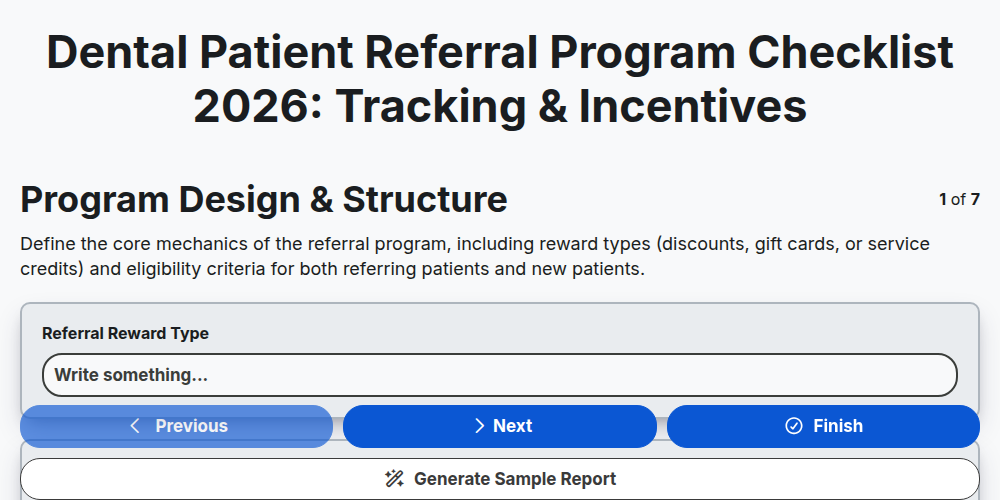
Dental Patient Referral Program Checklist 2026: Tracking & Incentives
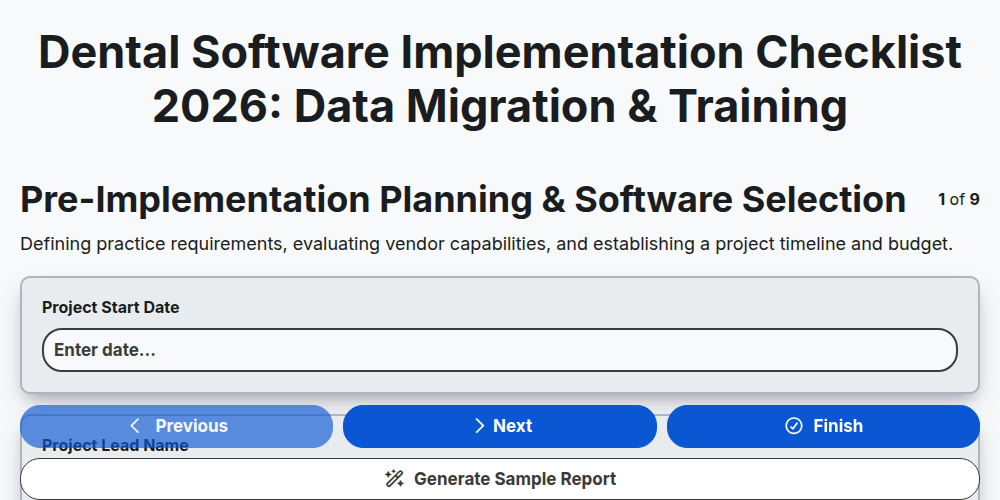
Dental Software Implementation Checklist 2026: Data Migration & Training
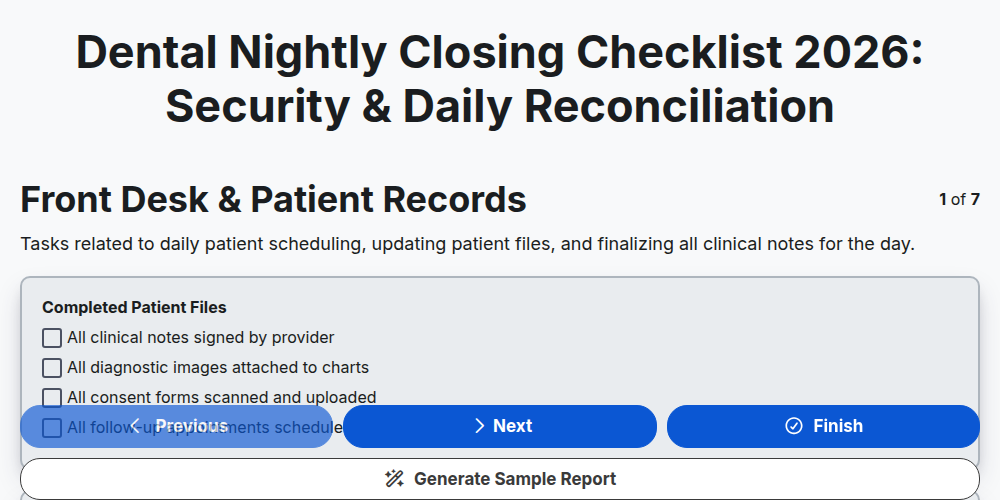
Dental Nightly Closing Checklist 2026: Security & Daily Reconciliation
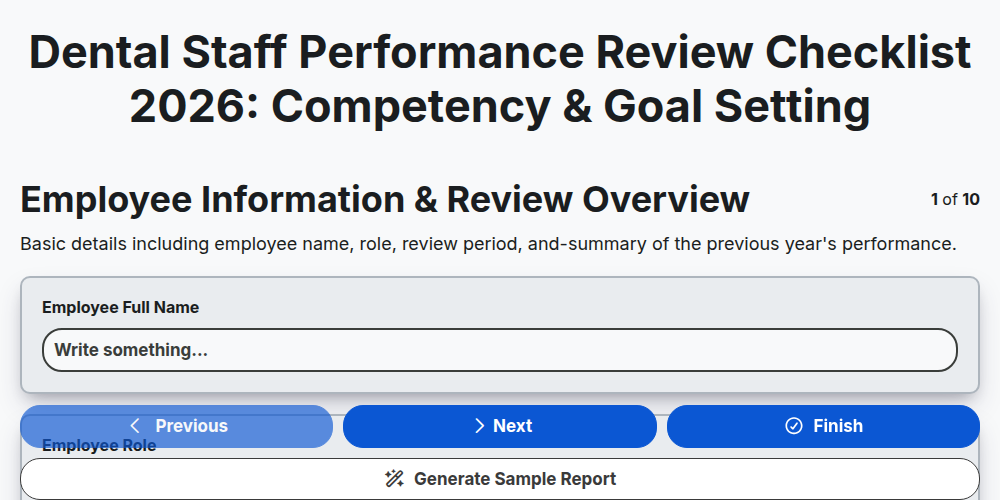
Dental Staff Performance Review Checklist 2026: Competency & Goal Setting
Need help with
Здравно зъболечение?
Have a question? We're here to help. Please submit your inquiry, and we'll respond promptly.