 ChecklistGuro
Flower Shop Website & Online Orders Checklist
Ensure seamless online flower sales! This checklist helps manage website updates, order processing, online marketing, and customer communication - boosting your shop's digital presence and maximizing online sales.
This Template was installed 2 times.
Order Intake & Processing
Steps for managing incoming online orders, from notification to preparation.
Order Number
Order Date
Order Time Received
Order Type (Delivery/Pickup)
Total Order Value
Payment Method
Customer Special Requests
Order Status
Website Product Updates
Ensuring accurate product listings, pricing, and imagery on the website.
Product Price
Product Description
Product Image 1
Product Image 2
Availability Status
Related Products
Product SKU
Payment Gateway & Security
Verification of payment processing and security protocols.
Last Successful Transaction ID
Last Security Audit Date
Payment Gateway Provider
SSL Certificate Status
PCI Compliance Level
Notes on Recent Security Concerns
Order Confirmation & Communication
Automated order confirmations and customer communication updates.
Order Confirmation Email Sent?
Confirmation Email Open Rate (Approximate)
Last Customer Follow-Up Date
Estimated Delivery Time Communicated?
Customer Specific Notes (if any)
SMS Confirmation Sent?
Reference Number (if applicable)
Inventory Synchronization
Real-time inventory updates between online store and shop inventory.
Quantity Adjustment - Roses
Quantity Adjustment - Lilies
Quantity Adjustment - Greenery
Synchronization Status
Last Synchronization Date
Last Synchronization Time
Synchronization Notes (if any)
Shipping & Delivery Integration
Verification of shipping labels, carrier communication, and tracking updates.
Number of Packages Ready for Shipping
Primary Shipping Carrier
Last Shipping Manifest Date
Cut-off Time for Same-Day Delivery Orders
Number of Pending Shipping Labels
Shipping Zones Active
Tracking Number Prefix
Customer Reviews & Feedback
Monitoring and responding to online reviews and customer feedback.
Review Date
Customer Review Text
Star Rating (1-5)
Review Sentiment
Internal Notes (Response/Action Taken)
Resolved?
Website Analytics & Reporting
Tracking website traffic, sales data, and conversion rates.
Total Website Visitors
Conversion Rate (%)
Average Order Value ($)
Bounce Rate (%)
Date of Analytics Report
Analytics Platform Used
Key Observations & Insights
SEO & Keyword Optimization
Maintaining and improving website search engine ranking.
Keyword Research Summary
Target Keywords (Primary)
Target Keywords (Secondary)
Meta Description Review
Image Alt Text Count (Minimum)
Mobile Friendliness Test Result
Legal Compliance & Privacy
Ensuring compliance with data privacy regulations and terms of service.
Last Privacy Policy Update Date
Summary of Current Privacy Policy
Data Processing Agreements in Place?
Number of Customer Data Breach Incidents (Last Year)
GDPR Compliance Status?
Privacy Policy Document (PDF)
Frequently Asked Questions
Can I customize this template after installing it?
Absolutely. Once installed, you can add, remove, or reorder tasks, add custom fields, and adjust deadlines to fit your specific workflow.
Can I add images or photos to these checklist items?
Yes. Our platform allows you to attach photos, signatures, and notes to any checklist item for better verification and proof of completion.
Can I create a custom checklist from scratch instead of using a template?
Yes. You can use our "Create your own checklist" feature to build a unique workflow tailored exactly to your operational requirements.
Can I add dependencies between tasks?
Yes, you can set up conditional logic and dependencies to ensure your team follows the correct sequence of operations.
Can I assign specific checklist items to different team members?
Yes. You can assign individual tasks to specific employees, ensuring clear accountability across your entire team.
Can I use these checklists on mobile devices in the field?
Yes. Our platform is fully responsive, allowing your team to complete, update, and upload photos to checklists directly from any smartphone or tablet.
How do I notify my manager when a checklist is completed?
You can set up automated notifications (via email, push notification, or in-app alerts) to trigger whenever a checklist is finished or if an item fails inspection.
Can multiple people work on the same checklist simultaneously?
Yes, the platform supports real-time updates, allowing multiple users to contribute to a single live checklist.
Where is the data from completed checklists stored?
All completed checklists are stored securely in your Work OS dashboard, creating a permanent, searchable audit trail of your operations.
Can I generate reports based on my checklist results?
Yes. You can track completion rates, identify recurring issues, and monitor team performance through our integrated reporting and analytics tools.
How can I use these checklists for compliance or auditing purposes?
Because our checklists capture timestamps, photos, and digital signatures, they serve as a robust digital paper trail for regulatory compliance and internal audits.
Can I export my completed checklist data for use in other tools?
Yes. You can export your data in various formats (CSV, Excel, etc.) to integrate your operational insights with your other business software.
Comments
There are no comments yet. Be the first to add one!
Flower Shop Management Solution Demo
Bloom with efficiency! ChecklistGuro simplifies flower shop management - from order tracking to inventory control and delivery scheduling. Enhance customer service, reduce waste, & boost profits. Manage it all with our Work OS.
Related Checklist Templates
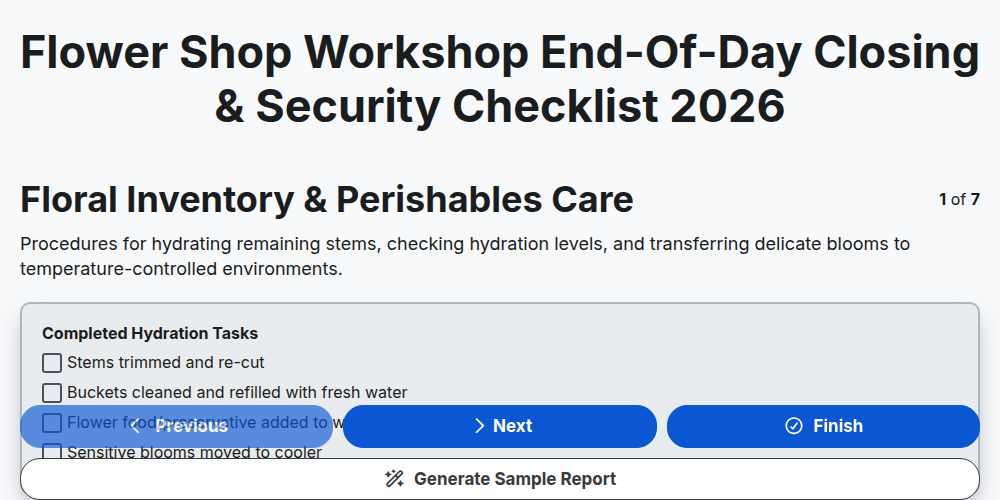
Flower Shop Workshop End-of-Day Closing & Security Checklist 2026
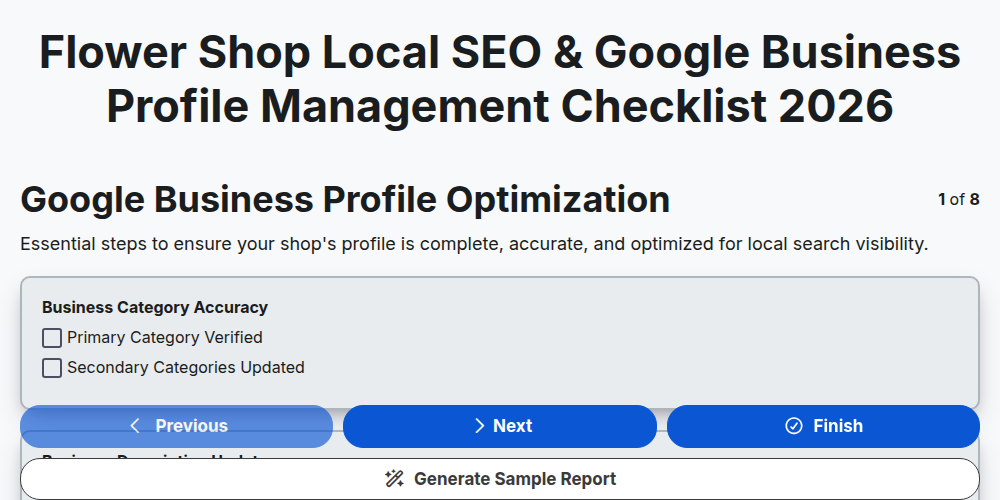
Flower Shop Local SEO & Google Business Profile Management Checklist 2026
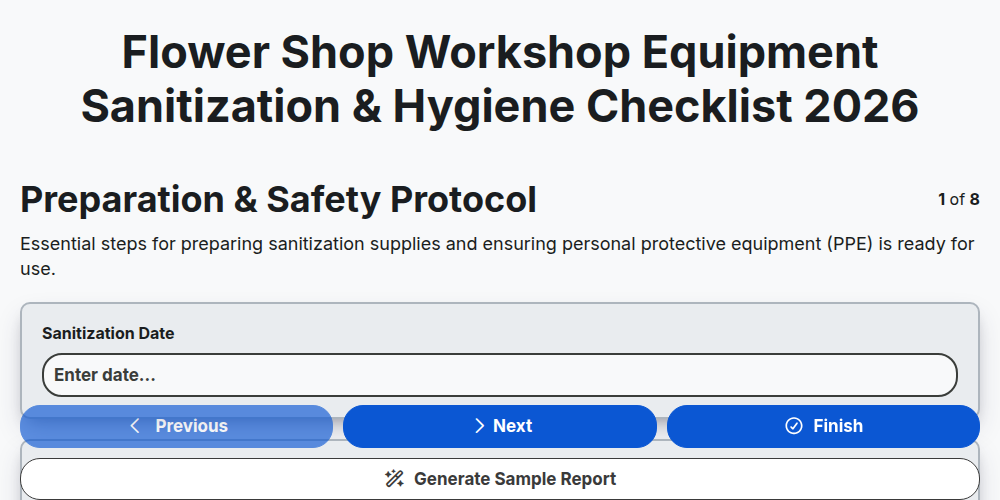
Flower Shop Workshop Equipment Sanitization & Hygiene Checklist 2026
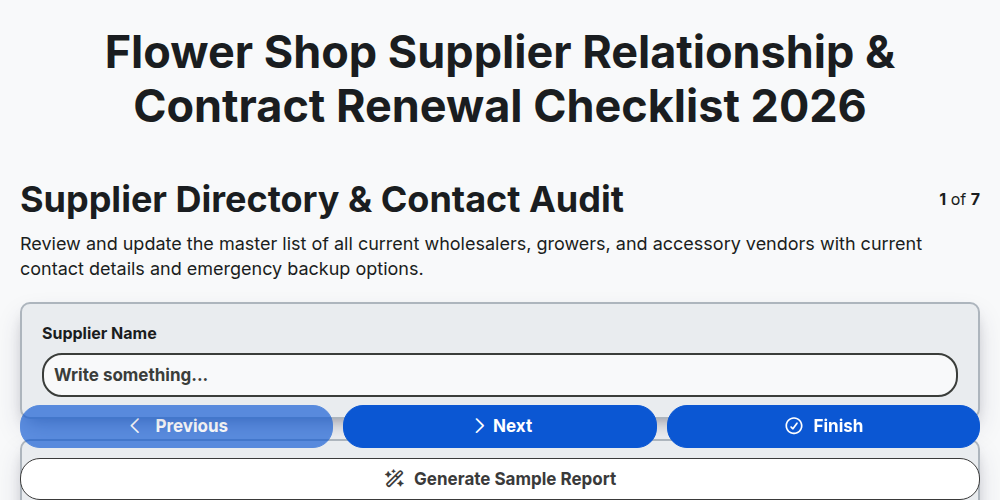
Flower Shop Supplier Relationship & Contract Renewal Checklist 2026
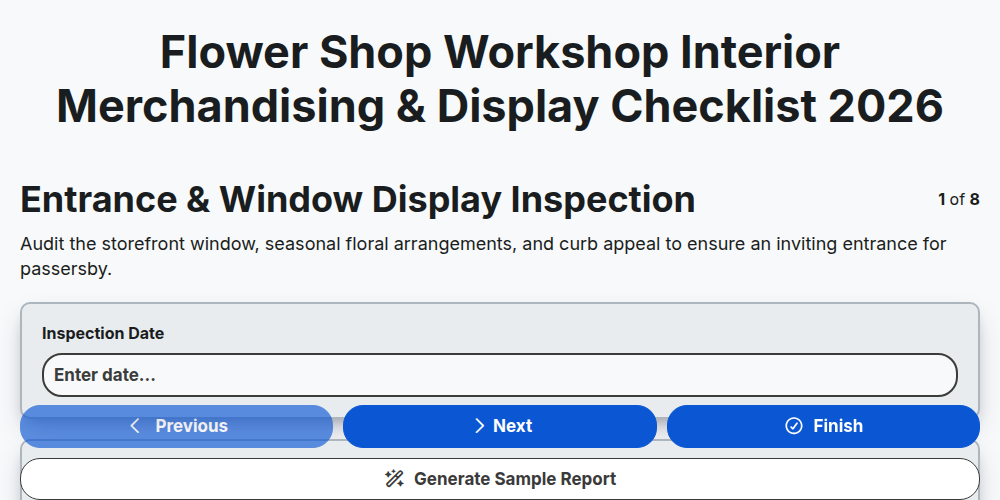
Flower Shop Workshop Interior Merchandising & Display Checklist 2026
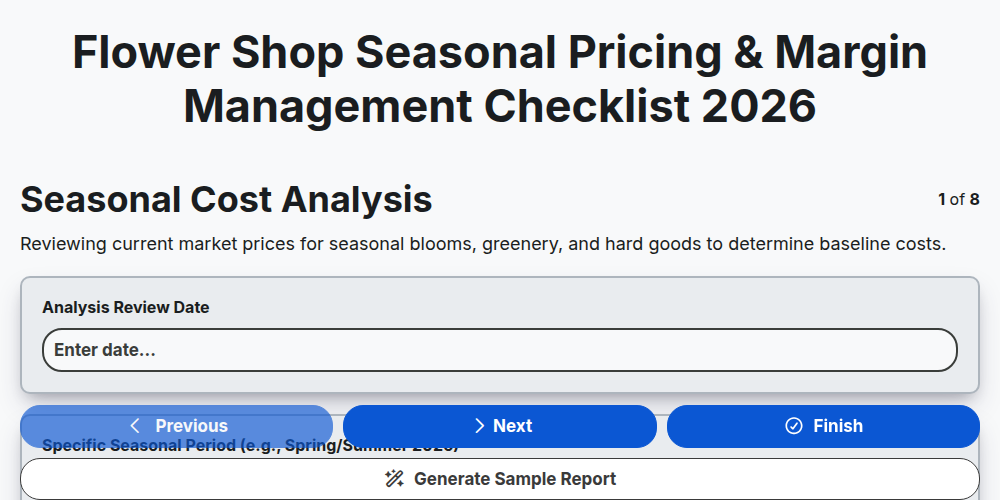
Flower Shop Seasonal Pricing & Margin Management Checklist 2026
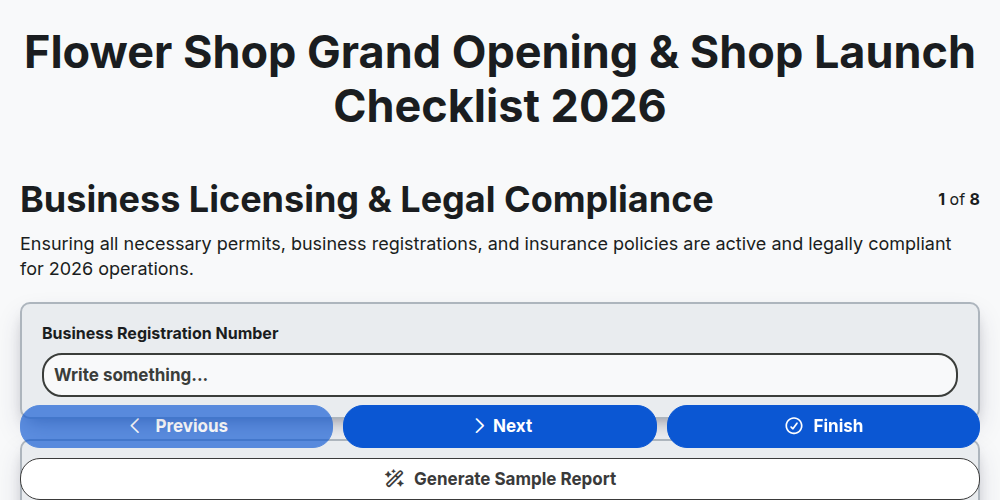
Flower Shop Grand Opening & Shop Launch Checklist 2026
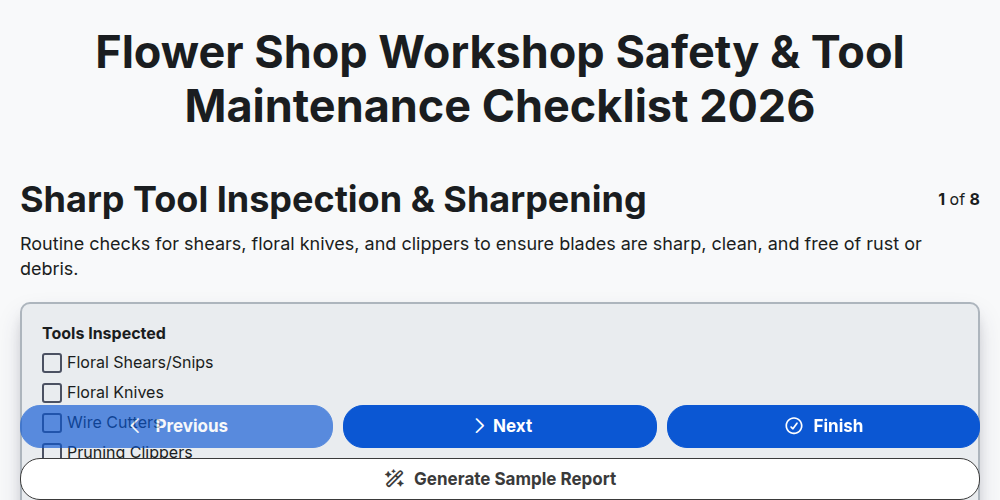
Flower Shop Workshop Safety & Tool Maintenance Checklist 2026
Need help with
Управление на цветарски магазин?
Have a question? We're here to help. Please submit your inquiry, and we'll respond promptly.