 ChecklistGuro
Monthly Deep Kitchen Cleaning Schedule
Unlock spotless kitchens & 5-star ratings! Download our comprehensive Monthly Deep Kitchen Cleaning Schedule, designed specifically for hospitality businesses. Ensure food safety, prevent costly repairs, & impress guests with a pristine culinary space. Free checklist download!
This Template was installed 4 times.
General Cleaning & Sanitation
Focus on overall hygiene and surface disinfection. Essential for preventing foodborne illnesses and maintaining a professional environment.
Pre-Cleaning Assessment Notes
Areas requiring special attention (check all that apply)
Concentration of cleaning solution used (%), verify against SDS
Describe any unusual odors detected and actions taken
Type of disinfectant used (per SOP)
Contact time of disinfectant (minutes)
Record any spills or incidents during cleaning, with details and corrective actions
Date of last pest control service
Overall cleanliness rating (1-5, 5 being excellent)
Oven & Range Cleaning
Thoroughly clean oven interiors, burners, and surrounding areas to remove baked-on grease and food residue. Prioritize high-heat areas.
Pre-Cleaning Notes (e.g., visible grease build-up, burnt food residue)
Oven Temperature Calibration (in °F)
Record of Cleaning Solution Used (Brand and type)
Areas Cleaned (Check all that apply)
Notes on stubborn residue or unusual findings
Date of Cleaning
Time of Cleaning
Signature of Person Performing Cleaning
Refrigerator & Freezer Maintenance
Defrost (if needed), clean interior and exterior, check seals, and organize contents to maximize efficiency and prevent spoilage.
Date of Last Defrost (if applicable)
Notes on Defrosting Process (if applicable)
Refrigerator Internal Temperature (°C/°F)
Freezer Internal Temperature (°C/°F)
Condition of Door Seals (Refrigerator)
Condition of Door Seals (Freezer)
Inventory Check & FIFO Rotation Notes
Areas Cleaned (Check all that apply)
Photo of Refrigerator Interior (for reference)
Dishwashing Area
Deep clean dishwasher, sinks, and surrounding areas. Address any potential blockages or malfunctions.
Dishwasher Interior Cleaning - Describe process followed (including chemicals used & rinse cycles)
Dishwasher Water Temperature (Celsius)
Dishwasher Detergent Type
Dishwasher Rinse Aid Level
Describe condition of spray arms (e.g., blockages, wear)
Sink Drain Condition
Last time sink drain was professionally cleared (if applicable)
Notes on any unusual noises or functionality issues related to the dishwashing area.
Ventilation & Grease Traps
Clean exhaust hoods, filters, and grease traps to ensure proper ventilation and prevent fire hazards.
Hood Filter Inspection Frequency (Days)
Hood Filter Cleaning Frequency (Days)
Hood Cleaning Log Notes
Grease Trap Level (Approximate)
Last Grease Trap Pumping Date
Grease Trap Observation Notes
Exhaust Fan Operation
Floors & Walls
Deep clean floors (including grout) and walls. Address any stains or damage.
Describe the flooring type (tile, vinyl, epoxy, etc.)
What cleaning methods were used?
Quantity of cleaning solution used (gallons/liters)
Note any stains or damage observed on floors/walls (e.g., cracks, chipped paint)
Wall Cleaning Method
Upload photos of cleaned floors and walls (before/after)
Date of Floor & Wall Cleaning
Small Appliances
Clean all small appliances (e.g., blenders, toasters, coffee machines) thoroughly, following manufacturer instructions.
Blender Cleaning Notes
Toaster/Convection Oven Cleaning Notes
Coffee Machine Descaling Notes (Date of last descaling)
Microwave Plate Cleaning Frequency (cycles)
Appliances Cleaned (Check all that apply)
Date of last deep clean
Pantry & Storage Areas
Organize and clean pantry shelves, storage rooms, and dry goods areas to prevent pest infestations and maintain food safety.
General Cleaning Notes
Shelf Temperature (degrees F)
Pest Control Status
Foods Needing Rotation/Discarding (check all that apply)
Detailed Rotation Notes
Dry Goods Container Integrity
Last Pest Control Service Date
Any unusual observations?
Waste Management
Clean and sanitize waste bins, disposal units, and recycling areas to control odors and prevent pest attraction.
Number of Waste Bins Cleaned
Notes on Waste Bin Condition (e.g., Damage, Odor)
Waste Streams Cleaned (Select all that apply)
Date of Last Grease Trap Service
Any unusual observations during waste management (e.g., pest sightings, spillages)
Amount of Grease/Oil Collected (in Liters/Gallons)
Equipment Calibration & Inspection
Check and calibrate thermometers, scales, and other critical equipment to ensure accuracy and compliance.
Last Thermometer Calibration Date
Thermometer Reading (Verification)
Scale Reading (Verification - known weight)
Scale Type
Notes on Calibration/Inspection (Discrepancies, Repairs)
Equipment Functioning Normally?
Calibration Certificate (If Applicable)
Time of Calibration/Inspection
Frequently Asked Questions
Can I customize this template after installing it?
Absolutely. Once installed, you can add, remove, or reorder tasks, add custom fields, and adjust deadlines to fit your specific workflow.
Can I add images or photos to these checklist items?
Yes. Our platform allows you to attach photos, signatures, and notes to any checklist item for better verification and proof of completion.
Can I create a custom checklist from scratch instead of using a template?
Yes. You can use our "Create your own checklist" feature to build a unique workflow tailored exactly to your operational requirements.
Can I add dependencies between tasks?
Yes, you can set up conditional logic and dependencies to ensure your team follows the correct sequence of operations.
Can I assign specific checklist items to different team members?
Yes. You can assign individual tasks to specific employees, ensuring clear accountability across your entire team.
Can I use these checklists on mobile devices in the field?
Yes. Our platform is fully responsive, allowing your team to complete, update, and upload photos to checklists directly from any smartphone or tablet.
How do I notify my manager when a checklist is completed?
You can set up automated notifications (via email, push notification, or in-app alerts) to trigger whenever a checklist is finished or if an item fails inspection.
Can multiple people work on the same checklist simultaneously?
Yes, the platform supports real-time updates, allowing multiple users to contribute to a single live checklist.
Where is the data from completed checklists stored?
All completed checklists are stored securely in your Work OS dashboard, creating a permanent, searchable audit trail of your operations.
Can I generate reports based on my checklist results?
Yes. You can track completion rates, identify recurring issues, and monitor team performance through our integrated reporting and analytics tools.
How can I use these checklists for compliance or auditing purposes?
Because our checklists capture timestamps, photos, and digital signatures, they serve as a robust digital paper trail for regulatory compliance and internal audits.
Can I export my completed checklist data for use in other tools?
Yes. You can export your data in various formats (CSV, Excel, etc.) to integrate your operational insights with your other business software.
Comments
There are no comments yet. Be the first to add one!
Hospitality Management Solution Demo
Running a hotel, restaurant, or other hospitality business is demanding. ChecklistGuro's Work OS platform simplifies management, from reservations and guest services to inventory and staff scheduling. Improve efficiency, enhance guest experience, and boost profitability! See how ChecklistGuro can transform your hospitality operations.
Related Checklist Templates
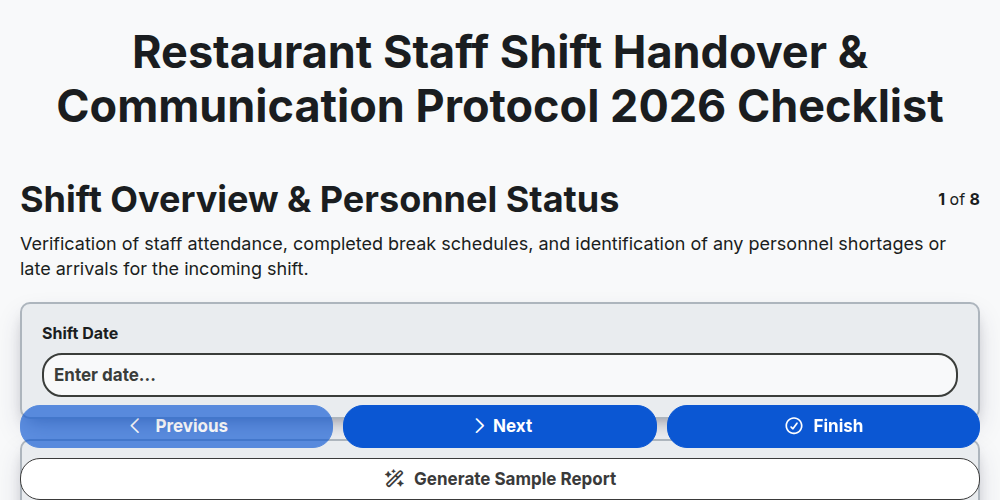
Restaurant Staff Shift Handover & Communication Protocol 2026
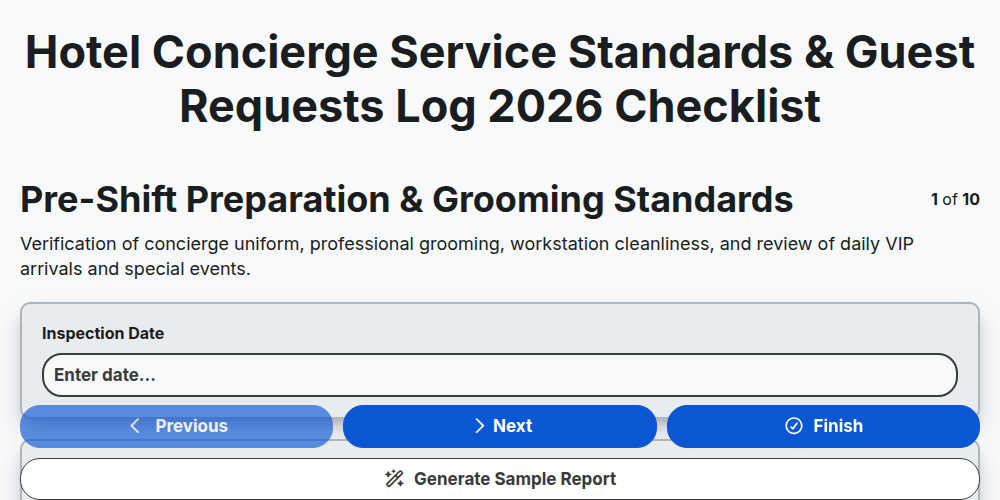
Hotel Concierge Service Standards & Guest Requests Log 2026
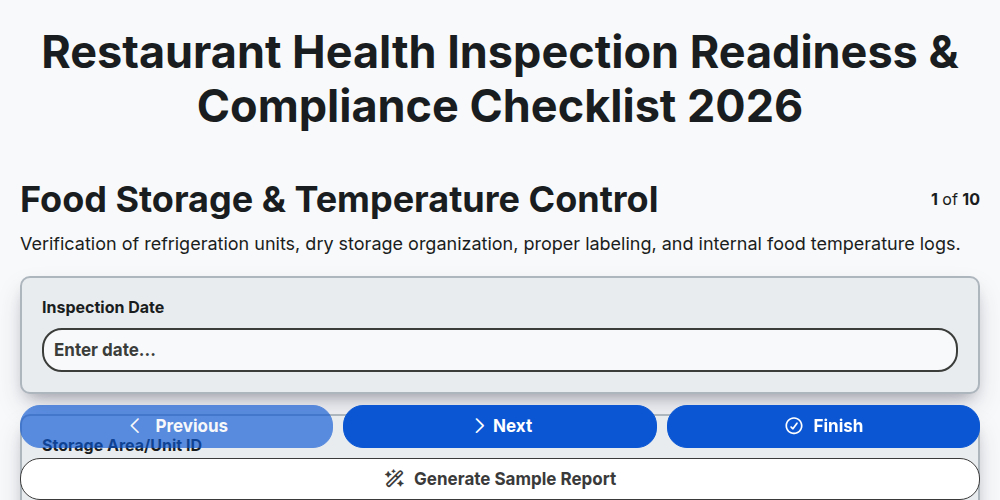
Restaurant Health Inspection Readiness & Compliance Checklist 2026
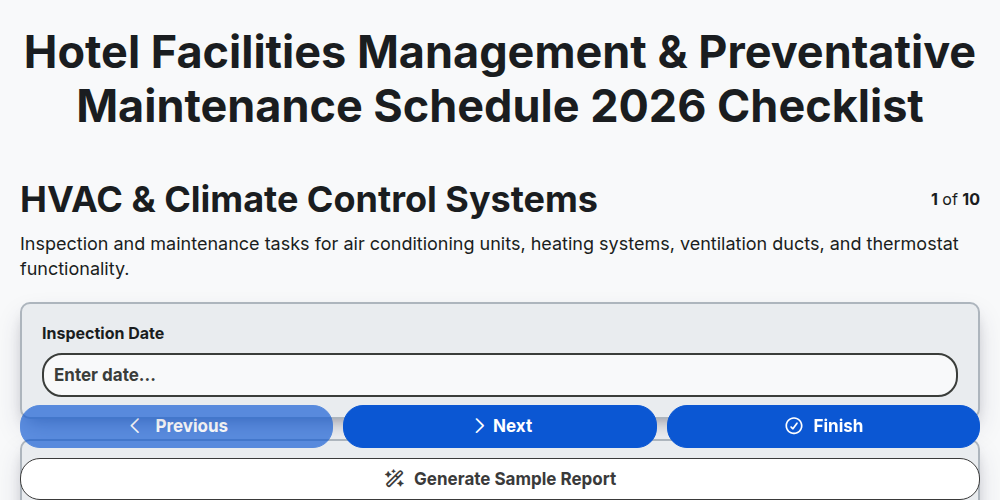
Hotel Facilities Management & Preventative Maintenance Schedule 2026
Restaurant Kitchen Opening & Closing Sanitation Audit 2026
Hotel Laundry Operations & Linen Quality Control Checklist 2026
Banquet Staff Training & Service Excellence Protocol 2026
Hotel Loyalty Program & Guest Retention Strategy Checklist 2026
Need help with
Гостоприемство?
Have a question? We're here to help. Please submit your inquiry, and we'll respond promptly.