 ChecklistGuro
 Workplace Safety Compliance Checklist (HR)
Ensure a secure and compliant workplace! Our Workplace Safety Compliance Checklist (HR) simplifies your obligations, covering everything from hazard assessments to emergency preparedness. Protect your employees and minimize risk - download your template today!
This Template was installed 2 times.
Hazard Identification & Risk Assessment
Ensuring all workplace hazards are identified and assessed for risk levels.
Description of Potential Hazard
Hazard Category (e.g., Physical, Chemical, Ergonomic)
Risk Level (1-5, 1=Low, 5=High)
Control Measures Implemented
Date of Assessment
Assessment Status (e.g., Open, In Progress, Closed)
Emergency Preparedness
Verifying procedures for fire, medical emergencies, and natural disasters are in place and practiced.
Last Emergency Drill Date
Type of Emergency Drills Conducted
Number of Employees Participated in Last Drill
Brief Description of Drill Results & Observations
Emergency Evacuation Map (if applicable)
Emergency Contact List Updated?
Time Last Emergency Contact List Updated
Personal Protective Equipment (PPE)
Confirming availability, use, and maintenance of appropriate PPE.
PPE Hazard Assessment Completed?
Required PPE for Tasks:
Number of Safety Glasses Available
Number of Hard Hats Available
Last PPE Inspection Date
Upload PPE Inspection Report
PPE Training Provided?
Safety Training & Documentation
Reviewing records of employee safety training and ensuring compliance with legal requirements.
Last Safety Training Date
Number of Employees Trained
Training Topics Covered
Training Methods Used
Training Certificates/Records
Date of Next Scheduled Training
Incident Reporting & Investigation
Validating procedures for reporting, investigating, and correcting workplace incidents and near misses.
Date of Incident
Time of Incident
Location of Incident
Description of Incident (What happened?)
Type of Incident (e.g., Injury, Property Damage, Near Miss)
Number of Employees Involved
Contributing Factors (Select all that apply)
Supporting Documents (Photos, Reports)
Corrective Actions Taken
Ergonomics Assessment
Checking for ergonomic assessments of workstations to prevent musculoskeletal disorders.
Workstation Location
Monitor Height (cm)
Keyboard Height (cm)
Chair Height (cm)
Mouse Position (Relative to Keyboard)
Potential Ergonomic Issues Observed
Assessment Notes/Recommendations
Machine Guarding
Ensuring all machinery is properly guarded to prevent injuries.
Types of Machine Guarding in Place?
Number of Machines with Guarding?
Guard Condition (Overall)
Attach Photos of Machine Guarding
Last Inspection Date of Machine Guards
Description of Any Deficiencies Found
Chemical Safety & Handling
Verifying compliance with regulations for handling, storing, and disposing of hazardous chemicals.
SDS (Safety Data Sheet) Availability
Quantity of Hazardous Chemicals Stored
Chemical Storage Requirements Met?
Last Chemical Inventory Date
Chemical Waste Disposal Method
Copy of Chemical Waste Manifest
Electrical Safety
Reviewing safety procedures related to electrical equipment and installations.
Last Electrical Safety Inspection Date
Next Scheduled Inspection Date
Type of Electrical Equipment Present
Potential Electrical Hazards Identified
Notes on Electrical Equipment Condition
Upload Photos of Electrical Equipment
Housekeeping & Organization
Assessing the overall cleanliness and organization of the workplace to prevent slips, trips, and falls.
Number of obstructed walkways/aisles
Description of areas with excessive clutter
Adequacy of waste disposal containers
Which housekeeping issues are present?
Date of last deep cleaning
Location of recurring housekeeping problem areas
Safety Inspections & Audits
Documenting routine safety inspections and audits to identify and address potential hazards.
Inspection Date
Inspection Location
Inspector ID
Areas Inspected
Observations & Findings
Supporting Documentation (Photos, Reports)
Overall Risk Level (based on findings)
Corrective Actions Required
Frequently Asked Questions
Can I customize this template after installing it?
Absolutely. Once installed, you can add, remove, or reorder tasks, add custom fields, and adjust deadlines to fit your specific workflow.
Can I add images or photos to these checklist items?
Yes. Our platform allows you to attach photos, signatures, and notes to any checklist item for better verification and proof of completion.
Can I create a custom checklist from scratch instead of using a template?
Yes. You can use our "Create your own checklist" feature to build a unique workflow tailored exactly to your operational requirements.
Can I add dependencies between tasks?
Yes, you can set up conditional logic and dependencies to ensure your team follows the correct sequence of operations.
Can I assign specific checklist items to different team members?
Yes. You can assign individual tasks to specific employees, ensuring clear accountability across your entire team.
Can I use these checklists on mobile devices in the field?
Yes. Our platform is fully responsive, allowing your team to complete, update, and upload photos to checklists directly from any smartphone or tablet.
How do I notify my manager when a checklist is completed?
You can set up automated notifications (via email, push notification, or in-app alerts) to trigger whenever a checklist is finished or if an item fails inspection.
Can multiple people work on the same checklist simultaneously?
Yes, the platform supports real-time updates, allowing multiple users to contribute to a single live checklist.
Where is the data from completed checklists stored?
All completed checklists are stored securely in your Work OS dashboard, creating a permanent, searchable audit trail of your operations.
Can I generate reports based on my checklist results?
Yes. You can track completion rates, identify recurring issues, and monitor team performance through our integrated reporting and analytics tools.
How can I use these checklists for compliance or auditing purposes?
Because our checklists capture timestamps, photos, and digital signatures, they serve as a robust digital paper trail for regulatory compliance and internal audits.
Can I export my completed checklist data for use in other tools?
Yes. You can export your data in various formats (CSV, Excel, etc.) to integrate your operational insights with your other business software.
Comments
There are no comments yet. Be the first to add one!
HRM - Human Resources Management Solution Demo
Simplify HR processes & empower your team! ChecklistGuro's HRM solution streamlines onboarding, performance management, & compliance. Improve employee engagement, reduce admin burden, & drive organizational growth. Manage it all with our Work OS.
Related Checklist Templates
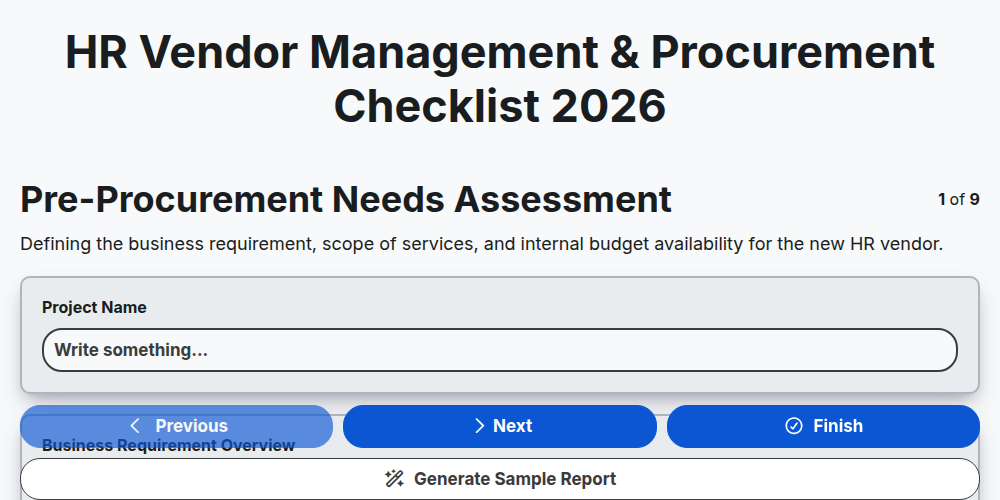
HR Vendor Management & Procurement Checklist 2026
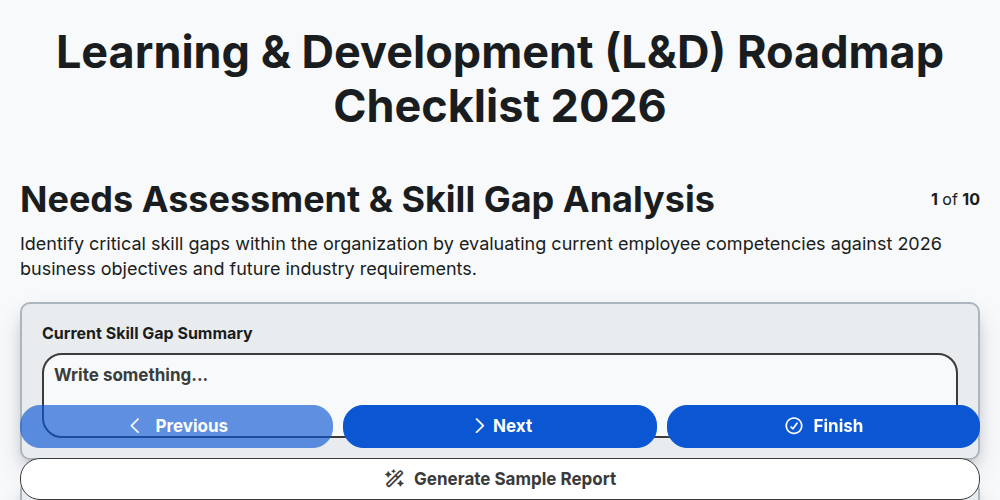
Learning & Development (L&D) Roadmap Checklist 2026
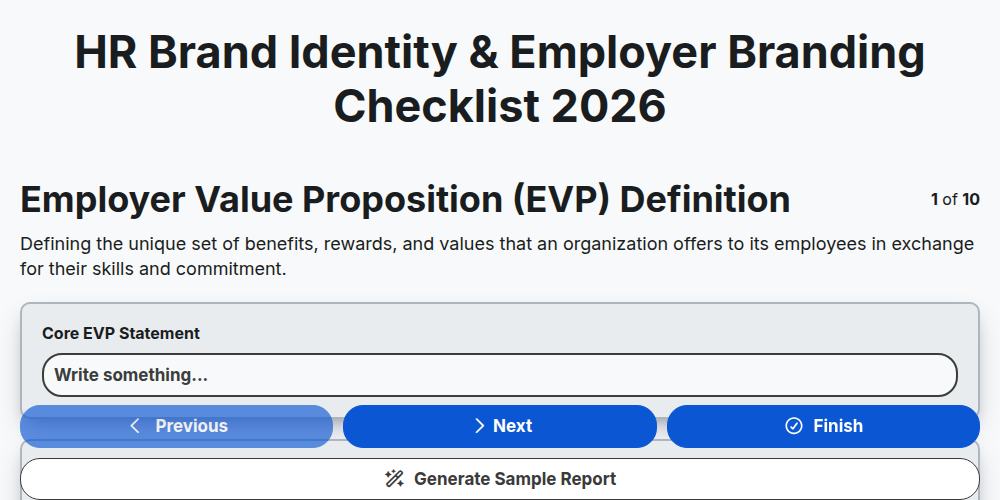
HR Brand Identity & Employer Branding Checklist 2026
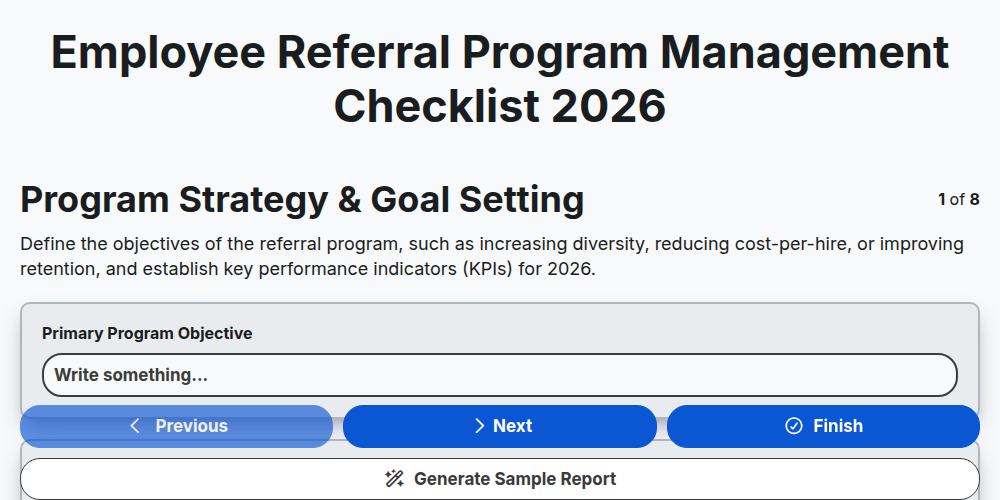
Employee Referral Program Management Checklist 2026
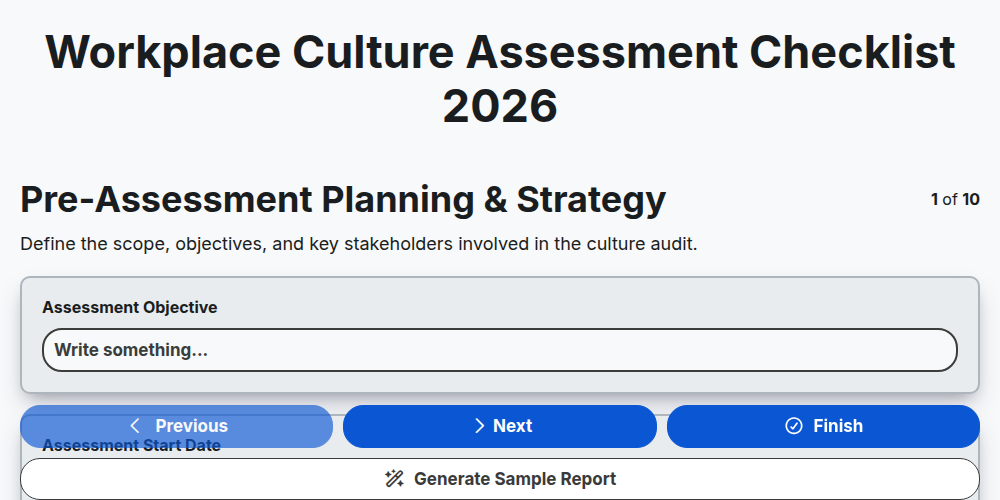
Workplace Culture Assessment Checklist 2026
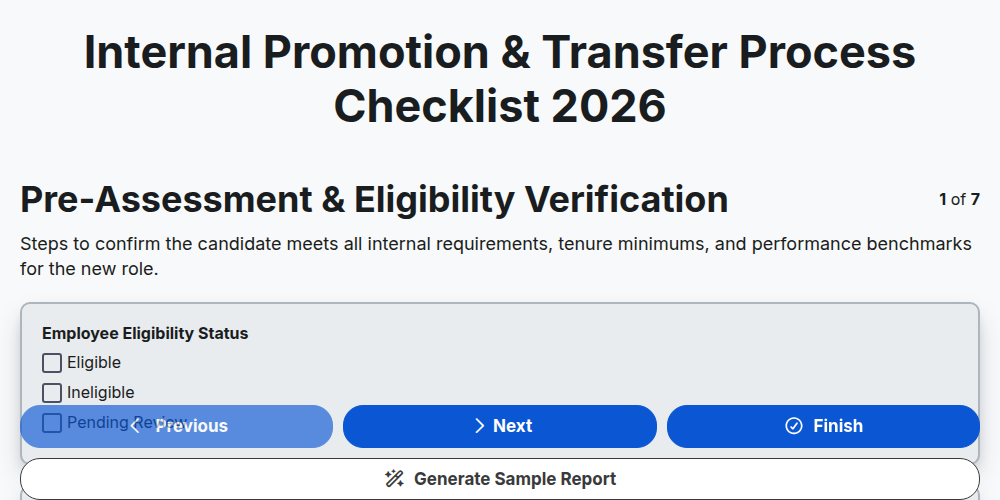
Internal Promotion & Transfer Process Checklist 2026
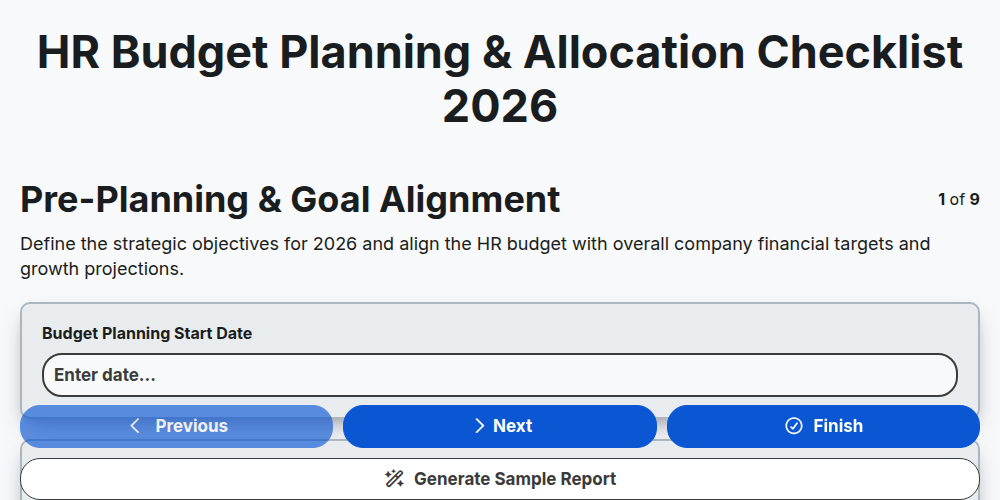
HR Budget Planning & Allocation Checklist 2026
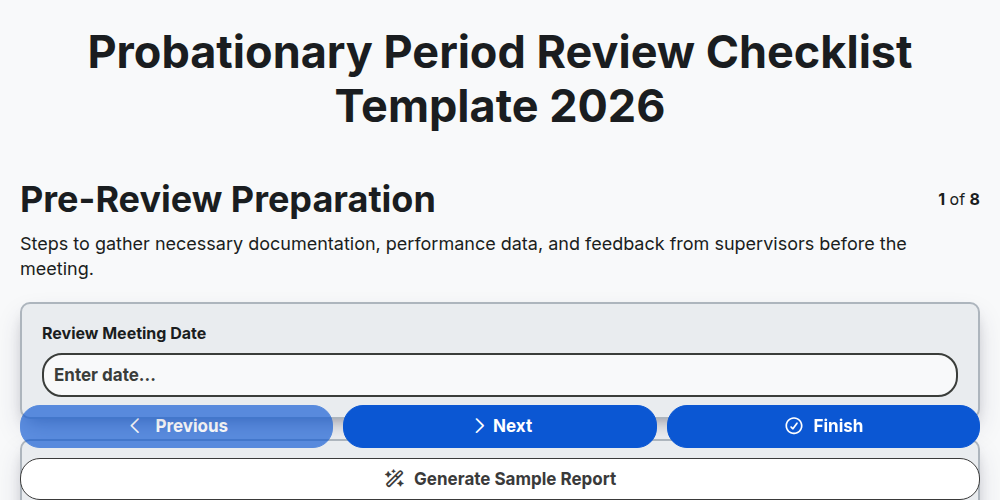
Probationary Period Review Checklist Template 2026
Need help with
Управление на човешките ресурси (УЧР)?
Have a question? We're here to help. Please submit your inquiry, and we'll respond promptly.