 ChecklistGuro
 Bookstore Inventory Shrinkage Audit Checklist
Minimize losses and maximize profits! Our Bookstore Inventory Shrinkage Audit Checklist helps you pinpoint theft, damage, and errors costing your business money. Identify weak points in your inventory control, improve accuracy, and protect your bottom line. Download now and take control of your bookstore's inventory!
This Template was installed 4 times.
Initial Verification
Confirm system inventory matches physical count of key categories.
Beginning Inventory Count (System)
Beginning Inventory Count (Physical)
Category 1: Fiction - System Count Matches?
Category 2: Non-Fiction - System Count Matches?
Total Discrepancies (Value)
Date of Initial Verification
High-Value Item Security
Assess security measures for high-value books, collectibles, and media.
Display Case Present?
Security Alarm on Display Case?
Number of Keys/Access Codes for High-Value Area
Visible Security Cameras?
Describe Security Camera Coverage
Inventory Count Verified?
Point of Sale (POS) Review
Analyze POS data for discrepancies and potential theft patterns.
Total Transactions Reviewed
Number of Voided Transactions
Number of Discounted Items (total value)
Average Discount Amount per Transaction
POS System Version
Summary of POS System Errors Logged
Date of Last POS System Audit
Employee Training Status (POS)
Employee Practices
Evaluate employee procedures related to inventory handling and checkout.
Describe employee training on inventory handling procedures.
Are employee bag checks conducted?
Number of employees directly involved in inventory handling.
Date of last inventory training for staff.
Which inventory handling practices are enforced?
Are employee interactions with customers monitored?
Physical Security
Inspect doors, windows, and other entry points for vulnerabilities.
Front Entrance Door Lock Condition
Number of Broken Windows
Alarm System Status
Last Security System Maintenance Date
Rear Door Security Assessment
Photographic Evidence of Security Issues
Receiving Area Audit
Review receiving logs and inspect storage areas for discrepancies.
Receiving Date
Quantity Received
Condition of Shipment
Description of Damage (if any)
Packing Slip Included?
BOL/Freight Document Included?
BOL/Freight Document Number
Notes on Receiving
Returns Process Review
Examine the returns process for potential vulnerabilities and discrepancies.
Describe the current returns process flow (step-by-step).
Average number of returns processed daily/weekly.
Who is authorized to process returns?
Date of last returns process review.
Which documentation is required for a return?
Describe any discrepancies noticed during return processing.
Damage and Obsolescence
Assess condition of inventory, identify damaged or obsolete items.
Quantity of Damaged Books
Description of Damage (e.g., water damage, torn cover)
Quantity of Obsolete Books/Media
Reason for Obsolescence
Notes on Disposal Method (e.g., donation, recycling)
Date of Damage/Obsolescence Identification
Inventory Reconciliation
Compare physical inventory count to system records and identify adjustments needed.
Physical Count - Total Books
System Inventory - Total Books
Difference (Physical - System)
Explanation for Significant Discrepancies (if any)
Variance within acceptable threshold?
Notes on Adjustment Process
Date of Reconciliation
Reconciliation Status
Corrective Actions & Follow-up
Document findings and outline corrective actions to prevent future shrinkage. Schedule follow-up checks.
Summary of Findings (Briefly describe key areas of concern)
Detailed Corrective Action Plan (Outline specific steps to address findings)
Estimated Cost of Corrective Actions
Date for Implementation of Corrective Actions
Departments Responsible for Actions
Follow-up Audit Date
Audit Result (Overall Assessment)
Auditor Signature
Frequently Asked Questions
Can I customize this template after installing it?
Absolutely. Once installed, you can add, remove, or reorder tasks, add custom fields, and adjust deadlines to fit your specific workflow.
Can I add images or photos to these checklist items?
Yes. Our platform allows you to attach photos, signatures, and notes to any checklist item for better verification and proof of completion.
Can I create a custom checklist from scratch instead of using a template?
Yes. You can use our "Create your own checklist" feature to build a unique workflow tailored exactly to your operational requirements.
Can I add dependencies between tasks?
Yes, you can set up conditional logic and dependencies to ensure your team follows the correct sequence of operations.
Can I assign specific checklist items to different team members?
Yes. You can assign individual tasks to specific employees, ensuring clear accountability across your entire team.
Can I use these checklists on mobile devices in the field?
Yes. Our platform is fully responsive, allowing your team to complete, update, and upload photos to checklists directly from any smartphone or tablet.
How do I notify my manager when a checklist is completed?
You can set up automated notifications (via email, push notification, or in-app alerts) to trigger whenever a checklist is finished or if an item fails inspection.
Can multiple people work on the same checklist simultaneously?
Yes, the platform supports real-time updates, allowing multiple users to contribute to a single live checklist.
Where is the data from completed checklists stored?
All completed checklists are stored securely in your Work OS dashboard, creating a permanent, searchable audit trail of your operations.
Can I generate reports based on my checklist results?
Yes. You can track completion rates, identify recurring issues, and monitor team performance through our integrated reporting and analytics tools.
How can I use these checklists for compliance or auditing purposes?
Because our checklists capture timestamps, photos, and digital signatures, they serve as a robust digital paper trail for regulatory compliance and internal audits.
Can I export my completed checklist data for use in other tools?
Yes. You can export your data in various formats (CSV, Excel, etc.) to integrate your operational insights with your other business software.
Comments
There are no comments yet. Be the first to add one!
Retail Management Solution Demo
Boost retail efficiency! ChecklistGuro simplifies store operations, inventory management, and employee training. Improve customer experience and maximize profitability. Manage it all with our Work OS.
Related Checklist Templates
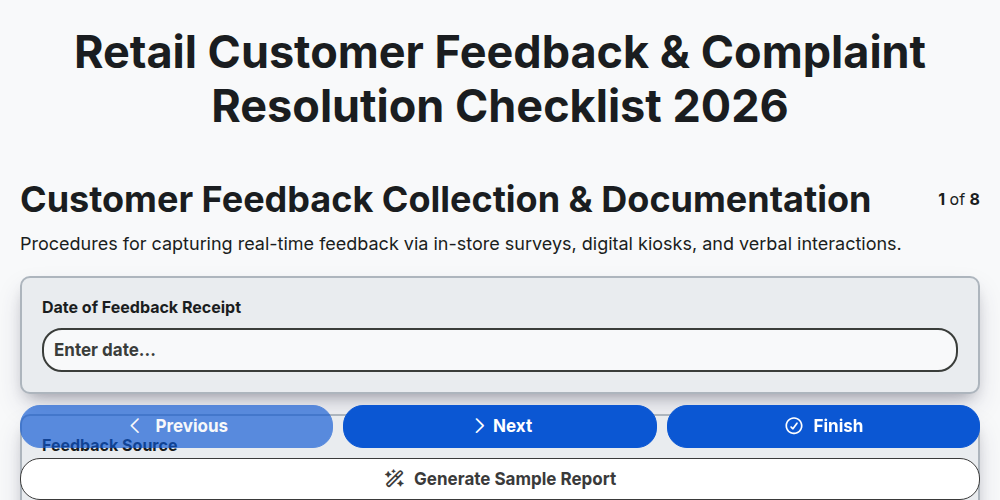
Retail Customer Feedback & Complaint Resolution Checklist 2026
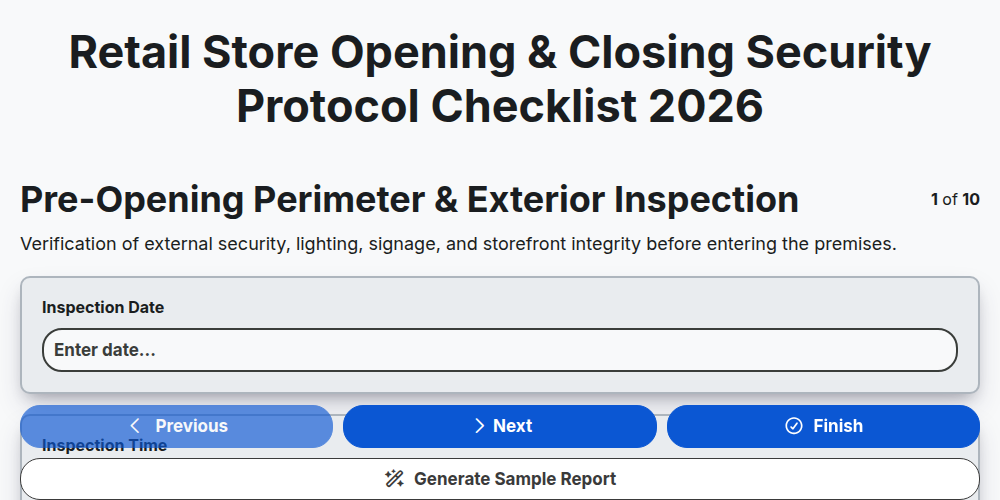
Retail Store Opening & Closing Security Protocol Checklist 2026
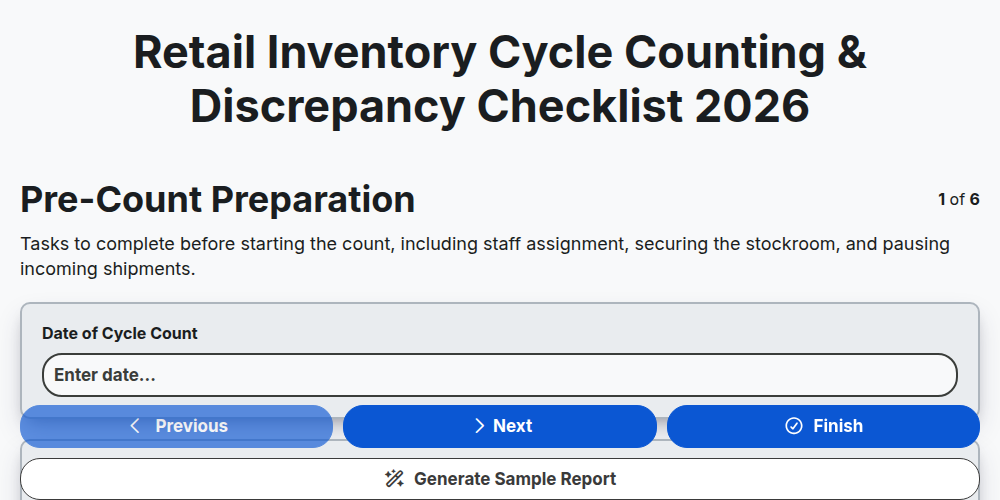
Retail Inventory Cycle Counting & Discrepancy Checklist 2026
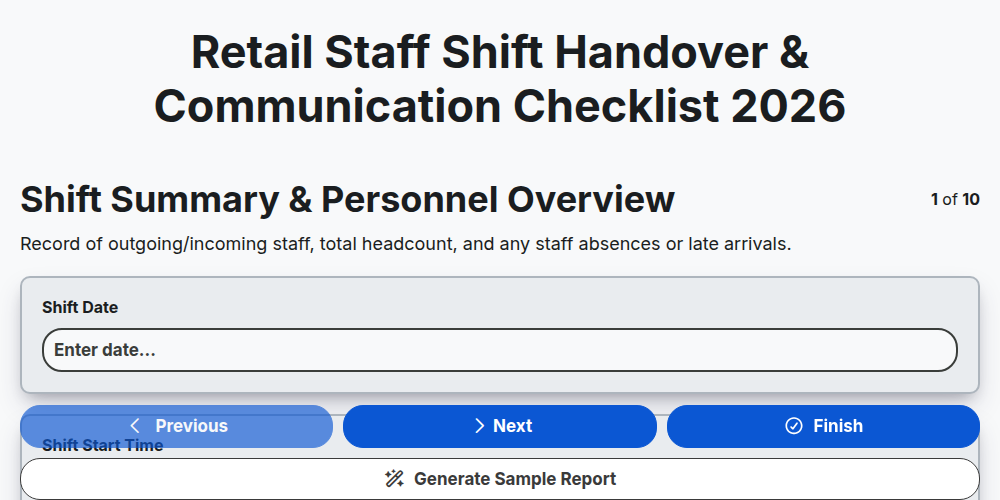
Retail Staff Shift Handover & Communication Checklist 2026
Retail Store Markdown & Clearance Implementation Checklist 2026
Store Manager Daily Operational Excellence Checklist 2026
Retail Cash Handling & Register Audit Checklist 2026
Retail Vendor Delivery & Invoice Reconciliation Checklist 2026
Need help with
Търговия на дребно?
Have a question? We're here to help. Please submit your inquiry, and we'll respond promptly.