 ChecklistGuro
 Furniture Store Inventory Damage Assessment Checklist
Protect your furniture store's bottom line! This inventory damage assessment checklist ensures accurate records, minimizes losses, and optimizes insurance claims. Stay ahead of shrink and maintain a pristine inventory with our easy-to-use template.
This Template was installed 1 times.
Initial Inspection & Documentation
Record initial condition upon receipt or movement.
Date of Inspection
Time of Inspection
Item ID/SKU
Item Description
Condition Upon Arrival
Notes on Initial Condition
Upload Photo of Item
Structural Damage
Assess for cracks, breaks, or instability.
Crack Length (inches)
Number of Cracks
Type of Break (if applicable)
Structural Instability?
Detailed Description of Structural Damage
Upload Photo of Damage
Upholstery & Fabric
Inspect for stains, rips, tears, or discoloration.
Stain Severity (1-5, 1=None, 5=Severe)
Type of Stain
Rip/Tear Length (inches)
Fabric Condition
Detailed Description of Damage
Photo of Upholstery Damage
Hardware & Fixtures
Check for loose, missing, or damaged screws, knobs, or hinges.
Screw Condition (per fixture)
Knob/Handle Condition
Number of Hinges Present
Hinge Functionality
Detailed Description of Hardware Damage
Finish & Surface
Evaluate for scratches, dents, chipping, or fading of the finish.
Scratch Depth (mm)
Finish Type
Finish Condition
Detailed Description of Finish Damage
Number of Chipped Areas
Description of Discoloration (if any)
Packaging Integrity
Assess condition of original packaging (if applicable).
Original Packaging Condition Rating (1-5)
Detailed Description of Packaging Damage
Photos of Packaging Damage
Was Original Packaging Present?
Packaging Material (e.g., Cardboard, Foam)
Overall Assessment & Remediation
Summarize damage and outline necessary repairs or disposal.
Estimated Repair Cost
Detailed Description of Recommended Remediation
Remediation Action Required
Planned Remediation Completion Date
Disposition Status
Reference/Case Number (if applicable)
Inspector Signature
Frequently Asked Questions
Can I customize this template after installing it?
Absolutely. Once installed, you can add, remove, or reorder tasks, add custom fields, and adjust deadlines to fit your specific workflow.
Can I add images or photos to these checklist items?
Yes. Our platform allows you to attach photos, signatures, and notes to any checklist item for better verification and proof of completion.
Can I create a custom checklist from scratch instead of using a template?
Yes. You can use our "Create your own checklist" feature to build a unique workflow tailored exactly to your operational requirements.
Can I add dependencies between tasks?
Yes, you can set up conditional logic and dependencies to ensure your team follows the correct sequence of operations.
Can I assign specific checklist items to different team members?
Yes. You can assign individual tasks to specific employees, ensuring clear accountability across your entire team.
Can I use these checklists on mobile devices in the field?
Yes. Our platform is fully responsive, allowing your team to complete, update, and upload photos to checklists directly from any smartphone or tablet.
How do I notify my manager when a checklist is completed?
You can set up automated notifications (via email, push notification, or in-app alerts) to trigger whenever a checklist is finished or if an item fails inspection.
Can multiple people work on the same checklist simultaneously?
Yes, the platform supports real-time updates, allowing multiple users to contribute to a single live checklist.
Where is the data from completed checklists stored?
All completed checklists are stored securely in your Work OS dashboard, creating a permanent, searchable audit trail of your operations.
Can I generate reports based on my checklist results?
Yes. You can track completion rates, identify recurring issues, and monitor team performance through our integrated reporting and analytics tools.
How can I use these checklists for compliance or auditing purposes?
Because our checklists capture timestamps, photos, and digital signatures, they serve as a robust digital paper trail for regulatory compliance and internal audits.
Can I export my completed checklist data for use in other tools?
Yes. You can export your data in various formats (CSV, Excel, etc.) to integrate your operational insights with your other business software.
Comments
There are no comments yet. Be the first to add one!
Retail Management Solution Demo
Boost retail efficiency! ChecklistGuro simplifies store operations, inventory management, and employee training. Improve customer experience and maximize profitability. Manage it all with our Work OS.
Related Checklist Templates
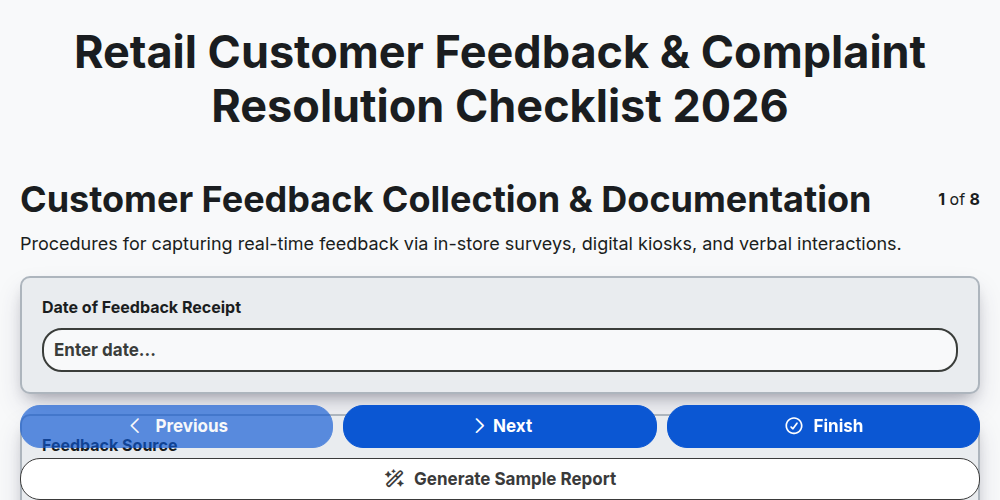
Retail Customer Feedback & Complaint Resolution Checklist 2026
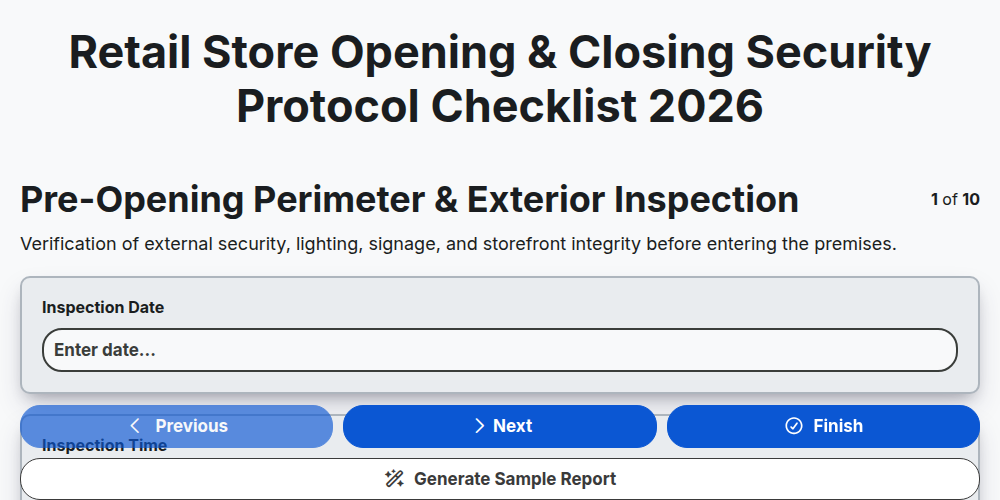
Retail Store Opening & Closing Security Protocol Checklist 2026
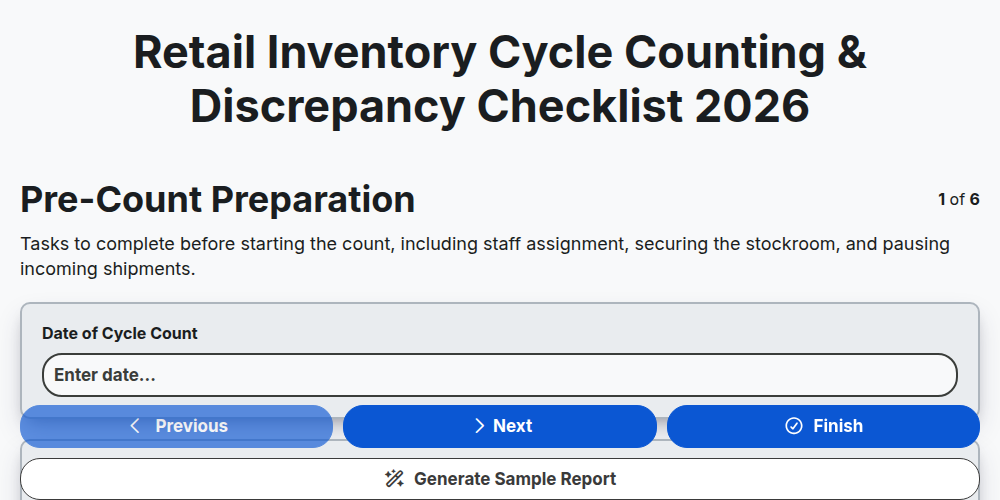
Retail Inventory Cycle Counting & Discrepancy Checklist 2026
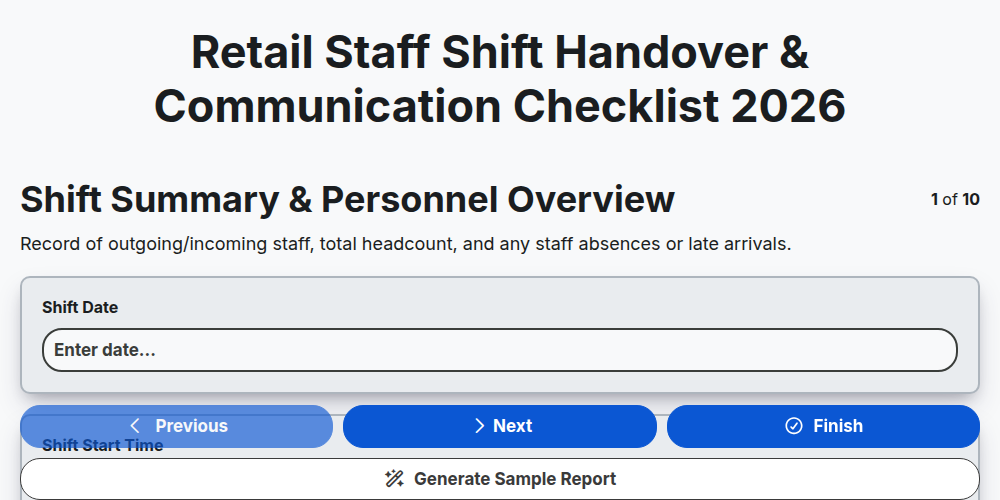
Retail Staff Shift Handover & Communication Checklist 2026
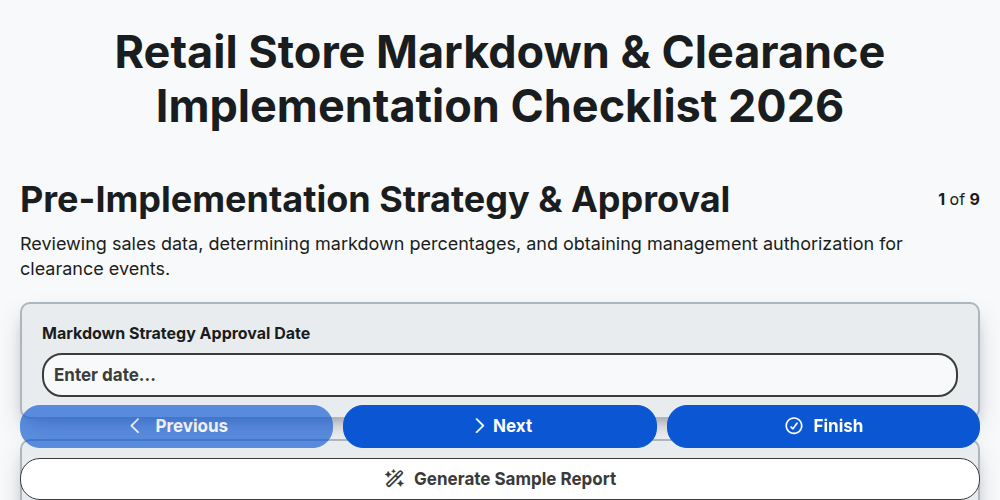
Retail Store Markdown & Clearance Implementation Checklist 2026
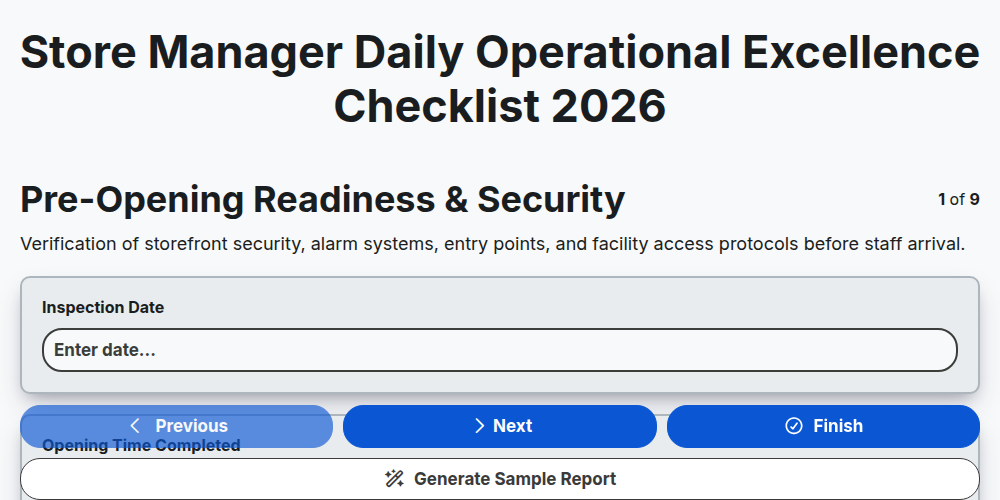
Store Manager Daily Operational Excellence Checklist 2026
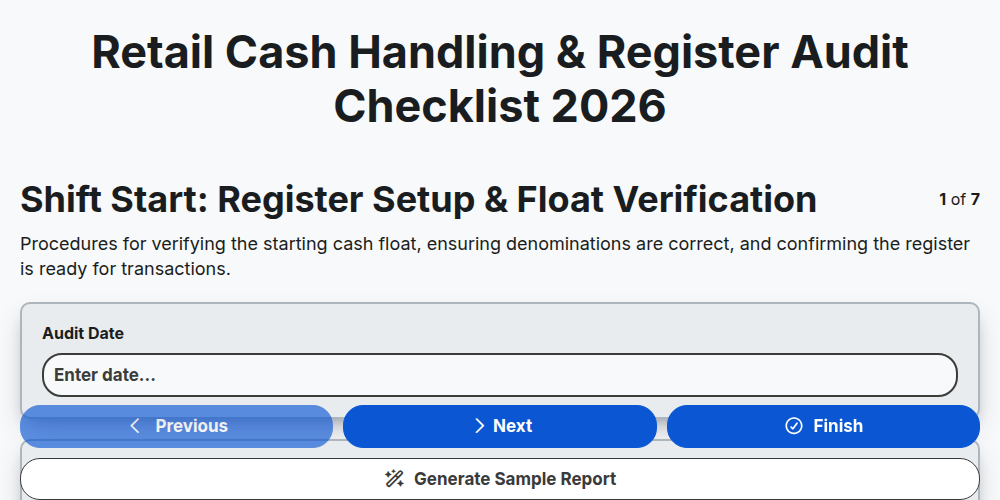
Retail Cash Handling & Register Audit Checklist 2026
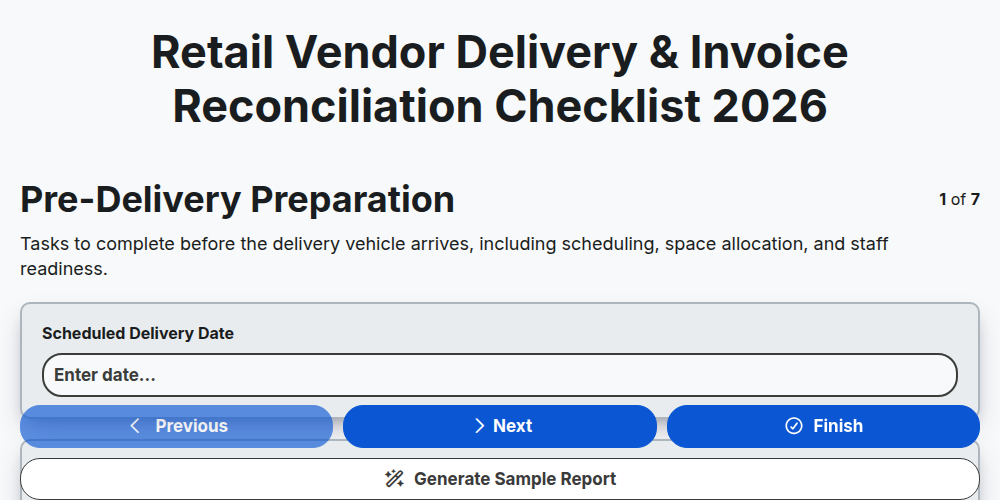
Retail Vendor Delivery & Invoice Reconciliation Checklist 2026
Need help with
Търговия на дребно?
Have a question? We're here to help. Please submit your inquiry, and we'll respond promptly.