 ChecklistGuro
Storefront Appearance & Cleanliness Checklist (Daily/Weekly)
Boost retail sales & customer satisfaction! Download our free Storefront Appearance & Cleanliness Checklist (Daily/Weekly) to ensure a spotless, inviting store. Easy-to-use checklist for daily & weekly maintenance. Improve curb appeal & create a positive shopping experience!
This Template was installed 3 times.
Exterior - Daily
Focuses on immediate impressions and addressing any issues that arise throughout the day.
Time of Inspection
Debris on Sidewalk/Entrance?
Details of Debris (if yes)
Number of Trash Bags Used
Graffiti Present?
Details of Graffiti (if yes) - Report for Removal
Window Condition - Obvious Dirt/Smudges?
Exterior - Weekly
More thorough cleaning and maintenance tasks performed once a week.
Sweep/Power Wash Sidewalk
Inspect & Clean Gutters (if applicable)
Notes on Exterior Condition (e.g., damage, needed repairs)
Exterior Photos (for record-keeping)
Graffiti Removal Needed?
Clean Exterior Trash Receptacles
Pest Control Check/Treatment Needed?
Entrance/Doorways - Daily
Ensuring a welcoming and accessible entrance.
Foot Traffic Count (Estimate)
Door Condition: (Scratches, Dents, etc.)
Door Hardware (Handles, Kick Plate) Condition
Debris/Trash Picked Up (Approximate)
Notes on Entrance/Doorway Condition (e.g., unusual incidents, spills)
Mat Condition (Cleanliness, Wear)
Entrance/Doorways - Weekly
Deeper cleaning of entrance areas.
Detailed Cleaning Description
Sweep/Mop Area (Square Feet)
Door Hardware Condition
Areas needing Spot Cleaning
Mat Condition
Last Mat Cleaning Date
Windows & Signage - Daily
Maintaining clear visibility and brand presentation.
Are windows clean and clear of dirt/streaks?
Are any signs damaged or obstructed?
If 'No' to signage condition, describe issue and required action:
Estimate visibility obstruction rating (0-10, 0=perfect, 10=obstructed)
Are window displays neat and well-maintained?
Any specific notes about windows or signage?
Windows & Signage - Weekly
Detailed window and signage cleaning and upkeep.
Window Brightness Rating (1-10, 10 being clearest)
Notes on Window Cleaning (streaks, spots, etc.)
Signage Condition (Overall)
Describe any damage to Signage (tears, fading, missing pieces)
Are any signs obstructing visibility?
Photos of Signage (for documentation)
How many signs require cleaning?
Additional comments regarding signage and window appearance
Sidewalk & Surrounding Area - Daily
Keeping the area around the storefront clear and presentable.
Identify any debris or spills on the sidewalk.
Count any pieces of trash/litter.
What action was taken to clear the sidewalk?
Specify if 'Other' action was selected above. Describe action taken.
Were there any obstructions (e.g., snow, ice, overgrown plants)?
If Yes to obstruction, describe the obstruction and action taken.
Sidewalk & Surrounding Area - Weekly
More in-depth cleaning of the exterior grounds.
Debris Removal (bags/pounds)
Description of any unusual debris removed
Weed Control Status
Graffiti Status
Amount of Water Used (gallons/liters)
Notes on pavement condition (cracks, repairs needed)
Garbage/Recycling Bin Status
Lighting - Daily
Ensuring adequate and functional exterior lighting.
Are all exterior lights functioning correctly?
Number of lights needing replacement/repair:
Time of last lighting check:
Notes on any lighting issues observed (e.g., flickering, dimness):
Are security lights functioning properly?
Lighting - Weekly
Checking and cleaning exterior light fixtures.
Check Bulb Brightness (1-10, 10 being brightest)
Are any bulbs out or flickering?
If yes, describe which lights are affected and any observations.
Are light fixtures clean and free of debris?
If no, describe what debris is present and what action needs to be taken.
Number of light fixtures checked
Date of Last Bulb Replacement
Frequently Asked Questions
Can I customize this template after installing it?
Absolutely. Once installed, you can add, remove, or reorder tasks, add custom fields, and adjust deadlines to fit your specific workflow.
Can I add images or photos to these checklist items?
Yes. Our platform allows you to attach photos, signatures, and notes to any checklist item for better verification and proof of completion.
Can I create a custom checklist from scratch instead of using a template?
Yes. You can use our "Create your own checklist" feature to build a unique workflow tailored exactly to your operational requirements.
Can I add dependencies between tasks?
Yes, you can set up conditional logic and dependencies to ensure your team follows the correct sequence of operations.
Can I assign specific checklist items to different team members?
Yes. You can assign individual tasks to specific employees, ensuring clear accountability across your entire team.
Can I use these checklists on mobile devices in the field?
Yes. Our platform is fully responsive, allowing your team to complete, update, and upload photos to checklists directly from any smartphone or tablet.
How do I notify my manager when a checklist is completed?
You can set up automated notifications (via email, push notification, or in-app alerts) to trigger whenever a checklist is finished or if an item fails inspection.
Can multiple people work on the same checklist simultaneously?
Yes, the platform supports real-time updates, allowing multiple users to contribute to a single live checklist.
Where is the data from completed checklists stored?
All completed checklists are stored securely in your Work OS dashboard, creating a permanent, searchable audit trail of your operations.
Can I generate reports based on my checklist results?
Yes. You can track completion rates, identify recurring issues, and monitor team performance through our integrated reporting and analytics tools.
How can I use these checklists for compliance or auditing purposes?
Because our checklists capture timestamps, photos, and digital signatures, they serve as a robust digital paper trail for regulatory compliance and internal audits.
Can I export my completed checklist data for use in other tools?
Yes. You can export your data in various formats (CSV, Excel, etc.) to integrate your operational insights with your other business software.
Comments
There are no comments yet. Be the first to add one!
Retail Management Solution Demo
Boost retail efficiency! ChecklistGuro simplifies store operations, inventory management, and employee training. Improve customer experience and maximize profitability. Manage it all with our Work OS.
Related Checklist Templates
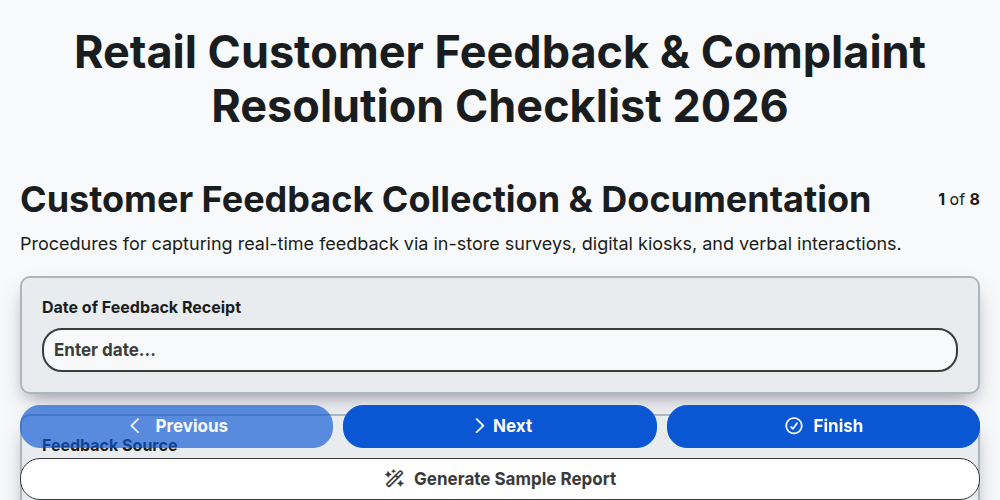
Retail Customer Feedback & Complaint Resolution Checklist 2026
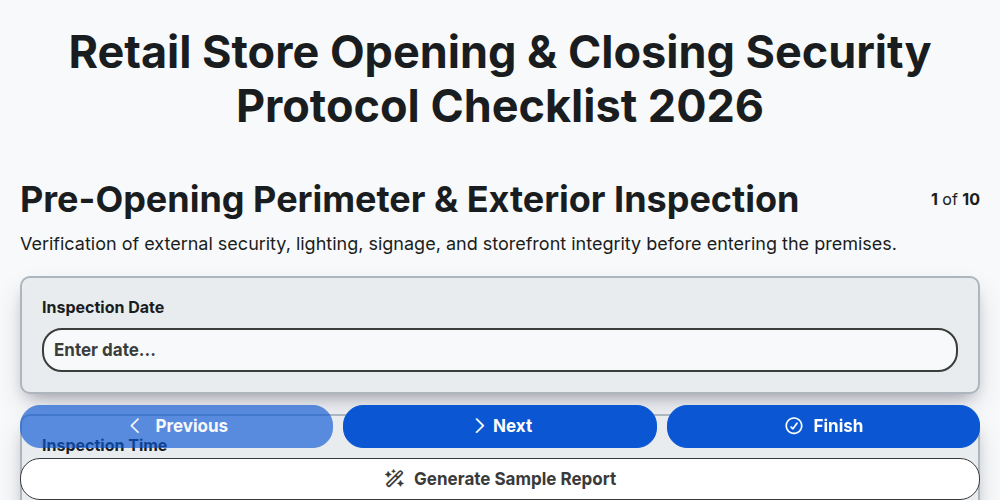
Retail Store Opening & Closing Security Protocol Checklist 2026
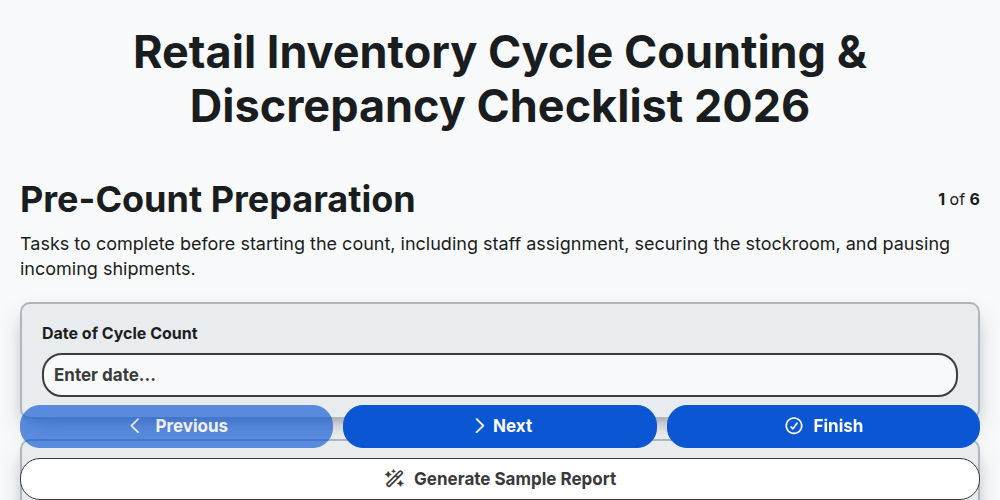
Retail Inventory Cycle Counting & Discrepancy Checklist 2026
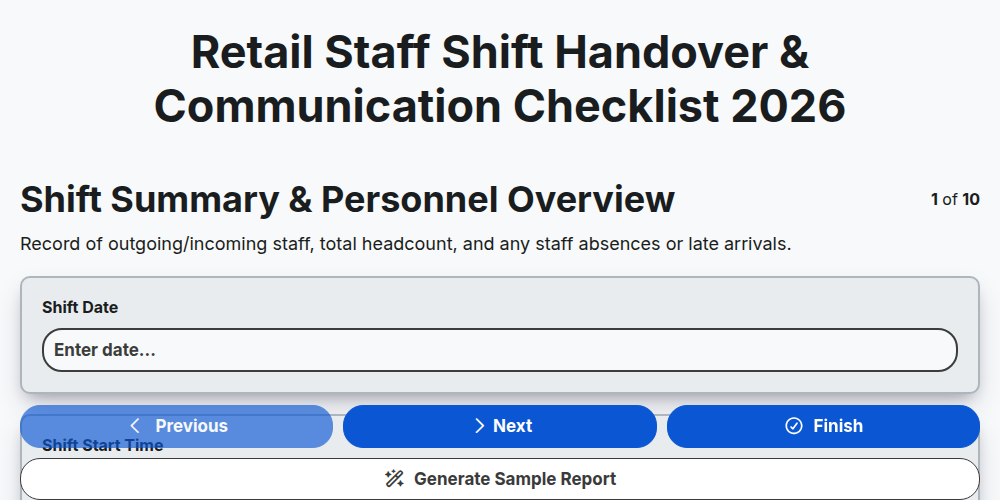
Retail Staff Shift Handover & Communication Checklist 2026
Retail Store Markdown & Clearance Implementation Checklist 2026
Store Manager Daily Operational Excellence Checklist 2026
Retail Cash Handling & Register Audit Checklist 2026
Retail Vendor Delivery & Invoice Reconciliation Checklist 2026
Need help with
Търговия на дребно?
Have a question? We're here to help. Please submit your inquiry, and we'll respond promptly.