 ChecklistGuro
Research & Development Project Support Checklist
Ensure your R&D projects stay on track with this comprehensive support checklist! From initial setup to ongoing maintenance, this template helps streamline issue resolution, minimize downtime, and maximize innovation. Keep your team focused on breakthroughs, not roadblocks.
This Template was installed 1 times.
Project Initiation & Planning
Tasks related to the initial setup and planning of R&D projects.
Project Description
Project Start Date (YYYYMMDD)
Projected Completion Date
Project Priority
Key Research Areas
Initial Project Proposal
Resource Allocation & Access
Verification of proper resource allocation and access permissions for project team members.
Project Lead Assignment
Number of Allocated Servers
Software Access Granted
Data Storage Permissions
Access Expiration Date
Data Management & Security
Ensuring secure and compliant data handling, storage, and access procedures.
Data Encryption Method
Data Retention Period (in days)
Access Control Level
Last Data Security Audit Date
Data Security Policy Document
Description of Data Backup Procedures
Equipment & Software Support
Troubleshooting and resolving issues related to specialized equipment and software used in research.
Equipment/Software Affected
Detailed Description of Issue
Error Code (if applicable)
Date of Issue
Time of Issue
Screenshot/Log File (if applicable)
Collaboration & Communication
Ensuring seamless communication and collaboration between team members and stakeholders.
Preferred Communication Method
Frequency of Status Updates (days)
Next Scheduled Team Meeting
Summary of Recent Collaboration Discussions
Stakeholders Involved in this Project
Notes on Communication Effectiveness
Technical Documentation & Reporting
Verification of proper documentation and reporting procedures for research findings and progress.
Summary of Technical Findings
Supporting Data Files (e.g., raw data, analysis scripts)
Iteration Number
Date of Report Generation
Report Status
Detailed Methodology Description
Compliance & Regulatory Checks
Confirming adherence to relevant regulations, ethical guidelines, and institutional policies.
Applicable Regulations (Select all that apply)
Other Regulations (If selected above)
Last Compliance Training Date
Compliance Score (from latest audit)
Copy of Relevant Permits/Licenses
Is ethical review board approval needed?
Details of any compliance incidents/breaches
Issue Escalation & Resolution
Tracking and resolving escalated issues with appropriate follow-up and documentation.
Severity Level (1-5)
Initial Support Tier Contacted
Date of Escalation
Time of Escalation
Description of Issue and Steps Taken
Escalation Path Chosen
Communication Log (Record interactions with escalated support)
Project Closure & Archiving
Ensuring proper project closure, data archiving, and knowledge transfer.
Project Completion Date
Final Project Summary & Lessons Learned
Final Project Report (PDF)
Data Retention Requirements
Data Storage Location
Project Lead Signature
Archive Reference ID (if applicable)
Frequently Asked Questions
Can I customize this template after installing it?
Absolutely. Once installed, you can add, remove, or reorder tasks, add custom fields, and adjust deadlines to fit your specific workflow.
Can I add images or photos to these checklist items?
Yes. Our platform allows you to attach photos, signatures, and notes to any checklist item for better verification and proof of completion.
Can I create a custom checklist from scratch instead of using a template?
Yes. You can use our "Create your own checklist" feature to build a unique workflow tailored exactly to your operational requirements.
Can I add dependencies between tasks?
Yes, you can set up conditional logic and dependencies to ensure your team follows the correct sequence of operations.
Can I assign specific checklist items to different team members?
Yes. You can assign individual tasks to specific employees, ensuring clear accountability across your entire team.
Can I use these checklists on mobile devices in the field?
Yes. Our platform is fully responsive, allowing your team to complete, update, and upload photos to checklists directly from any smartphone or tablet.
How do I notify my manager when a checklist is completed?
You can set up automated notifications (via email, push notification, or in-app alerts) to trigger whenever a checklist is finished or if an item fails inspection.
Can multiple people work on the same checklist simultaneously?
Yes, the platform supports real-time updates, allowing multiple users to contribute to a single live checklist.
Where is the data from completed checklists stored?
All completed checklists are stored securely in your Work OS dashboard, creating a permanent, searchable audit trail of your operations.
Can I generate reports based on my checklist results?
Yes. You can track completion rates, identify recurring issues, and monitor team performance through our integrated reporting and analytics tools.
How can I use these checklists for compliance or auditing purposes?
Because our checklists capture timestamps, photos, and digital signatures, they serve as a robust digital paper trail for regulatory compliance and internal audits.
Can I export my completed checklist data for use in other tools?
Yes. You can export your data in various formats (CSV, Excel, etc.) to integrate your operational insights with your other business software.
Comments
There are no comments yet. Be the first to add one!
Support Management Solution Demo
Struggling to keep up with support requests? ChecklistGuro provides a centralized system for managing tickets, tracking progress, & ensuring customer satisfaction. Improve efficiency & reduce resolution times.
Related Checklist Templates
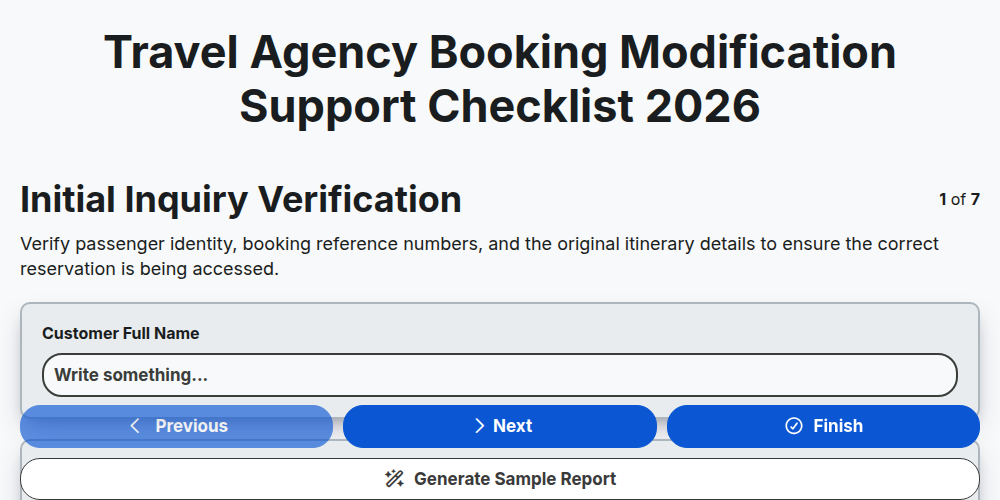
Travel Agency Booking Modification Support Checklist 2026
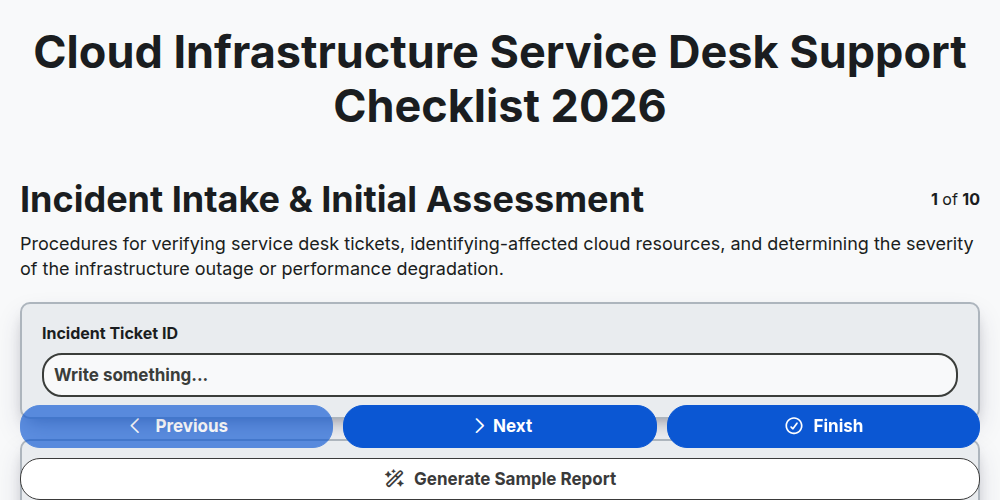
Cloud Infrastructure Service Desk Support Checklist 2026
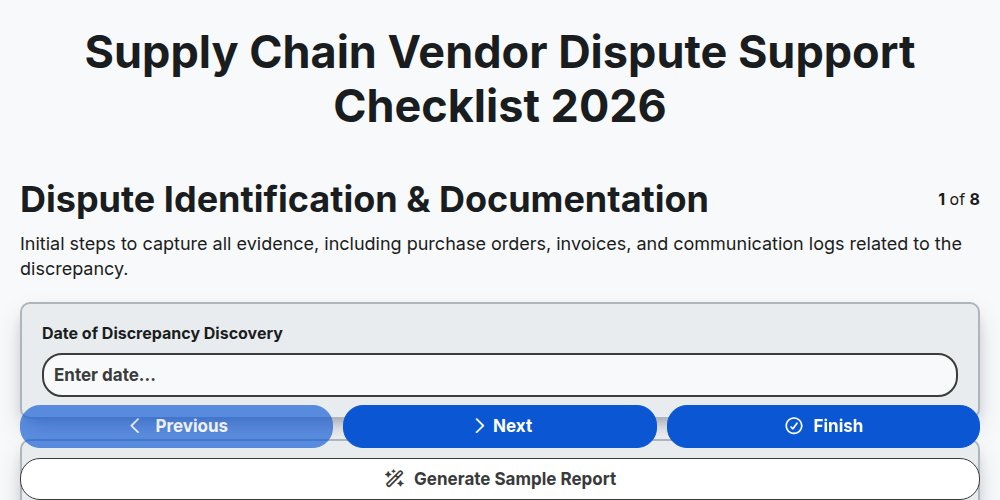
Supply Chain Vendor Dispute Support Checklist 2026
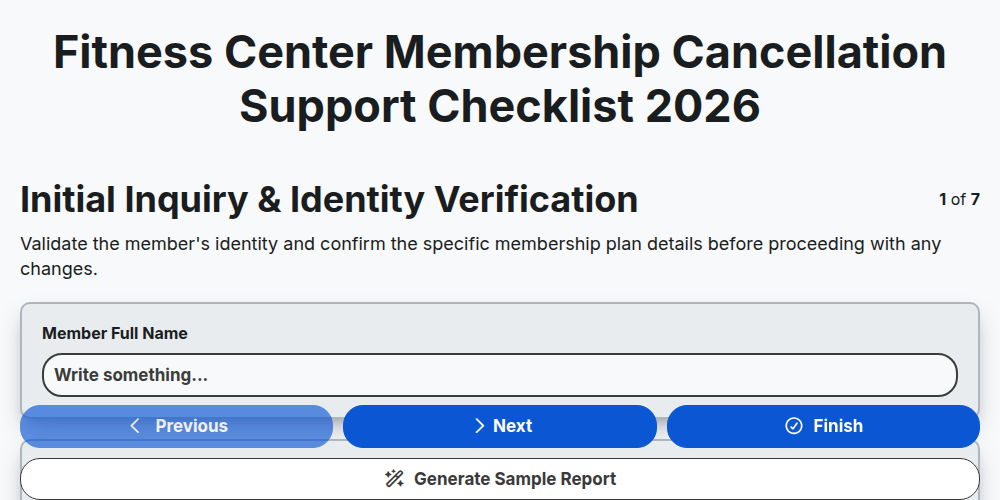
Fitness Center Membership Cancellation Support Checklist 2026
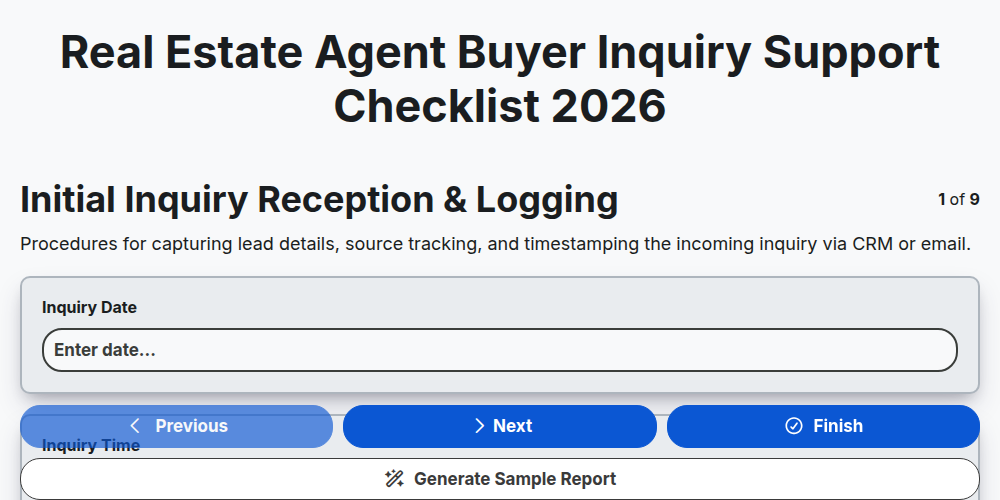
Real Estate Agent Buyer Inquiry Support Checklist 2026
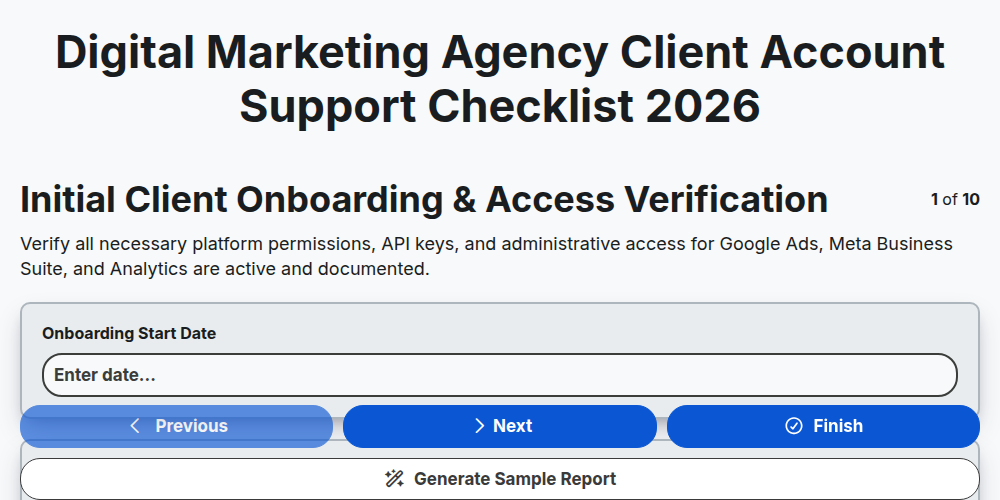
Digital Marketing Agency Client Account Support Checklist 2026
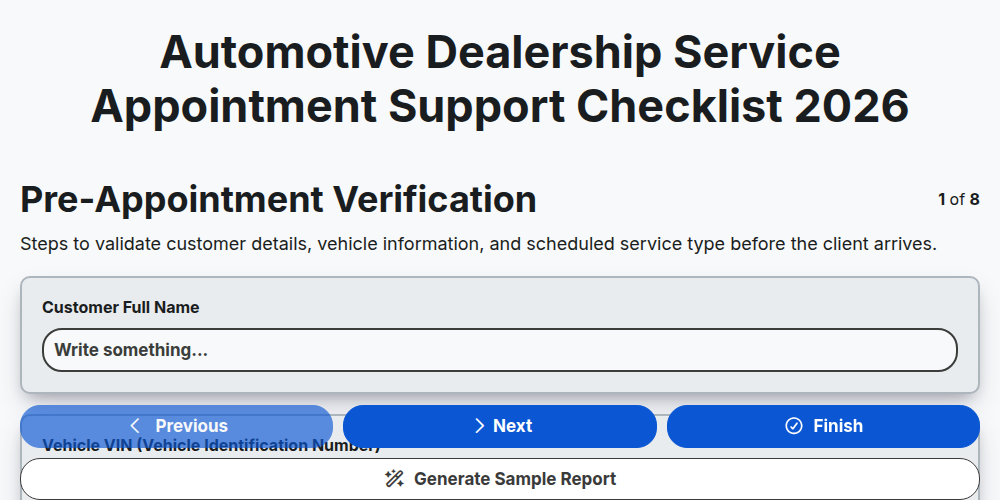
Automotive Dealership Service Appointment Support Checklist 2026
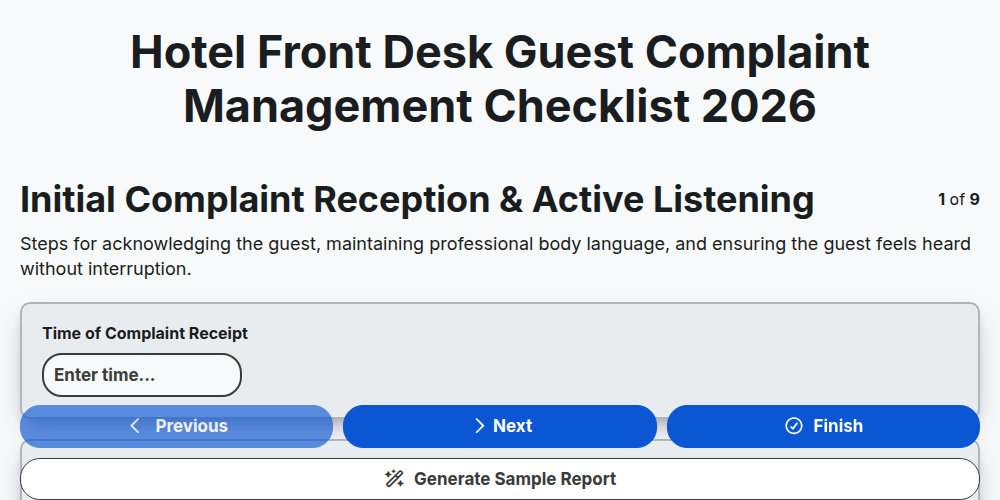
Hotel Front Desk Guest Complaint Management Checklist 2026
Need help with
Поддръжка на клиенти?
Have a question? We're here to help. Please submit your inquiry, and we'll respond promptly.