 ChecklistGuro
 Vendor Managed Inventory (VMI) Workflow
Streamline your supply chain with our comprehensive Vendor Managed Inventory (VMI) Workflow. Learn how to optimize stock levels, reduce replenishment delays, and strengthen supplier partnerships through automated monitoring and collaborative restocking processes. Master the art of proactive inventory control to minimize overhead and prevent stockouts.
Този шаблон е инсталиран 4 пъти.
Старт
Начало на работния поток/процеса.
1. Fetch Vendor Master Data
Retrieve vendor profiles and their specific service level agreements (SLAs) from the Vendor Data Model.
2. Fetch Current Stock Levels
Retrieve existing inventory quantities from the Inventory Data Model for all items under VMI.
3. Calculate Total Stock Value
Sum the value of all items currently in stock to determine total capital tied up in VMI.
4. Calculate Reorder Point
Execute formula (Average Daily Usage * Lead Time) + Safety Stock to determine if replenishment is needed.
5. Update Stock Status
Update the 'Status' field in the Inventory Data Model to 'Low Stock' when thresholds are breached.
6. Create Replenishment Order
Create a new entry in the Purchase Order Data Model for the required quantities.
7. Assign Vendor Review Task
Create a task for the Vendor Representative to review and confirm the replenishment quantities.
8. Notify Vendor of Replenishment
Send an automated email to the vendor contact with the details of the new replenishment order.
9. Warehouse Receiving Task
Create a task for the Warehouse Manager to prepare for incoming stock arrival.
10. Update Order Status to 'In Transit'
Update the Purchase Order entry status once the vendor confirms dispatch.
11. Fetch Received Goods Data
Retrieve data from the Goods Receipt entries to verify quantities against the order.
12. Calculate Variance
Compare 'Ordered Quantity' vs 'Received Quantity' to identify discrepancies.
13. Discrepancy Alert
Send an email to the Procurement Manager if the variance exceeds the allowed tolerance.
14. Update Inventory Levels
Increase the quantity in the Inventory Data Model following a successful goods receipt.
15. Generate Monthly VMI Performance Report
Create a report summarizing stockouts, order accuracy, and vendor compliance for the month.
Край
Край на работния поток/процеса.
Начало на работния поток/процеса.
Retrieve vendor profiles and their specific service level agreements (SLAs) from the Vendor Data Model.
Retrieve existing inventory quantities from the Inventory Data Model for all items under VMI.
Sum the value of all items currently in stock to determine total capital tied up in VMI.
Execute formula (Average Daily Usage * Lead Time) + Safety Stock to determine if replenishment is needed.
Update the 'Status' field in the Inventory Data Model to 'Low Stock' when thresholds are breached.
Create a new entry in the Purchase Order Data Model for the required quantities.
Create a task for the Vendor Representative to review and confirm the replenishment quantities.
Send an automated email to the vendor contact with the details of the new replenishment order.
Create a task for the Warehouse Manager to prepare for incoming stock arrival.
Update the Purchase Order entry status once the vendor confirms dispatch.
Retrieve data from the Goods Receipt entries to verify quantities against the order.
Compare 'Ordered Quantity' vs 'Received Quantity' to identify discrepancies.
Send an email to the Procurement Manager if the variance exceeds the allowed tolerance.
Increase the quantity in the Inventory Data Model following a successful goods receipt.
Create a report summarizing stockouts, order accuracy, and vendor compliance for the month.
Край на работния поток/процеса.
Коментари
Все още няма коментари. Бъдете първият, който добави!
Демонстрация на решението за управление на инвентара
Оптимизирайте инвентара си и увеличете печалбата! ChecklistGuro опростява проследяването, поръчването и изпълнението. Намалете отпадъците, минимизирайте недостига на стоки и подобрете ефективността. Управлявайте всичко това с нашата платформа Work OS.
Свързани шаблони за работни потоци

Inventory Turnover Ratio Analysis Process

Inventory Movement and Log Tracking Process

Low Stock Alert and Alert Management Workflow

Backorder Management and Notification Process

Kit Assembly and Bundle Management Workflow

E-commerce Order Fulfillment Process

Inventory Reconciliation and Discrepancy Process
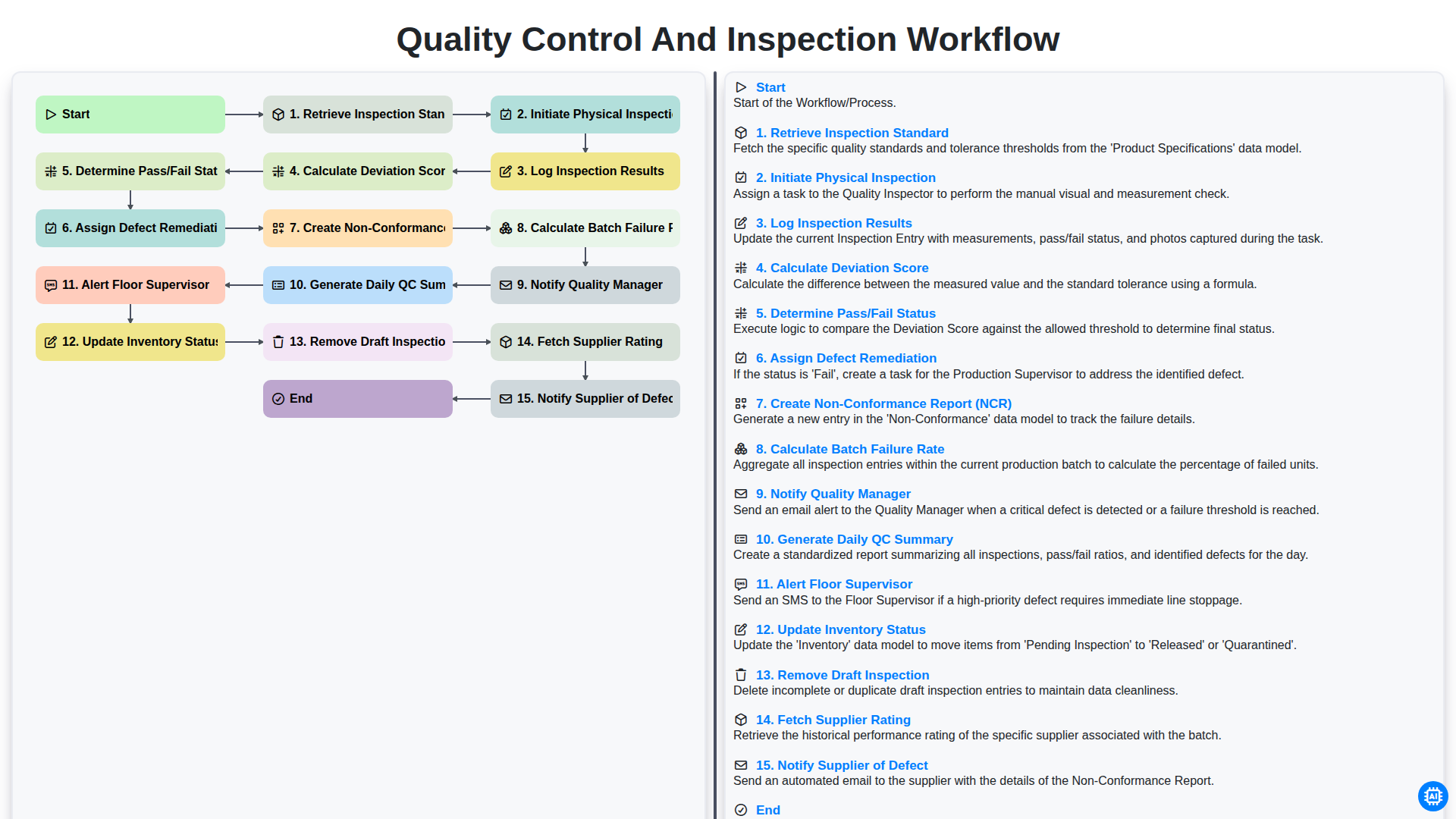
Quality Control and Inspection Workflow
Можем да го направим заедно
Нуждаете се от помощ с
Управление на запасите?
Имате въпрос? Тук сме, за да помогнем. Моля, изпратете запитването си и ние ще отговорим своевременно.