 ChecklistGuro
 Proceso de Conteo Cíclico de Inventario para Fabricantes
Asegure la precisión del inventario y minimice costosas discrepancias con nuestro optimizado Proceso de Conteo Cíclico de Inventario. Este flujo de trabajo guía a los fabricantes a través de conteos cíclicos eficientes, identifica posibles problemas y automatiza la conciliación, reduciendo errores, optimizando los niveles de existencias e impulsando la eficiencia operativa general. Obtenga una visión clara y en tiempo real de su inventario y desbloquee importantes ahorros de costos.
Esta plantilla se instaló 2 veces.
Inicio
Inicio del flujo de trabajo/proceso.
1. Recuperar programación de conteo de ciclos
Obtener las tareas de conteo cíclico programadas desde el modelo de datos de Conteo Cíclico.
2. Asignar tarea de conteo de ciclos
Crea una tarea para el miembro del equipo de conteo cíclico asignado, según el cronograma.
3. Recuperar registros de inventario
Obtenga registros de inventario relevantes (artículo, ubicación, cantidad) del modelo de datos de Inventario.
4. Conteo Físico
Asigna la tarea de contar físicamente el inventario.
5. Actualizar Cantidad de Conteo Físico
Actualice la cantidad del conteo físico en el modelo de datos de inventario.
6. Calcular la varianza
Calcule la varianza entre la cantidad del sistema y la cantidad física contada.
7. Variación de la bandera que excede el umbral.
Si la varianza supera un umbral predefinido, marcar el registro de inventario como que requiere investigación.
8. Tarea de investigación
Crear una tarea para el equipo de investigación para que investigue variaciones significativas.
9. Crear Nota de Investigación de Variaciones
Cree una nota en el modelo de datos de Investigación de Variaciones para registrar los hallazgos.
10. Actualizar Cantidad del Sistema (si está corregida)
Actualice la cantidad del sistema en el modelo de datos de Inventario si la variación se debió a un error.
11. Generar informe de conteo de ciclos
Elaborar un informe que resuma los resultados del conteo cíclico, incluyendo las variaciones y las notas de la investigación.
12. Notificar al Gestor de Inventario
Envíe un correo electrónico al responsable de inventario resumiendo las variaciones significativas y solicitando una revisión.
13. Recuperar Historial de Conteo
Obtenga el historial de conteos anteriores del artículo para identificar tendencias.
14. Marcar el conteo de ciclos como completado.
Actualice el estado del conteo de ciclos a Completado.
Fin
Fin del flujo de trabajo/proceso.
Inicio del flujo de trabajo/proceso.
Obtener las tareas de conteo cíclico programadas desde el modelo de datos de Conteo Cíclico.
Crea una tarea para el miembro del equipo de conteo cíclico asignado, según el cronograma.
Obtenga registros de inventario relevantes (artículo, ubicación, cantidad) del modelo de datos de Inventario.
Asigna la tarea de contar físicamente el inventario.
Actualice la cantidad del conteo físico en el modelo de datos de inventario.
Calcule la varianza entre la cantidad del sistema y la cantidad física contada.
Si la varianza supera un umbral predefinido, marcar el registro de inventario como que requiere investigación.
Crear una tarea para el equipo de investigación para que investigue variaciones significativas.
Cree una nota en el modelo de datos de Investigación de Variaciones para registrar los hallazgos.
Actualice la cantidad del sistema en el modelo de datos de Inventario si la variación se debió a un error.
Elaborar un informe que resuma los resultados del conteo cíclico, incluyendo las variaciones y las notas de la investigación.
Envíe un correo electrónico al responsable de inventario resumiendo las variaciones significativas y solicitando una revisión.
Obtenga el historial de conteos anteriores del artículo para identificar tendencias.
Actualice el estado del conteo de ciclos a Completado.
Fin del flujo de trabajo/proceso.
¿Le resultó útil esta plantilla de flujo de trabajo?
Comentarios
Aún no hay comentarios. ¡Sé el primero en añadir uno!
Demostración de la solución de gestión de la fabricación
¡Deje de lidiar con papeleo y sistemas desconectados! Nuestra solución aporta claridad y control a su proceso de producción. Desde procedimientos operativos estándar (SOP) y mantenimiento de equipos hasta control de calidad y seguimiento de inventario, simplificamos cada paso.
Plantillas de flujo de trabajo relacionadas
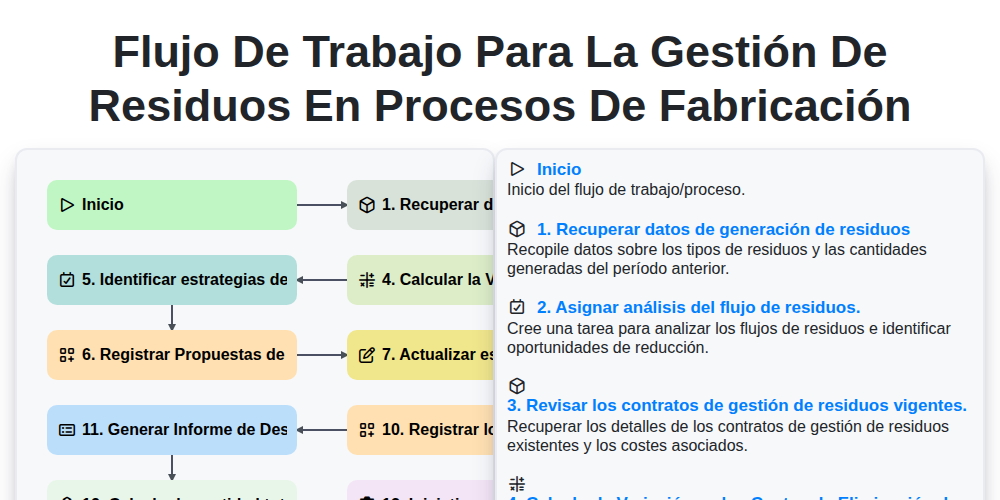
Flujo de Trabajo para la Gestión de Residuos en Procesos de Fabricación
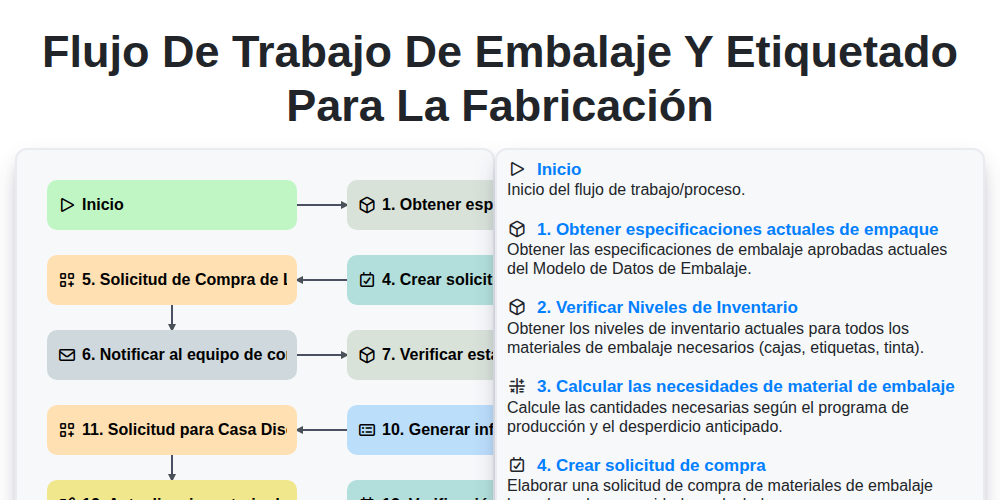
Flujo de trabajo de embalaje y etiquetado para la fabricación
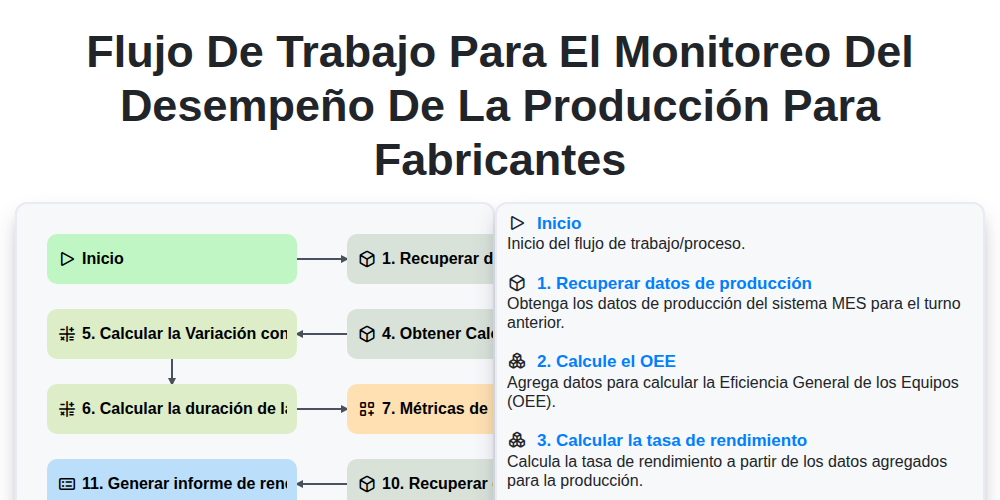
Flujo de Trabajo para el Monitoreo del Desempeño de la Producción para Fabricantes
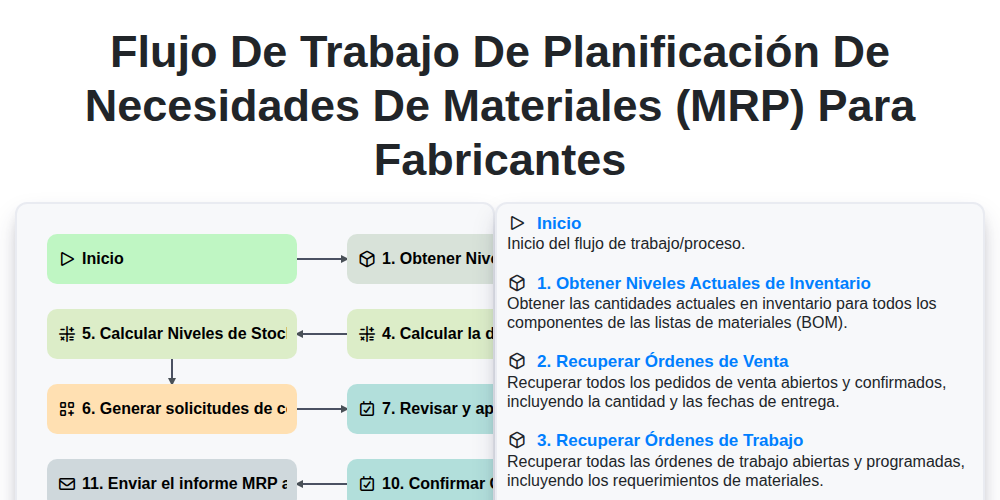
Flujo de trabajo de Planificación de Necesidades de Materiales (MRP) para fabricantes
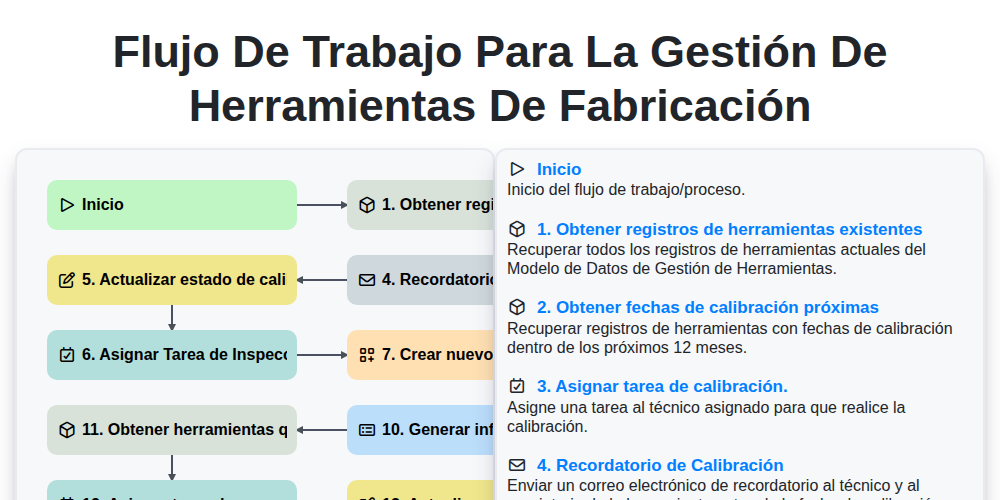
Flujo de trabajo para la gestión de herramientas de fabricación
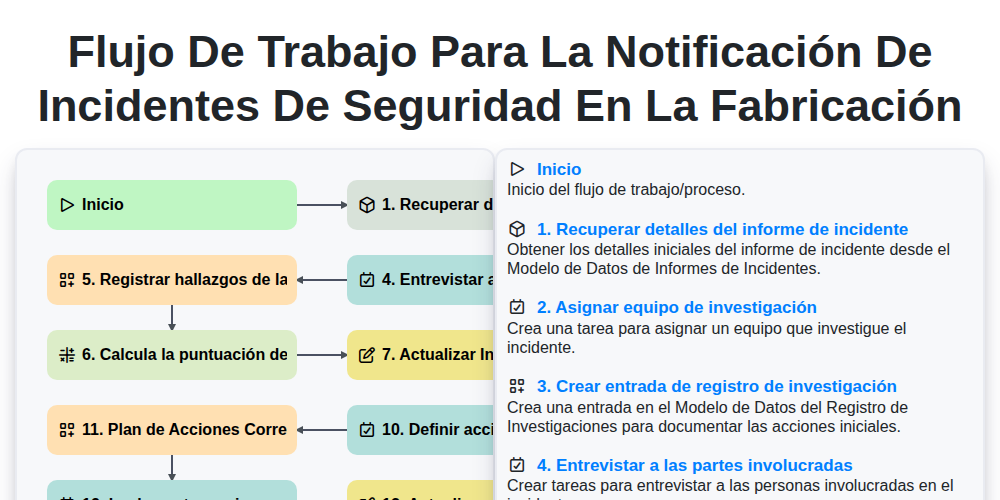
Flujo de trabajo para la notificación de incidentes de seguridad en la fabricación
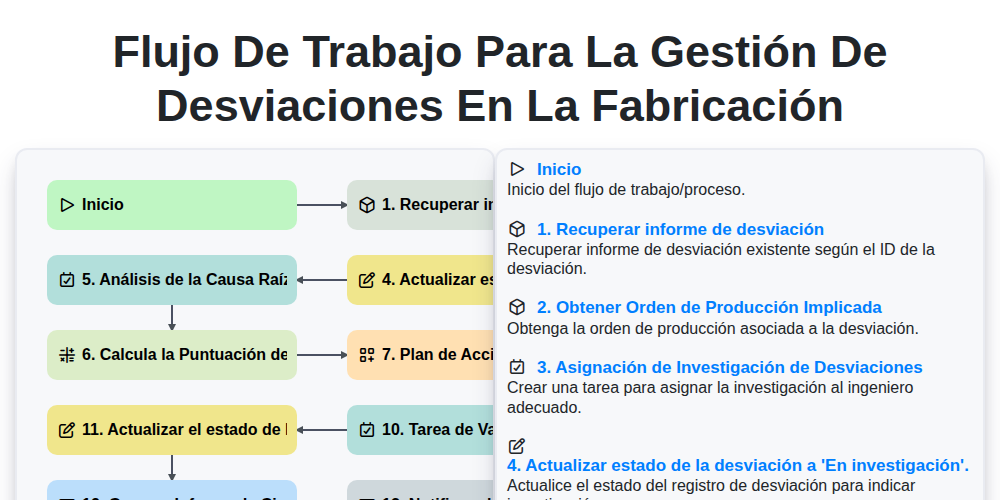
Flujo de Trabajo para la Gestión de Desviaciones en la Fabricación
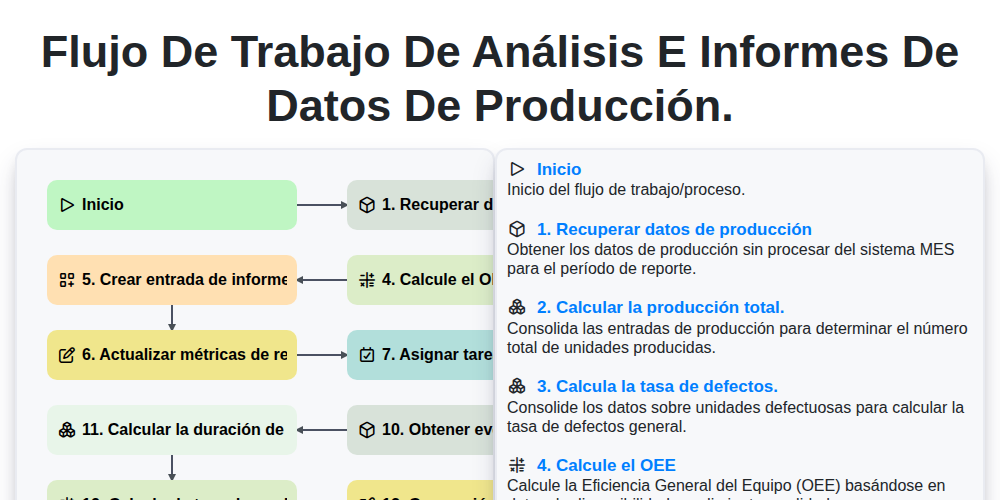
Flujo de trabajo de análisis e informes de datos de producción.
Podemos hacerlo juntos
¿Necesita ayuda con las listas de verificación?
¿Tienes alguna pregunta? Estamos aquí para ayudarte. Envía tu consulta y te responderemos a la brevedad.