 ChecklistGuro
 Flujo de Trabajo para la Inspección de Calidad en la Fabricación
Asegure productos impecables y procesos optimizados. Nuestro flujo de trabajo de inspección de calidad de fabricación digitaliza sus verificaciones, reduce errores y aumenta el cumplimiento. Desde las materias primas hasta los productos terminados, mantenga los más altos estándares de calidad en todo momento.
Esta plantilla se instaló 1 veces.
Inicio
Inicio del flujo de trabajo/proceso.
1. Recuperar Plan de Inspección
Obtenga el plan de inspección correspondiente según la orden de producción o lote.
2. Asignar inspector
Asignar automáticamente la tarea de inspección a un inspector de calidad disponible.
3. Obtener especificaciones del producto
Obtenga las especificaciones del producto del BOM o del modelo de datos del producto.
4. Ejecución de la inspección
Tarea para el inspector, ejecutar la inspección según el plan.
5. Resultados de la inspección de registros
Cree una nueva entrada para almacenar los resultados de la inspección, incluyendo mediciones y observaciones.
6. Actualizar estado del producto
Actualice el estado del producto en el modelo de datos del producto (p. ej., Aprobado, Fallido, Retrabajo).
7. Crear Informe de Incumplimiento (si falla)
Cree automáticamente un informe de incumplimiento si la inspección falla.
8. Asignar tarea de retrabajo/reparación
Si el producto falla, asignar una tarea de reelaboración o reparación al equipo correspondiente.
9. Detalles de reelaboración/reparación del registro
Registre los detalles de cualquier actividad de reelaboración o reparación realizada.
10. Recuperar Historial de Inspecciones Anteriores
Recuperar el historial de inspecciones del producto para identificar tendencias o patrones.
11. Generar informe de inspección
Elaborar un informe detallado que resuma los resultados de la inspección.
12. Notificar al Responsable de Calidad
Envíe un correo electrónico al responsable de calidad con un resumen de los resultados de la inspección.
13. Calcular la tasa de defectos
Calcule la tasa de defectos basándose en los resultados de la inspección.
14. Actualizar Puntuación de Calidad por Lote
Actualiza la puntuación general de calidad del lote en función de los resultados de la inspección.
15. Revisar la No Conformidad (si es una NC)
Asigna una tarea para la revisión del informe de no conformidad por parte de un ingeniero senior.
Fin
Fin del flujo de trabajo/proceso.
Inicio del flujo de trabajo/proceso.
Obtenga el plan de inspección correspondiente según la orden de producción o lote.
Asignar automáticamente la tarea de inspección a un inspector de calidad disponible.
Obtenga las especificaciones del producto del BOM o del modelo de datos del producto.
Tarea para el inspector, ejecutar la inspección según el plan.
Cree una nueva entrada para almacenar los resultados de la inspección, incluyendo mediciones y observaciones.
Actualice el estado del producto en el modelo de datos del producto (p. ej., Aprobado, Fallido, Retrabajo).
Cree automáticamente un informe de incumplimiento si la inspección falla.
Si el producto falla, asignar una tarea de reelaboración o reparación al equipo correspondiente.
Registre los detalles de cualquier actividad de reelaboración o reparación realizada.
Recuperar el historial de inspecciones del producto para identificar tendencias o patrones.
Elaborar un informe detallado que resuma los resultados de la inspección.
Envíe un correo electrónico al responsable de calidad con un resumen de los resultados de la inspección.
Calcule la tasa de defectos basándose en los resultados de la inspección.
Actualiza la puntuación general de calidad del lote en función de los resultados de la inspección.
Asigna una tarea para la revisión del informe de no conformidad por parte de un ingeniero senior.
Fin del flujo de trabajo/proceso.
¿Le resultó útil esta plantilla de flujo de trabajo?
Comentarios
Aún no hay comentarios. ¡Sé el primero en añadir uno!
Demostración de la solución de gestión de la fabricación
¡Deje de lidiar con papeleo y sistemas desconectados! Nuestra solución aporta claridad y control a su proceso de producción. Desde procedimientos operativos estándar (SOP) y mantenimiento de equipos hasta control de calidad y seguimiento de inventario, simplificamos cada paso.
Plantillas de flujo de trabajo relacionadas
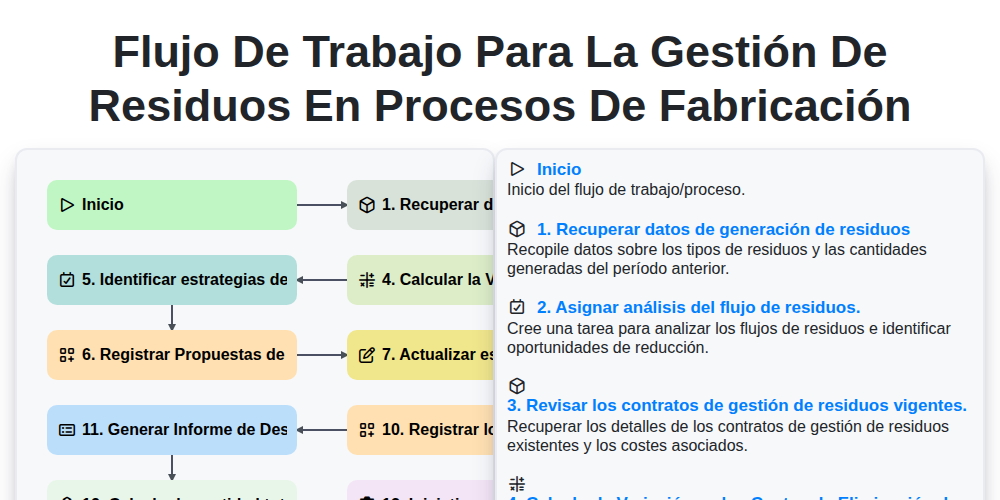
Flujo de Trabajo para la Gestión de Residuos en Procesos de Fabricación
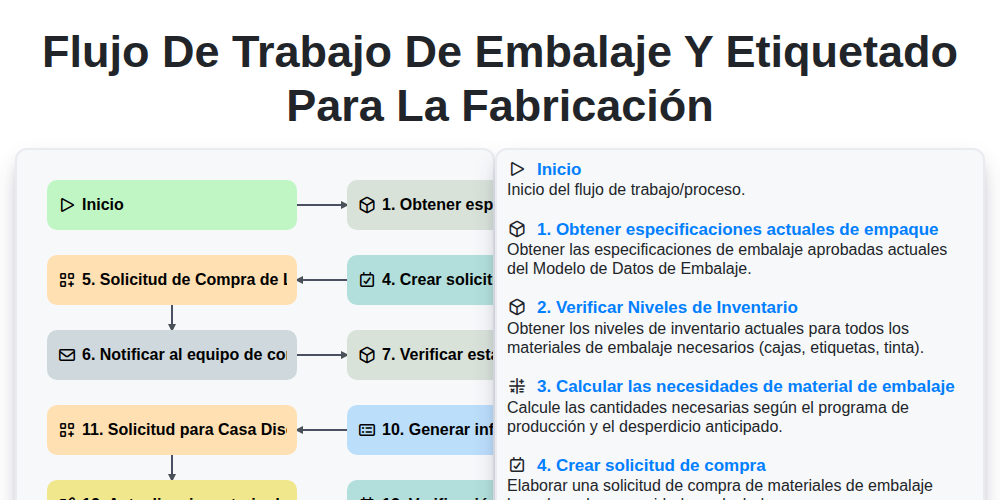
Flujo de trabajo de embalaje y etiquetado para la fabricación
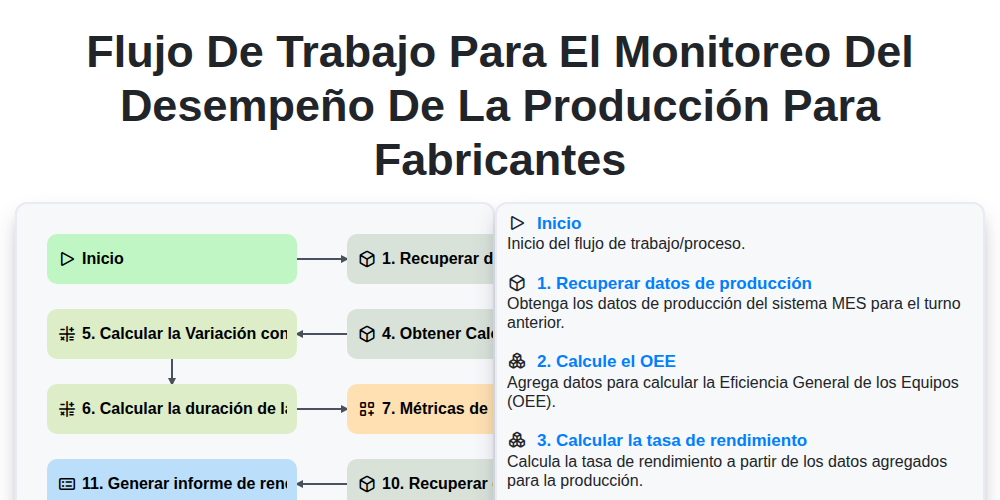
Flujo de Trabajo para el Monitoreo del Desempeño de la Producción para Fabricantes
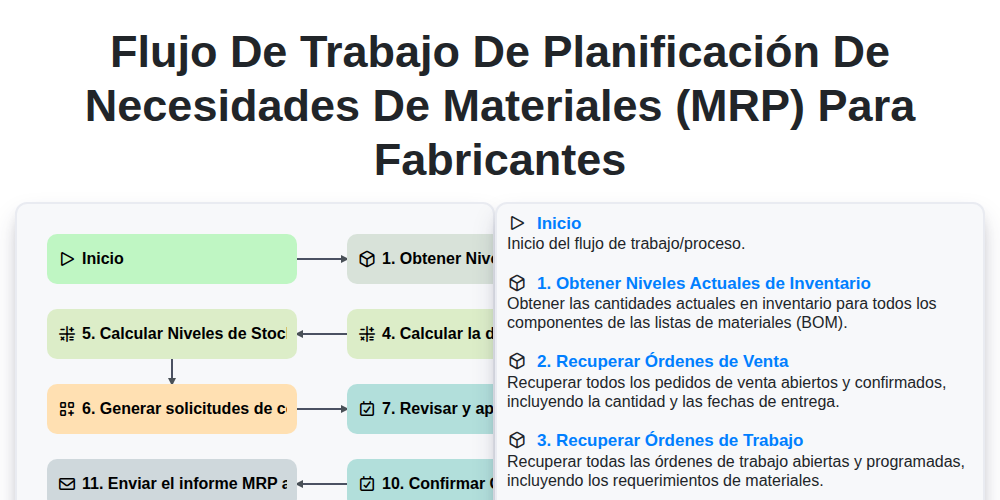
Flujo de trabajo de Planificación de Necesidades de Materiales (MRP) para fabricantes
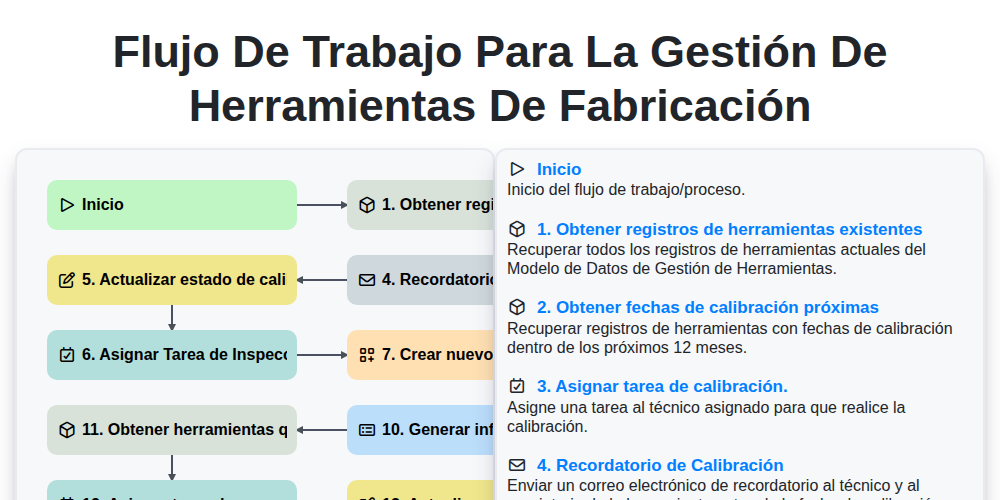
Flujo de trabajo para la gestión de herramientas de fabricación
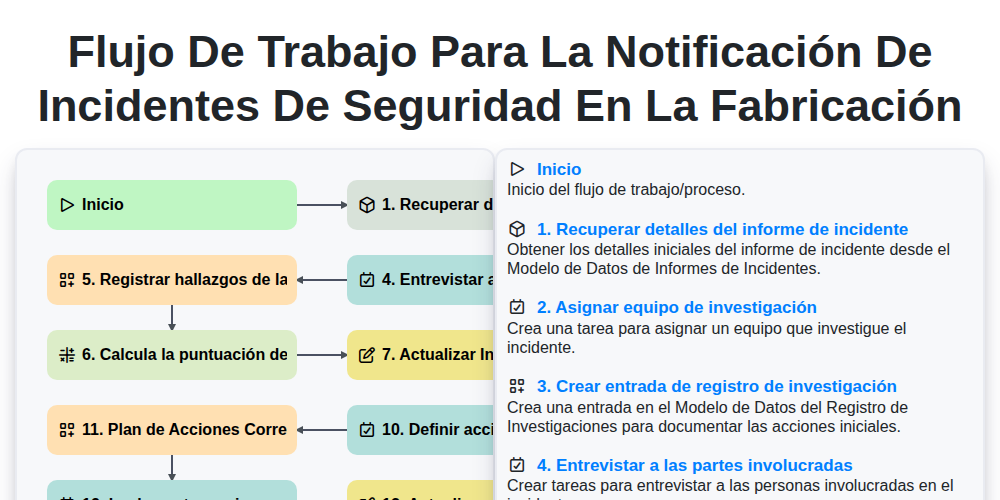
Flujo de trabajo para la notificación de incidentes de seguridad en la fabricación
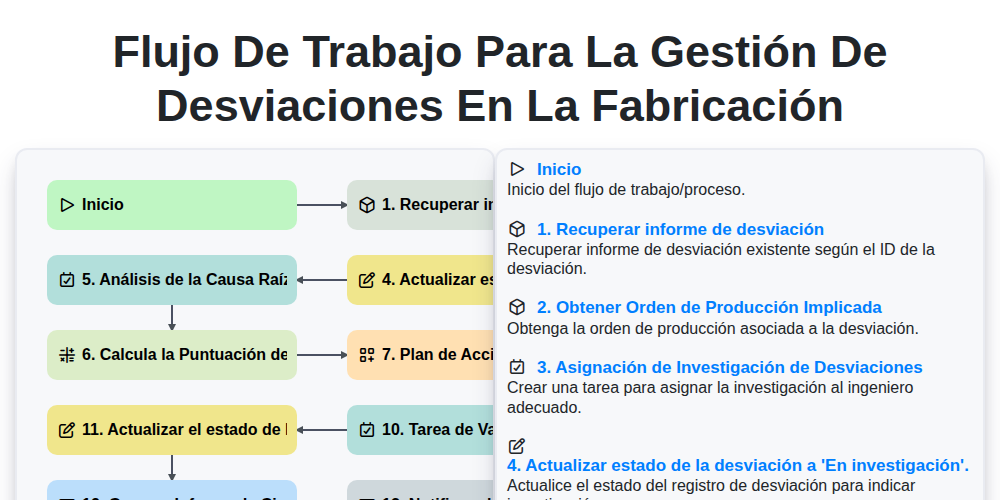
Flujo de Trabajo para la Gestión de Desviaciones en la Fabricación
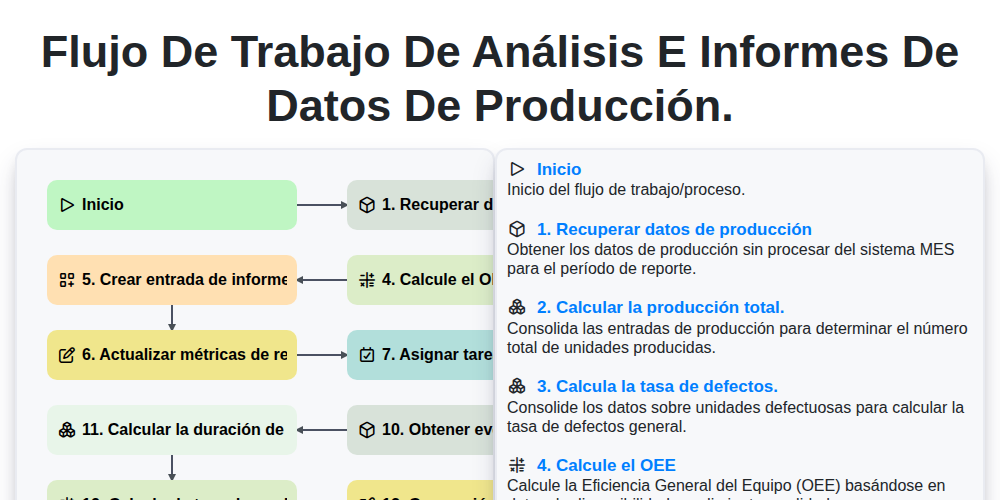
Flujo de trabajo de análisis e informes de datos de producción.
Podemos hacerlo juntos
¿Necesita ayuda con las listas de verificación?
¿Tienes alguna pregunta? Estamos aquí para ayudarte. Envía tu consulta y te responderemos a la brevedad.