 ChecklistGuro
 Marketing Campaign Project Management
Streamline your marketing lifecycle with our comprehensive Marketing Campaign Project Management workflow. Master every stage from initial ideation and creative brief development to multi-channel execution and performance analysis. This proven process eliminates bottlenecks, synchronizes cross-functional teams, and ensures high-impact campaigns are delivered on time and within budget. Optimize your marketing operations, track real-time progress, and drive measurable ROI with a structured approach to campaign orchestration.
Ce modèle a été installé 4 fois.
Début
Début du flux de travail/processus.
1. Retrieve Campaign Brief
Fetch the initial campaign requirements and objectives from the Campaign Data Model.
2. Create Campaign Record
Generate a new entry in the Campaign Data Model to initialize the project tracking.
3. Assign Creative Briefing
Create a task for the Creative Director to review the campaign objectives.
4. Update Budget Allocation
Update the 'Allocated Budget' field in the Campaign entry after the brief is approved.
5. Calculate Remaining Budget
Subtract the 'Estimated Spend' from the 'Allocated Budget' to determine remaining funds.
6. Sum Total Ad Spend
Aggregate all 'Spend' entries from the Ad Set Data Model to calculate total campaign cost.
7. Content Production Task
Create tasks for designers and copywriters to produce campaign assets.
8. Fetch Asset Links
Retrieve the URLs of completed creative assets from the Asset Data Model.
9. Legal & Compliance Review
Assign a task to the Legal team to review campaign copy for regulatory compliance.
10. Notify Stakeholders
Send an email to the Marketing Manager once the campaign assets are ready for review.
11. Set Campaign Status to 'Live'
Update the Campaign entry status to 'Active' once all launch tasks are complete.
12. Calculate ROI
Aggregate revenue entries and divide by total cost entries to determine Return on Investment.
13. Generate Campaign Performance Report
Create a final performance report summarizing all KPIs from the campaign period.
14. Urgent Budget Alert
Send an SMS to the Budget Owner if the calculated spending exceeds 90% of the allocation.
15. Cleanup Draft Assets
Delete outdated or rejected draft entries from the Asset Data Model after campaign conclusion.
Fin
Fin du flux de travail/processus.
Début du flux de travail/processus.
Fetch the initial campaign requirements and objectives from the Campaign Data Model.
Generate a new entry in the Campaign Data Model to initialize the project tracking.
Create a task for the Creative Director to review the campaign objectives.
Update the 'Allocated Budget' field in the Campaign entry after the brief is approved.
Subtract the 'Estimated Spend' from the 'Allocated Budget' to determine remaining funds.
Aggregate all 'Spend' entries from the Ad Set Data Model to calculate total campaign cost.
Create tasks for designers and copywriters to produce campaign assets.
Retrieve the URLs of completed creative assets from the Asset Data Model.
Assign a task to the Legal team to review campaign copy for regulatory compliance.
Send an email to the Marketing Manager once the campaign assets are ready for review.
Update the Campaign entry status to 'Active' once all launch tasks are complete.
Aggregate revenue entries and divide by total cost entries to determine Return on Investment.
Create a final performance report summarizing all KPIs from the campaign period.
Send an SMS to the Budget Owner if the calculated spending exceeds 90% of the allocation.
Delete outdated or rejected draft entries from the Asset Data Model after campaign conclusion.
Fin du flux de travail/processus.
Commentaires
Aucun commentaire n'a été publié pour le moment. Soyez le premier à en ajouter un !
Démonstration de la solution de gestion de projet
Livrez vos projets dans les délais et dans le budget ! ChecklistGuro rationalise la gestion des tâches, la collaboration et le suivi des progrès. Améliorez la visibilité et augmentez la productivité de l'équipe. Gérez tout cela grâce à notre plateforme Work OS.
Modèles de flux de travail associés

Strategic Planning and Execution Process

Digital Transformation Project Workflow

Employee Onboarding Project Management

Customer Implementation Workflow

Design System Maintenance Process

Quality Assurance (QA) Testing Workflow
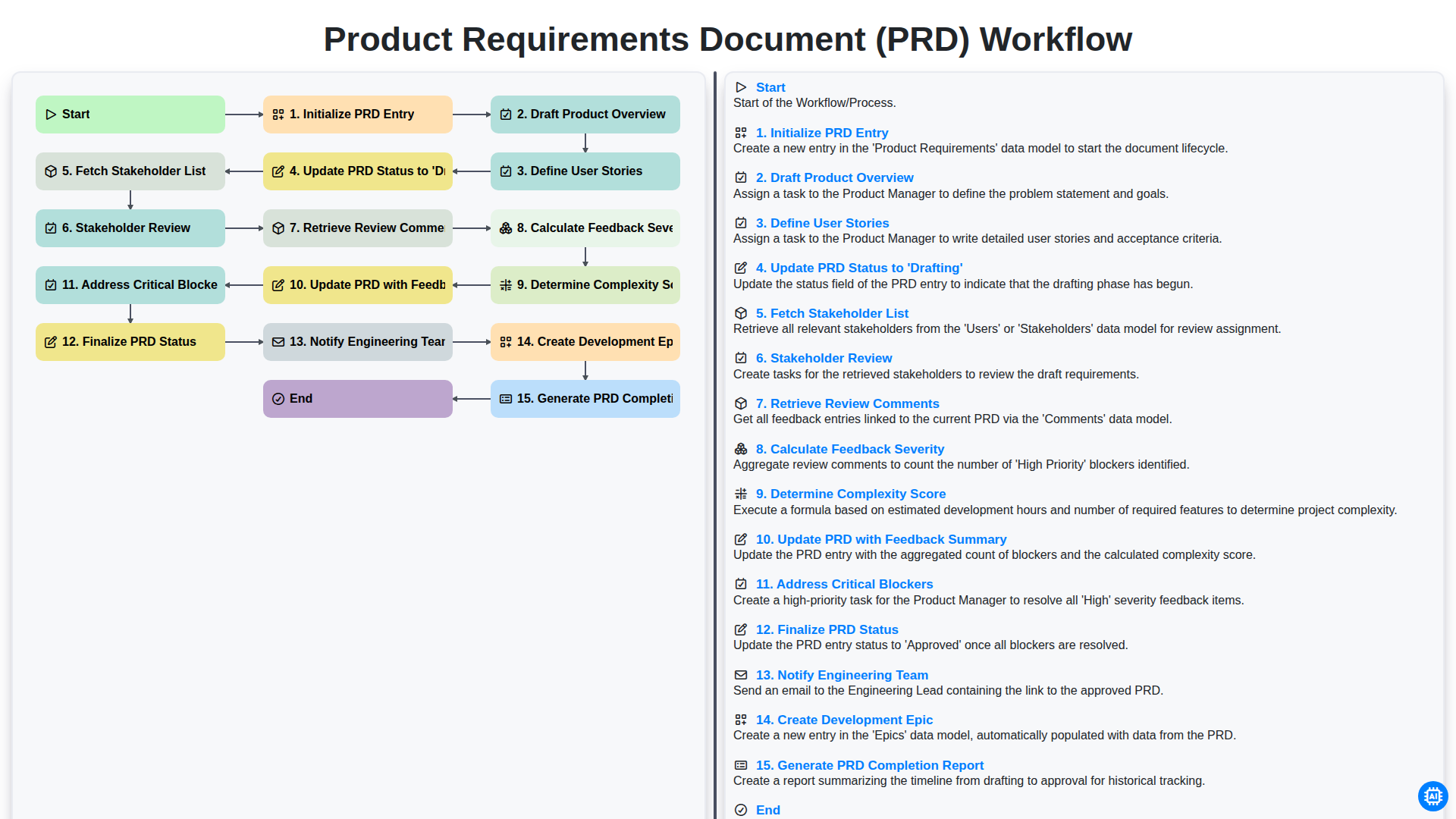
Product Requirements Document (PRD) Workflow

Internal Audit and Compliance Workflow
Nous pouvons le faire ensemble
Besoin d'aide avec les listes de contrôle?
Vous avez une question ? Nous sommes là pour vous aider. Veuillez soumettre votre demande et nous vous répondrons rapidement.