 ChecklistGuro
 Goods Receipt and Inspection Process
Streamline your supply chain with our comprehensive Goods Receipt and Inspection process. Learn how to optimize inbound logistics, ensure 100% inventory accuracy, and implement rigorous quality control checks within your Warehouse Management System (WMS) to eliminate discrepancies and accelerate stock availability.
Ce modèle a été installé 2 fois.
Début
Début du flux de travail/processus.
1. Fetch Purchase Order
Retrieve the original Purchase Order entry to verify item details and quantities.
2. Create Goods Receipt Record
Create a new entry in the Goods Receipt data model to initiate the receiving process.
3. Warehouse Unloading Task
Assign a task to the warehouse operator to physically unload the delivery truck.
4. Physical Inspection Task
Assign a task to the Quality Control officer to inspect the goods for damage.
5. Update Shipment Status
Update the status of the Purchase Order entry to 'Partially Received' or 'Fully Received'.
6. Log Inspection Results
Update the Goods Receipt entry with inspection notes, pass/fail status, and damage descriptions.
7. Sum Received Quantity
Aggregate all items in the Goods Receipt to calculate the total weight or volume received.
8. Calculate Quantity Variance
Subtract the received quantity from the ordered quantity to identify discrepancies.
9. Create Non-Conformance Report
If inspection fails, create a new entry in the Non-Conformance (NCR) data model.
10. Notify Procurement of Discrepancy
Send an email to the Purchasing Department if the received quantity does not match the PO.
11. Notify Vendor of Damage
Send an email to the supplier regarding damaged goods identified during inspection.
12. Inventory Update Task
Create a task to update the stock levels in the main Inventory data model.
13. Update Stock Levels
Update the quantity on hand in the Inventory data model based on the successful receipt.
14. Remove Erroneous Entry
Delete a duplicate or incorrectly created Goods Receipt entry if a mistake was made during input.
15. Generate Weekly Receiving Report
Create a summary report of all goods received and inspection outcomes for the week.
Fin
Fin du flux de travail/processus.
Début du flux de travail/processus.
Retrieve the original Purchase Order entry to verify item details and quantities.
Create a new entry in the Goods Receipt data model to initiate the receiving process.
Assign a task to the warehouse operator to physically unload the delivery truck.
Assign a task to the Quality Control officer to inspect the goods for damage.
Update the status of the Purchase Order entry to 'Partially Received' or 'Fully Received'.
Update the Goods Receipt entry with inspection notes, pass/fail status, and damage descriptions.
Aggregate all items in the Goods Receipt to calculate the total weight or volume received.
Subtract the received quantity from the ordered quantity to identify discrepancies.
If inspection fails, create a new entry in the Non-Conformance (NCR) data model.
Send an email to the Purchasing Department if the received quantity does not match the PO.
Send an email to the supplier regarding damaged goods identified during inspection.
Create a task to update the stock levels in the main Inventory data model.
Update the quantity on hand in the Inventory data model based on the successful receipt.
Delete a duplicate or incorrectly created Goods Receipt entry if a mistake was made during input.
Create a summary report of all goods received and inspection outcomes for the week.
Fin du flux de travail/processus.
Questions fréquemment posées
Commentaires
Aucun commentaire n'a été publié pour le moment. Soyez le premier à en ajouter un !
Démonstration de la solution WMS - Système de gestion d'entrepôt
Optimisez vos opérations d'entrepôt et augmentez l'efficacité ! Le WMS de ChecklistGuro rationalise la gestion des stocks, l'exécution des commandes et l'expédition. Réduisez les erreurs, améliorez la précision et maximisez l'utilisation de l'espace. Gérez tout cela grâce à notre plateforme Work OS.
Modèles de flux de travail associés
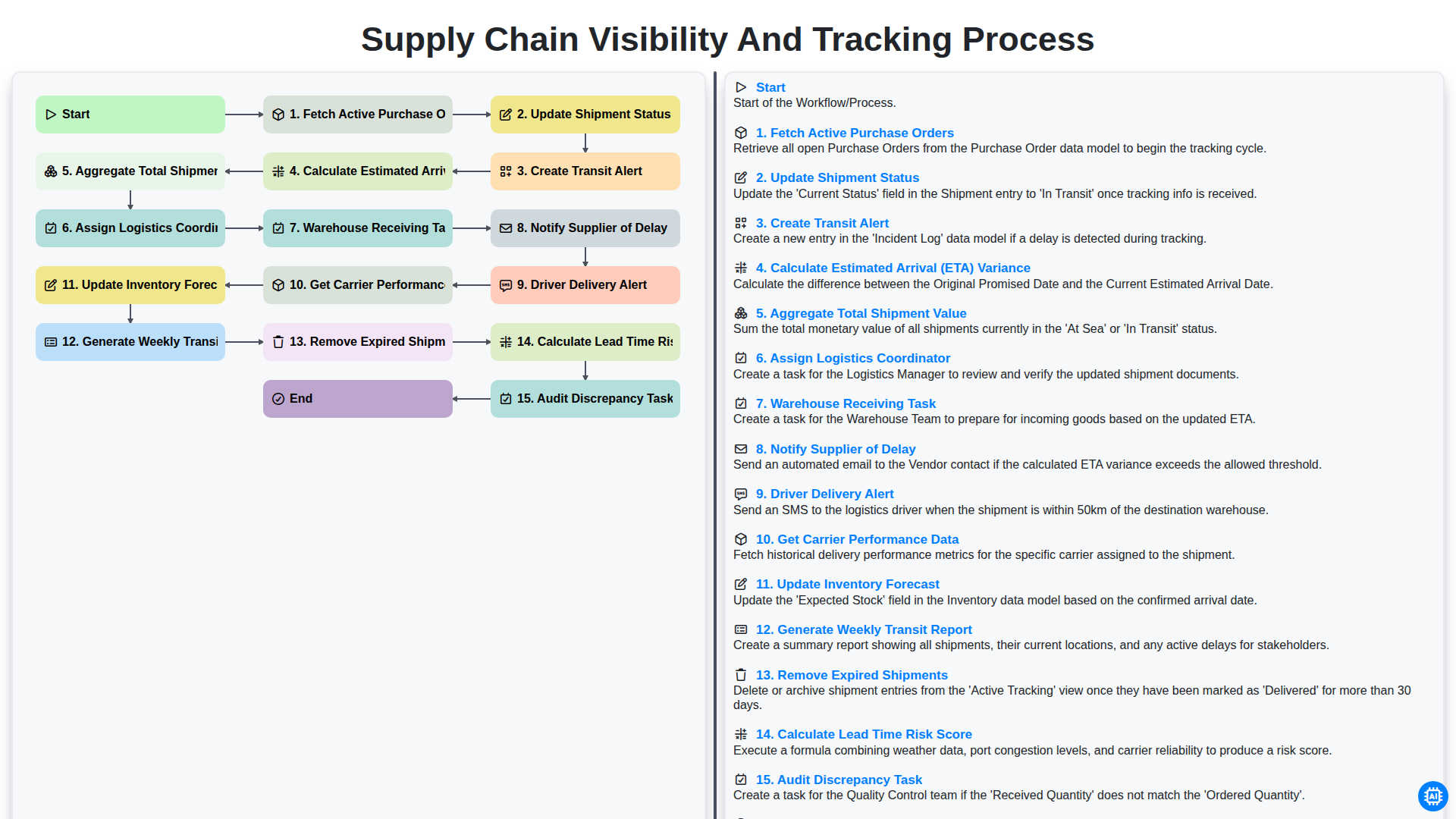
Supply Chain Visibility and Tracking Process
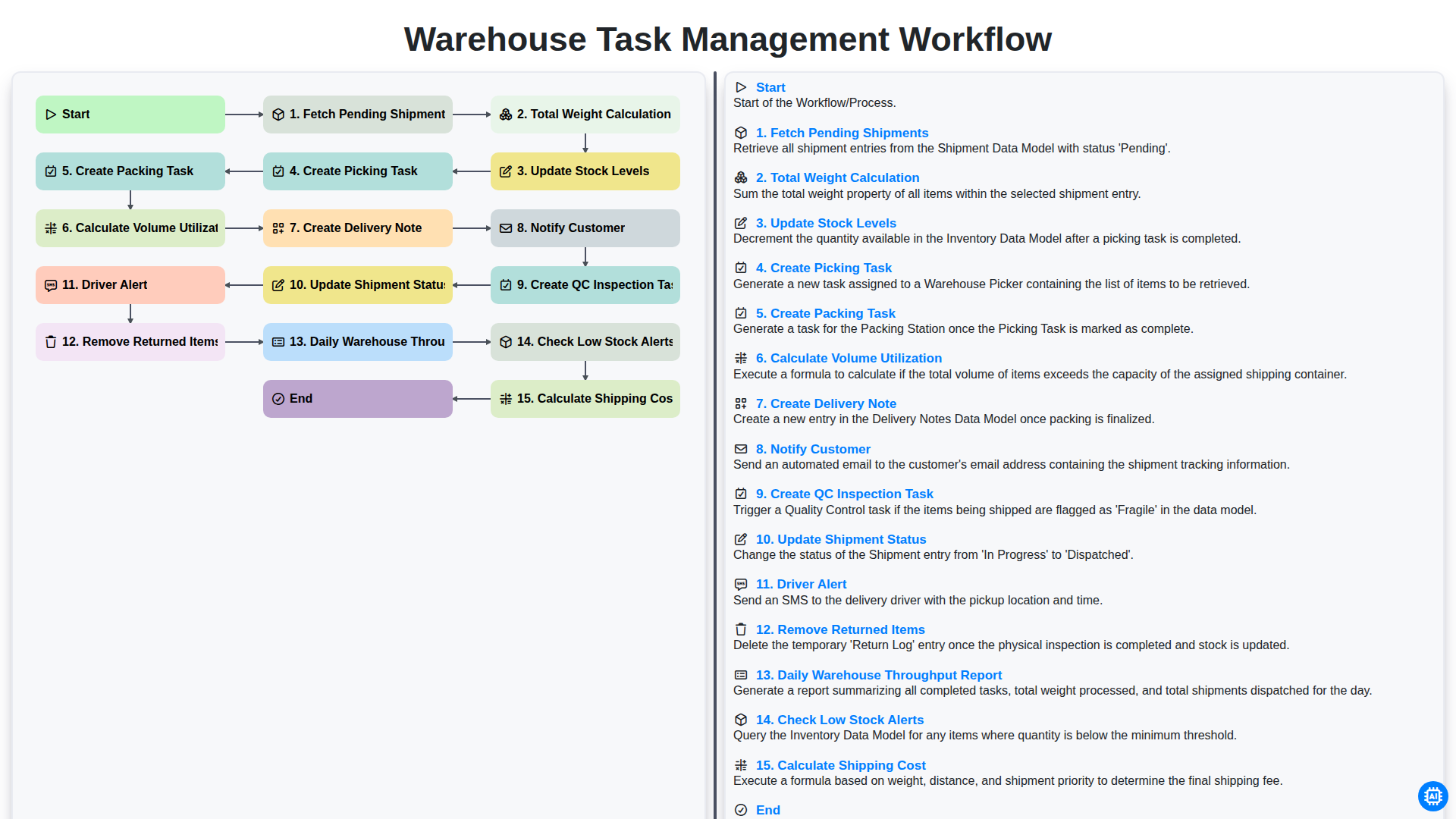
Warehouse Task Management Workflow
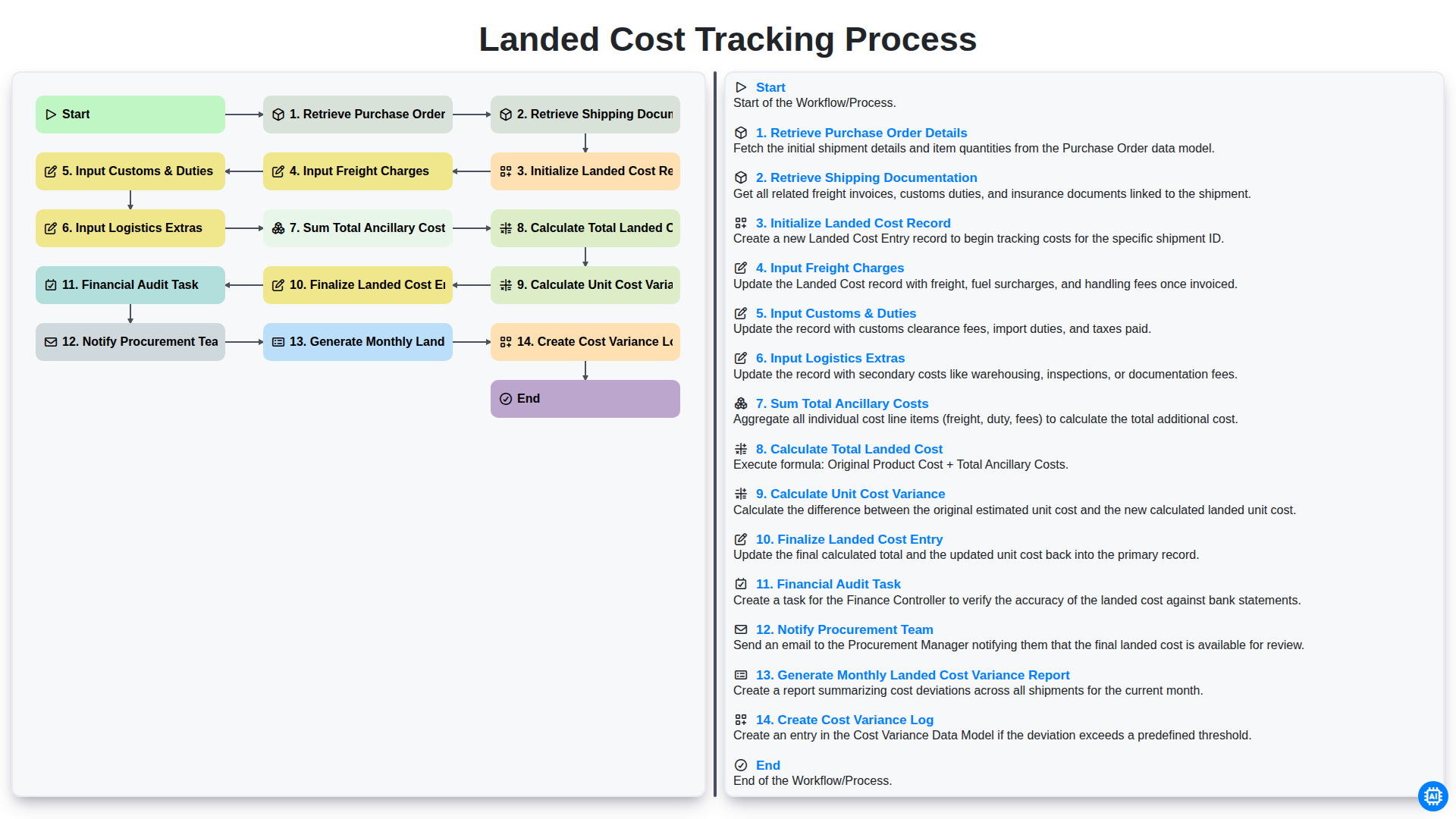
Landed Cost Tracking Process
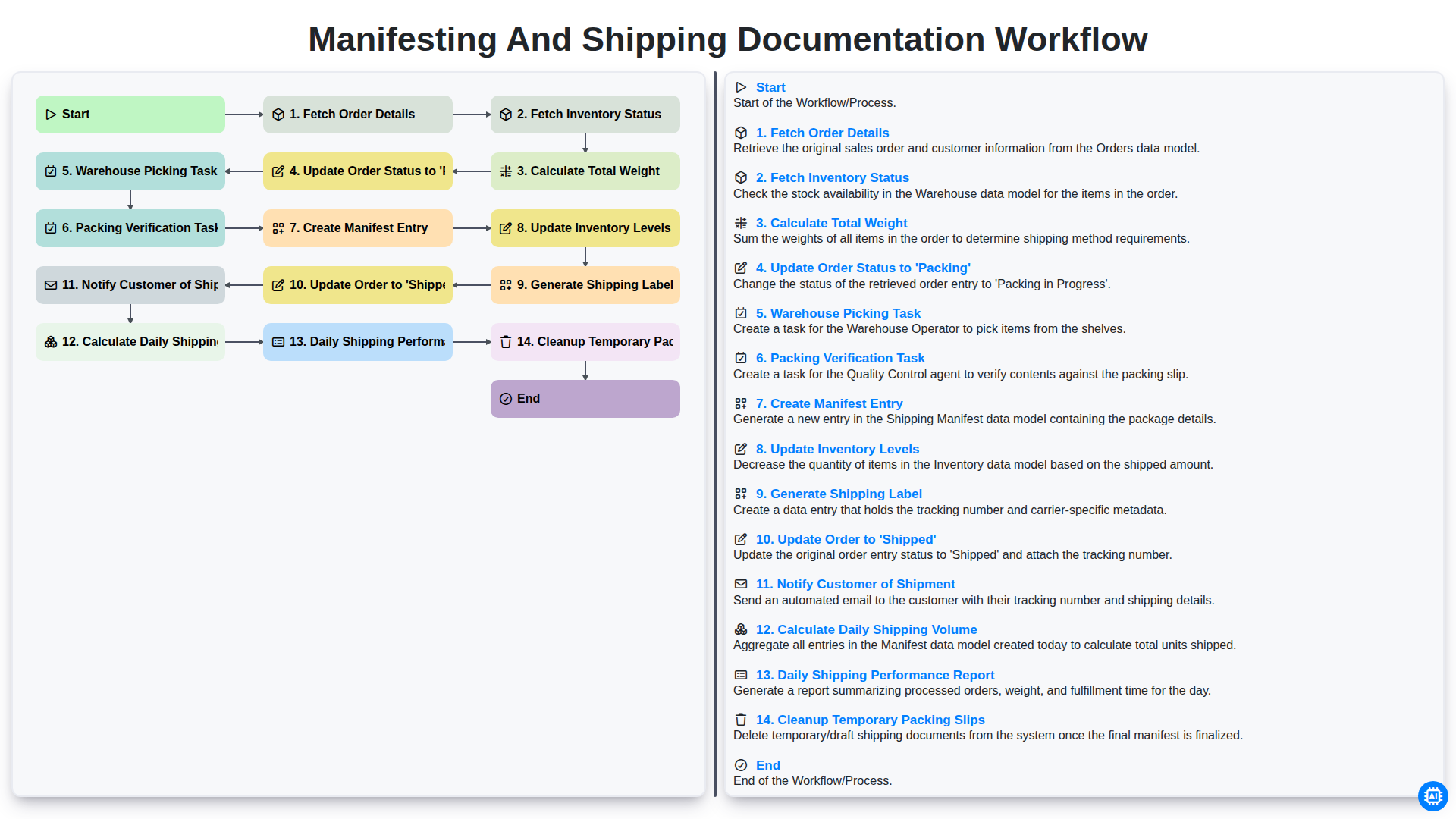
Manifesting and Shipping Documentation Workflow
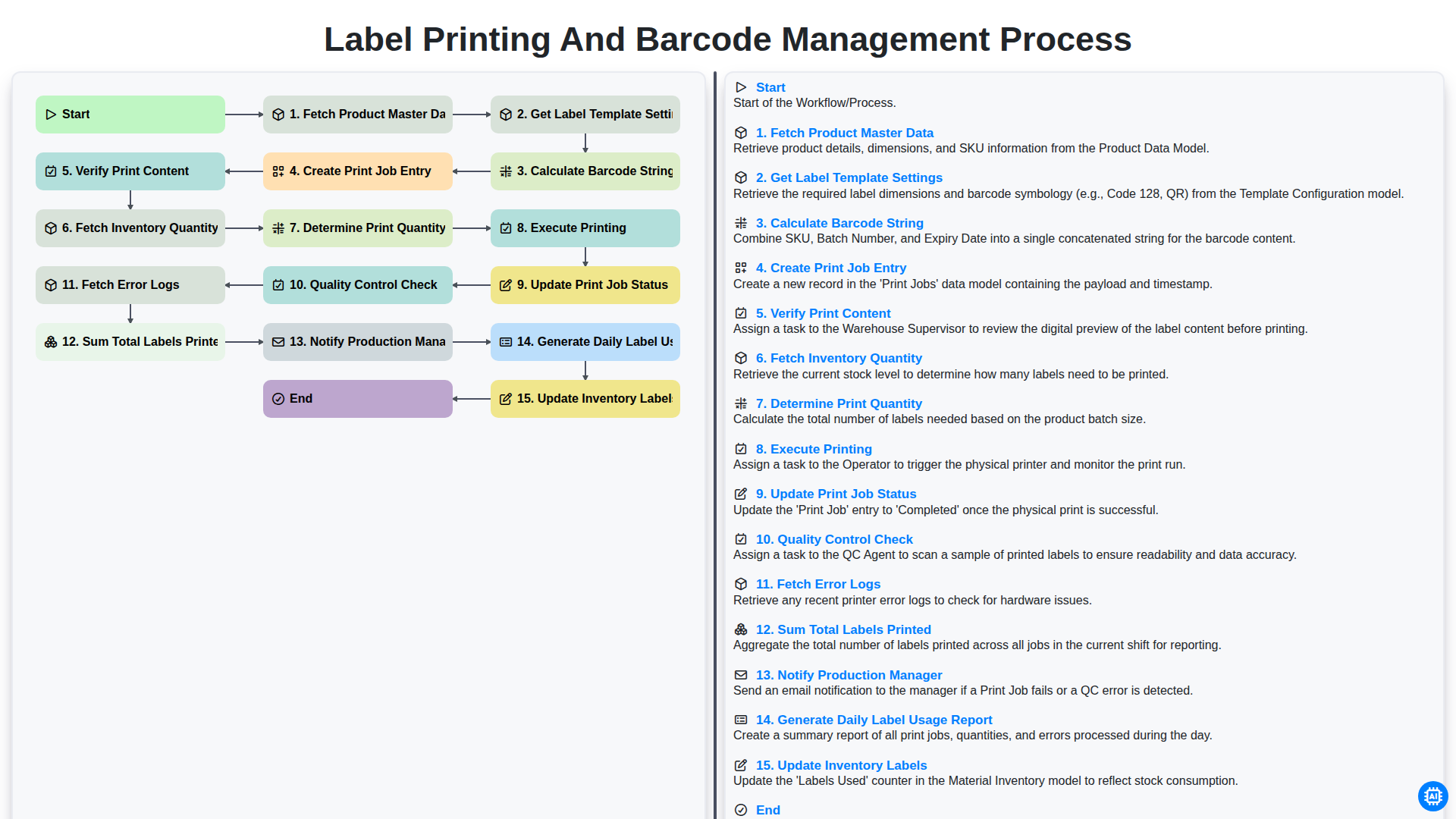
Label Printing and Barcode Management Process
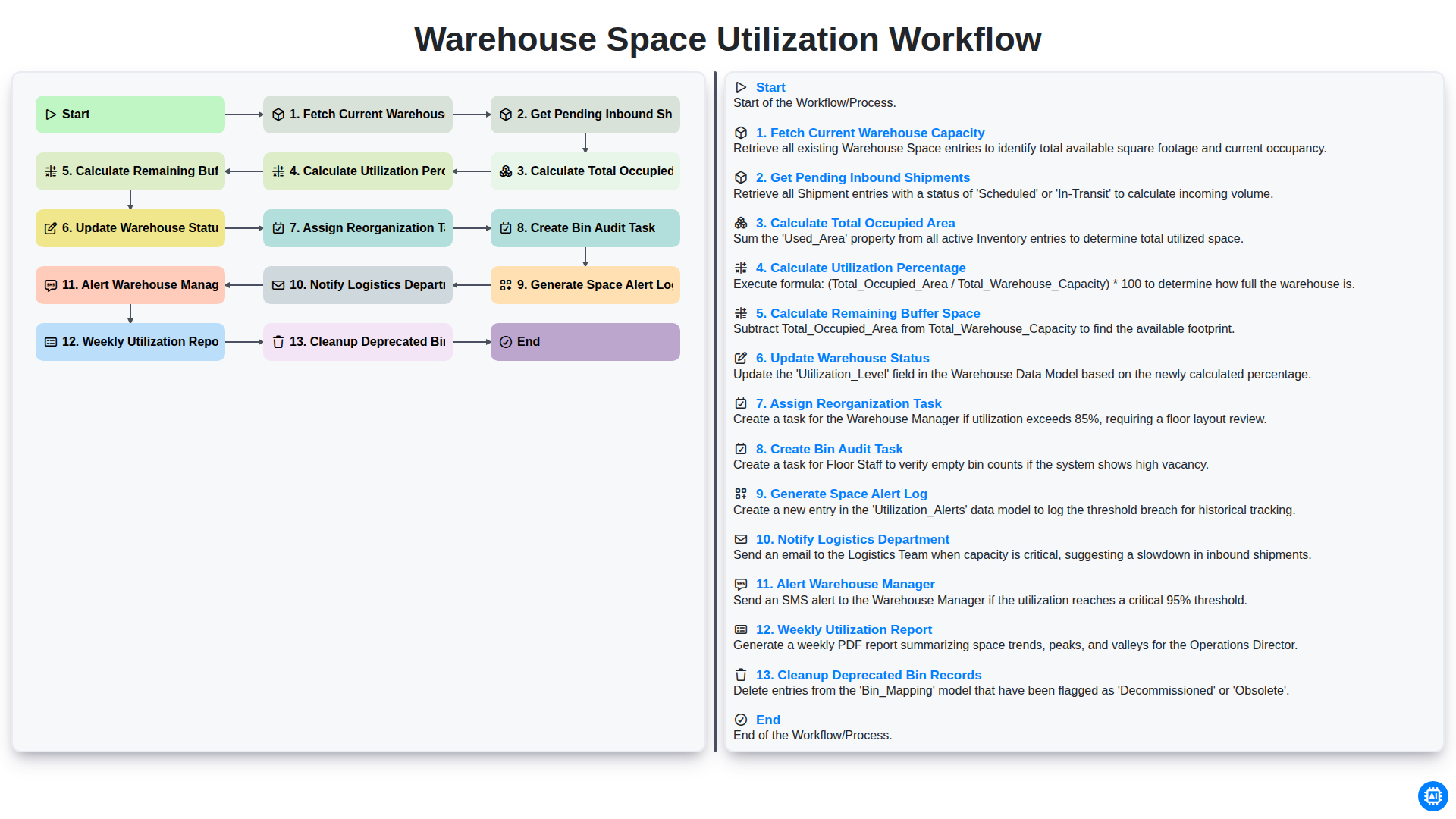
Warehouse Space Utilization Workflow
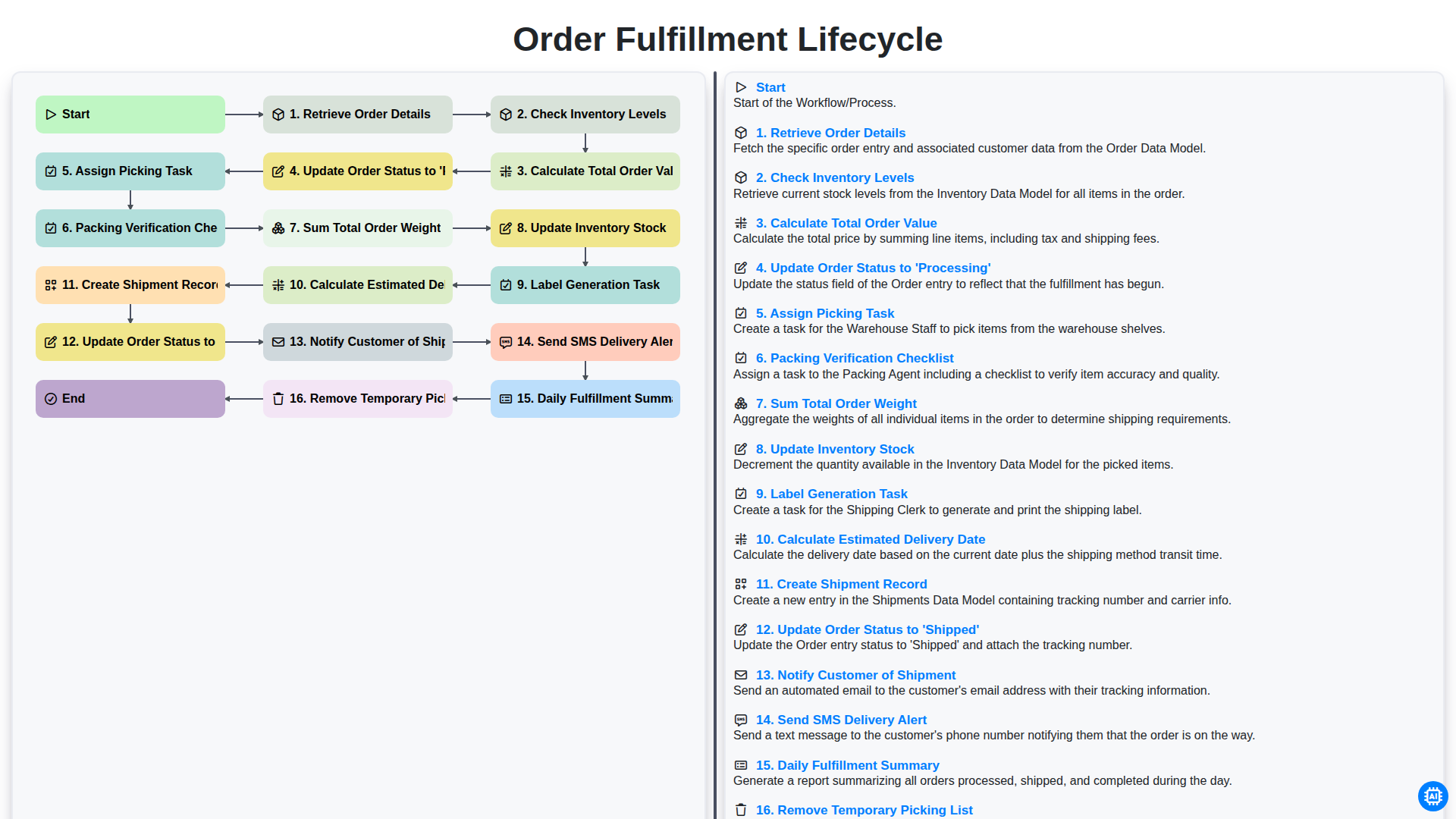
Order Fulfillment Lifecycle
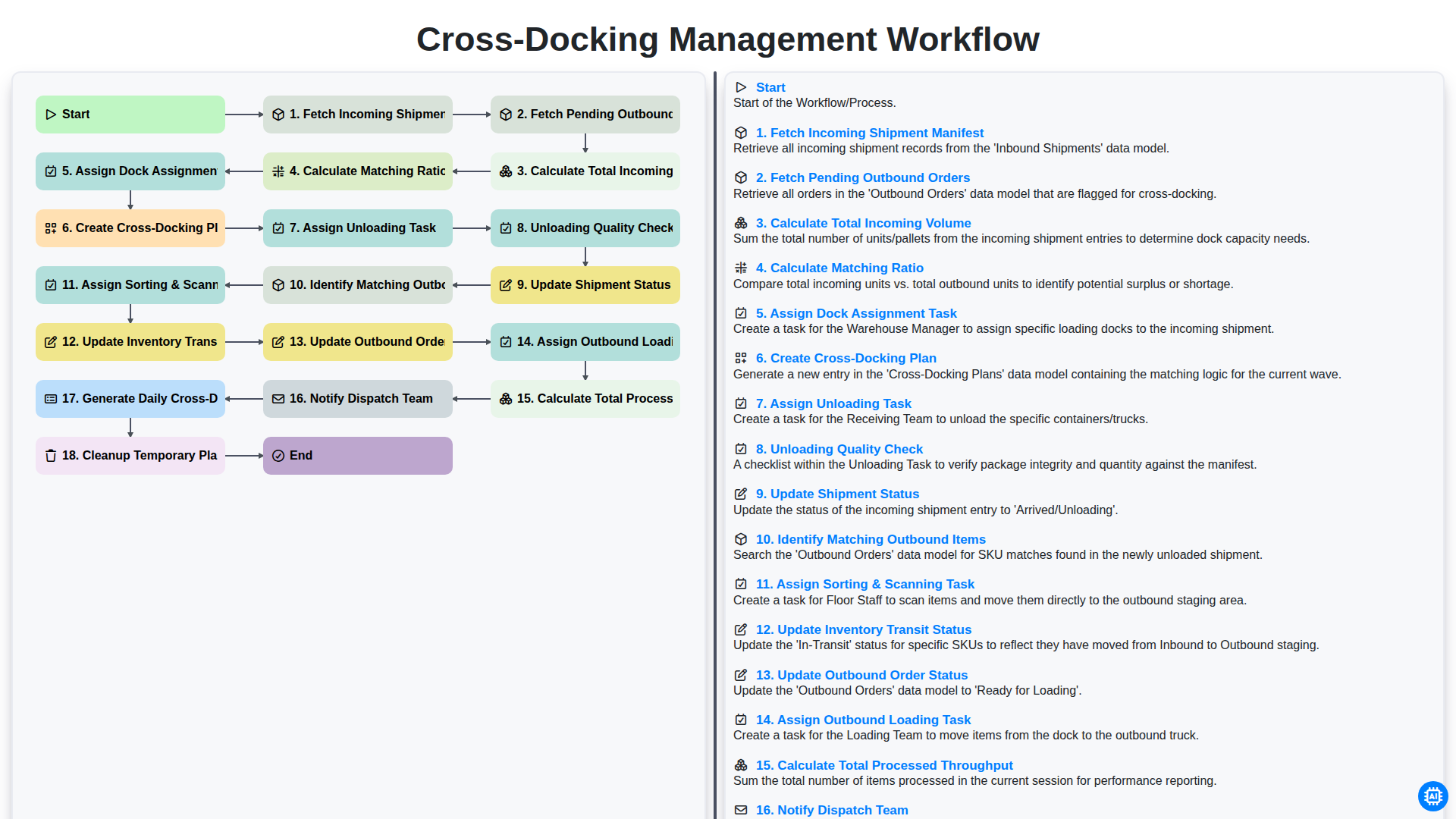
Cross-Docking Management Workflow
Besoin d'aide avec les listes de contrôle?
Vous avez une question ? Nous sommes là pour vous aider. Veuillez soumettre votre demande et nous vous répondrons rapidement.