 ChecklistGuro
 Warehouse Slotting Optimization Process
Maximize warehouse efficiency and reduce travel time with our Warehouse Slotting Optimization Process. Master the art of strategic product placement by analyzing velocity, demand patterns, and picking density to streamline your WMS workflows, boost picking accuracy, and slash operational costs through data-driven inventory organization.
Ce modèle a été installé 4 fois.
Début
Début du flux de travail/processus.
1. Retrieve Inventory Data
Fetch all current stock levels, item dimensions, and turnover rates from the Inventory Data Model.
2. Retrieve Warehouse Layout
Fetch existing bin locations, zone capacities, and aisle dimensions from the Warehouse Map Data Model.
3. Calculate Total SKU Velocity
Aggregate the sales frequency of all SKUs to identify high-moving (A-class) vs. low-moving (C-class) items.
4. Calculate Product Cube Volume
Calculate the physical volume (Length x Width x Height) for each SKU to determine space requirements.
5. Determine Heat Index Score
Execute a formula combining turnover rate and physical size to calculate a 'Slotting Priority Score'.
6. Create Optimization Plan
Create a new entry in the 'Slotting Optimization Plan' model containing the proposed new mapping.
7. Update Bin Assignment
Update the 'Location ID' field in the Inventory Data Model to reflect the new suggested slot.
8. Assign Re-slotting Task
Create a task for the Warehouse Floor Manager to oversee the physical movement of goods.
9. Generate Move List
Create a task for Pickers to execute the physical relocation of items from old bins to new bins.
10. Notify Operations Manager
Send an email to the Operations Manager with the summary of the new Slotting Optimization Plan.
11. Generate Post-Optimization Report
Create a report comparing 'Before' and 'After' picking travel distances and space utilization metrics.
12. Update Warehouse Capacity Status
Update the Warehouse Zone occupancy percentages in the Warehouse Map Data Model.
Fin
Fin du flux de travail/processus.
Début du flux de travail/processus.
Fetch all current stock levels, item dimensions, and turnover rates from the Inventory Data Model.
Fetch existing bin locations, zone capacities, and aisle dimensions from the Warehouse Map Data Model.
Aggregate the sales frequency of all SKUs to identify high-moving (A-class) vs. low-moving (C-class) items.
Calculate the physical volume (Length x Width x Height) for each SKU to determine space requirements.
Execute a formula combining turnover rate and physical size to calculate a 'Slotting Priority Score'.
Create a new entry in the 'Slotting Optimization Plan' model containing the proposed new mapping.
Update the 'Location ID' field in the Inventory Data Model to reflect the new suggested slot.
Create a task for the Warehouse Floor Manager to oversee the physical movement of goods.
Create a task for Pickers to execute the physical relocation of items from old bins to new bins.
Send an email to the Operations Manager with the summary of the new Slotting Optimization Plan.
Create a report comparing 'Before' and 'After' picking travel distances and space utilization metrics.
Update the Warehouse Zone occupancy percentages in the Warehouse Map Data Model.
Fin du flux de travail/processus.
Questions fréquemment posées
Commentaires
Aucun commentaire n'a été publié pour le moment. Soyez le premier à en ajouter un !
Démonstration de la solution WMS - Système de gestion d'entrepôt
Optimisez vos opérations d'entrepôt et augmentez l'efficacité ! Le WMS de ChecklistGuro rationalise la gestion des stocks, l'exécution des commandes et l'expédition. Réduisez les erreurs, améliorez la précision et maximisez l'utilisation de l'espace. Gérez tout cela grâce à notre plateforme Work OS.
Modèles de flux de travail associés
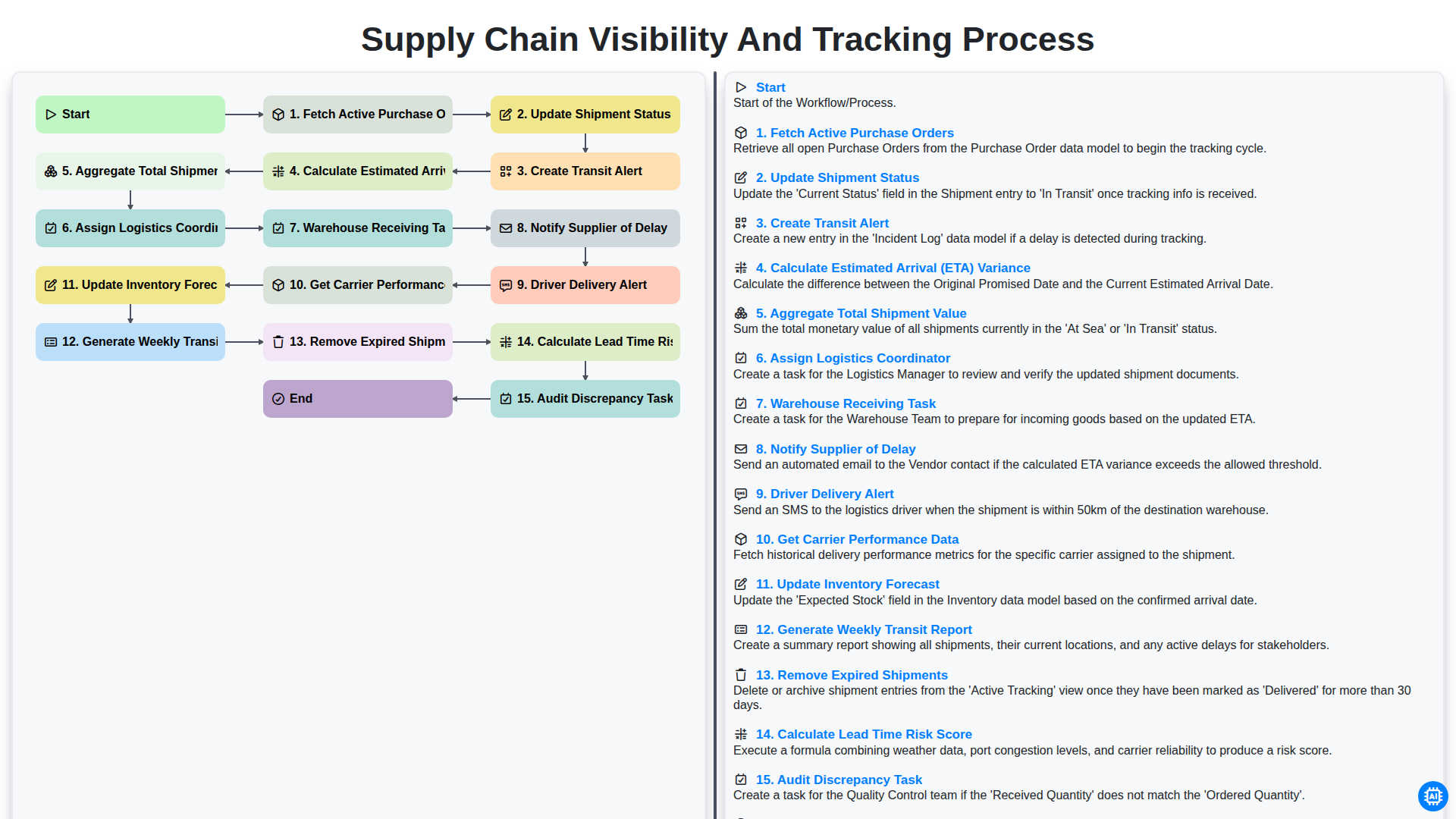
Supply Chain Visibility and Tracking Process
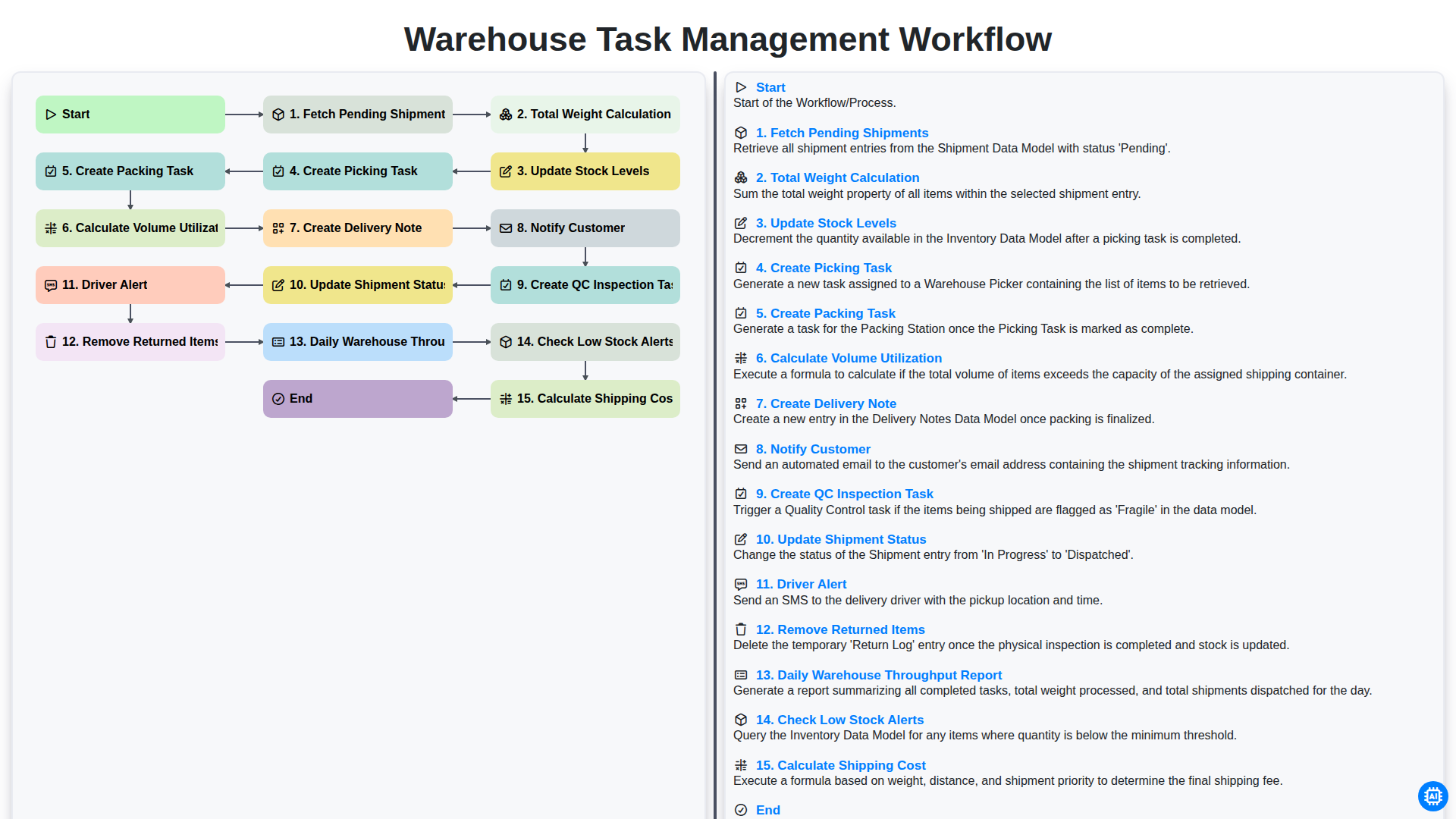
Warehouse Task Management Workflow
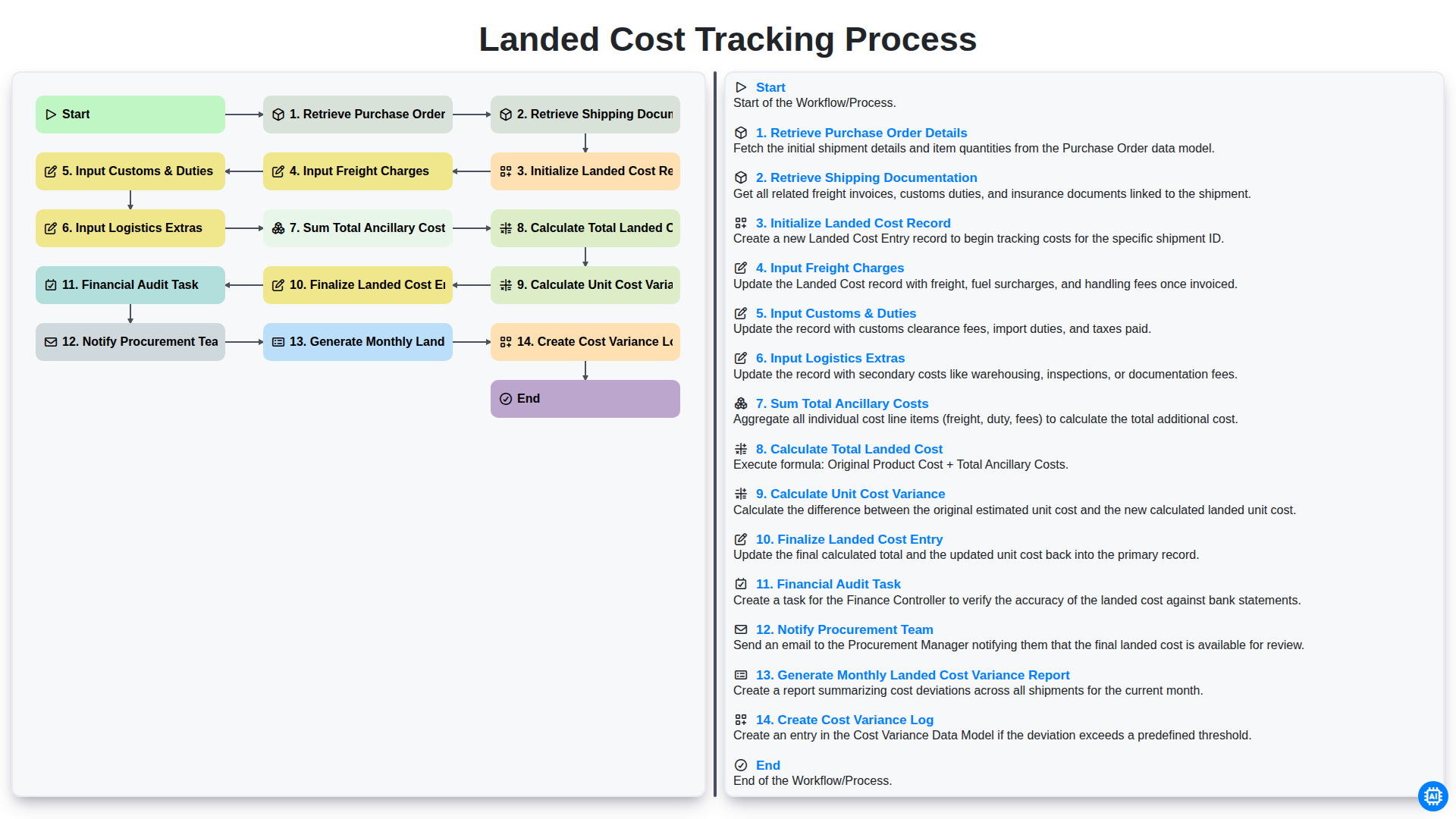
Landed Cost Tracking Process
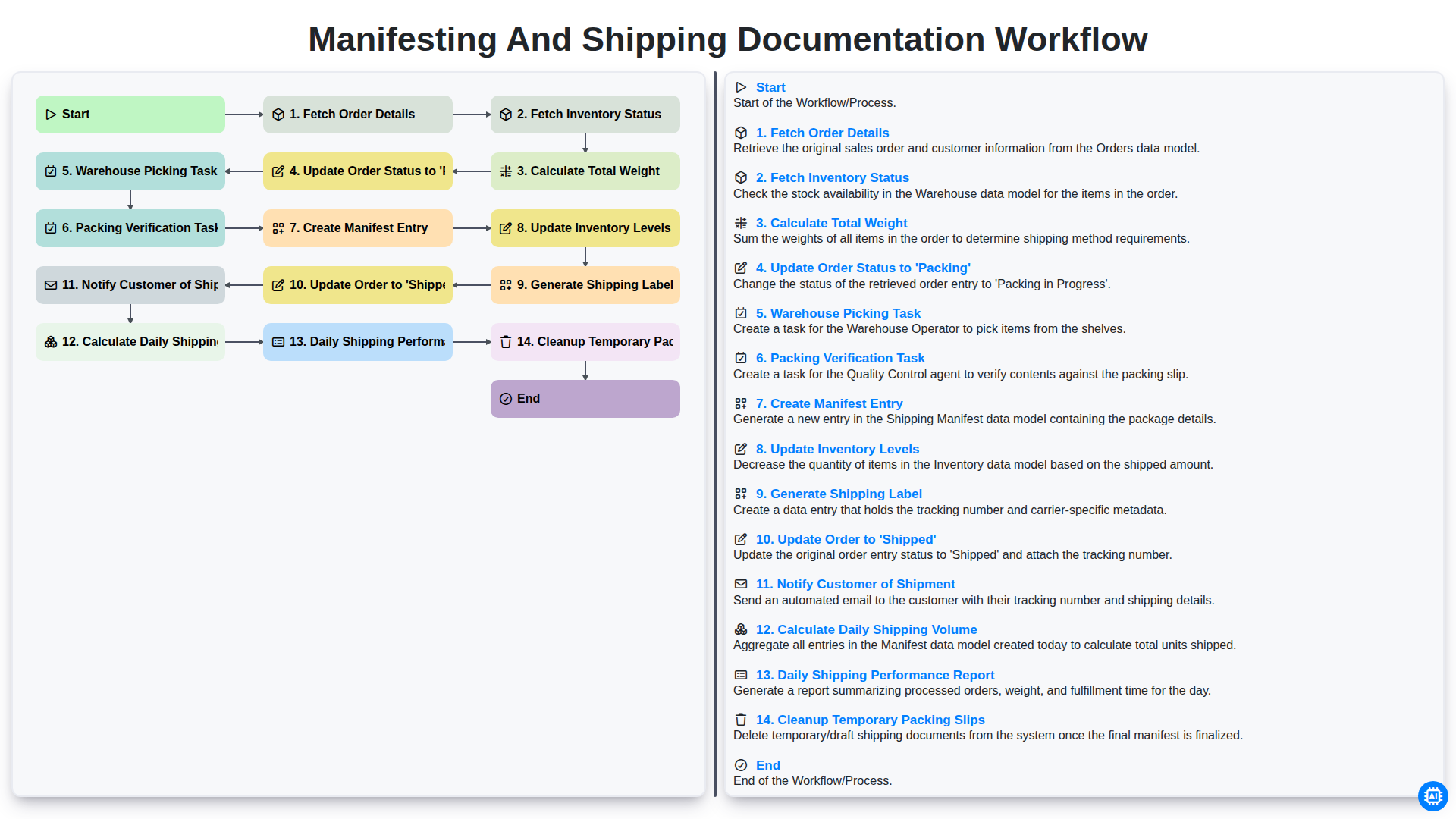
Manifesting and Shipping Documentation Workflow
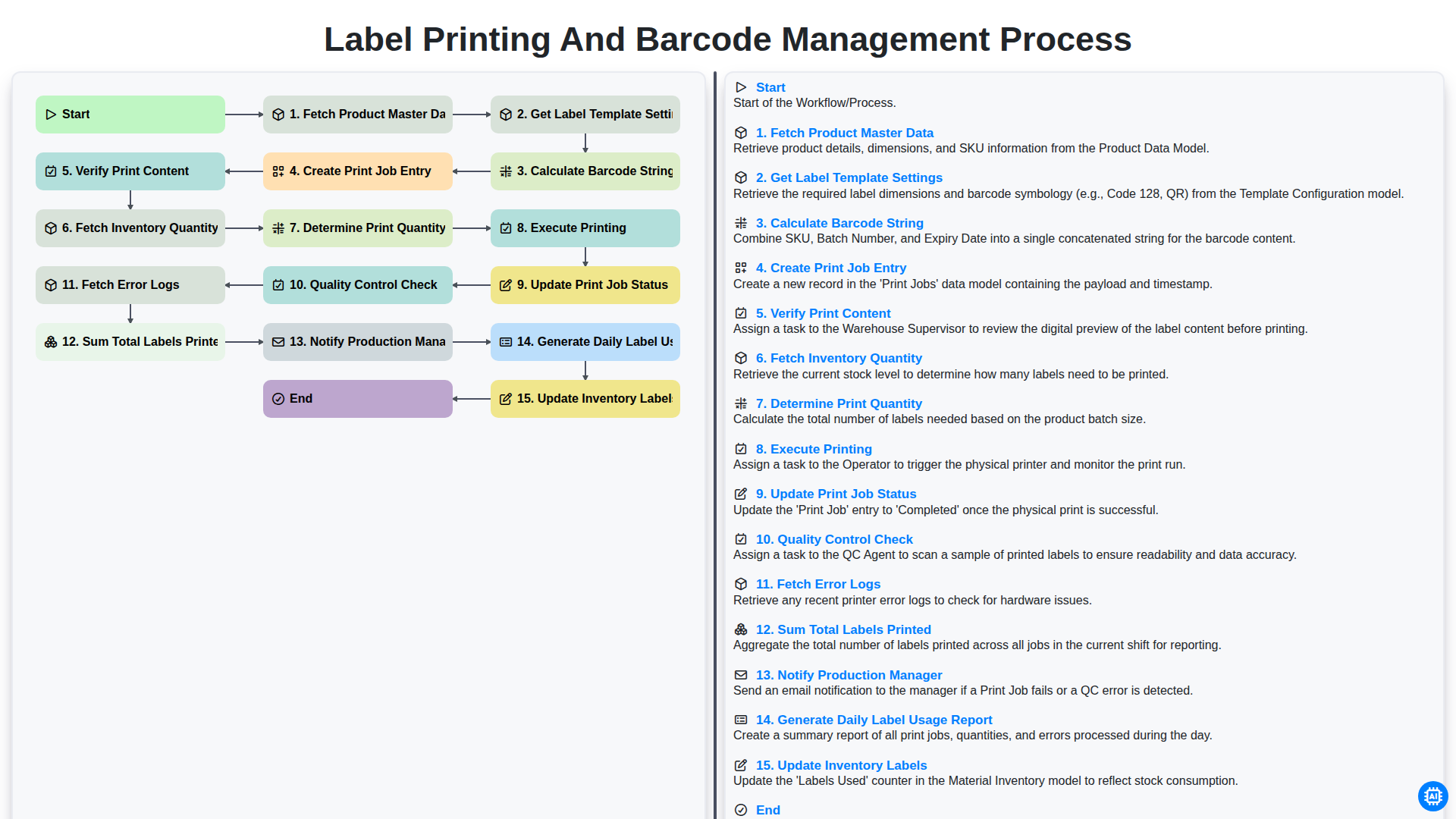
Label Printing and Barcode Management Process
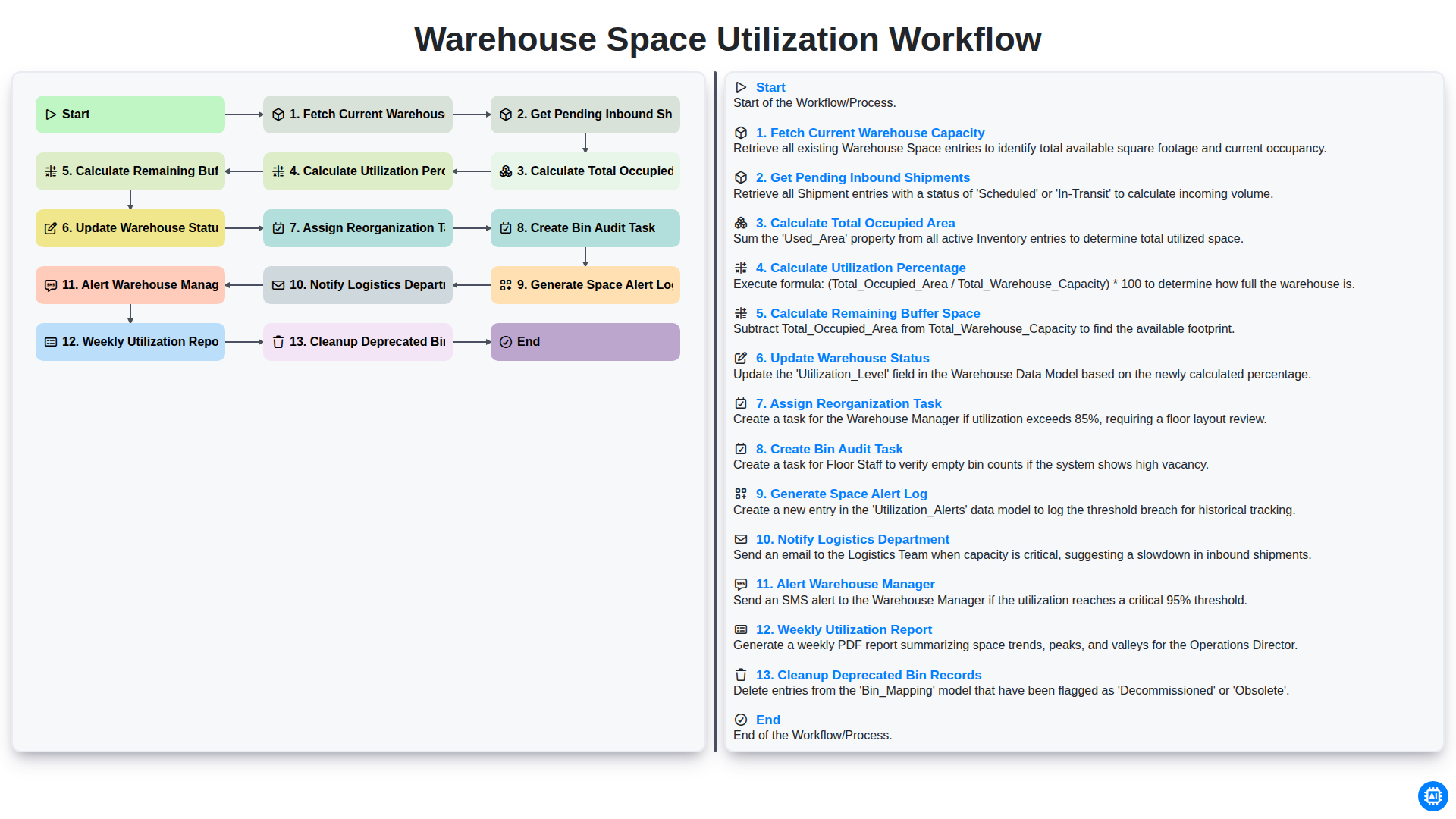
Warehouse Space Utilization Workflow
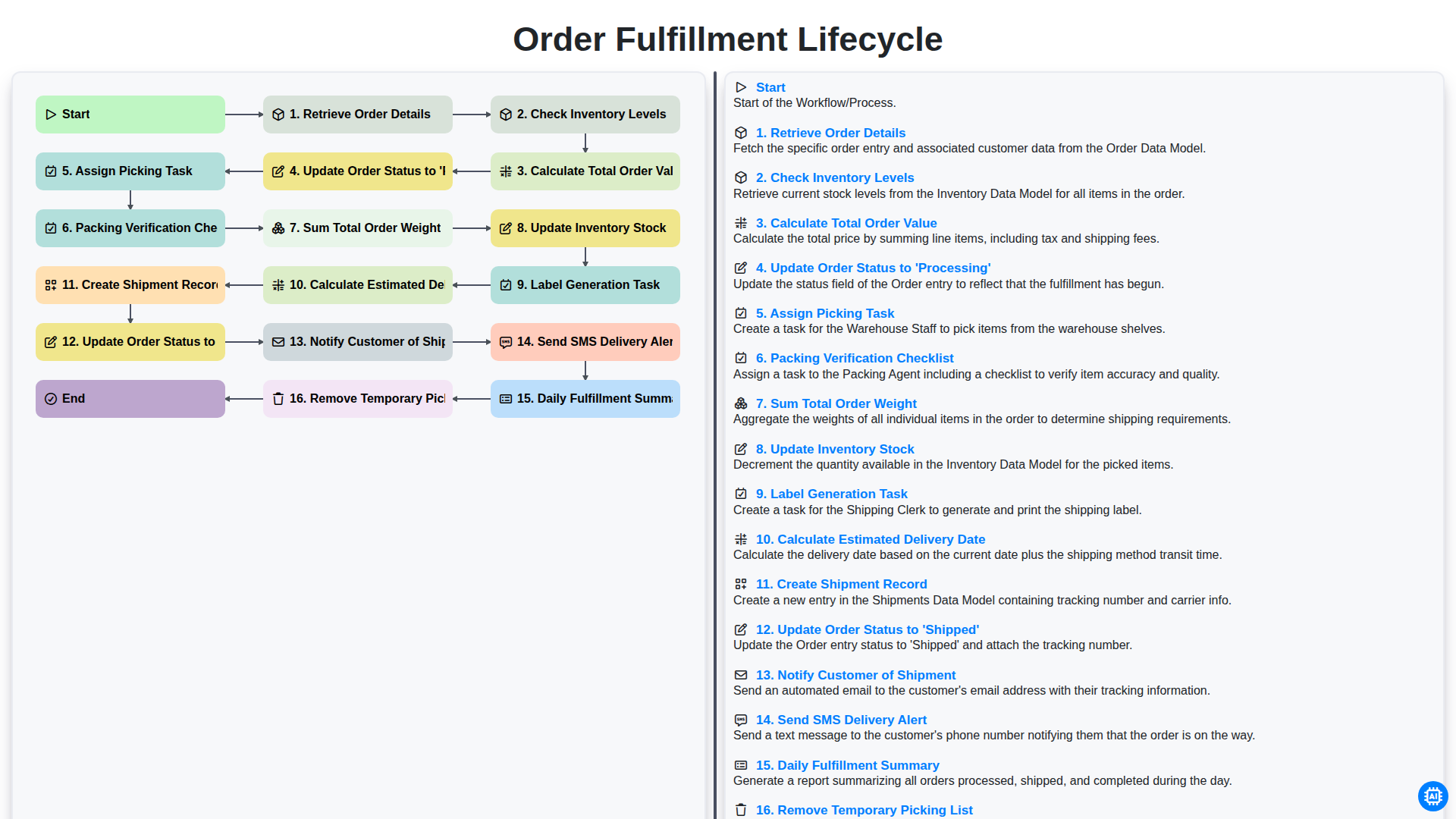
Order Fulfillment Lifecycle
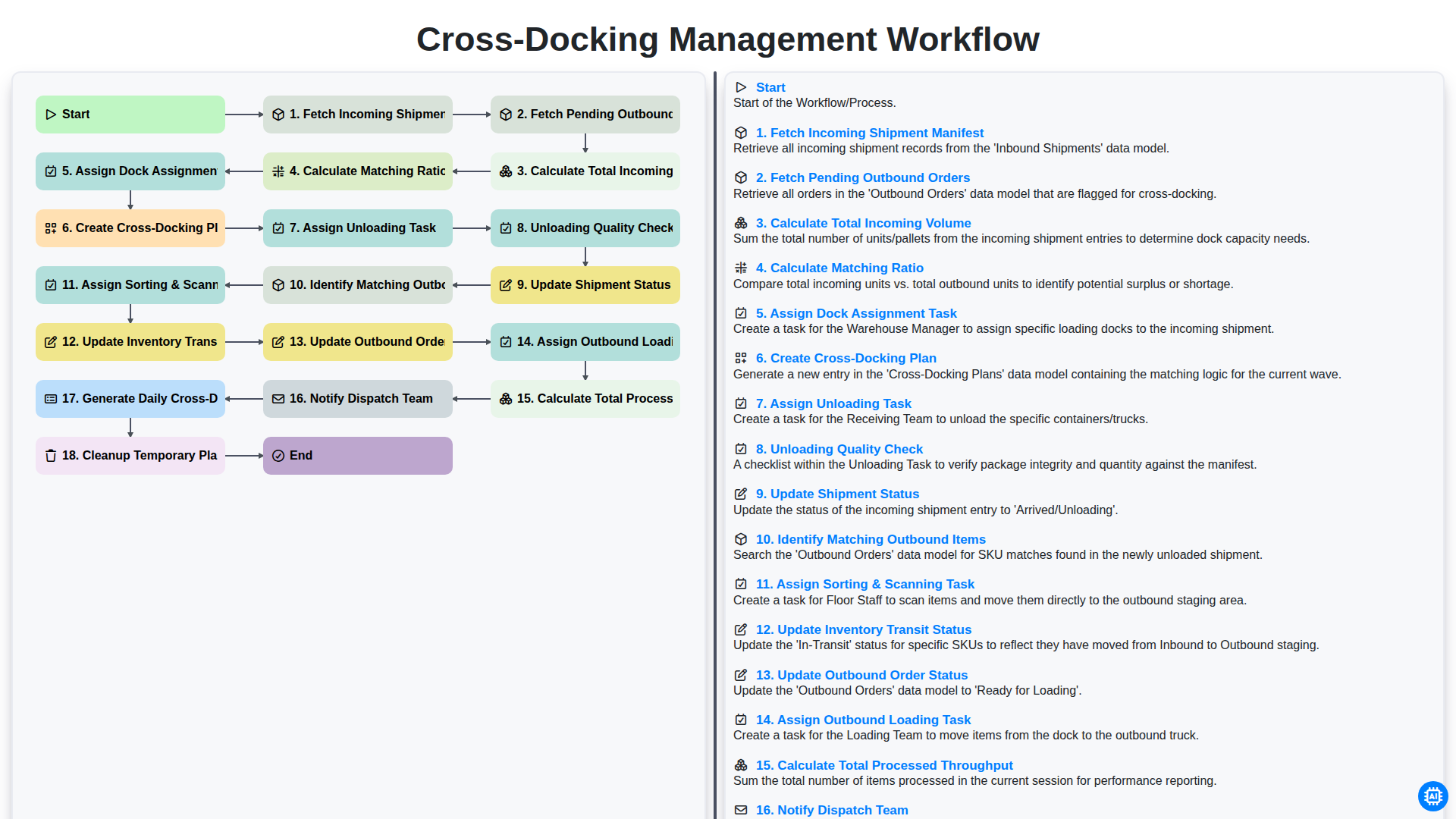
Cross-Docking Management Workflow
Besoin d'aide avec les listes de contrôle?
Vous avez une question ? Nous sommes là pour vous aider. Veuillez soumettre votre demande et nous vous répondrons rapidement.