 ChecklistGuro
 Backorder Management and Notification Process
Streamline your supply chain with our automated Backorder Management and Notification Process. Optimize stockouts, prevent lost sales, and maintain customer loyalty by automating real-time stock alerts, order tracking, and proactive customer communication to turn inventory delays into seamless shopping experiences.
Ten szablon został zainstalowany 2 razy.
Rozpoczęcie
Rozpoczęcie przepływu pracy/procesu.
1. Identify Backordered Items
Retrieve all order entries where the status is 'Backordered' and the fulfillment date is overdue.
2. Calculate Total Backorder Value
Sum the total monetary value of all identified backordered items to assess financial impact.
3. Calculate Delay Duration
Calculate the number of days between the original promised delivery date and the current date.
4. Update Order Status
Update the 'Last Checked' timestamp and 'Current Status' in the Order Data Model.
5. Assign Procurement Review
Create a task for the Procurement Manager to investigate the cause of the stock shortage.
6. Fetch Supplier Lead Times
Retrieve data from the Supplier Model to find updated estimated delivery dates for the missing items.
7. Calculate New Estimated Delivery Date
Add the retrieved supplier lead time to the current date to project a new delivery window.
8. Create Backorder Incident Log
Create a new entry in the 'Incident Log' data model to document the delay and the mitigation plan.
9. Notify Customer of Delay
Send an automated email to the customer containing the order details and the new estimated delivery date.
10. Alert Warehouse Manager
Send an SMS alert to the Warehouse Manager if the backorder value exceeds a certain threshold.
11. Update Inventory Records
Create a task for the Inventory Clerk to adjust expected stock arrival quantities in the system.
12. Generate Weekly Backorder Report
Create a summary report for stakeholders showing backorder trends, aging, and total revenue at risk.
13. Clear Resolved Backorder Alerts
Delete temporary notification entries or alerts once the order has been moved to 'Fulfilled' status.
Koniec
Koniec przepływu pracy/procesu.
Rozpoczęcie przepływu pracy/procesu.
Retrieve all order entries where the status is 'Backordered' and the fulfillment date is overdue.
Sum the total monetary value of all identified backordered items to assess financial impact.
Calculate the number of days between the original promised delivery date and the current date.
Update the 'Last Checked' timestamp and 'Current Status' in the Order Data Model.
Create a task for the Procurement Manager to investigate the cause of the stock shortage.
Retrieve data from the Supplier Model to find updated estimated delivery dates for the missing items.
Add the retrieved supplier lead time to the current date to project a new delivery window.
Create a new entry in the 'Incident Log' data model to document the delay and the mitigation plan.
Send an automated email to the customer containing the order details and the new estimated delivery date.
Send an SMS alert to the Warehouse Manager if the backorder value exceeds a certain threshold.
Create a task for the Inventory Clerk to adjust expected stock arrival quantities in the system.
Create a summary report for stakeholders showing backorder trends, aging, and total revenue at risk.
Delete temporary notification entries or alerts once the order has been moved to 'Fulfilled' status.
Koniec przepływu pracy/procesu.
Czy ten szablon przepływu pracy okazał się pomocny?
Demonstracja rozwiązania do zarządzania zapasami
Zoptymalizuj swoje zapasy i zwiększ rentowność! ChecklistGuro upraszcza śledzenie, zamawianie i realizację zamówień. Zmniejsz straty, zminimalizuj braki w zapasach i popraw efektywność. Zarządzaj wszystkim za pomocą naszej platformy Work OS.
Powiązane Szablony Pracy

Inventory Turnover Ratio Analysis Process

Inventory Movement and Log Tracking Process

Low Stock Alert and Alert Management Workflow

Vendor Managed Inventory (VMI) Workflow

Kit Assembly and Bundle Management Workflow

E-commerce Order Fulfillment Process

Inventory Reconciliation and Discrepancy Process
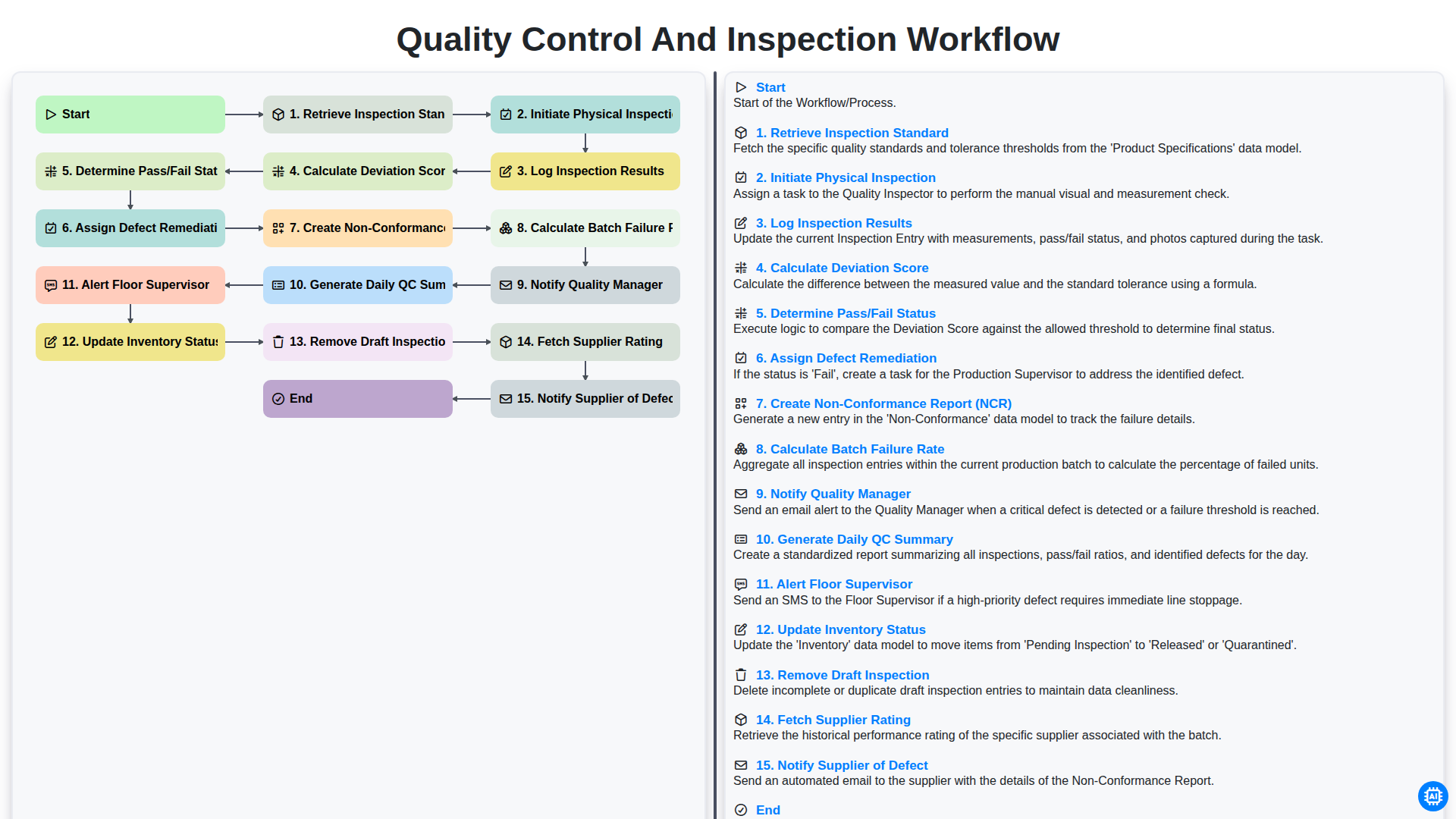
Quality Control and Inspection Workflow
Możemy to zrobić razem
Potrzebujesz pomocy z listami kontrolnymi?
Masz pytanie? Jesteśmy tu, aby pomóc. Prześlij zapytanie, a my szybko na nie odpowiemy.