 ChecklistGuro
 EBITDA Calculation and Monitoring Process
Streamline your financial performance tracking with our automated EBITDA Calculation and Monitoring Process. Designed for seamless accounting management, this workflow automates interest, tax, depreciation, and amortization adjustments to provide real-time visibility into your core operational profitability. Optimize decision-making, ensure valuation accuracy, and maintain continuous oversight of your company's true earnings potential through standardized, error-free financial reporting.
Este modelo foi instalado 5 vezes.
Começar
Início do fluxo de trabalho/processo.
1. Fetch Monthly Revenue and Expenses
Retrieve all relevant revenue and expense entries from the Financial Data model for the current period.
2. Fetch Depreciation and Amortization
Retrieve depreciation and amortization entries from the Ledger data model.
3. Fetch Interest and Taxes
Retrieve interest and tax expense entries from the Tax and Interest data model.
4. Calculate EBITDA
Perform the calculation: Revenue - Operating Expenses + Depreciation + Amortization.
5. Calculate EBITDA Margin
Perform the calculation: (EBITDA / Total Revenue) * 100 to determine profitability ratio.
6. Create EBITDA Monthly Record
Create a new entry in the EBITDA Monitoring data model with the calculated values.
7. Update Budget Variance
Update the Budget vs Actual data model with the newly calculated EBITDA figures.
8. Assign Variance Analysis Task
Create a task for the Financial Controller if the EBITDA margin falls below the predefined threshold.
9. Generate Monthly EBITDA Report
Create a PDF/Data report summarizing the EBITDA performance against previous months.
10. Notify Stakeholders
Send an email to the CFO and Management team with the monthly EBITDA summary and report attachment.
11. Calculate Quarterly Trend
Aggregate the last 3 months of EBITDA entries to calculate the quarterly growth rate.
Fim
Fim do fluxo de trabalho/processo.
Início do fluxo de trabalho/processo.
Retrieve all relevant revenue and expense entries from the Financial Data model for the current period.
Retrieve depreciation and amortization entries from the Ledger data model.
Retrieve interest and tax expense entries from the Tax and Interest data model.
Perform the calculation: Revenue - Operating Expenses + Depreciation + Amortization.
Perform the calculation: (EBITDA / Total Revenue) * 100 to determine profitability ratio.
Create a new entry in the EBITDA Monitoring data model with the calculated values.
Update the Budget vs Actual data model with the newly calculated EBITDA figures.
Create a task for the Financial Controller if the EBITDA margin falls below the predefined threshold.
Create a PDF/Data report summarizing the EBITDA performance against previous months.
Send an email to the CFO and Management team with the monthly EBITDA summary and report attachment.
Aggregate the last 3 months of EBITDA entries to calculate the quarterly growth rate.
Fim do fluxo de trabalho/processo.
Comentários
Ainda não existem comentários. Seja o primeiro a adicionar um!
Demonstração da Solução de Gestão Contábil
Supere os limites de softwares rígidos e padronizados. Utilize um ambiente de contabilidade totalmente programável, concebido para se adaptar aos seus fluxos de trabalho específicos, estruturas hierárquicas complexas e à lógica de negócios em constante evolução.
Modelos de Fluxo de Trabalho Relacionados
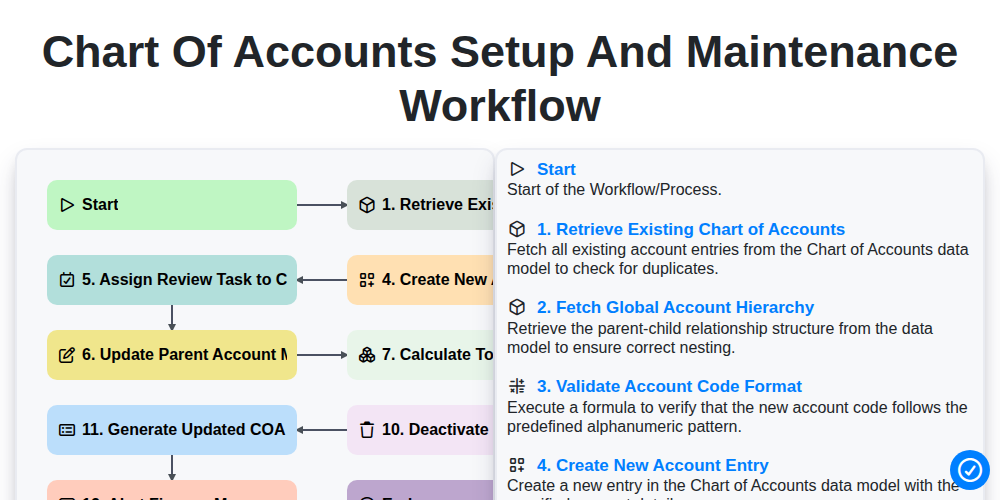
Chart of Accounts Setup and Maintenance Workflow
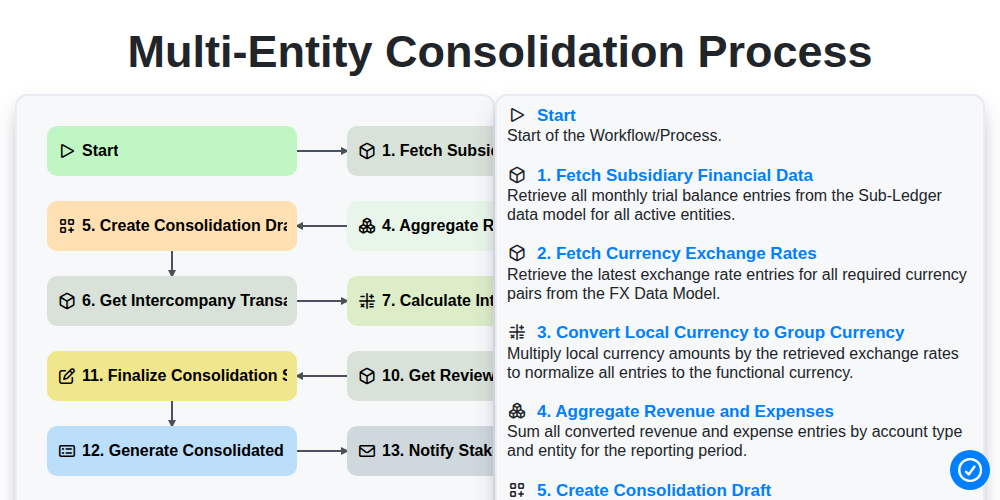
Multi-Entity Consolidation Process
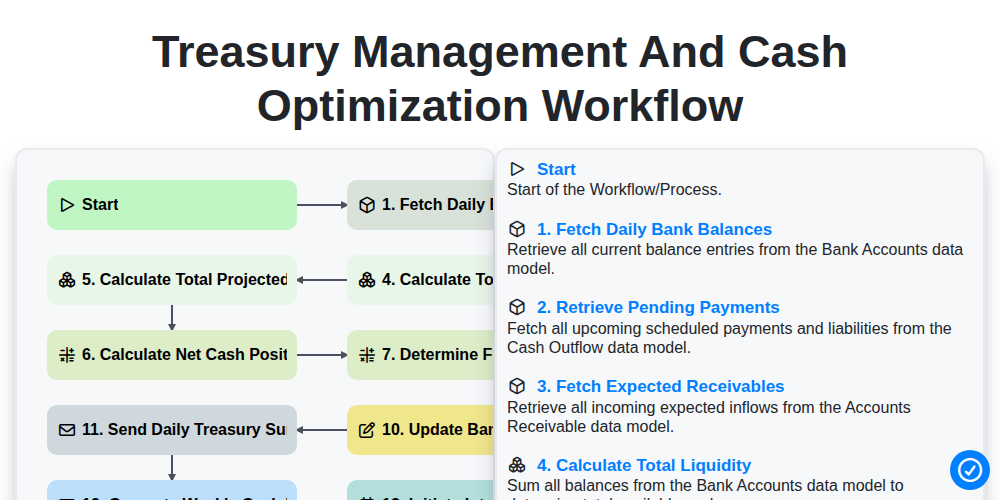
Treasury Management and Cash Optimization Workflow
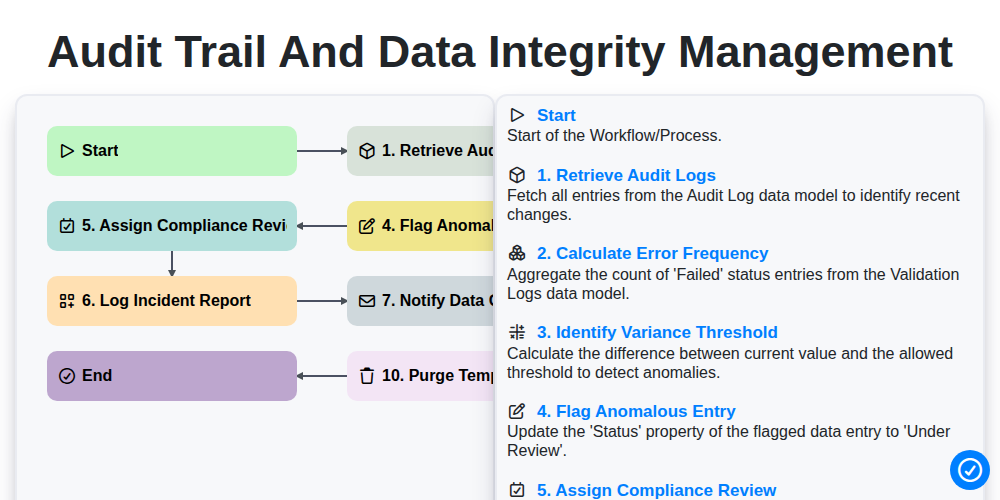
Audit Trail and Data Integrity Management
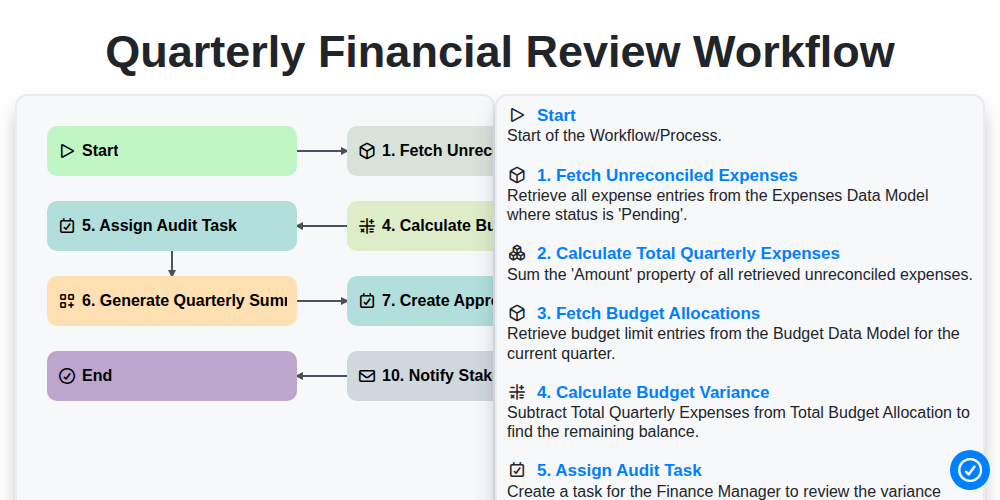
Quarterly Financial Review Workflow
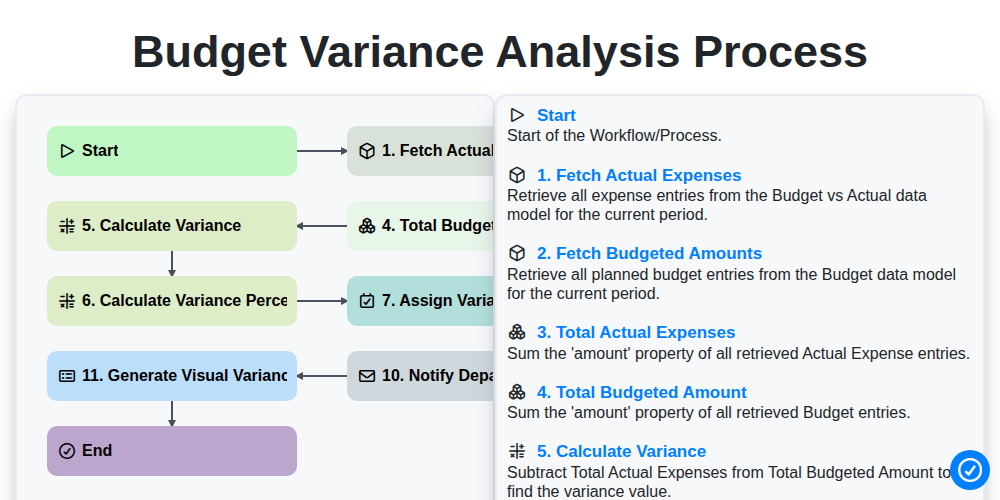
Budget Variance Analysis Process
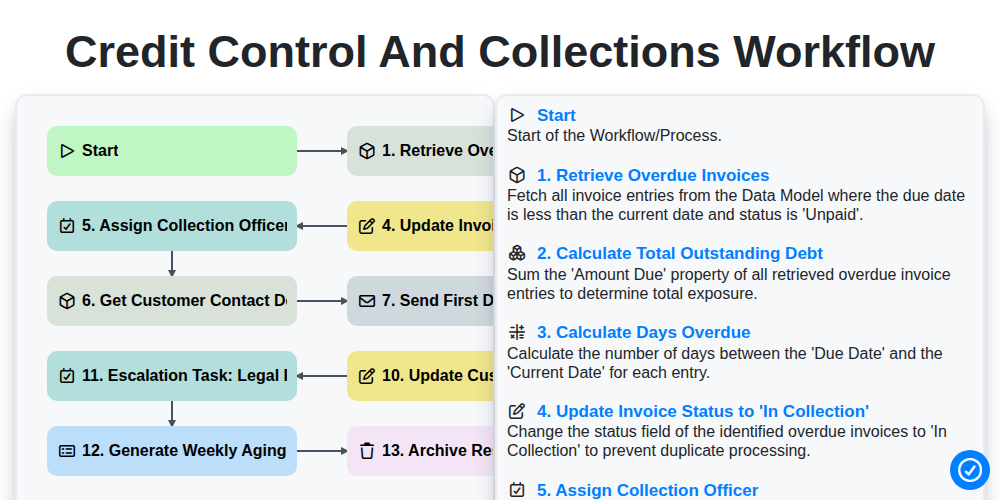
Credit Control and Collections Workflow
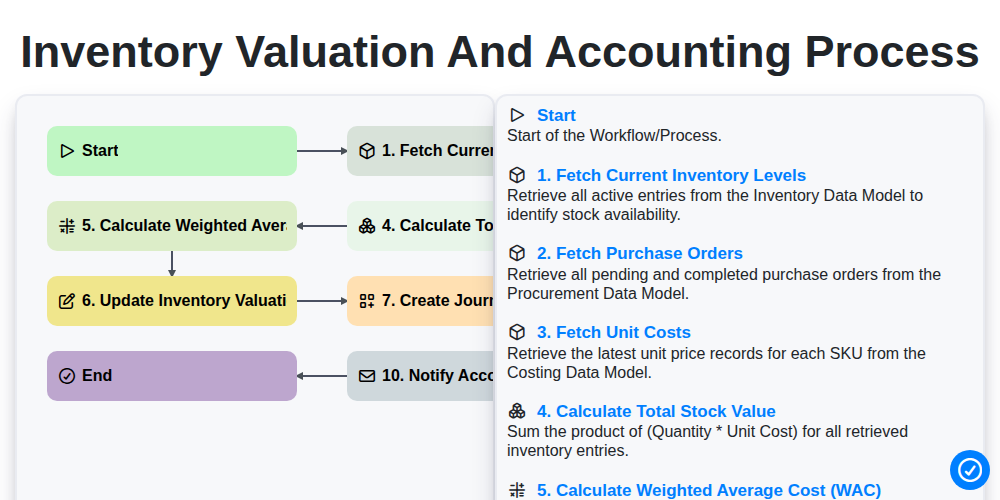
Inventory Valuation and Accounting Process
Podemos fazer isso juntos.
Precisa de ajuda com o(a) Gestão Contábil?
Tem alguma dúvida? Estamos aqui para ajudar. Envie a sua questão e responderemos o mais breve possível.