 ChecklistGuro
 Automotive Customer Retention Process
Drive long-term loyalty and maximize lifetime value with our Automotive Customer Retention Process. This optimized workflow streamlines follow-up sequences, service reminders, and personalized engagement strategies designed to turn one-time buyers into lifelong advocates. Perfect for dealerships and service centers looking to reduce churn and boost repeat business through data-driven relationship management.
Este modelo foi instalado 1 vezes.
Começar
Início do fluxo de trabalho/processo.
1. Fetch Customer Profile
Retrieve the customer's service history, contact details, and vehicle information from the Customer Data Model.
2. Get Last Service Date
Identify the date of the last recorded maintenance visit to calculate the interval since last service.
3. Calculate Service Interval Gap
Calculate the number of days elapsed between the current date and the last service date.
4. Determine Loyalty Score
Apply a formula based on frequency of visits and total spend to determine the customer's loyalty tier.
5. Calculate Total Customer Lifetime Value
Sum all historical transaction amounts from the Sales Data Model for the specific customer.
6. Assign Service Advisor Follow-up
Create a task for the assigned Service Advisor to review the customer's recent feedback.
7. Schedule Maintenance Reminder Task
Create a task for the CRM team to call customers whose service interval is approaching.
8. Send Personalized Service Offer
Send an automated email containing a discount voucher for the upcoming scheduled maintenance.
9. Send Appointment Reminder SMS
Send a short text message reminder 24 hours before the scheduled service appointment.
10. Update Customer Loyalty Tier
Update the 'Loyalty Status' field in the Customer Data Model based on the new calculated score.
11. Create Retention Campaign Log
Create a new entry in the Campaign Tracking model to log that a retention action was performed.
12. Create Feedback Survey Task
Create a task to trigger a CSAT (Customer Satisfaction) survey 3 days after the service is completed.
13. Generate Monthly Retention Report
Create a summary report showing the conversion rate of customers who responded to retention offers.
14. Clean Up Expired Offers
Delete temporary promotional code entries that have passed their expiration date.
Fim
Fim do fluxo de trabalho/processo.
Início do fluxo de trabalho/processo.
Retrieve the customer's service history, contact details, and vehicle information from the Customer Data Model.
Identify the date of the last recorded maintenance visit to calculate the interval since last service.
Calculate the number of days elapsed between the current date and the last service date.
Apply a formula based on frequency of visits and total spend to determine the customer's loyalty tier.
Sum all historical transaction amounts from the Sales Data Model for the specific customer.
Create a task for the assigned Service Advisor to review the customer's recent feedback.
Create a task for the CRM team to call customers whose service interval is approaching.
Send an automated email containing a discount voucher for the upcoming scheduled maintenance.
Send a short text message reminder 24 hours before the scheduled service appointment.
Update the 'Loyalty Status' field in the Customer Data Model based on the new calculated score.
Create a new entry in the Campaign Tracking model to log that a retention action was performed.
Create a task to trigger a CSAT (Customer Satisfaction) survey 3 days after the service is completed.
Create a summary report showing the conversion rate of customers who responded to retention offers.
Delete temporary promotional code entries that have passed their expiration date.
Fim do fluxo de trabalho/processo.
Perguntas Mais Frequentes
Comentários
Ainda não existem comentários. Seja o primeiro a adicionar um!
Demonstração da Solução de Gestão para a Indústria Automobilística
Otimize a sua produção automóvel! O ChecklistGuro digitaliza os fluxos de trabalho, desde a inspeção de peças até aos testes finais. Reduza erros, aumente a eficiência e garanta o cumprimento dos padrões de qualidade. Obtenha resultados com o nosso Sistema Operacional de Trabalho.
Modelos de Fluxo de Trabalho Relacionados
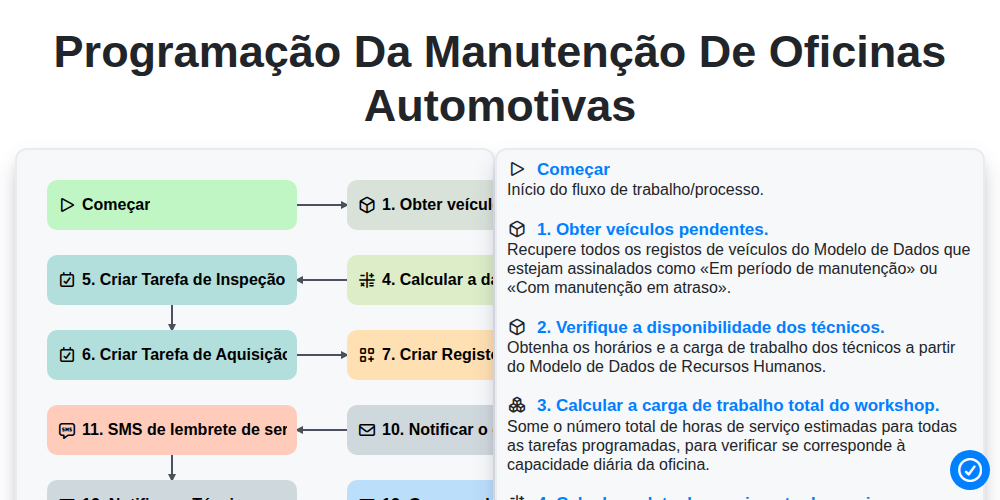
Programação da manutenção de oficinas automotivas

Automotive Service Appointment Management

Automotive Vehicle Delivery and Handover Process

Automotive Customer Feedback and Survey Process

Automotive Vehicle Trade-In Evaluation Process

Automotive Digital Marketing Lead Workflow
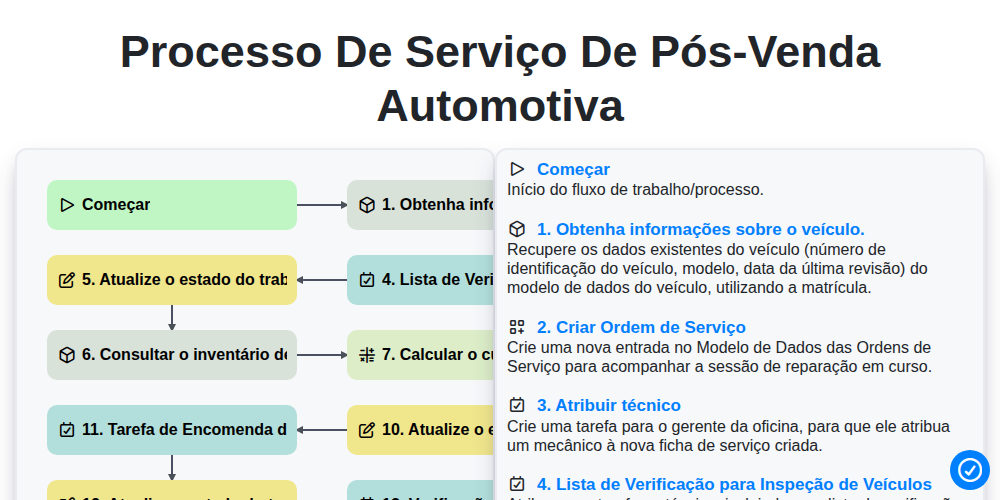
Processo de Serviço de Pós-Venda Automotiva
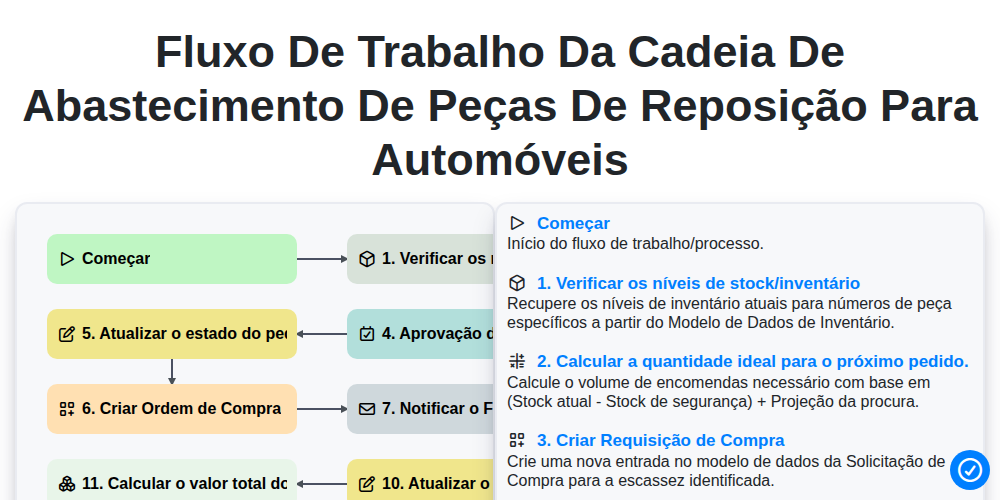
Fluxo de trabalho da cadeia de abastecimento de peças de reposição para automóveis
Precisa de ajuda com o(a) Automotivo?
Tem alguma dúvida? Estamos aqui para ajudar. Envie a sua questão e responderemos o mais breve possível.