 ChecklistGuro
 Gestão de Ordens de Serviço de Reparação Automóvel
Otimize a produtividade da sua oficina com o nosso fluxo de trabalho para gestão de ordens de serviço de reparação automóvel. Automatize todo o ciclo de vida de um serviço, desde a receção inicial do veículo e a inspeção digital até à aquisição de peças, atribuição de técnicos e emissão de faturas sem problemas. Elimine os entraves burocráticos, reduza os erros humanos e aumente a transparência para o cliente com atualizações de estado em tempo real e documentação digital organizada, concebida para acelerar os prazos de conclusão e maximizar a rentabilidade da oficina.
Este modelo foi instalado 4 vezes.
Começar
Início do fluxo de trabalho/processo.
1. Criar Ordem de Serviço
Crie uma nova entrada de Ordem de Reparação no Modelo de Dados, incluindo os dados do cliente e do veículo.
2. Obtenha o histórico do veículo.
Recupere os registos de reparações anteriores do Modelo de Dados associados ao VIN ou à matrícula específicos.
3. Atribuir Técnico
Crie uma tarefa para o gestor de serviços, para que ele possa designar um técnico específico para a ordem de reparação.
4. Adicionar peças ao pedido
Crie novas entradas no modelo de dados de peças, vinculando-as à ordem de reparação ativa.
5. Verificar o inventário de peças.
Consulte os níveis de stock atuais no modelo de dados de peças para verificar a disponibilidade.
6. Calcular o custo total das peças.
Some o preço unitário e a quantidade de todas as peças registadas na ordem de serviço.
7. Realizar a inspeção do veículo.
Crie uma tarefa para que o técnico preencha a lista de verificação da inspeção em vários pontos.
8. Atualizar o número de horas de trabalho.
Atualize a entrada da ordem de serviço com o número real de horas trabalhadas pelo técnico.
9. Calcular o custo total da mão de obra.
Multiplique o número atualizado de horas de trabalho pela tarifa horária definida para a oficina.
10. Calcular o total geral.
Some o custo total das peças, o custo total da mão de obra e o imposto para determinar o valor total a pagar.
11. Calcular o valor total do pedido.
Some todos os itens individuais (peças e mão de obra) para fornecer um total resumido para a fatura.
12. Aprovação do Consultor de Serviços
Crie uma tarefa para que o consultor de serviços revise os custos finais antes de informar o cliente.
13. Enviar Orçamento ao Cliente
Envie um e-mail automático para o endereço de e-mail do cliente, contendo o orçamento calculado para o reparo.
14. Notificar o cliente sobre a conclusão.
Envie uma mensagem SMS para o número de telefone do cliente, informando que o veículo está pronto para ser levantado.
15. Definir o estado do pedido como «Concluído»
Altere o estado da entrada da ordem de reparação para «Concluída» assim que o pagamento for confirmado.
16. Gerar fatura
Crie uma entrada final de fatura no modelo de dados de faturamento, vinculada à ordem de serviço de reparo que foi encerrada.
17. Relatório Diário de Receitas
Crie um relatório diário resumido que mostre todas as ordens de reparação concluídas e a receita total obtida.
18. Remova a entrada de peças defeituosas.
Elimine uma entrada de peça da Ordem de Reparação se ela tiver sido adicionada por engano durante a fase de inspeção.
Fim
Fim do fluxo de trabalho/processo.
Início do fluxo de trabalho/processo.
Crie uma nova entrada de Ordem de Reparação no Modelo de Dados, incluindo os dados do cliente e do veículo.
Recupere os registos de reparações anteriores do Modelo de Dados associados ao VIN ou à matrícula específicos.
Crie uma tarefa para o gestor de serviços, para que ele possa designar um técnico específico para a ordem de reparação.
Crie novas entradas no modelo de dados de peças, vinculando-as à ordem de reparação ativa.
Consulte os níveis de stock atuais no modelo de dados de peças para verificar a disponibilidade.
Some o preço unitário e a quantidade de todas as peças registadas na ordem de serviço.
Crie uma tarefa para que o técnico preencha a lista de verificação da inspeção em vários pontos.
Atualize a entrada da ordem de serviço com o número real de horas trabalhadas pelo técnico.
Multiplique o número atualizado de horas de trabalho pela tarifa horária definida para a oficina.
Some o custo total das peças, o custo total da mão de obra e o imposto para determinar o valor total a pagar.
Some todos os itens individuais (peças e mão de obra) para fornecer um total resumido para a fatura.
Crie uma tarefa para que o consultor de serviços revise os custos finais antes de informar o cliente.
Envie um e-mail automático para o endereço de e-mail do cliente, contendo o orçamento calculado para o reparo.
Envie uma mensagem SMS para o número de telefone do cliente, informando que o veículo está pronto para ser levantado.
Altere o estado da entrada da ordem de reparação para «Concluída» assim que o pagamento for confirmado.
Crie uma entrada final de fatura no modelo de dados de faturamento, vinculada à ordem de serviço de reparo que foi encerrada.
Crie um relatório diário resumido que mostre todas as ordens de reparação concluídas e a receita total obtida.
Elimine uma entrada de peça da Ordem de Reparação se ela tiver sido adicionada por engano durante a fase de inspeção.
Fim do fluxo de trabalho/processo.
Comentários
Ainda não existem comentários. Seja o primeiro a adicionar um!
Demonstração da Solução de Gestão para a Indústria Automobilística
Otimize a sua produção automóvel! O ChecklistGuro digitaliza os fluxos de trabalho, desde a inspeção de peças até aos testes finais. Reduza erros, aumente a eficiência e garanta o cumprimento dos padrões de qualidade. Obtenha resultados com o nosso Sistema Operacional de Trabalho.
Modelos de Fluxo de Trabalho Relacionados
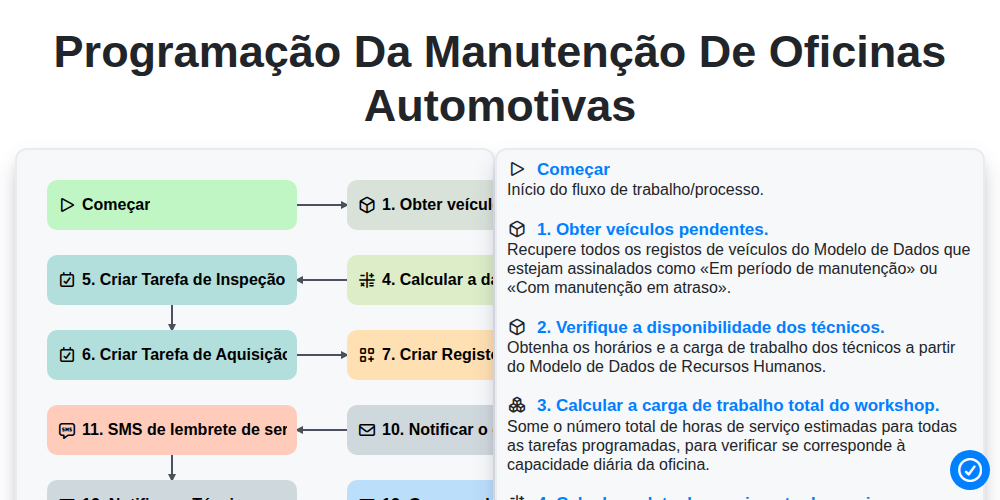
Programação da manutenção de oficinas automotivas

Automotive Service Appointment Management

Automotive Vehicle Delivery and Handover Process

Automotive Customer Feedback and Survey Process

Automotive Vehicle Trade-In Evaluation Process

Automotive Digital Marketing Lead Workflow
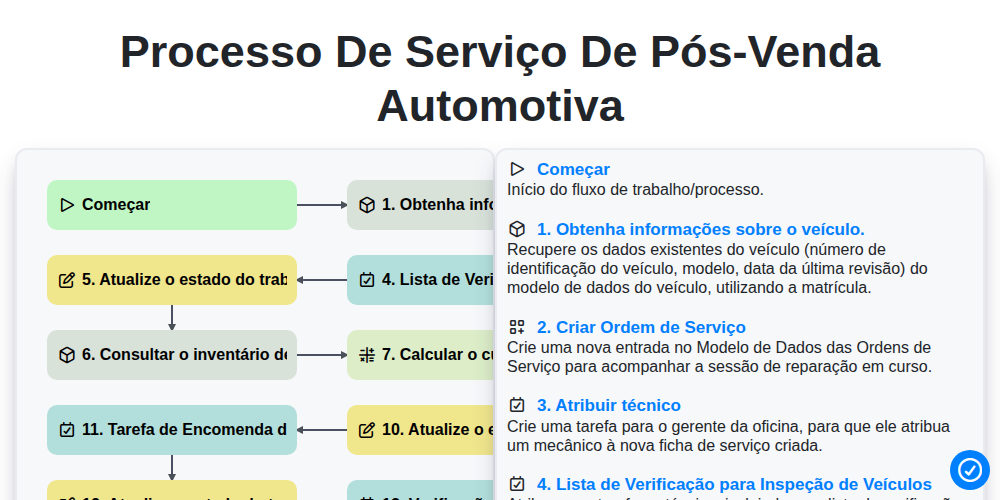
Processo de Serviço de Pós-Venda Automotiva
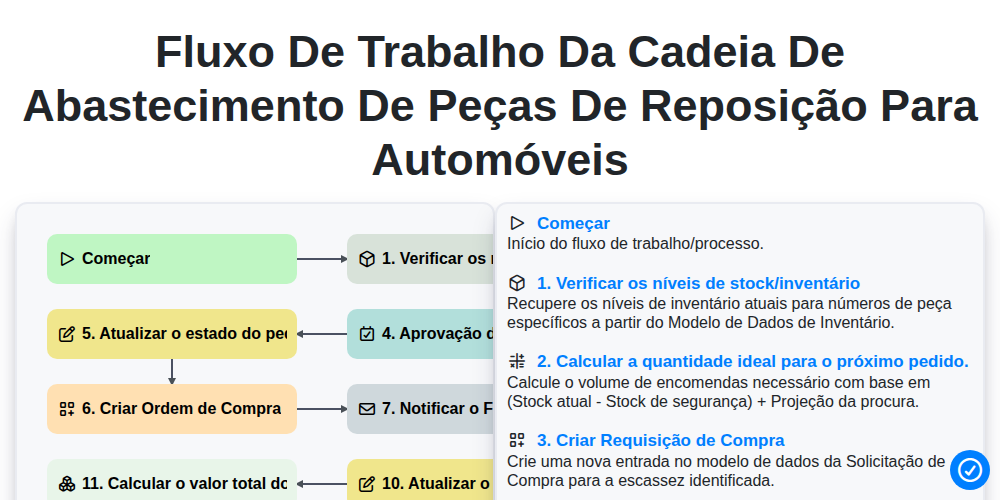
Fluxo de trabalho da cadeia de abastecimento de peças de reposição para automóveis
Podemos fazer isso juntos.
Precisa de ajuda com o(a) Automotivo?
Tem alguma dúvida? Estamos aqui para ajudar. Envie a sua questão e responderemos o mais breve possível.