 ChecklistGuro
 Automotive Sales Forecasting Workflow
Drive predictable revenue and optimize inventory management with our Automotive Sales Forecasting Workflow. Streamline your dealership's performance by integrating real-time market trends, historical seasonal data, and dealer inventory levels into a single, automated predictive model. Master your supply chain, eliminate stockouts, and make data-driven decisions to outpace the competition and maximize dealership profitability.
Este modelo foi instalado 3 vezes.
Começar
Início do fluxo de trabalho/processo.
1. Fetch Historical Sales Data
Retrieve sales records from the previous 12 months from the Sales Data Model.
2. Fetch Current Inventory Levels
Get current stock levels for all vehicle models from the Inventory Data Model.
3. Fetch Market Trends
Retrieve latest market demand indices and competitor pricing data.
4. Calculate Average Monthly Sales
Calculate the mean monthly sales volume from the historical sales data fetched.
5. Calculate Total Inventory Value
Sum the total value of all vehicles currently in stock.
6. Compute Forecasted Demand
Apply a growth multiplier to the Average Monthly Sales based on Market Trends.
7. Calculate Stock Gap
Subtract Forecasted Demand from Current Inventory Levels to identify potential shortages.
8. Create Forecast Report Entry
Generate a new entry in the Forecast Data Model containing the calculated results.
9. Assign Forecast Review to Sales Manager
Create a task for the Sales Manager to validate the accuracy of the generated forecast.
10. Procurement Alert Task
Create a task for the Procurement Team if the Stock Gap calculation shows a deficit.
11. Update Inventory Strategy
Update the 'Strategy' field in the Inventory Data Model based on the forecast outcome.
12. Generate Executive Monthly Summary
Create a visual PDF report summarizing the forecast vs. actuals for stakeholders.
13. Notify Sales Team of New Forecast
Send an email to the Sales Department with the summary of the new monthly forecast.
14. Urgent Stock Alert
Send an SMS to the Floor Manager if inventory levels fall below the critical threshold.
15. Cleanup Temporary Forecast Data
Delete temporary calculation scratchpad entries after the final report is generated.
Fim
Fim do fluxo de trabalho/processo.
Início do fluxo de trabalho/processo.
Retrieve sales records from the previous 12 months from the Sales Data Model.
Get current stock levels for all vehicle models from the Inventory Data Model.
Retrieve latest market demand indices and competitor pricing data.
Calculate the mean monthly sales volume from the historical sales data fetched.
Sum the total value of all vehicles currently in stock.
Apply a growth multiplier to the Average Monthly Sales based on Market Trends.
Subtract Forecasted Demand from Current Inventory Levels to identify potential shortages.
Generate a new entry in the Forecast Data Model containing the calculated results.
Create a task for the Sales Manager to validate the accuracy of the generated forecast.
Create a task for the Procurement Team if the Stock Gap calculation shows a deficit.
Update the 'Strategy' field in the Inventory Data Model based on the forecast outcome.
Create a visual PDF report summarizing the forecast vs. actuals for stakeholders.
Send an email to the Sales Department with the summary of the new monthly forecast.
Send an SMS to the Floor Manager if inventory levels fall below the critical threshold.
Delete temporary calculation scratchpad entries after the final report is generated.
Fim do fluxo de trabalho/processo.
Comentários
Ainda não existem comentários. Seja o primeiro a adicionar um!
Demonstração da Solução de Gestão para a Indústria Automobilística
Otimize a sua produção automóvel! O ChecklistGuro digitaliza os fluxos de trabalho, desde a inspeção de peças até aos testes finais. Reduza erros, aumente a eficiência e garanta o cumprimento dos padrões de qualidade. Obtenha resultados com o nosso Sistema Operacional de Trabalho.
Modelos de Fluxo de Trabalho Relacionados
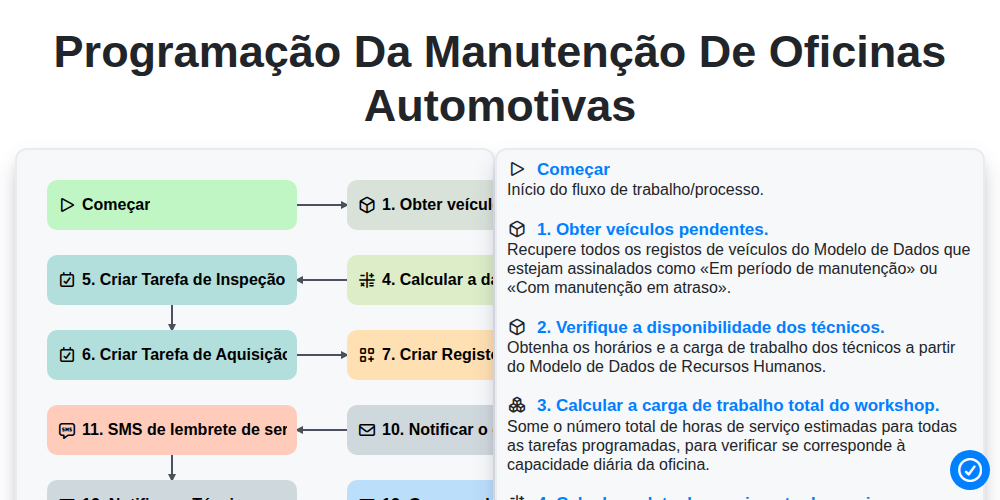
Programação da manutenção de oficinas automotivas

Automotive Service Appointment Management

Automotive Vehicle Delivery and Handover Process

Automotive Customer Feedback and Survey Process

Automotive Vehicle Trade-In Evaluation Process

Automotive Digital Marketing Lead Workflow
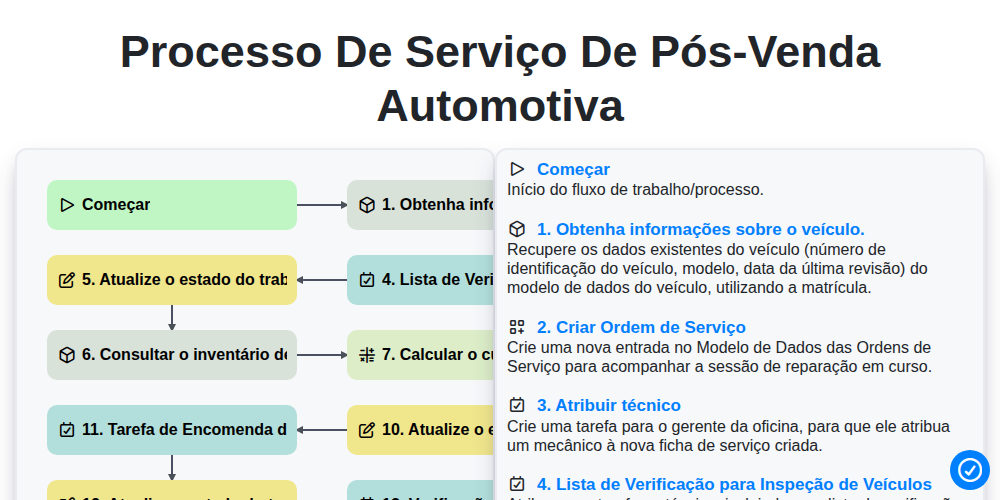
Processo de Serviço de Pós-Venda Automotiva
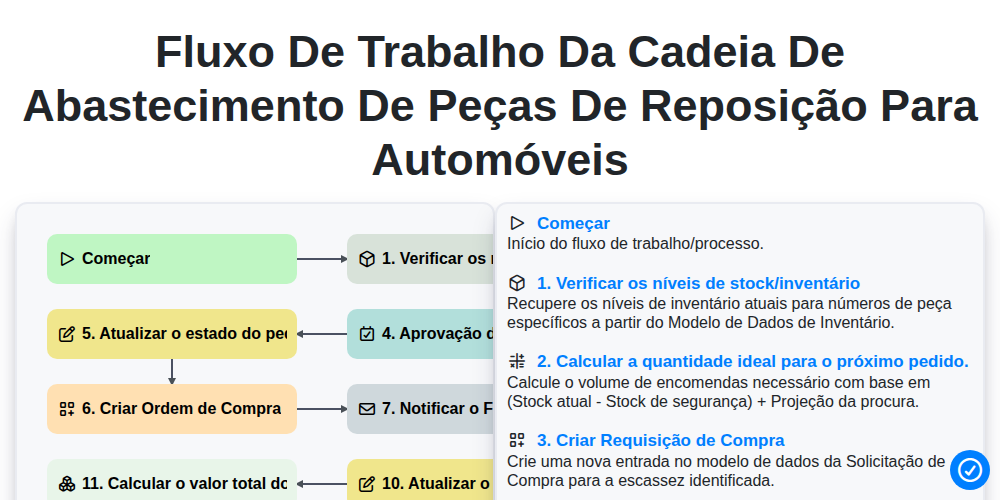
Fluxo de trabalho da cadeia de abastecimento de peças de reposição para automóveis
Podemos fazer isso juntos.
Precisa de ajuda com o(a) Automotivo?
Tem alguma dúvida? Estamos aqui para ajudar. Envie a sua questão e responderemos o mais breve possível.