 ChecklistGuro
 Insurance Renewal Notification Workflow
Never miss a deadline again with our automated Insurance Renewal Notification Workflow. Streamline your policy management by triggering timely alerts, reducing lapse risks, and ensuring seamless continuity for clients. Optimize your retention strategy with intelligent, automated renewal tracking designed for modern insurance professionals.
Este modelo foi instalado 1 vezes.
Começar
Início do fluxo de trabalho/processo.
1. Fetch Upcoming Renewals
Retrieve all insurance policies where the expiration date is within the next 60 days.
2. Get Client Contact Details
Retrieve email addresses and phone numbers associated with the identified policy holders.
3. Calculate Days to Expiry
Subtract the current date from the policy expiration date to determine urgency.
4. Update Policy Status
Change the policy status to 'Renewal In Progress' once the notification workflow begins.
5. Assign Renewal Specialist
Create a task for the assigned Account Manager to review the policy terms.
6. Get Policy Premium History
Retrieve previous years' premium amounts for comparison.
7. Calculate Average Premium Trend
Calculate the average premium of the last 3 years to identify significant price fluctuations.
8. Calculate Percentage Change
Compare current premium vs. previous year premium to determine the percentage increase/decrease.
9. Document Review Checklist
Create a task to verify that all updated policy endorsements are attached to the entry.
10. Send Renewal Notice to Client
Send an automated email to the client notifying them of the upcoming renewal and premium changes.
11. Send SMS Alert
Send a short SMS reminder to the client for high-priority/urgent renewals.
12. Create Renewal Quote Entry
Generate a new 'Renewal Quote' entry in the Data Model containing the new proposed terms.
13. Log Notification Sent
Update the original policy entry to log the date and time the notification was sent.
14. Follow-up Task
Create a follow-up task for the agent if no response is received within 14 days.
15. Generate Renewal Pipeline Report
Create a summary report showing all policies currently in the 'Renewal In Progress' stage.
Fim
Fim do fluxo de trabalho/processo.
Início do fluxo de trabalho/processo.
Retrieve all insurance policies where the expiration date is within the next 60 days.
Retrieve email addresses and phone numbers associated with the identified policy holders.
Subtract the current date from the policy expiration date to determine urgency.
Change the policy status to 'Renewal In Progress' once the notification workflow begins.
Create a task for the assigned Account Manager to review the policy terms.
Retrieve previous years' premium amounts for comparison.
Calculate the average premium of the last 3 years to identify significant price fluctuations.
Compare current premium vs. previous year premium to determine the percentage increase/decrease.
Create a task to verify that all updated policy endorsements are attached to the entry.
Send an automated email to the client notifying them of the upcoming renewal and premium changes.
Send a short SMS reminder to the client for high-priority/urgent renewals.
Generate a new 'Renewal Quote' entry in the Data Model containing the new proposed terms.
Update the original policy entry to log the date and time the notification was sent.
Create a follow-up task for the agent if no response is received within 14 days.
Create a summary report showing all policies currently in the 'Renewal In Progress' stage.
Fim do fluxo de trabalho/processo.
Comentários
Ainda não existem comentários. Seja o primeiro a adicionar um!
Demonstração da Solução de Gestão de Seguros
Gerir políticas, sinistros e o cumprimento de normas no setor de seguros é uma tarefa complexa. A plataforma Work OS da ChecklistGuro simplifica as suas operações, desde a análise de risco e renovações até à gestão de sinistros e elaboração de relatórios. Melhore a eficiência, reduza erros e aumente a satisfação dos clientes. Descubra como a ChecklistGuro pode transformar o seu negócio de seguros!
Modelos de Fluxo de Trabalho Relacionados

Policy Lifecycle Management Workflow

Insurance Renewal Quote Automation
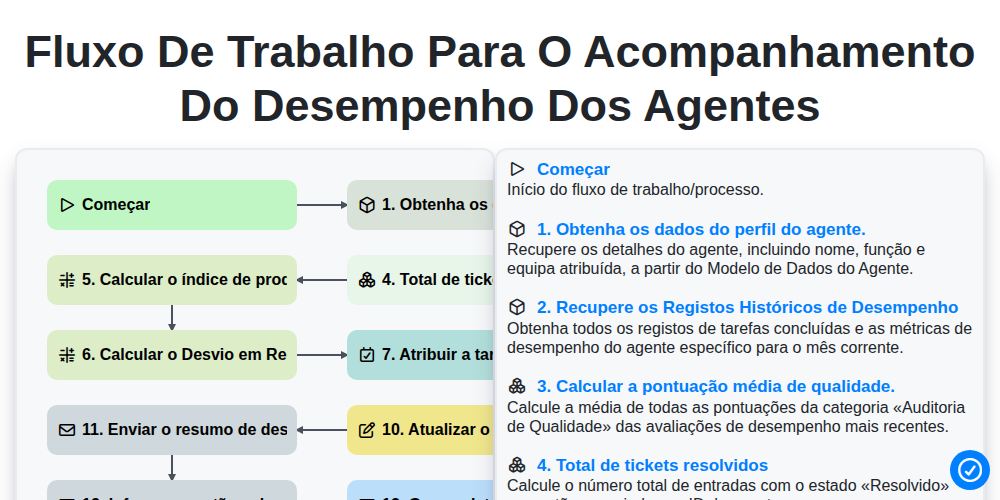
Fluxo de trabalho para o acompanhamento do desempenho dos agentes

Insurance Renewal Management Process

Insurance Regulatory Reporting Process
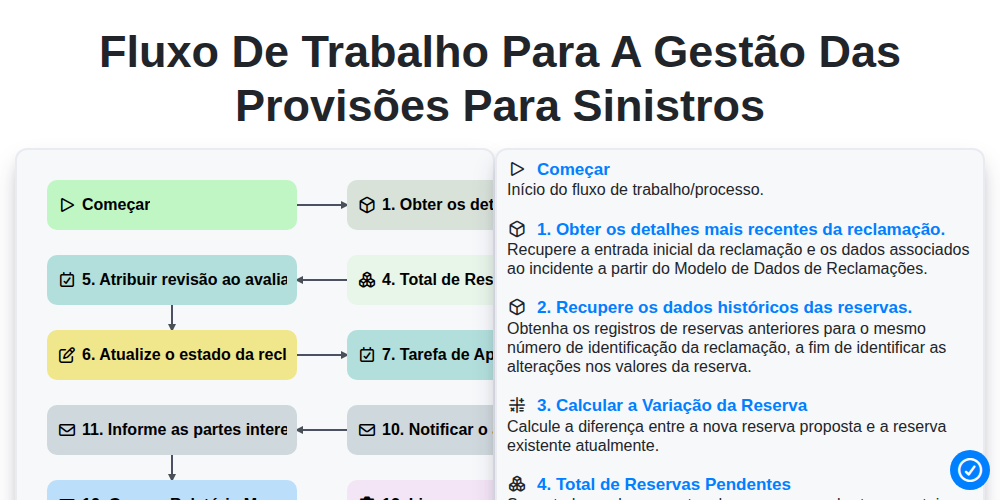
Fluxo de trabalho para a gestão das provisões para sinistros

Insurance Quote Generation Process

Policy Cancellation and Lapsed Workflow
Podemos fazer isso juntos.
Precisa de ajuda com o(a) Seguro?
Tem alguma dúvida? Estamos aqui para ajudar. Envie a sua questão e responderemos o mais breve possível.