 ChecklistGuro
 Real-Time Bus Tracking and Fleet Monitoring Workflow
Optimize your transit operations with our Real-Time Bus Tracking and Fleet Monitoring Workflow. Streamline fleet visibility, reduce delays, and enhance passenger satisfaction through automated GPS tracking, live vehicle diagnostics, and proactive route management tools designed for modern public transport management.
Este modelo foi instalado 3 vezes.
Começar
Início do fluxo de trabalho/processo.
1. Get Active Bus Locations
Retrieve the latest GPS coordinates and status for all buses currently marked as 'In Service' from the Fleet Data Model.
2. Update Vehicle Telemetry
Update existing bus entries with real-time fuel levels, engine temperature, and current speed.
3. Calculate Estimated Time of Arrival (ETA)
Calculate the projected arrival time at the next stop based on current speed, distance to stop, and traffic delay variables.
4. Check Route Schedule
Retrieve the predefined timetable and stop sequence for the specific route assigned to the bus.
5. Calculate Route Deviation
Compare current GPS coordinates against the authorized route path to detect if the bus has moved off-course.
6. Create Incident Alert
Create a new entry in the 'Incidents' data model when a deviation or breakdown is detected.
7. Assign Dispatcher Review
Create a task for the Fleet Dispatcher to review and acknowledge the newly created Incident Alert.
8. Aggregate Fleet Fuel Levels
Calculate the average fuel level across the entire fleet to determine refueling urgency.
9. Calculate Total Delay Minutes
Sum the total minutes of delay across all active routes to assess network-wide congestion.
10. Notify Maintenance Department
Send an email to the maintenance team when a bus telemetry update indicates an engine temperature threshold breach.
11. Alert Driver of Route Change
Send an SMS to the driver's mobile device if a new instruction or detour is issued by dispatch.
12. Update Passenger Load Info
Update the 'Bus Capacity' entry with current passenger counts retrieved from onboard sensors.
13. Generate Daily Performance Report
Create a summary report at the end of the shift showing total distance traveled, on-time performance, and fuel efficiency.
14. Clear Resolved Incidents
Delete or archive incident entries from the active dashboard once the Dispatcher marks the task as complete.
Fim
Fim do fluxo de trabalho/processo.
Início do fluxo de trabalho/processo.
Retrieve the latest GPS coordinates and status for all buses currently marked as 'In Service' from the Fleet Data Model.
Update existing bus entries with real-time fuel levels, engine temperature, and current speed.
Calculate the projected arrival time at the next stop based on current speed, distance to stop, and traffic delay variables.
Retrieve the predefined timetable and stop sequence for the specific route assigned to the bus.
Compare current GPS coordinates against the authorized route path to detect if the bus has moved off-course.
Create a new entry in the 'Incidents' data model when a deviation or breakdown is detected.
Create a task for the Fleet Dispatcher to review and acknowledge the newly created Incident Alert.
Calculate the average fuel level across the entire fleet to determine refueling urgency.
Sum the total minutes of delay across all active routes to assess network-wide congestion.
Send an email to the maintenance team when a bus telemetry update indicates an engine temperature threshold breach.
Send an SMS to the driver's mobile device if a new instruction or detour is issued by dispatch.
Update the 'Bus Capacity' entry with current passenger counts retrieved from onboard sensors.
Create a summary report at the end of the shift showing total distance traveled, on-time performance, and fuel efficiency.
Delete or archive incident entries from the active dashboard once the Dispatcher marks the task as complete.
Fim do fluxo de trabalho/processo.
Achou este modelo de fluxo de trabalho útil?
Comentários
Ainda não existem comentários. Seja o primeiro a adicionar um!
Demonstração da Solução de Gestão de Transportes Públicos
Otimize as operações do transporte público e melhore a experiência dos passageiros! O ChecklistGuro simplifica o planeamento de rotas, a manutenção de veículos e o registo de incidentes. Aumente a eficiência, a segurança e a fiabilidade. Gerencie tudo com o nosso sistema operativo de trabalho.
Modelos de Fluxo de Trabalho Relacionados

Bus Stop Infrastructure Maintenance Workflow

Contactless Payment Processing and Settlement Workflow
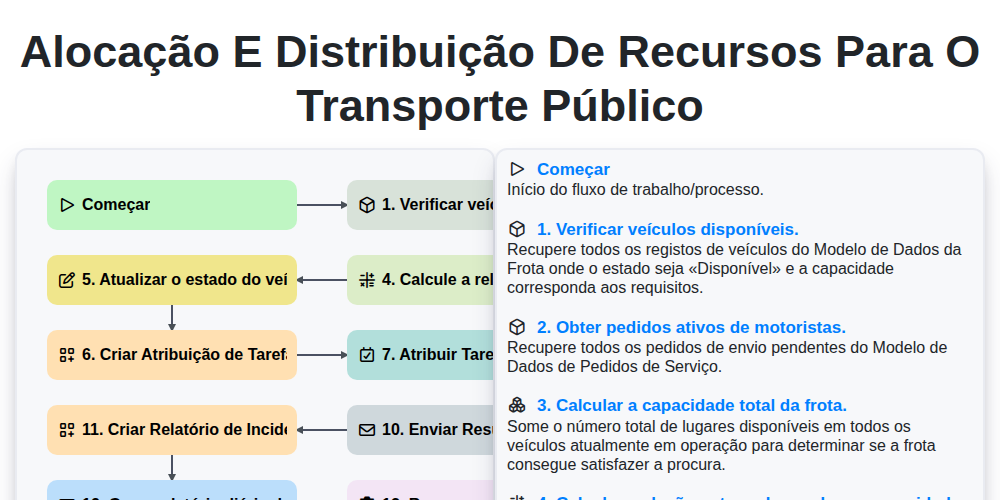
Alocação e distribuição de recursos para o transporte público

Transit Subscription and Pass Management Process

Automated Bus Inspection and Safety Audit Workflow
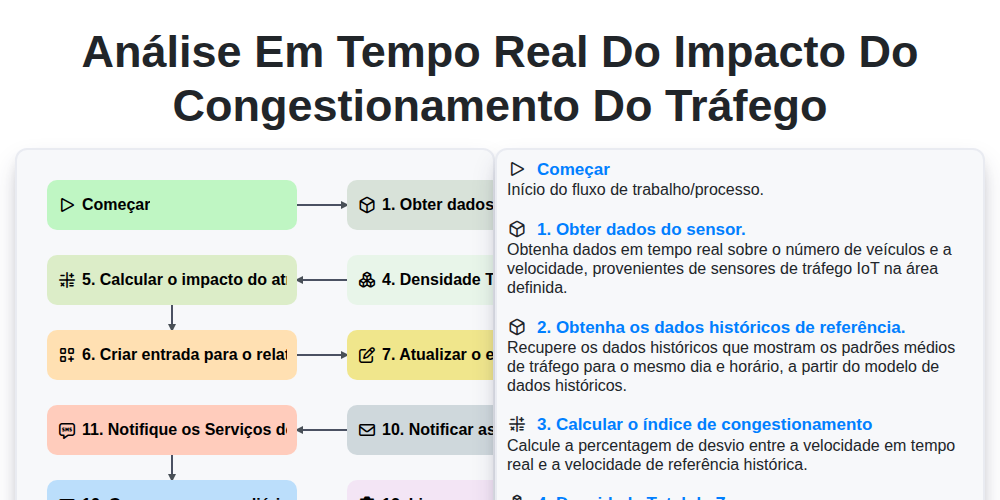
Análise em tempo real do impacto do congestionamento do tráfego
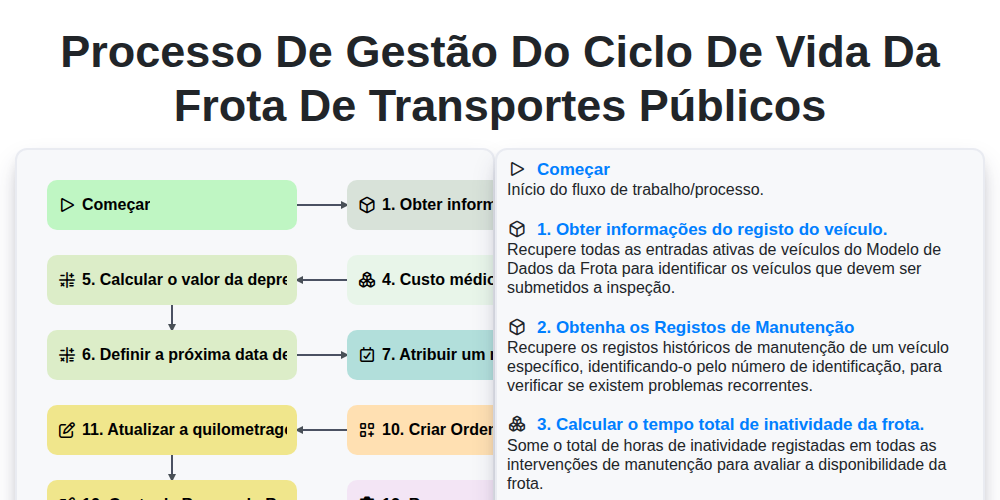
Processo de Gestão do Ciclo de Vida da Frota de Transportes Públicos
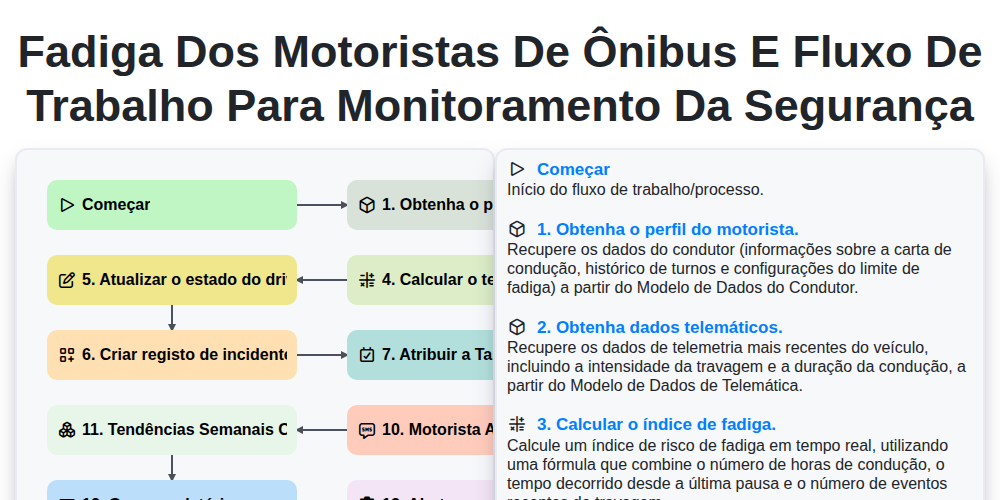
Fadiga dos Motoristas de Ônibus e Fluxo de Trabalho para Monitoramento da Segurança
Podemos fazer isso juntos.
Precisa de ajuda com o(a) Gestão dos Transportes Públicos?
Tem alguma dúvida? Estamos aqui para ajudar. Envie a sua questão e responderemos o mais breve possível.