 ChecklistGuro
 Análise em tempo real do impacto do congestionamento do tráfego
Otimize a mobilidade urbana com o nosso fluxo de trabalho de Análise de Impacto em Tempo Real do Congestionamento do Tráfego. Obtenha informações úteis sobre como os picos de tráfego afetam os horários do transporte público, identifique os padrões de congestionamento e implemente ajustes proativos nas rotas, garantindo um transporte de passageiros contínuo e fiável, bem como a redução dos atrasos operacionais.
Este modelo foi instalado 1 vezes.
Começar
Início do fluxo de trabalho/processo.
1. Obter dados do sensor.
Obtenha dados em tempo real sobre o número de veículos e a velocidade, provenientes de sensores de tráfego IoT na área definida.
2. Obtenha os dados históricos de referência.
Recupere os dados históricos que mostram os padrões médios de tráfego para o mesmo dia e horário, a partir do modelo de dados históricos.
3. Calcular o índice de congestionamento
Calcule a percentagem de desvio entre a velocidade em tempo real e a velocidade de referência histórica.
4. Densidade Total da Zona
Calcule a densidade média de veículos em todos os sensores ativos dentro da área analisada.
5. Calcular o impacto do atraso
Estime o tempo total adicional de viagem (em minutos) causado pelo congestionamento atual.
6. Criar entrada para o relatório de análise.
Gere um novo registo no Modelo de Dados de Análise, contendo as métricas de congestionamento calculadas e o carimbo de data/hora.
7. Atualizar o estado do trânsito.
Atualize o campo «Estado Atual» no modelo de dados do segmento rodoviário (por exemplo, altere de «Verde» para «Vermelho»).
8. Atribuir a tarefa de análise ao engenheiro de tráfego.
Crie uma tarefa para que o engenheiro de plantão verifique manualmente as anomalias de congestionamento de alta gravidade.
9. Crie uma tarefa para a equipa de intervenção no terreno caso o congestionamento seja causado por um incidente/acidente detetado.
Crie uma tarefa para a equipa de intervenção no terreno caso o congestionamento seja causado por um incidente/acidente detetado.
10. Notificar as autoridades de transporte.
Envie um alerta por e-mail automatizado para o Departamento de Transportes sobre os níveis críticos de congestionamento.
11. Notifique os Serviços de Emergência.
Envie um alerta por SMS para as equipas de emergência se a análise detetar uma queda repentina na velocidade, o que pode indicar um possível acidente.
12. Gerar um resumo diário do congestionamento.
Crie um relatório em PDF com elementos visuais que resuma as tendências diárias de congestionamento e os níveis de impacto para as partes interessadas.
13. Limpar os arquivos de registo temporários dos sensores.
Elimine as entradas de dados brutos de alta frequência, que são temporárias e que não são mais necessárias após a conclusão da análise.
Fim
Fim do fluxo de trabalho/processo.
Início do fluxo de trabalho/processo.
Obtenha dados em tempo real sobre o número de veículos e a velocidade, provenientes de sensores de tráfego IoT na área definida.
Recupere os dados históricos que mostram os padrões médios de tráfego para o mesmo dia e horário, a partir do modelo de dados históricos.
Calcule a percentagem de desvio entre a velocidade em tempo real e a velocidade de referência histórica.
Calcule a densidade média de veículos em todos os sensores ativos dentro da área analisada.
Estime o tempo total adicional de viagem (em minutos) causado pelo congestionamento atual.
Gere um novo registo no Modelo de Dados de Análise, contendo as métricas de congestionamento calculadas e o carimbo de data/hora.
Atualize o campo «Estado Atual» no modelo de dados do segmento rodoviário (por exemplo, altere de «Verde» para «Vermelho»).
Crie uma tarefa para que o engenheiro de plantão verifique manualmente as anomalias de congestionamento de alta gravidade.
Crie uma tarefa para a equipa de intervenção no terreno caso o congestionamento seja causado por um incidente/acidente detetado.
Envie um alerta por e-mail automatizado para o Departamento de Transportes sobre os níveis críticos de congestionamento.
Envie um alerta por SMS para as equipas de emergência se a análise detetar uma queda repentina na velocidade, o que pode indicar um possível acidente.
Crie um relatório em PDF com elementos visuais que resuma as tendências diárias de congestionamento e os níveis de impacto para as partes interessadas.
Elimine as entradas de dados brutos de alta frequência, que são temporárias e que não são mais necessárias após a conclusão da análise.
Fim do fluxo de trabalho/processo.
Comentários
Ainda não existem comentários. Seja o primeiro a adicionar um!
Demonstração da Solução de Gestão de Transportes Públicos
Otimize as operações do transporte público e melhore a experiência dos passageiros! O ChecklistGuro simplifica o planeamento de rotas, a manutenção de veículos e o registo de incidentes. Aumente a eficiência, a segurança e a fiabilidade. Gerencie tudo com o nosso sistema operativo de trabalho.
Modelos de Fluxo de Trabalho Relacionados

Bus Stop Infrastructure Maintenance Workflow

Contactless Payment Processing and Settlement Workflow
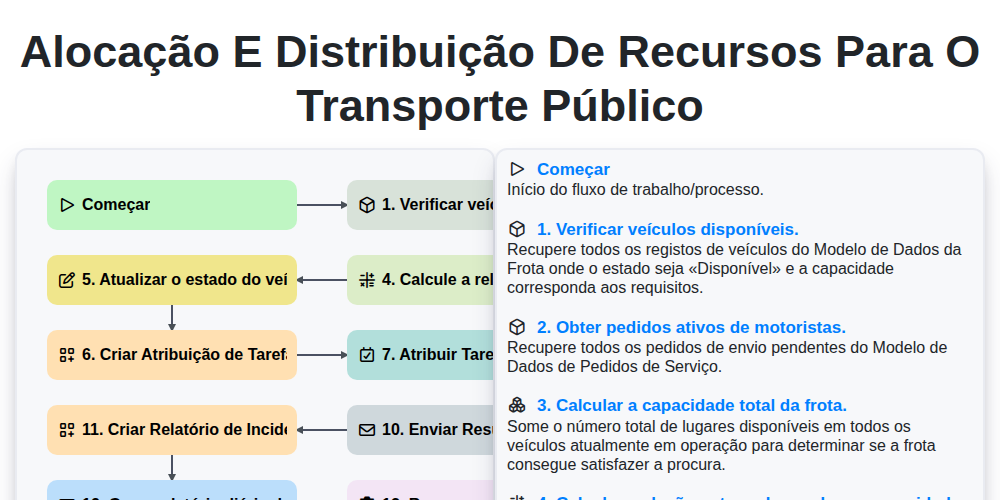
Alocação e distribuição de recursos para o transporte público

Transit Subscription and Pass Management Process

Automated Bus Inspection and Safety Audit Workflow
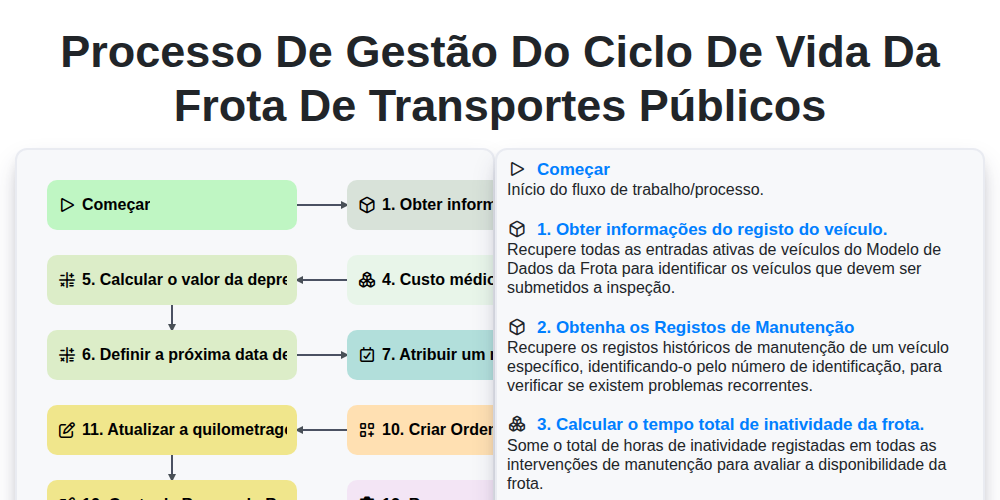
Processo de Gestão do Ciclo de Vida da Frota de Transportes Públicos
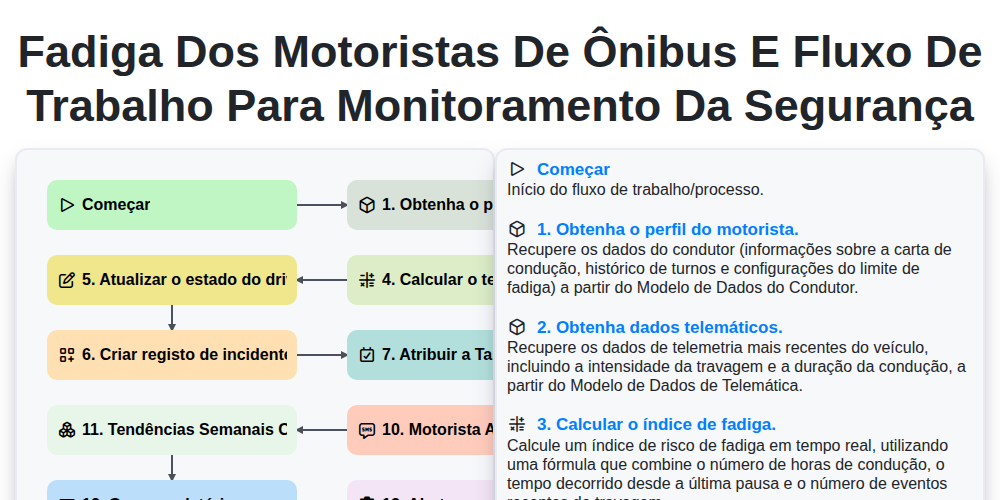
Fadiga dos Motoristas de Ônibus e Fluxo de Trabalho para Monitoramento da Segurança
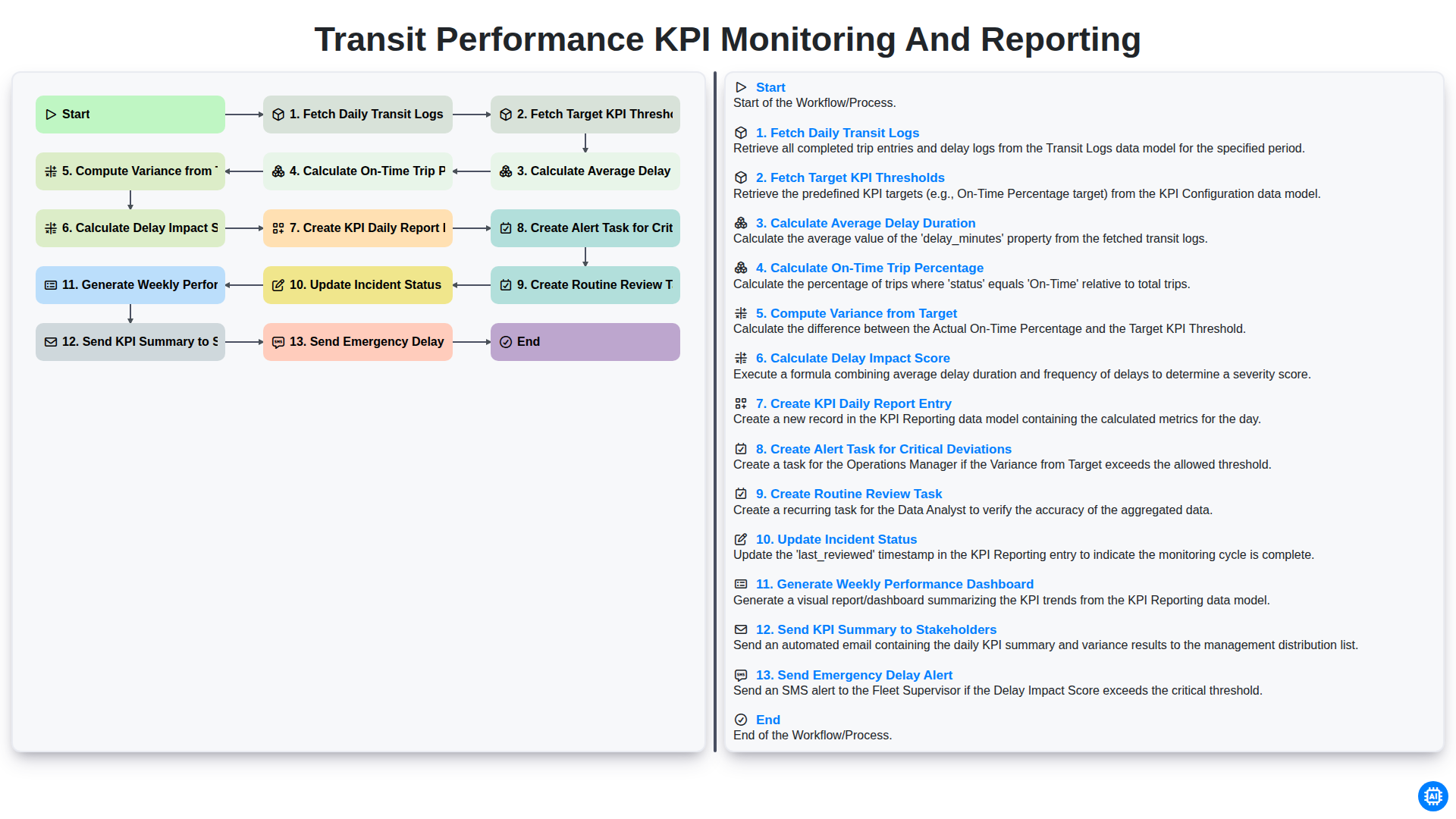
Transit Performance KPI Monitoring and Reporting
Podemos fazer isso juntos.
Precisa de ajuda com o(a) Gestão dos Transportes Públicos?
Tem alguma dúvida? Estamos aqui para ajudar. Envie a sua questão e responderemos o mais breve possível.