 ChecklistGuro
 Smart Bus Stop Information Update Process
Streamline your transit network with our Smart Bus Stop Information Update Process. Learn how automated real-time data synchronization and intelligent sensor integration ensure commuters always receive accurate, up-to-the-minute arrival predictions and service alerts, enhancing passenger trust and optimizing public transport efficiency.
Este modelo foi instalado 4 vezes.
Começar
Início do fluxo de trabalho/processo.
1. Fetch Bus Stop Master List
Retrieve all active bus stop records from the Bus Stop Data Model to identify which stops require updates.
2. Retrieve Scheduled Maintenance Data
Get recent maintenance logs to identify stops that have undergone hardware or signage changes.
3. Update Bus Stop Status
Update the status of specific bus stops to 'Under Review' once the update process has been triggered.
4. Assign Field Inspection Task
Create a task for the Field Technician to physically verify the information displayed at the bus stop.
5. Get Inspection Results
Fetch the data entered by the technician via the inspection form (e.g., screen brightness, physical damage, connectivity).
6. Calculate Hardware Health Score
Apply a formula to the inspection metrics (e.g., connectivity % * 0.6 + screen_integrity * 0.4) to determine urgency.
7. Calculate Maintenance Cost Estimate
Calculate the estimated cost of repairs based on the detected hardware damage and labor rates.
8. Update Stop Maintenance Record
Update the specific Bus Stop entry with the new inspection findings and health score.
9. Create Maintenance Work Order
If the health score is below a certain threshold, create a new entry in the Maintenance Work Order data model.
10. Aggregate Total System Health
Sum and average the health scores of all bus stops to provide a high-level overview of the network status.
11. Notify Maintenance Manager
Send an email to the manager containing the summary of stops that failed inspection and require immediate repair.
12. Alert Technician of New Task
Send an SMS to the assigned technician to notify them that a new inspection task is pending in their queue.
13. Generate Weekly Infrastructure Health Report
Generate a formal report aggregating all completed updates and maintenance needs for the week for stakeholders.
14. Archive Outdated Info
Delete or move obsolete temporary maintenance notes from the data model once the update is finalized.
Fim
Fim do fluxo de trabalho/processo.
Início do fluxo de trabalho/processo.
Retrieve all active bus stop records from the Bus Stop Data Model to identify which stops require updates.
Get recent maintenance logs to identify stops that have undergone hardware or signage changes.
Update the status of specific bus stops to 'Under Review' once the update process has been triggered.
Create a task for the Field Technician to physically verify the information displayed at the bus stop.
Fetch the data entered by the technician via the inspection form (e.g., screen brightness, physical damage, connectivity).
Apply a formula to the inspection metrics (e.g., connectivity % * 0.6 + screen_integrity * 0.4) to determine urgency.
Calculate the estimated cost of repairs based on the detected hardware damage and labor rates.
Update the specific Bus Stop entry with the new inspection findings and health score.
If the health score is below a certain threshold, create a new entry in the Maintenance Work Order data model.
Sum and average the health scores of all bus stops to provide a high-level overview of the network status.
Send an email to the manager containing the summary of stops that failed inspection and require immediate repair.
Send an SMS to the assigned technician to notify them that a new inspection task is pending in their queue.
Generate a formal report aggregating all completed updates and maintenance needs for the week for stakeholders.
Delete or move obsolete temporary maintenance notes from the data model once the update is finalized.
Fim do fluxo de trabalho/processo.
Achou este modelo de fluxo de trabalho útil?
Comentários
Ainda não existem comentários. Seja o primeiro a adicionar um!
Demonstração da Solução de Gestão de Transportes Públicos
Otimize as operações do transporte público e melhore a experiência dos passageiros! O ChecklistGuro simplifica o planeamento de rotas, a manutenção de veículos e o registo de incidentes. Aumente a eficiência, a segurança e a fiabilidade. Gerencie tudo com o nosso sistema operativo de trabalho.
Modelos de Fluxo de Trabalho Relacionados

Bus Stop Infrastructure Maintenance Workflow

Contactless Payment Processing and Settlement Workflow
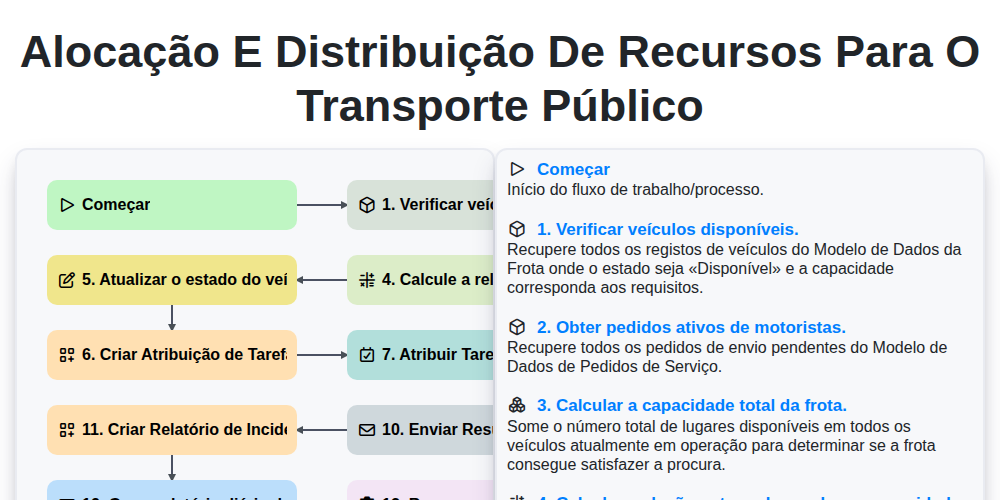
Alocação e distribuição de recursos para o transporte público

Transit Subscription and Pass Management Process

Automated Bus Inspection and Safety Audit Workflow
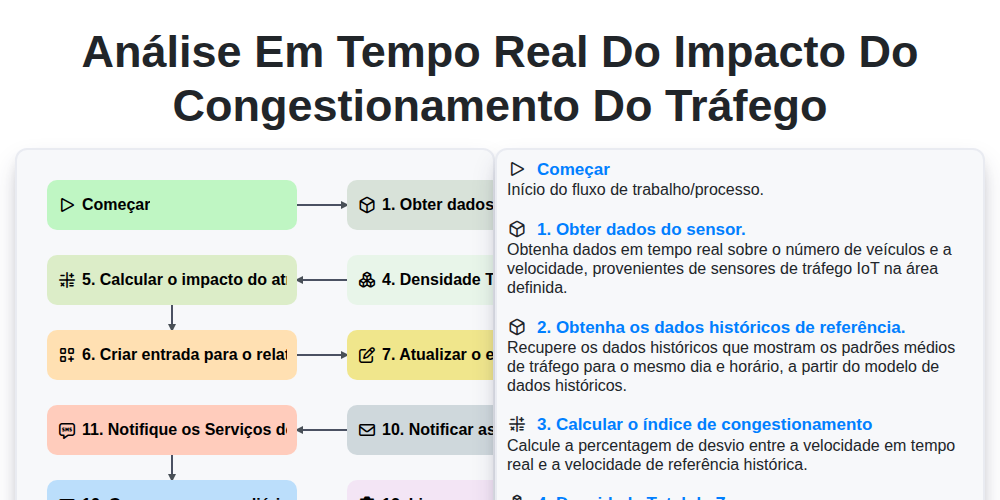
Análise em tempo real do impacto do congestionamento do tráfego
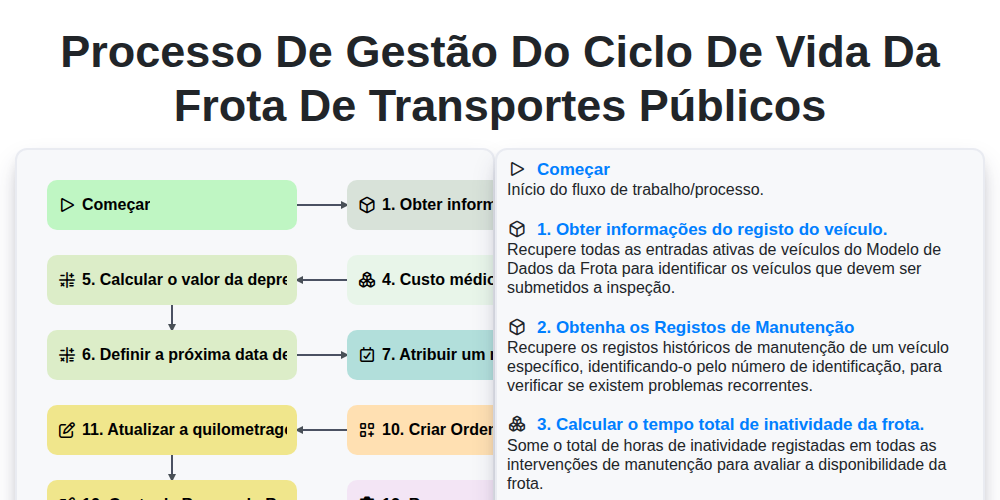
Processo de Gestão do Ciclo de Vida da Frota de Transportes Públicos
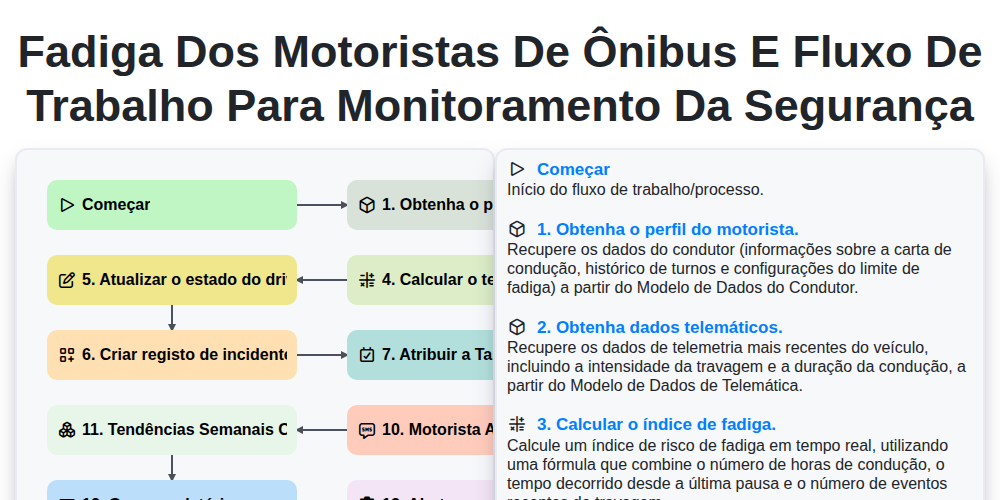
Fadiga dos Motoristas de Ônibus e Fluxo de Trabalho para Monitoramento da Segurança
Podemos fazer isso juntos.
Precisa de ajuda com o(a) Gestão dos Transportes Públicos?
Tem alguma dúvida? Estamos aqui para ajudar. Envie a sua questão e responderemos o mais breve possível.