 ChecklistGuro
Automotive Customer Loyalty Program Management Checklist
Unlock repeat business & boost customer lifetime value! Our Automotive Customer Loyalty Program Management Checklist ensures your program runs smoothly, from enrollment to reward redemption. Drive engagement, track performance, and maximize ROI - download now for a streamlined loyalty experience.
This Template was installed 5 times.
Program Enrollment & Onboarding
Covers the initial process of enrolling customers and welcoming them to the loyalty program.
Customer Consent & Agreement
Preferred Communication Method
Referral Code (If Applicable)
Enrollment Date
Areas of Interest (For Targeted Offers)
First Name
Last Name
Points Accrual & Tracking
Ensures accurate and consistent points are awarded for eligible purchases and activities.
Points Earned per Dollar Spent (New Vehicles)
Points Earned per Dollar Spent (Service)
Points Earned per Referral
Bonus Points Awarded (e.g., Birthday)
Point Accrual Method
Date of Point Accrual
Notes Regarding Point Accrual
Reward Redemption & Fulfillment
Outlines the steps for customers to redeem their points for rewards and for the dealership to fulfill those rewards.
Points Redeemed
Reward Type Selected
Discount Amount (if applicable)
Redemption Date
Redemption Time
Redemption Notes (if any)
Reward Fulfillment Status
Proof of Redemption (if applicable)
Communication & Engagement
Details ongoing communication with loyalty members to keep them engaged and informed about program benefits.
Last Email Campaign Send Date
Average Email Open Rate (%)
Average Click-Through Rate (%)
Primary Communication Channel
Sample Email Subject Line
Summary of Recent Communication Initiatives
Personalized Communication Status
Next Scheduled Communication Date
Program Performance Monitoring
Focuses on tracking key metrics to assess the program's effectiveness and identify areas for improvement.
Total Loyalty Member Count
Points Redeemed This Month
Average Points Per Member
Customer Retention Rate (Loyalty Members)
Incremental Revenue Attributed to Loyalty Program
Overall Program Satisfaction (Dealer Feedback)
Date of Last Performance Review
Summary of Key Performance Insights
Legal & Compliance
Addresses legal and regulatory considerations related to the loyalty program.
Program Terms & Conditions Version Number
Summary of Key Legal Considerations
Last Review Date by Legal Counsel
Applicable State Loyalty Program Laws (if any)
Copy of Terms & Conditions Document
Record Keeping Retention Period (Years)
Summary of Consumer Rights Disclosures
Data Security & Privacy
Covers the protection of customer data and adherence to privacy regulations.
Data Encryption Method Used
Specific details if 'Other' encryption method is selected
Compliance Standard Adherence (Select all that apply)
Details of other compliance standards adhered to
Number of Security Audits Conducted Annually
Date of Last Data Security Risk Assessment
Privacy Policy Document
Employee Training on Data Privacy
Program Updates & Enhancements
Processes for regularly reviewing and updating the program to stay competitive and meet customer needs.
Last Program Review Date
Summary of Changes Discussed
Number of New Rewards Introduced
Reward Tier Adjustment?
Marketing Channels for Update Announcement
Planned Implementation Date
Frequently Asked Questions
Can I customize this template after installing it?
Absolutely. Once installed, you can add, remove, or reorder tasks, add custom fields, and adjust deadlines to fit your specific workflow.
Can I add images or photos to these checklist items?
Yes. Our platform allows you to attach photos, signatures, and notes to any checklist item for better verification and proof of completion.
Can I create a custom checklist from scratch instead of using a template?
Yes. You can use our "Create your own checklist" feature to build a unique workflow tailored exactly to your operational requirements.
Can I add dependencies between tasks?
Yes, you can set up conditional logic and dependencies to ensure your team follows the correct sequence of operations.
Can I assign specific checklist items to different team members?
Yes. You can assign individual tasks to specific employees, ensuring clear accountability across your entire team.
Can I use these checklists on mobile devices in the field?
Yes. Our platform is fully responsive, allowing your team to complete, update, and upload photos to checklists directly from any smartphone or tablet.
How do I notify my manager when a checklist is completed?
You can set up automated notifications (via email, push notification, or in-app alerts) to trigger whenever a checklist is finished or if an item fails inspection.
Can multiple people work on the same checklist simultaneously?
Yes, the platform supports real-time updates, allowing multiple users to contribute to a single live checklist.
Where is the data from completed checklists stored?
All completed checklists are stored securely in your Work OS dashboard, creating a permanent, searchable audit trail of your operations.
Can I generate reports based on my checklist results?
Yes. You can track completion rates, identify recurring issues, and monitor team performance through our integrated reporting and analytics tools.
How can I use these checklists for compliance or auditing purposes?
Because our checklists capture timestamps, photos, and digital signatures, they serve as a robust digital paper trail for regulatory compliance and internal audits.
Can I export my completed checklist data for use in other tools?
Yes. You can export your data in various formats (CSV, Excel, etc.) to integrate your operational insights with your other business software.
Comments
There are no comments yet. Be the first to add one!
Automotive Manufacturing Management Solution Demo
Optimize your automotive production! ChecklistGuro digitizes workflows, from parts inspection to final testing. Reduce errors, boost efficiency & ensure quality compliance. Drive results with our Work OS.
Related Checklist Templates
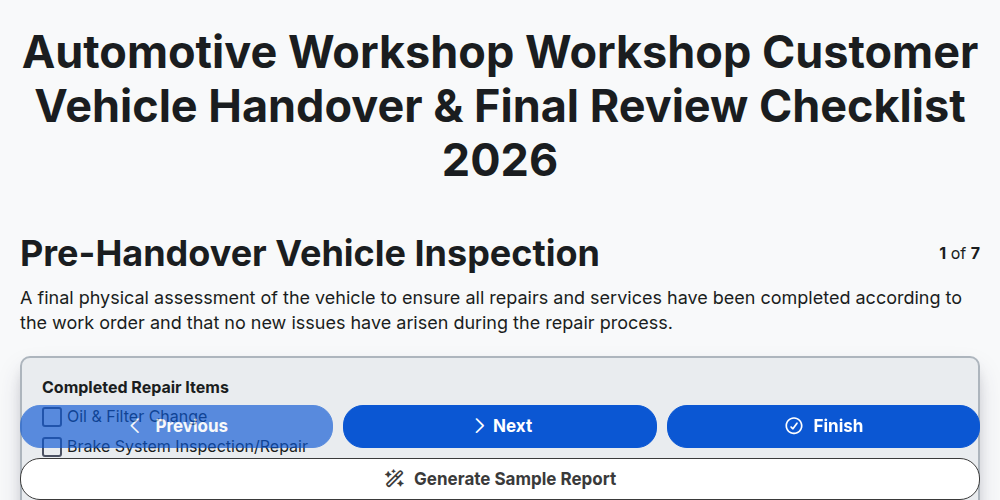
Automotive Workshop Workshop Customer Vehicle Handover & Final Review Checklist 2026
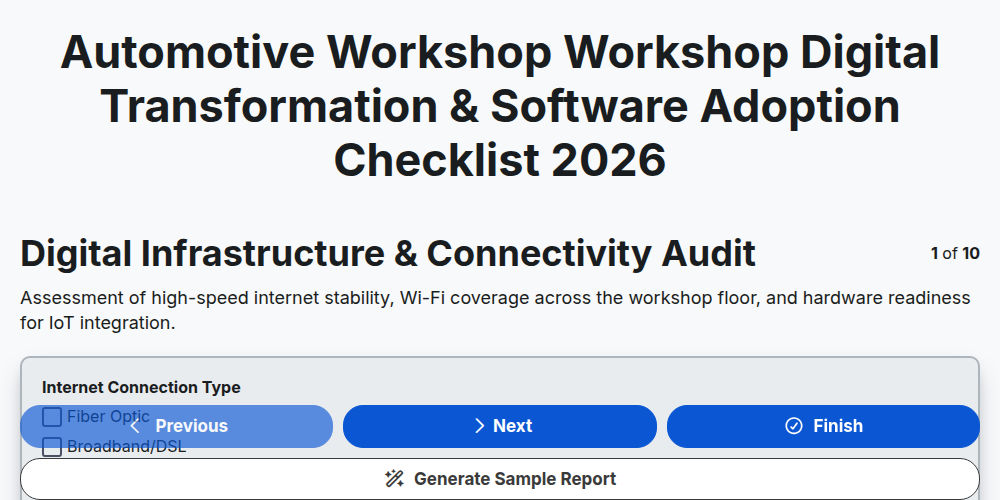
Automotive Workshop Workshop Digital Transformation & Software Adoption Checklist 2026
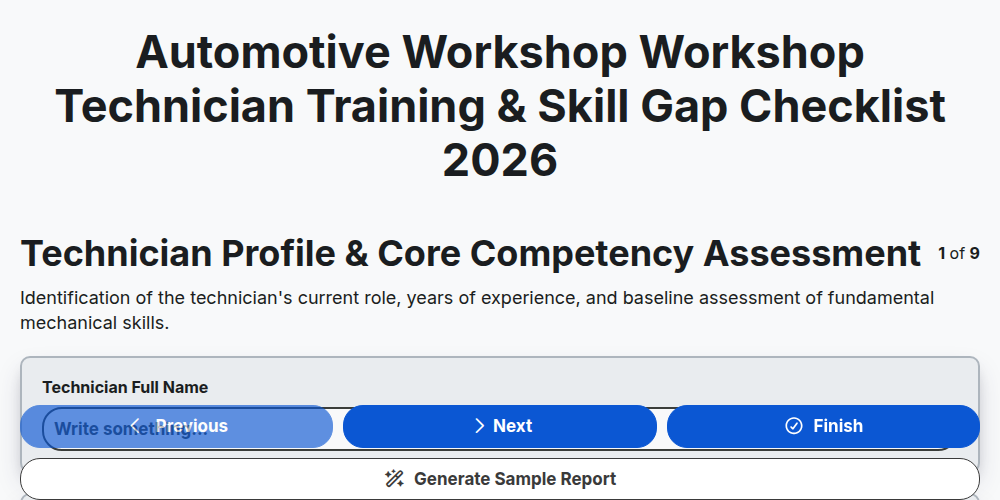
Automotive Workshop Workshop Technician Training & Skill Gap Checklist 2026
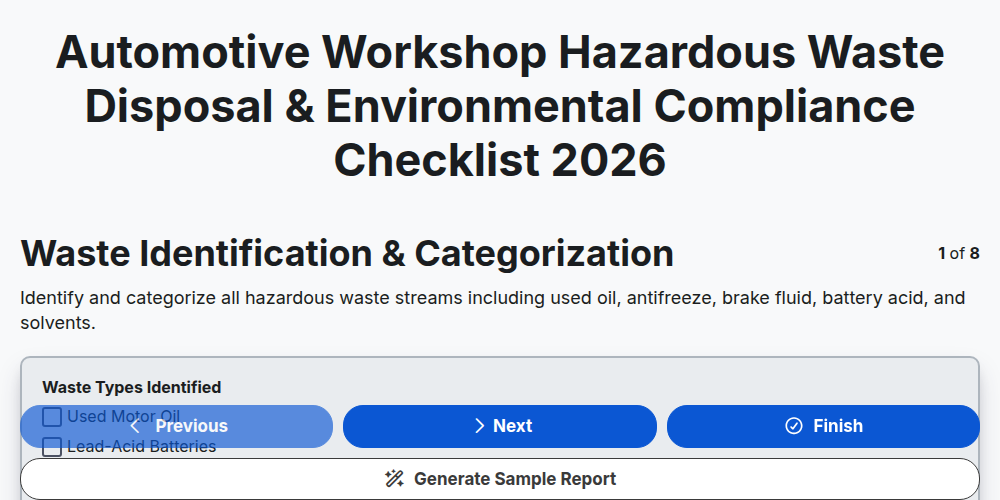
Automotive Workshop Hazardous Waste Disposal & Environmental Compliance Checklist 2026
Automotive Workshop Pre-Delivery Inspection (PDI) Quality Control Checklist 2026
Automotive Workshop Floor Management & Workflow Optimization Checklist 2026
Automotive Supply Chain & Vendor Performance Audit Checklist 2026
Automotive Workshop Daily Opening & Closing Procedures Checklist 2026
Need help with
Автомобилна?
Have a question? We're here to help. Please submit your inquiry, and we'll respond promptly.