 ChecklistGuro
 Automotive Workshop Workshop Customer Vehicle Handover & Final Review Checklist 2026
Ensure flawless service delivery and boost customer retention with our professional Automotive Workshop Customer Vehicle Handover & Final Review Checklist 2026. This comprehensive, high-intent template is designed for automotive managers and service advisors to standardize the final inspection process, verify all repair orders are completed, ensure vehicle cleanliness, and guarantee a seamless, premium handover experience. Eliminate errors, reduce comebacks, and build long-term trust with every vehicle departure. Perfect for modern workshops striving for operational excellence and 5-star customer satisfaction in 2026.
Pre-Handover Vehicle Inspection
A final physical assessment of the vehicle to ensure all repairs and services have been completed according to the work order and that no new issues have arisen during the repair process.
Completed Repair Items
Identified Secondary Issues
Post-Repair Photo Evidence
Overall Vehicle Condition Grade
Technician Final Verification
Service Completion & Quality Assurance
Verification of all specific line items on the job card, including fluid levels, tire pressures, part installations, and functional testing of newly repaired components.
Completed Service Items
Brake System Performance Status
Discrepancies or Technical Notes
Post-Repair Test Drive Documentation
Technician Quality Assurance Sign-off
Cleanliness & Presentation Standards
Inspection of the vehicle's interior and exterior to ensure it is free of grease, dust, or fingerprints, and that any removed components (like seat covers or floor mats) have been properly replaced.
Interior Cleanliness Check
Exterior Presentation Check
Final Vehicle Cleanliness Photo
Protective Materials Removed
Cleaning Discrepancies Noted
Quality Controller Verification
Documentation & Paperwork Accuracy
Review of the final invoice, warranty documentation, parts certificates, and service history logs to ensure all pricing, labor hours, and technical details are accurate and transparent.
Invoice Status
Verified Documents
Invoice Reference Number
Total Labor Hours Recorded
Final Documentation Completion Date
Upload Signed Work Order
Service Advisor Verification
Customer Communication & Explanation
A structured process for walking the customer through the work performed, explaining any recommended future repairs, and ensuring they understand the warranty terms and next service interval.
Work Performed Explained
Summary of Recommendations
Customer Understanding Level
Service Advisor Acknowledgment
Vehicle Handover & Key Management
Final steps involving the organized return of all customer belongings, the handover of keys/fobs, and the formal signing of the delivery acceptance form.
Handover Date
Handover Time
Keys and Accessories Returned
Vehicle Identification Number (VIN) Verified
Customer Acknowledgement Signature
Service Advisor Signature
Post-Handover Follow-up Setup
Scheduling the 24-48 hour satisfaction follow-up call or email and updating the CRM to trigger automated customer satisfaction surveys.
Follow-up Contact Date
Follow-up Method
Follow-up Objectives
Assigned Service Advisor
Follow-up Notes & Customer Feedback Summary
Service Manager Approval
Frequently Asked Questions
Can I customize this template after installing it?
Absolutely. Once installed, you can add, remove, or reorder tasks, add custom fields, and adjust deadlines to fit your specific workflow.
Can I add images or photos to these checklist items?
Yes. Our platform allows you to attach photos, signatures, and notes to any checklist item for better verification and proof of completion.
Can I create a custom checklist from scratch instead of using a template?
Yes. You can use our "Create your own checklist" feature to build a unique workflow tailored exactly to your operational requirements.
Can I add dependencies between tasks?
Yes, you can set up conditional logic and dependencies to ensure your team follows the correct sequence of operations.
Can I assign specific checklist items to different team members?
Yes. You can assign individual tasks to specific employees, ensuring clear accountability across your entire team.
Can I use these checklists on mobile devices in the field?
Yes. Our platform is fully responsive, allowing your team to complete, update, and upload photos to checklists directly from any smartphone or tablet.
How do I notify my manager when a checklist is completed?
You can set up automated notifications (via email, push notification, or in-app alerts) to trigger whenever a checklist is finished or if an item fails inspection.
Can multiple people work on the same checklist simultaneously?
Yes, the platform supports real-time updates, allowing multiple users to contribute to a single live checklist.
Where is the data from completed checklists stored?
All completed checklists are stored securely in your Work OS dashboard, creating a permanent, searchable audit trail of your operations.
Can I generate reports based on my checklist results?
Yes. You can track completion rates, identify recurring issues, and monitor team performance through our integrated reporting and analytics tools.
How can I use these checklists for compliance or auditing purposes?
Because our checklists capture timestamps, photos, and digital signatures, they serve as a robust digital paper trail for regulatory compliance and internal audits.
Can I export my completed checklist data for use in other tools?
Yes. You can export your data in various formats (CSV, Excel, etc.) to integrate your operational insights with your other business software.
Comments
There are no comments yet. Be the first to add one!
Automotive Manufacturing Management Solution Demo
Optimize your automotive production! ChecklistGuro digitizes workflows, from parts inspection to final testing. Reduce errors, boost efficiency & ensure quality compliance. Drive results with our Work OS.
Related Checklist Templates
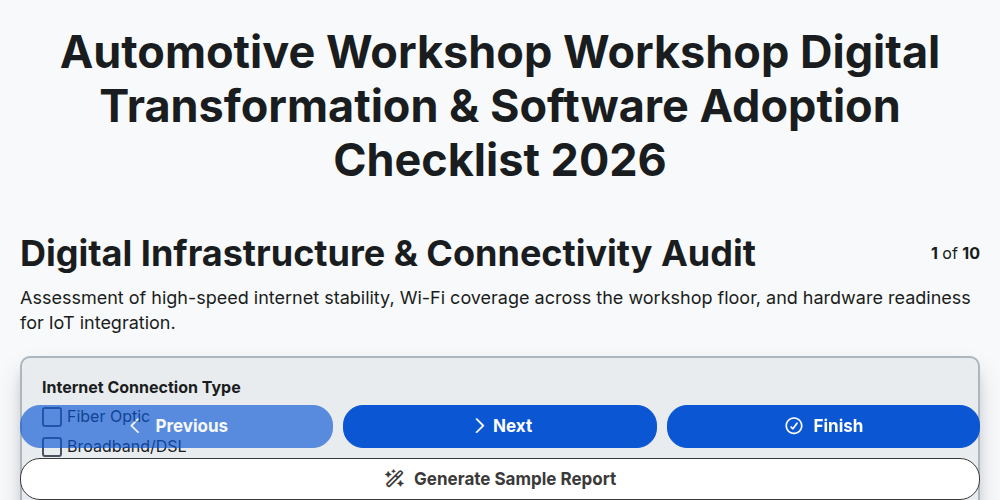
Automotive Workshop Workshop Digital Transformation & Software Adoption Checklist 2026
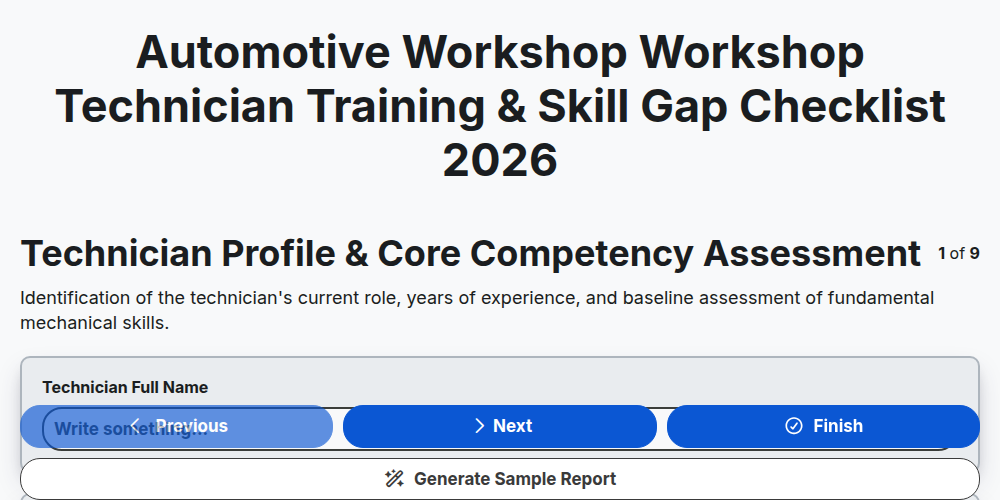
Automotive Workshop Workshop Technician Training & Skill Gap Checklist 2026
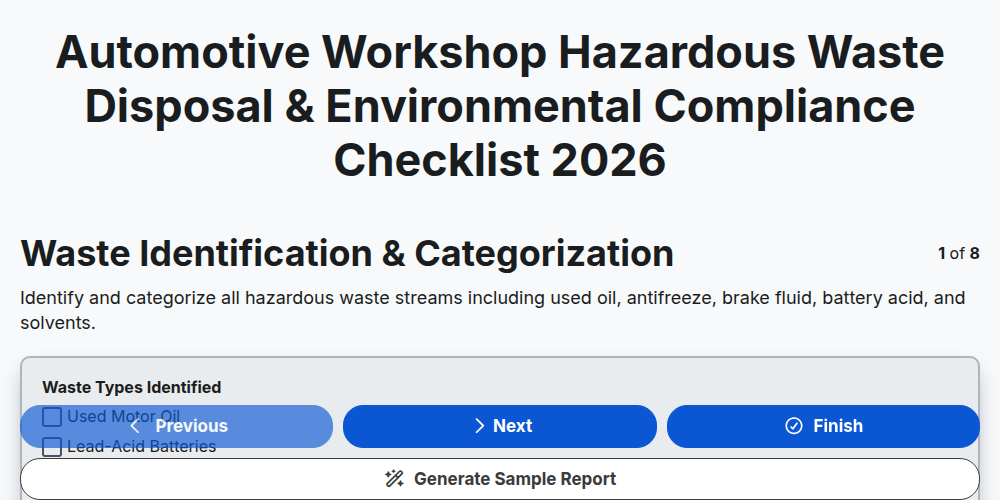
Automotive Workshop Hazardous Waste Disposal & Environmental Compliance Checklist 2026
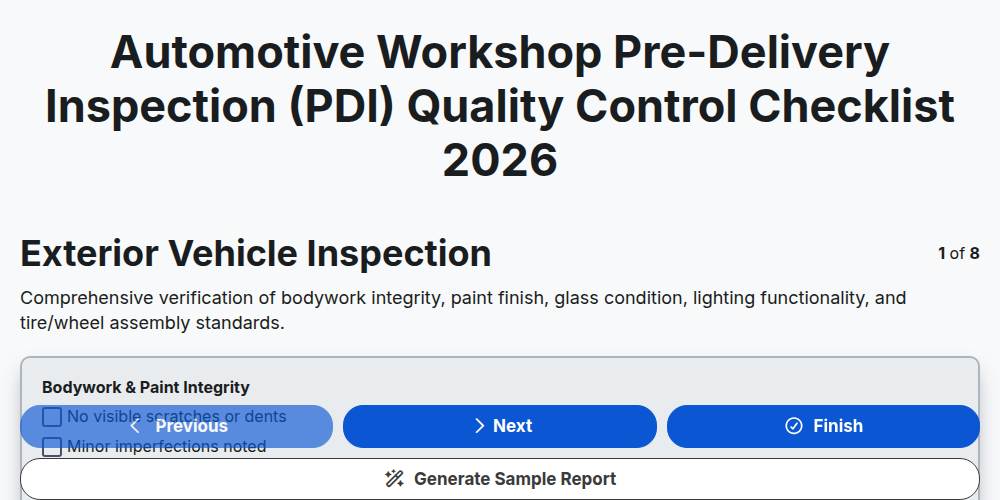
Automotive Workshop Pre-Delivery Inspection (PDI) Quality Control Checklist 2026
Automotive Workshop Floor Management & Workflow Optimization Checklist 2026
Automotive Supply Chain & Vendor Performance Audit Checklist 2026
Automotive Workshop Daily Opening & Closing Procedures Checklist 2026
Automotive Workshop Productivity & Technician Efficiency Checklist 2026
Need help with
Автомобилна?
Have a question? We're here to help. Please submit your inquiry, and we'll respond promptly.