 ChecklistGuro
 Automotive Workshop Productivity & Technician Efficiency Checklist 2026
Maximize your garage's profitability and eliminate downtime with the ultimate Automotive Workshop Productivity & Technician Efficiency Checklist 2026. Designed specifically for service managers and workshop owners, this professional-grade operational tool helps you track technician bay utilization, streamline repair workflows, and optimize labor hours per unit. Eliminate bottlenecks, monitor real-time shop throughput, and ensure your service team is operating at peak performance. Perfect for automotive workshops looking to boost billable hours and implement data-driven management in 2026. Streamline your shop operations and drive higher revenue today!
Pre-Shift Preparation & Resource Readiness
Ensuring all technicians have the necessary tools, diagnostic equipment, and workstation readiness before the workday begins to minimize downtime.
Inspection Date
Shift Start Time
Essential Tool Kit Readiness
Workstation Cleanliness Status
Missing Equipment or Tool Deficiencies
Supervisor Verification
Work Order & Job Assignment Management
Evaluating the efficiency of the dispatch process, workload distribution, and the clarity of technician instructions for each assigned task.
Work Order Assignment Date
Assigned Technician
Work Order Number
Task Priority Level
Job Description & Specific Instructions
Estimated Completion Time
Estimated Labor Hours
Service Advisor Approval
Technician Tool & Equipment Utilization
Monitoring the availability and functional state of specialized tools and diagnostic scanners to prevent delays caused by equipment failure or unavailability.
Essential Diagnostic Tools Available
Condition of Shared Shop Equipment
Number of Damaged or Missing Tools Identified
Equipment Maintenance Notes
Upload Photos of Damaged Equipment
Technician Acknowledgment of Tool Check
Labor Time & Flat Rate Efficiency Tracking
Analyzing the variance between actual repair time and estimated flat-rate hours to identify bottlenecks in technical execution.
Audit Date
Total Billable Hours Completed
Total Clocked Hours (Labor Hours)
Efficiency Percentage (%)
Primary Delay Cause
Detailed Notes on Productivity Bottlenecks
Service Manager Approval
Parts Availability & Workflow Integration
Reviewing the synchronization between the service bay and parts department to ensure components are delivered to technicians promptly.
Parts Availability Status
Missing Part Identification
Expected Delivery Date
Quantity of Parts Required
Workflow Bottleneck Causes
Delivery Note or Invoice Upload
Workshop Bay Throughput & Cycle Time
Measuring the total time a vehicle spends in a service bay from arrival to completion to optimize bay turnover rates.
Vehicle Arrival Date
Time Vehicle Entered Service Bay
Time Service Completed
Total Minutes in Bay
Primary Delay Reason
Notes on Workflow Bottlenecks
Workshop Manager Verification
Digital Documentation & Real-Time Reporting
Auditing the use of shop management software for real-time updates, digital inspections, and accurate time-stamping of completed tasks.
Software Management System Used
Completed Digital Documentation Tasks
Number of Digital Work Orders Completed Today
Daily Productivity Report Screenshot
Discrepancies Found in Digital Records
Service Manager Verification
Quality Control & Re-Work Prevention
Implementing inspection checkpoints to identify errors early and reduce the frequency of 'comebacks' or secondary repairs.
Quality Inspection Checkpoints Completed
Final Inspection Outcome
Discrepancies or Re-work Findings
Post-Repair Photo Documentation
Lead Technician Approval
Technician Training & Skill Development
Tracking ongoing competency assessments and the adoption of new automotive technologies and EV-specific repair protocols.
Last Training Completion Date
Skill Competency Areas Covered
Training Hours Logged (Monthly)
Training Assessment Notes & Skill Gaps Identified
Training Certificate or Certification Document
Supervisor Validation Signature
End-of-Day Performance Review & Reporting
Summarizing daily productivity metrics, identifying completed vs. pending jobs, and preparing the schedule for the following shift.
Review Date
Shift End Time
Total Completed Work Orders
Total Billable Hours Achieved
Overall Daily Productivity Rating
Summary of Unfinished Tasks & Pending Delays
Workshop Manager Approval
Frequently Asked Questions
Can I customize this template after installing it?
Absolutely. Once installed, you can add, remove, or reorder tasks, add custom fields, and adjust deadlines to fit your specific workflow.
Can I add images or photos to these checklist items?
Yes. Our platform allows you to attach photos, signatures, and notes to any checklist item for better verification and proof of completion.
Can I create a custom checklist from scratch instead of using a template?
Yes. You can use our "Create your own checklist" feature to build a unique workflow tailored exactly to your operational requirements.
Can I add dependencies between tasks?
Yes, you can set up conditional logic and dependencies to ensure your team follows the correct sequence of operations.
Can I assign specific checklist items to different team members?
Yes. You can assign individual tasks to specific employees, ensuring clear accountability across your entire team.
Can I use these checklists on mobile devices in the field?
Yes. Our platform is fully responsive, allowing your team to complete, update, and upload photos to checklists directly from any smartphone or tablet.
How do I notify my manager when a checklist is completed?
You can set up automated notifications (via email, push notification, or in-app alerts) to trigger whenever a checklist is finished or if an item fails inspection.
Can multiple people work on the same checklist simultaneously?
Yes, the platform supports real-time updates, allowing multiple users to contribute to a single live checklist.
Where is the data from completed checklists stored?
All completed checklists are stored securely in your Work OS dashboard, creating a permanent, searchable audit trail of your operations.
Can I generate reports based on my checklist results?
Yes. You can track completion rates, identify recurring issues, and monitor team performance through our integrated reporting and analytics tools.
How can I use these checklists for compliance or auditing purposes?
Because our checklists capture timestamps, photos, and digital signatures, they serve as a robust digital paper trail for regulatory compliance and internal audits.
Can I export my completed checklist data for use in other tools?
Yes. You can export your data in various formats (CSV, Excel, etc.) to integrate your operational insights with your other business software.
Comments
There are no comments yet. Be the first to add one!
Automotive Manufacturing Management Solution Demo
Optimize your automotive production! ChecklistGuro digitizes workflows, from parts inspection to final testing. Reduce errors, boost efficiency & ensure quality compliance. Drive results with our Work OS.
Related Checklist Templates
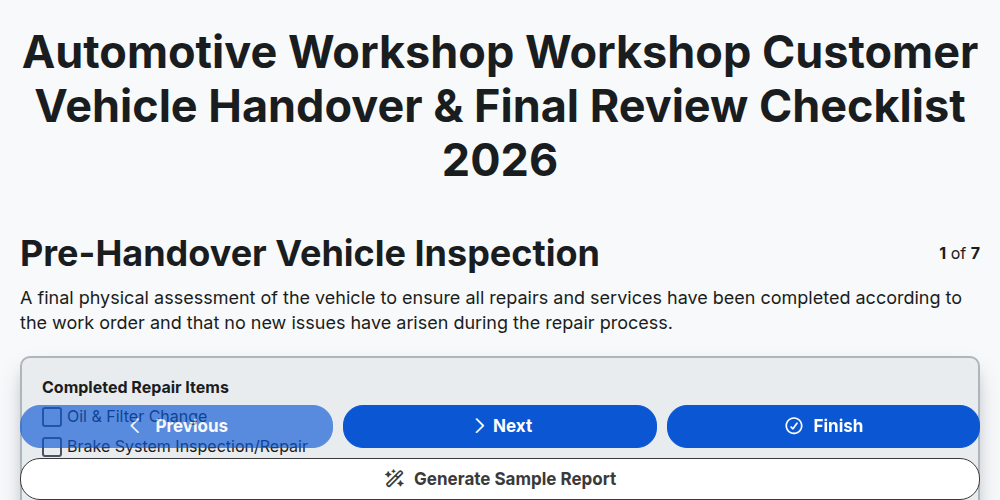
Automotive Workshop Workshop Customer Vehicle Handover & Final Review Checklist 2026
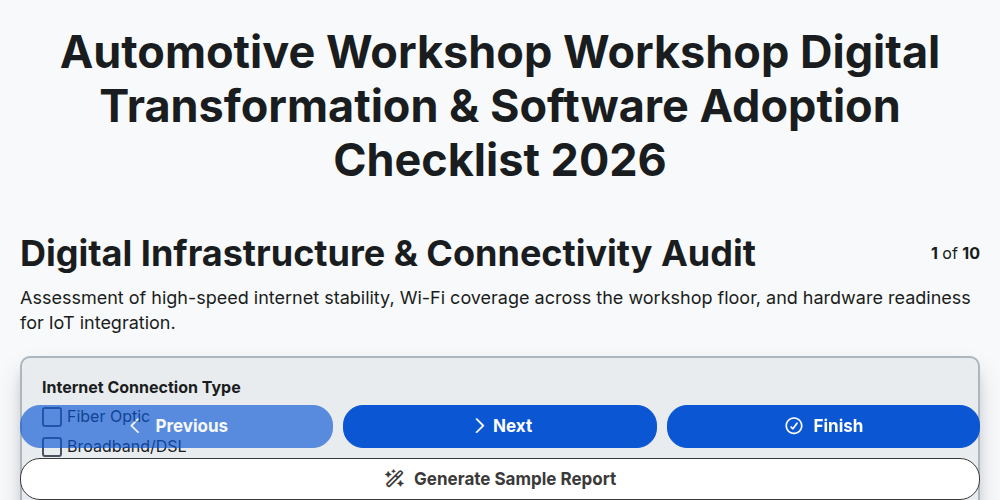
Automotive Workshop Workshop Digital Transformation & Software Adoption Checklist 2026
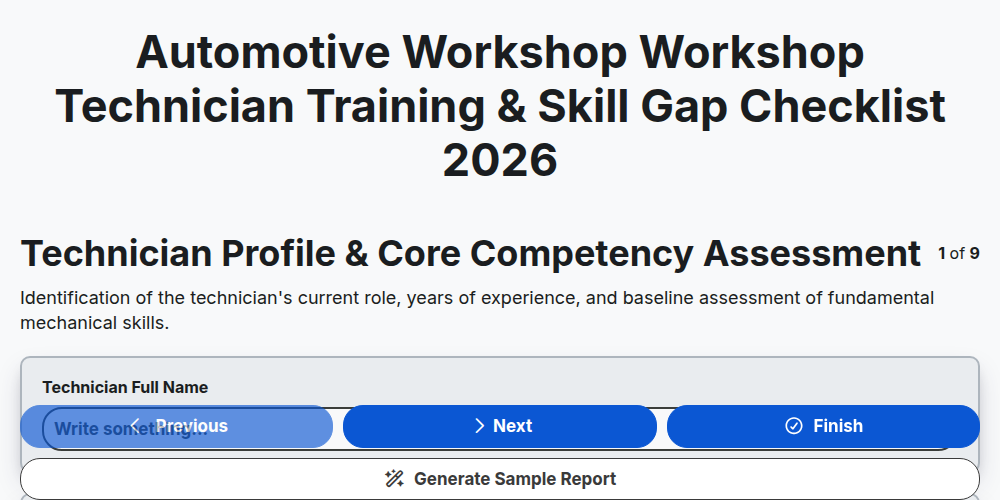
Automotive Workshop Workshop Technician Training & Skill Gap Checklist 2026
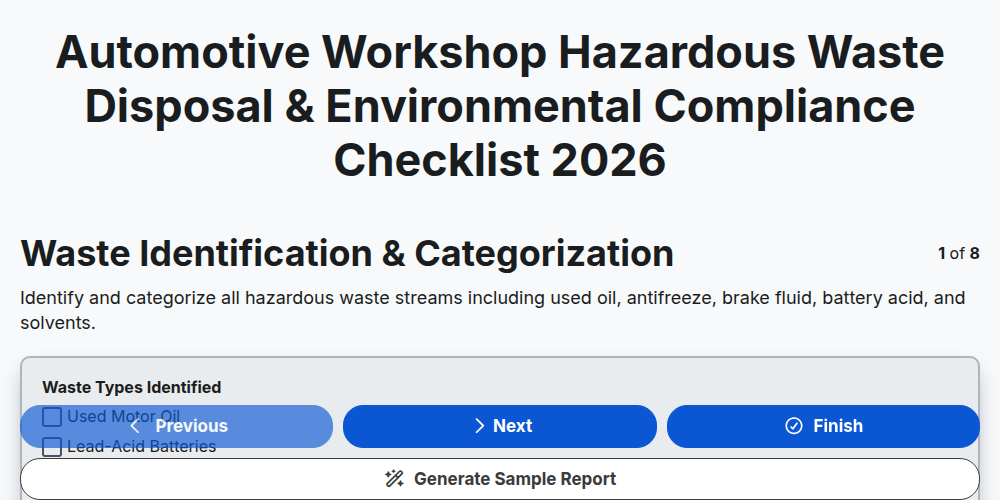
Automotive Workshop Hazardous Waste Disposal & Environmental Compliance Checklist 2026
Automotive Workshop Pre-Delivery Inspection (PDI) Quality Control Checklist 2026
Automotive Workshop Floor Management & Workflow Optimization Checklist 2026
Automotive Supply Chain & Vendor Performance Audit Checklist 2026
Automotive Workshop Daily Opening & Closing Procedures Checklist 2026
Need help with
Автомобилна?
Have a question? We're here to help. Please submit your inquiry, and we'll respond promptly.