 ChecklistGuro
 Dental Dental Practice Growth Checklist: KPIs and Strategy
Fuel your dental practice's success! This checklist helps track key performance indicators (KPIs), refine your growth strategy, and optimize patient acquisition. Drive revenue & reach new heights!
This Template was installed 1 times.
KPI Tracking & Analysis
Monitor key performance indicators to identify trends and areas for improvement.
New Patient Acquisition Rate (Monthly)
Patient Retention Rate (Annual)
Average Treatment Value
Appointment Show Rate (%)
Case Acceptance Rate (%)
Date of Last KPI Review
Review Period (Quarterly, Semi-Annually, Annually)
Patient Acquisition & Marketing
Strategies for attracting new patients and expanding your reach.
Monthly Marketing Budget
Current Marketing Channels Used
Target Patient Demographic
Describe Current Marketing Strategy
Marketing Materials (Brochures, Flyers)
Next Marketing Campaign Start Date
Patient Retention & Loyalty
Focus on keeping existing patients engaged and satisfied.
Last Appointment Recall Frequency (Months)
Recall Method Used
Patient Appreciation Activities Offered
Notes on Patient Retention Strategies
Date of Last Patient Satisfaction Survey
Patient Feedback Mechanism
Operational Efficiency & Cost Optimization
Streamline processes and reduce unnecessary expenses.
Supply Usage Rate (per month)
Preferred Vendor Comparison (Cost vs. Quality)
Utility Costs (monthly)
Areas for Workflow Improvement
Labor Costs per Procedure
Date of Last Equipment Maintenance
Review of Outsourcing Options (e.g., Lab, Billing)
Team Development & Training
Invest in the skills and knowledge of your staff.
Identify Training Needs
Scheduled Training Date
Hours of Training Completed
Training Summary & Key Takeaways
Trainer/Instructor
Upload Training Certificates/Materials
Employee Feedback on Training
Financial Performance & Budgeting
Manage finances effectively to ensure profitability and sustainability.
Projected Revenue for Next Quarter
Actual Expenses (Last Month)
Patient Collection Rate (%)
Budget Review Date
Outstanding Accounts Receivable (Days)
Notes on Financial Performance
Net Profit Margin (%)
Technology & Innovation
Leverage technology to enhance patient care and practice efficiency.
Practice Management Software Version
Number of Digital X-Ray Units
Patient Communication Platform Used
Last Cybersecurity Training Date
Cloud Storage Services Used
Cybersecurity Audit Report
Competitive Analysis & Market Positioning
Understand your competition and differentiate your practice.
Number of Competitors in Service Area
Competitor Strengths (Select all that apply)
Summary of Competitor Weaknesses
Our Primary Competitive Advantage
Assessment of Our Brand Perception vs. Competitors
Notes on Potential Niche Markets
Legal & Compliance
Ensure adherence to relevant laws and regulations.
Last HIPAA Training Completion Date
OSHA Compliance Status
Number of Patient Records Audited (HIPAA)
Areas of HIPAA Compliance Reviewed
Summary of Recent Compliance Audit Findings
Copy of Current Business Associate Agreements
Goal Setting & Review
Establish clear goals and regularly review progress.
Target Patient Acquisition Rate (Monthly)
Target Revenue Growth (Annual)
Review Date for Patient Satisfaction Scores
Number of New Services to Offer (Next 6 Months)
Current Status of Website Redesign
Summary of Progress Towards Goals (Brief Notes)
Next Review Meeting Date
Frequently Asked Questions
Can I customize this template after installing it?
Absolutely. Once installed, you can add, remove, or reorder tasks, add custom fields, and adjust deadlines to fit your specific workflow.
Can I add images or photos to these checklist items?
Yes. Our platform allows you to attach photos, signatures, and notes to any checklist item for better verification and proof of completion.
Can I create a custom checklist from scratch instead of using a template?
Yes. You can use our "Create your own checklist" feature to build a unique workflow tailored exactly to your operational requirements.
Can I add dependencies between tasks?
Yes, you can set up conditional logic and dependencies to ensure your team follows the correct sequence of operations.
Can I assign specific checklist items to different team members?
Yes. You can assign individual tasks to specific employees, ensuring clear accountability across your entire team.
Can I use these checklists on mobile devices in the field?
Yes. Our platform is fully responsive, allowing your team to complete, update, and upload photos to checklists directly from any smartphone or tablet.
How do I notify my manager when a checklist is completed?
You can set up automated notifications (via email, push notification, or in-app alerts) to trigger whenever a checklist is finished or if an item fails inspection.
Can multiple people work on the same checklist simultaneously?
Yes, the platform supports real-time updates, allowing multiple users to contribute to a single live checklist.
Where is the data from completed checklists stored?
All completed checklists are stored securely in your Work OS dashboard, creating a permanent, searchable audit trail of your operations.
Can I generate reports based on my checklist results?
Yes. You can track completion rates, identify recurring issues, and monitor team performance through our integrated reporting and analytics tools.
How can I use these checklists for compliance or auditing purposes?
Because our checklists capture timestamps, photos, and digital signatures, they serve as a robust digital paper trail for regulatory compliance and internal audits.
Can I export my completed checklist data for use in other tools?
Yes. You can export your data in various formats (CSV, Excel, etc.) to integrate your operational insights with your other business software.
Comments
There are no comments yet. Be the first to add one!
Dental Management Solution Demo
Simplify your dental practice & enhance patient care! ChecklistGuro streamlines appointment scheduling, patient records, and billing. Improve efficiency, reduce errors, & boost patient satisfaction. Manage it all with our Work OS.
Related Checklist Templates
Dental Dental Hygienist Workflow Checklist 2026: Prophy & Periodontal Care
Dental Clinical Audit Checklist 2026: Documentation & Treatment Accuracy
Dental Post-Operative Care Checklist 2026: Patient Instructions & Follow-up
Dental Practice Financial Health Checklist 2026: Overhead & Profitability Analysis
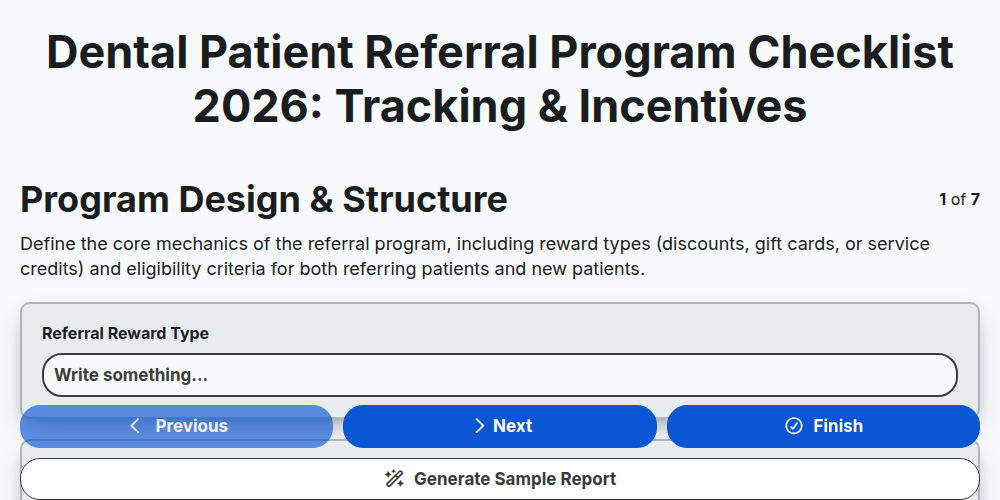
Dental Patient Referral Program Checklist 2026: Tracking & Incentives
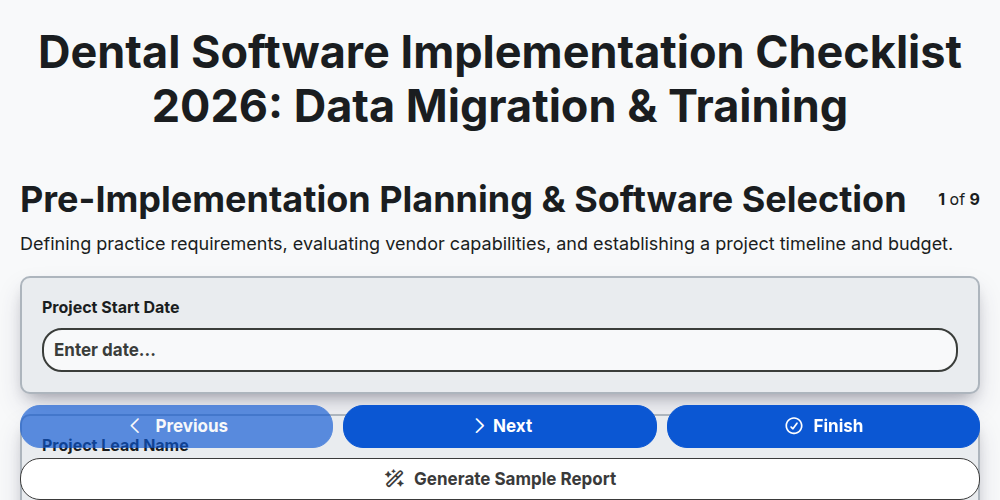
Dental Software Implementation Checklist 2026: Data Migration & Training
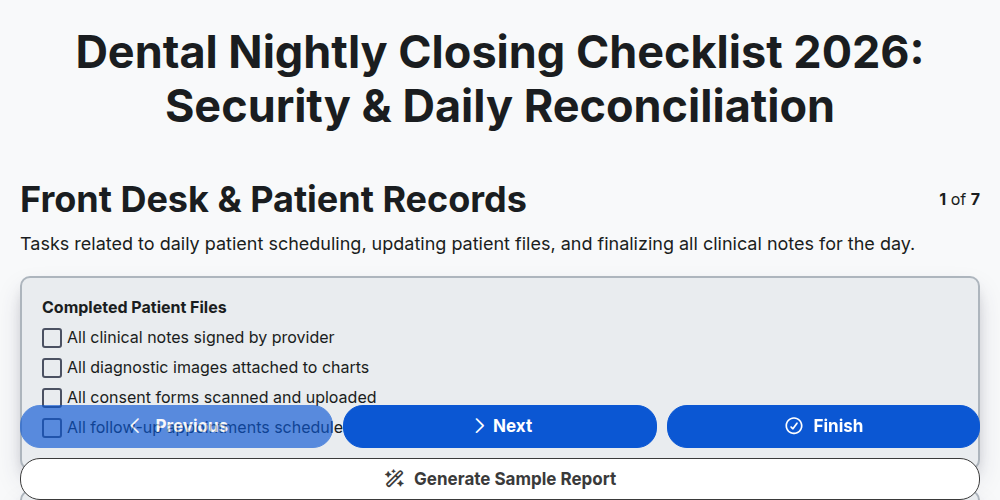
Dental Nightly Closing Checklist 2026: Security & Daily Reconciliation
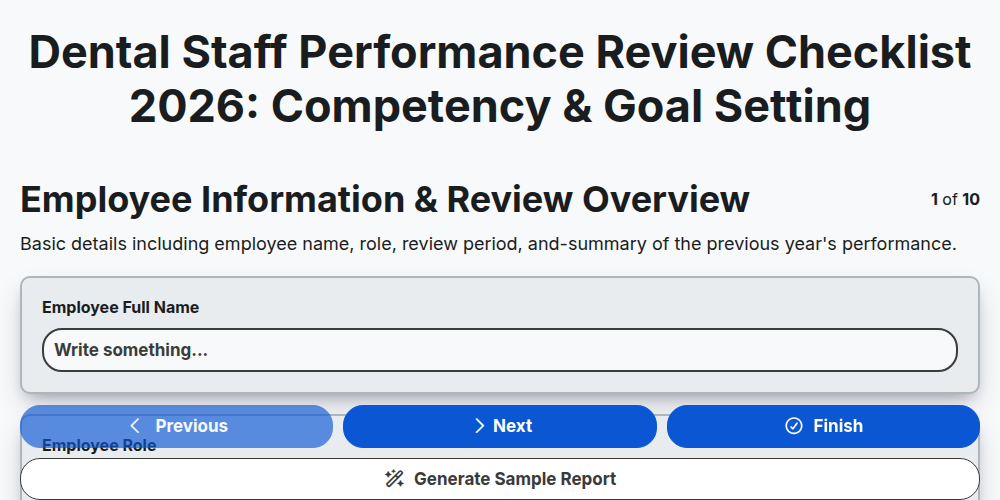
Dental Staff Performance Review Checklist 2026: Competency & Goal Setting
Need help with
Здравно зъболечение?
Have a question? We're here to help. Please submit your inquiry, and we'll respond promptly.