 ChecklistGuro
 HR Technology Audit Checklist Template
Ensure your HR tech is working *for* you, not against you. This comprehensive HR Technology Audit Checklist Template helps you evaluate systems, identify gaps, and optimize your HR tech stack for maximum efficiency and compliance. Don't let outdated or misconfigured tools hold your HR back - download now!
This Template was installed 1 times.
System Access & Permissions
Review user access levels, password policies, and security protocols for all HR systems.
Number of Active User Accounts
Password Complexity Requirements
Last Password Policy Review Date
Roles with Admin Access
Process for Granting New User Access
Two-Factor Authentication (2FA) Status
Data Security & Privacy
Assess data encryption, access controls, and compliance with privacy regulations (e.g., GDPR, CCPA).
Data Encryption Method
Access Control Levels (Number of)
Compliance Frameworks Applied
Last Data Privacy Policy Review Date
Description of Data Masking Techniques
Data Residency Compliance
System Integration
Evaluate the integration between HR systems and other business applications (e.g., payroll, accounting).
Payroll System Integration Status
Applicant Tracking System (ATS) Integration Status
Data Synchronization Frequency (Hours)
Description of Data Mapping
Error Handling Process Integration
Last Integration Verification Date
Data Accuracy & Integrity
Verify data accuracy, completeness, and consistency across all HR systems.
Percentage of Employee Data Fields Populated
Data Validation Rules in Place for Key Fields?
Last Data Accuracy Audit Date
Summary of Errors Found During Last Audit
Number of Duplicate Employee Records Found
Process for Correcting Data Errors?
Number of Reports Generated to Verify Data Integrity
Reporting & Analytics
Assess the functionality and reliability of HR reporting and analytics capabilities.
Number of Custom Reports Created
Standard Reporting Packages Used?
Description of Current Reporting Limitations
Last Reporting Audit Date
What Key Performance Indicators (KPIs) are Currently Tracked?
Number of Users with Reporting Access
Vendor Management
Evaluate vendor contracts, service level agreements (SLAs), and performance monitoring.
Vendor Contract Value (Annual)
Contract Start Date
Contract Renewal Date
Service Level Agreement (SLA) Met?
Summary of Vendor Performance
Vendor Contract Document
Vendor Risk Level (Based on assessment)
Compliance & Audit Trails
Review compliance with relevant laws, regulations, and internal policies; examine audit trail capabilities.
Last Compliance Audit Date
Number of Audit Trails Reviewed
Compliance Framework Used (e.g., SOX, GDPR)
Summary of Audit Findings
Copies of Compliance Documentation
User Access Review Frequency
Name of Responsible Party for Compliance
Business Continuity & Disaster Recovery
Assess plans for data backup, system recovery, and business continuity in case of disruptions.
Last Successful Backup Date (YYYY-MM-DD)
Next Scheduled Full System Backup
Description of Data Backup Procedures
Offsite Storage Location Type
Offsite Data Storage Location
Estimated Recovery Time Objective (RTO) in Hours
Estimated Recovery Point Objective (RPO) in Hours
Details of Employee Communication Plan During Disaster
User Training & Support
Evaluate user training programs and support resources for HR technology users.
Number of Users Trained (Last 12 Months)
Training Delivery Method(s)
Summary of Recent Training Updates
Date of Last User Training Needs Assessment
Types of Support Provided
Average Resolution Time for Support Tickets (in hours)
Future-Proofing & Innovation
Consider the long-term viability of HR technology and identify opportunities for innovation.
Budget Allocation for Emerging Tech (Annual)
Current AI/ML Adoption Level?
Potential Future Tech Investments (Select All That Apply)
Next Technology Review & Update Scheduled
Summary of Current Technology Strengths
Summary of Current Technology Weaknesses/Gaps
Frequently Asked Questions
Can I customize this template after installing it?
Absolutely. Once installed, you can add, remove, or reorder tasks, add custom fields, and adjust deadlines to fit your specific workflow.
Can I add images or photos to these checklist items?
Yes. Our platform allows you to attach photos, signatures, and notes to any checklist item for better verification and proof of completion.
Can I create a custom checklist from scratch instead of using a template?
Yes. You can use our "Create your own checklist" feature to build a unique workflow tailored exactly to your operational requirements.
Can I add dependencies between tasks?
Yes, you can set up conditional logic and dependencies to ensure your team follows the correct sequence of operations.
Can I assign specific checklist items to different team members?
Yes. You can assign individual tasks to specific employees, ensuring clear accountability across your entire team.
Can I use these checklists on mobile devices in the field?
Yes. Our platform is fully responsive, allowing your team to complete, update, and upload photos to checklists directly from any smartphone or tablet.
How do I notify my manager when a checklist is completed?
You can set up automated notifications (via email, push notification, or in-app alerts) to trigger whenever a checklist is finished or if an item fails inspection.
Can multiple people work on the same checklist simultaneously?
Yes, the platform supports real-time updates, allowing multiple users to contribute to a single live checklist.
Where is the data from completed checklists stored?
All completed checklists are stored securely in your Work OS dashboard, creating a permanent, searchable audit trail of your operations.
Can I generate reports based on my checklist results?
Yes. You can track completion rates, identify recurring issues, and monitor team performance through our integrated reporting and analytics tools.
How can I use these checklists for compliance or auditing purposes?
Because our checklists capture timestamps, photos, and digital signatures, they serve as a robust digital paper trail for regulatory compliance and internal audits.
Can I export my completed checklist data for use in other tools?
Yes. You can export your data in various formats (CSV, Excel, etc.) to integrate your operational insights with your other business software.
Comments
There are no comments yet. Be the first to add one!
HRM - Human Resources Management Solution Demo
Simplify HR processes & empower your team! ChecklistGuro's HRM solution streamlines onboarding, performance management, & compliance. Improve employee engagement, reduce admin burden, & drive organizational growth. Manage it all with our Work OS.
Related Checklist Templates
HR Vendor Management & Procurement Checklist 2026
Learning & Development (L&D) Roadmap Checklist 2026
HR Brand Identity & Employer Branding Checklist 2026
Employee Referral Program Management Checklist 2026
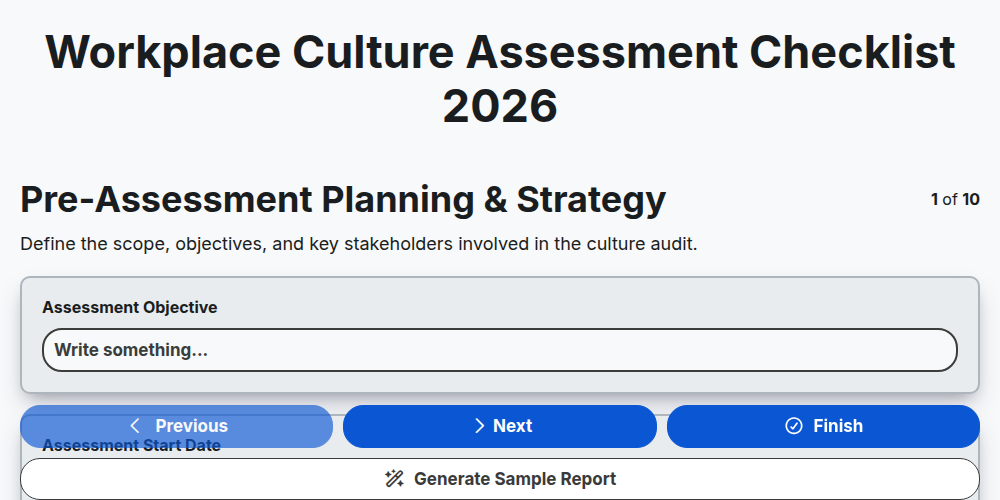
Workplace Culture Assessment Checklist 2026
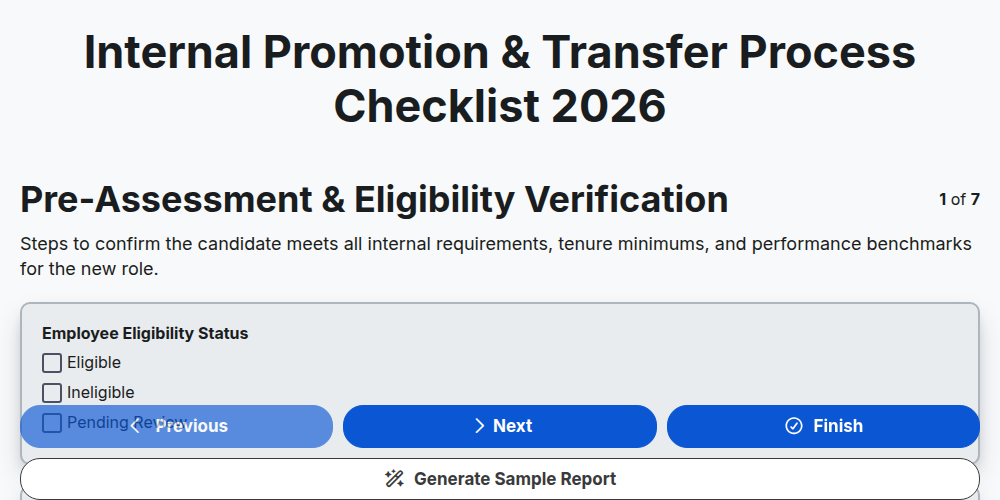
Internal Promotion & Transfer Process Checklist 2026
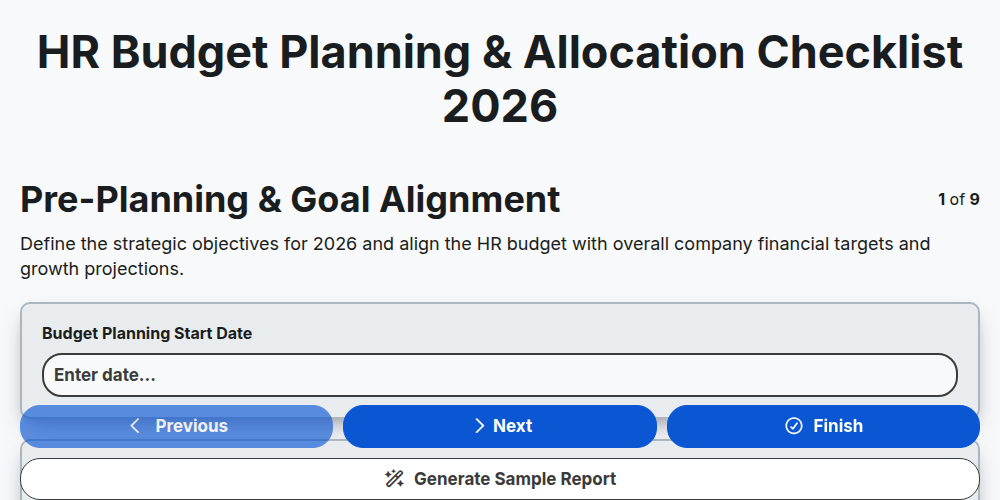
HR Budget Planning & Allocation Checklist 2026
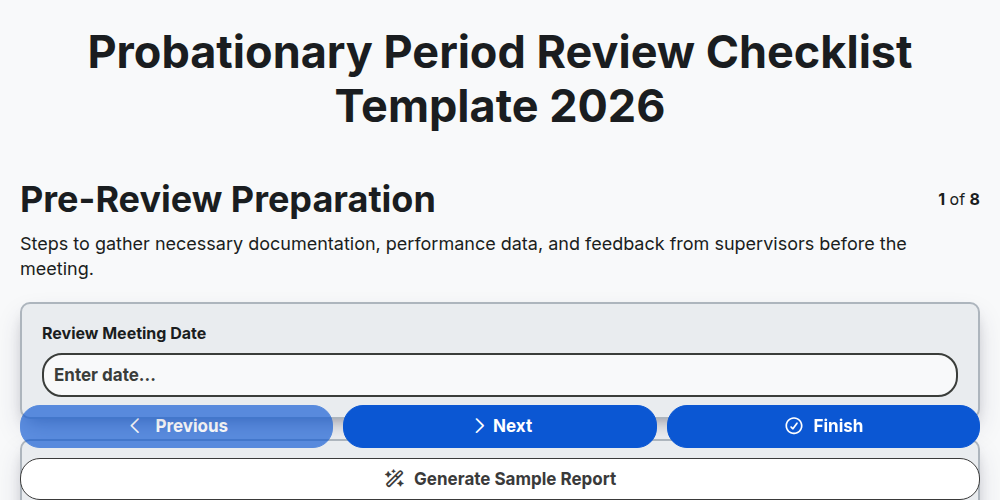
Probationary Period Review Checklist Template 2026
Need help with
Управление на човешките ресурси (УЧР)?
Have a question? We're here to help. Please submit your inquiry, and we'll respond promptly.