 ChecklistGuro
 Store Layout & Visual Merchandising Checklist: Retail Customer Experience & Sales Maximization
Transform your retail space into a customer magnet! This Store Layout & Visual Merchandising Checklist provides a step-by-step guide to optimize your store's flow, highlight key products, and create a compelling shopping experience that drives sales and boosts your brand's appeal. Perfect for retail managers and store owners looking to elevate their visual merchandising and create a more engaging customer journey.
This Template was installed 5 times.
Store Entrance & Curb Appeal
Evaluates the initial impression of the store, including signage, cleanliness, and accessibility.
Sidewalk Cleanliness Rating (1-5)
Signage Visibility
Condition of Entrance Doors
Precise Location of Store Entrance
Last Landscaping Maintenance Date
Accessibility Features Present?
Notes on Exterior Lighting
Window Displays
Assesses the effectiveness of window displays in attracting customers and showcasing key products.
Number of mannequins used
Themes/Concepts displayed (select all that apply)
Upload Window Display Photo (Before)
Upload Window Display Photo (After)
Overall Visual Appeal (Scale of 1-5)
Brief Description of Display Story
Estimated Visibility Distance (feet)
Product Grouping & Placement
Checks how effectively products are grouped together and how their placement encourages browsing and purchase.
Average Distance Walked per Customer (meters)
Primary Customer Flow Pattern
Product Categories Grouped Together (Check all that apply)
Notes on customer reaction to current product groupings
Number of 'cross-sell' opportunities observed per transaction
Overall Effectiveness of Current Grouping (Subjective)
Signage & Navigation
Reviews the clarity and effectiveness of signage used to guide customers through the store.
Number of Directional Signs
Sign Visibility - Overall Rating
Example Signage Clarity (Describe)
Font Size Consistency?
Signage Types Present
Navigation Path Clarity (Describe)
Fixtures & Displays
Examines the condition, placement, and functionality of fixtures and displays.
Fixture Height (inches)
Shelf Spacing (inches)
Fixture Material
Display Condition
Display Features
Notes on Display Condition
Display Photo (for reference)
Lighting & Ambiance
Analyzes the effectiveness of lighting in highlighting products and creating a pleasant shopping atmosphere.
Overall Light Level (Lux)
Spotlight Intensity (Lumens)
Light Color Temperature (Kelvin)
Lighting Types Used
Mood/Atmosphere Created
Describe the overall lighting ambiance.
Visual Merchandising Techniques
Checks the consistent application of visual merchandising principles, like color coordination and storytelling.
Color Palette Consistency
Theme Application (e.g., seasonal)
Average Product Facing Outward
Storytelling Elements Used?
Use of Props & Accessories
Description of Focal Point
Checkout Area Layout
Evaluates the efficiency and customer flow of the checkout area, reducing congestion and wait times.
Number of Checkout Lanes Open
Checkout Lane Configuration
Average Wait Time (minutes)
POS System Functionality
Notes on Customer Flow
Checkout Area Cleanliness
Checkout Area GPS Coordinates
Impulse Buy Placement
Reviews placement of impulse buy items near checkout and high-traffic areas.
Number of Impulse Buy Displays Near Checkout
Impulse Buy Item Category Focus (e.g., Snacks, Accessories, Small Gifts)
Product Placement Strategy (Select all that apply)
Brief Description of Current Impulse Buy Selection
Average Price Point of Impulse Items
Impulse Item Presentation (e.g., Bins, Shelves, Displays)
Accessibility & Inclusivity
Ensures store layout and displays are accessible to all customers, including those with disabilities.
Minimum Aisle Width (inches)
Ramp Slope Compliance (ADA)
Accessible Entrance Features
Accessible Checkout Counters
Description of any observed barriers (if applicable)
Frequently Asked Questions
Can I customize this template after installing it?
Absolutely. Once installed, you can add, remove, or reorder tasks, add custom fields, and adjust deadlines to fit your specific workflow.
Can I add images or photos to these checklist items?
Yes. Our platform allows you to attach photos, signatures, and notes to any checklist item for better verification and proof of completion.
Can I create a custom checklist from scratch instead of using a template?
Yes. You can use our "Create your own checklist" feature to build a unique workflow tailored exactly to your operational requirements.
Can I add dependencies between tasks?
Yes, you can set up conditional logic and dependencies to ensure your team follows the correct sequence of operations.
Can I assign specific checklist items to different team members?
Yes. You can assign individual tasks to specific employees, ensuring clear accountability across your entire team.
Can I use these checklists on mobile devices in the field?
Yes. Our platform is fully responsive, allowing your team to complete, update, and upload photos to checklists directly from any smartphone or tablet.
How do I notify my manager when a checklist is completed?
You can set up automated notifications (via email, push notification, or in-app alerts) to trigger whenever a checklist is finished or if an item fails inspection.
Can multiple people work on the same checklist simultaneously?
Yes, the platform supports real-time updates, allowing multiple users to contribute to a single live checklist.
Where is the data from completed checklists stored?
All completed checklists are stored securely in your Work OS dashboard, creating a permanent, searchable audit trail of your operations.
Can I generate reports based on my checklist results?
Yes. You can track completion rates, identify recurring issues, and monitor team performance through our integrated reporting and analytics tools.
How can I use these checklists for compliance or auditing purposes?
Because our checklists capture timestamps, photos, and digital signatures, they serve as a robust digital paper trail for regulatory compliance and internal audits.
Can I export my completed checklist data for use in other tools?
Yes. You can export your data in various formats (CSV, Excel, etc.) to integrate your operational insights with your other business software.
Comments
There are no comments yet. Be the first to add one!
Retail Management Solution Demo
Boost retail efficiency! ChecklistGuro simplifies store operations, inventory management, and employee training. Improve customer experience and maximize profitability. Manage it all with our Work OS.
Related Checklist Templates
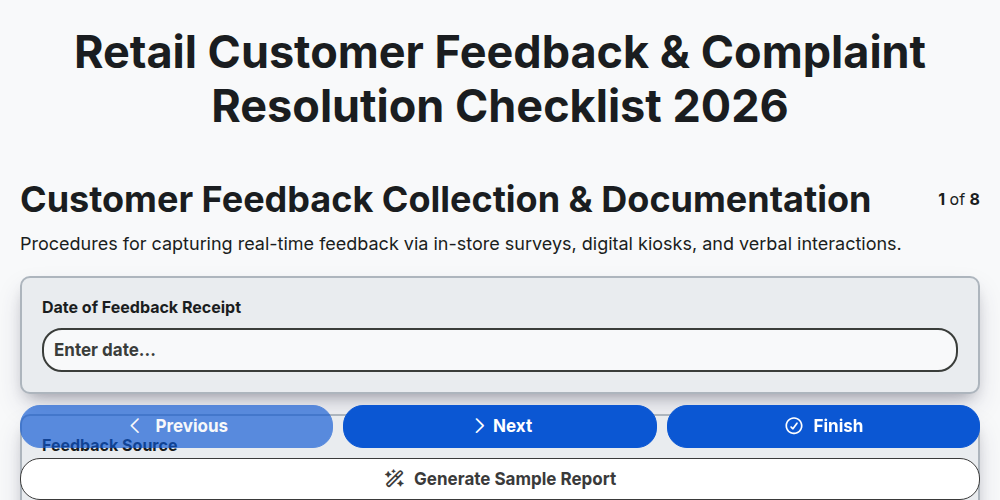
Retail Customer Feedback & Complaint Resolution Checklist 2026
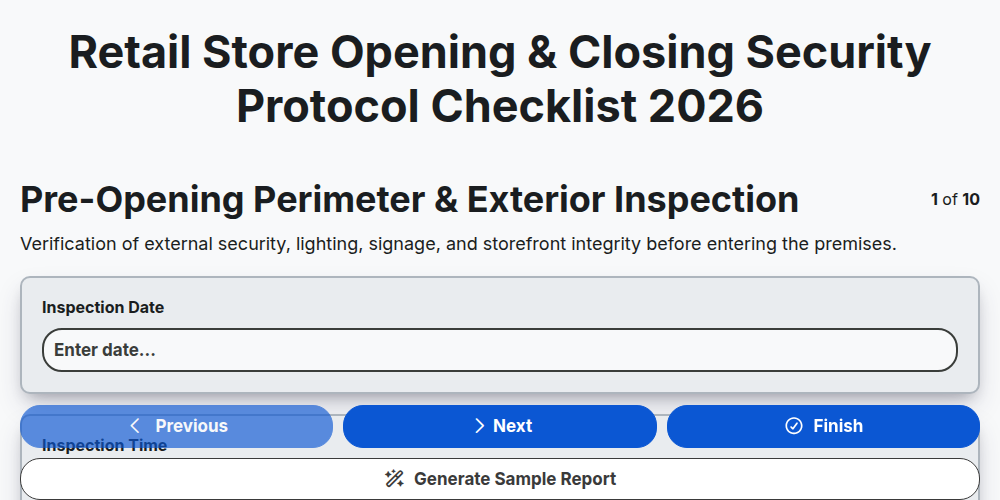
Retail Store Opening & Closing Security Protocol Checklist 2026
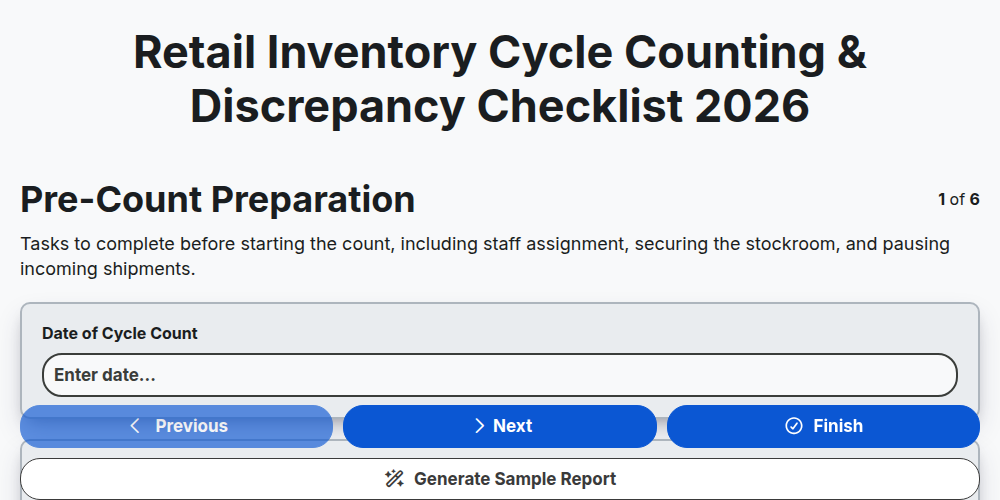
Retail Inventory Cycle Counting & Discrepancy Checklist 2026
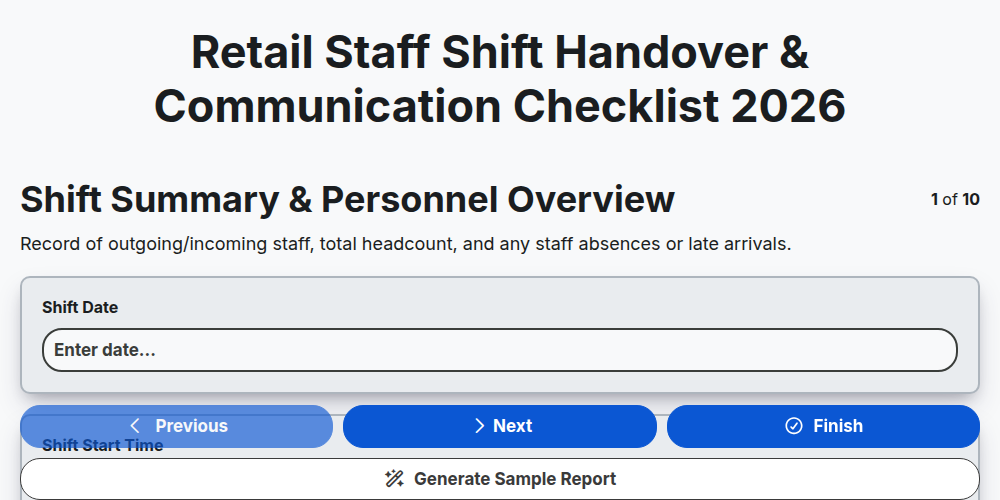
Retail Staff Shift Handover & Communication Checklist 2026
Retail Store Markdown & Clearance Implementation Checklist 2026
Store Manager Daily Operational Excellence Checklist 2026
Retail Cash Handling & Register Audit Checklist 2026
Retail Vendor Delivery & Invoice Reconciliation Checklist 2026
Need help with
Търговия на дребно?
Have a question? We're here to help. Please submit your inquiry, and we'll respond promptly.