 ChecklistGuro
 Website Maintenance Checklist
Keep your real estate website thriving! 🏡 This Website Maintenance Checklist ensures peak performance, SEO visibility, and a stellar user experience - so you can focus on closing deals, not fixing errors. Download now & keep your online presence shining!
This Template was installed 5 times.
Security & Updates
Ensuring your website is protected from vulnerabilities and running on the latest software versions.
Last WordPress Core Update
Last Theme Update
Last Plugin Update
Number of Active Plugins
Note any plugins that are outdated or have security warnings
Security Plugin Active?
SSL Certificate Valid?
Record any security vulnerabilities found and their resolution.
Content & SEO
Maintaining fresh, accurate, and optimized content for search engines and user engagement.
Last Content Audit Date
Notes from Last Content Audit
Number of Properties with Updated Photos
Which content areas were updated?
Describe any SEO Keyword Adjustments Made
Current Status of Schema Markup Implementation
Meta Description Review (Check for accuracy and keyword usage)
Number of Broken Links Found (Internal)
Functionality & Performance
Checking that all website features work correctly and the site loads quickly.
Page Load Speed (seconds)
Time to First Byte (TTFB) (seconds)
Plugin/Theme Updates Checked?
Contact Form Working?
Search Functionality Working?
Property Search Filters Working Correctly?
Any Error Logs Found? Describe:
Design & User Experience
Ensuring the website looks professional and is easy to navigate.
Average Page Load Time (seconds)
Mobile Friendliness Score (e.g., Google PageSpeed Insights)
Cross-Browser Compatibility - Major Browsers Tested (e.g., Chrome, Firefox, Safari, Edge)
Check for Broken Links (Internal)
Check for Broken Links (External)
Notes on Visual Consistency (e.g., Brand Colors, Fonts)
Navigation Menu Functionality - Check all links
Mobile Responsiveness Testing (Various Devices)
Backups & Recovery
Regular backups and testing recovery procedures to prevent data loss.
Last Backup Date
Backup Retention Period (Days)
Backup Type
Backup Storage Location
Last Recovery Test Date
Notes from Last Recovery Test (Success/Failures)
Legal & Compliance
Confirming adherence to legal requirements and industry best practices.
Privacy Policy Updated?
Terms of Service Updated?
Last Privacy Policy Review Date
Summary of Accessibility Compliance (WCAG)
ADA Compliance Check Performed?
Copyright Notice (Year)
Fair Housing Act Compliance Verified?
Notes on Disclosure Statements (e.g., Agency Disclosure)
Frequently Asked Questions
Can I customize this template after installing it?
Absolutely. Once installed, you can add, remove, or reorder tasks, add custom fields, and adjust deadlines to fit your specific workflow.
Can I add images or photos to these checklist items?
Yes. Our platform allows you to attach photos, signatures, and notes to any checklist item for better verification and proof of completion.
Can I create a custom checklist from scratch instead of using a template?
Yes. You can use our "Create your own checklist" feature to build a unique workflow tailored exactly to your operational requirements.
Can I add dependencies between tasks?
Yes, you can set up conditional logic and dependencies to ensure your team follows the correct sequence of operations.
Can I assign specific checklist items to different team members?
Yes. You can assign individual tasks to specific employees, ensuring clear accountability across your entire team.
Can I use these checklists on mobile devices in the field?
Yes. Our platform is fully responsive, allowing your team to complete, update, and upload photos to checklists directly from any smartphone or tablet.
How do I notify my manager when a checklist is completed?
You can set up automated notifications (via email, push notification, or in-app alerts) to trigger whenever a checklist is finished or if an item fails inspection.
Can multiple people work on the same checklist simultaneously?
Yes, the platform supports real-time updates, allowing multiple users to contribute to a single live checklist.
Where is the data from completed checklists stored?
All completed checklists are stored securely in your Work OS dashboard, creating a permanent, searchable audit trail of your operations.
Can I generate reports based on my checklist results?
Yes. You can track completion rates, identify recurring issues, and monitor team performance through our integrated reporting and analytics tools.
How can I use these checklists for compliance or auditing purposes?
Because our checklists capture timestamps, photos, and digital signatures, they serve as a robust digital paper trail for regulatory compliance and internal audits.
Can I export my completed checklist data for use in other tools?
Yes. You can export your data in various formats (CSV, Excel, etc.) to integrate your operational insights with your other business software.
Comments
There are no comments yet. Be the first to add one!
Task Management Solution Demo
Get organized & boost productivity! ChecklistGuro simplifies task management, prioritization, & progress tracking. Achieve more, stress less, & hit your goals. Manage it all with our Work OS.
Related Checklist Templates
New Employee Training Workflow & Task Checklist 2026
Internal Audit Process & Task Completion Checklist 2026
Inventory Restocking & Supply Chain Task Checklist 2026
SaaS Feature Deployment Task Management Checklist 2026
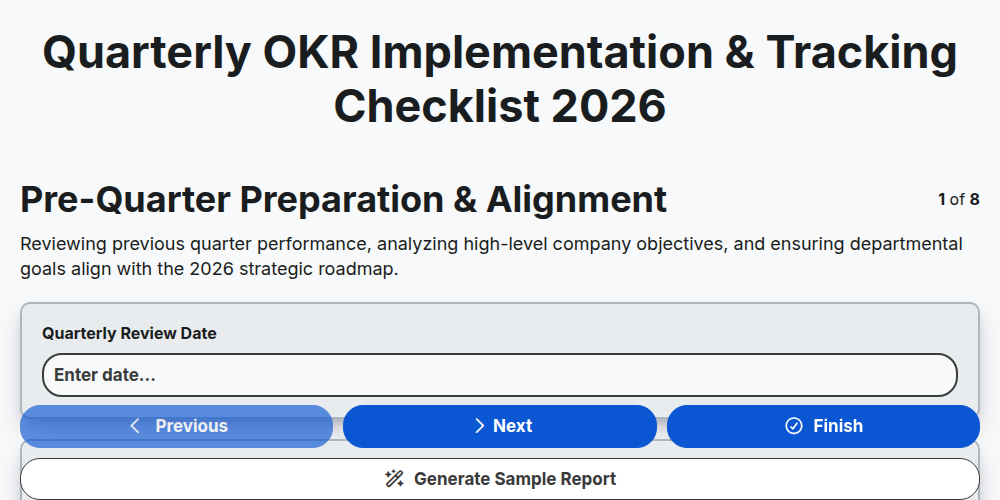
Quarterly OKR Implementation & Tracking Checklist 2026
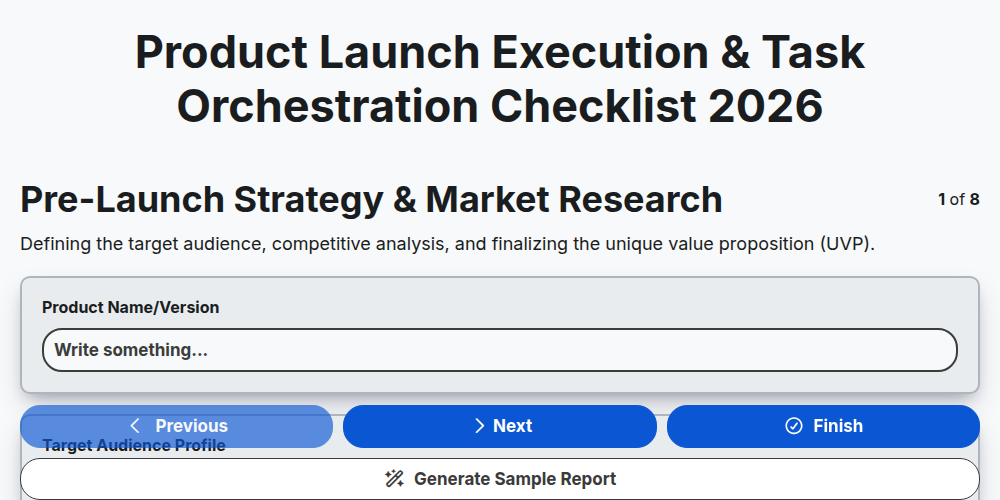
Product Launch Execution & Task Orchestration Checklist 2026
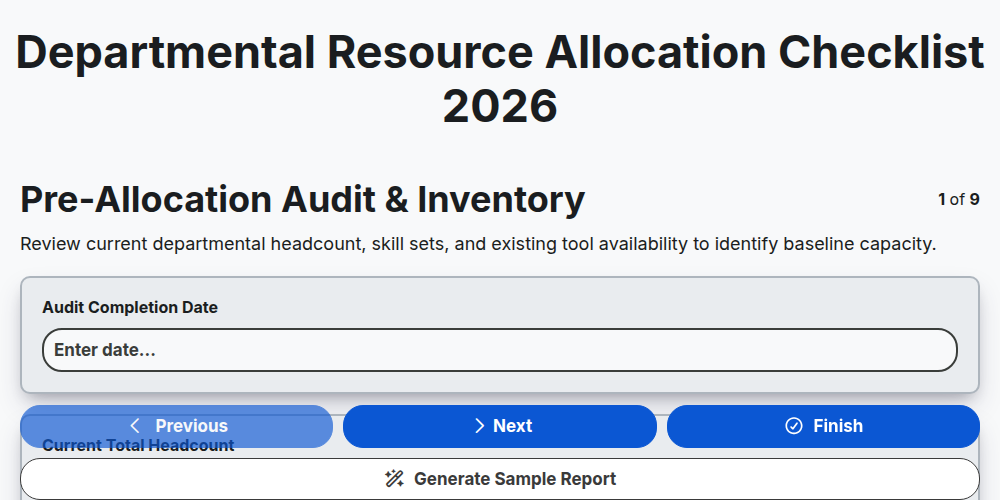
Departmental Resource Allocation Checklist 2026
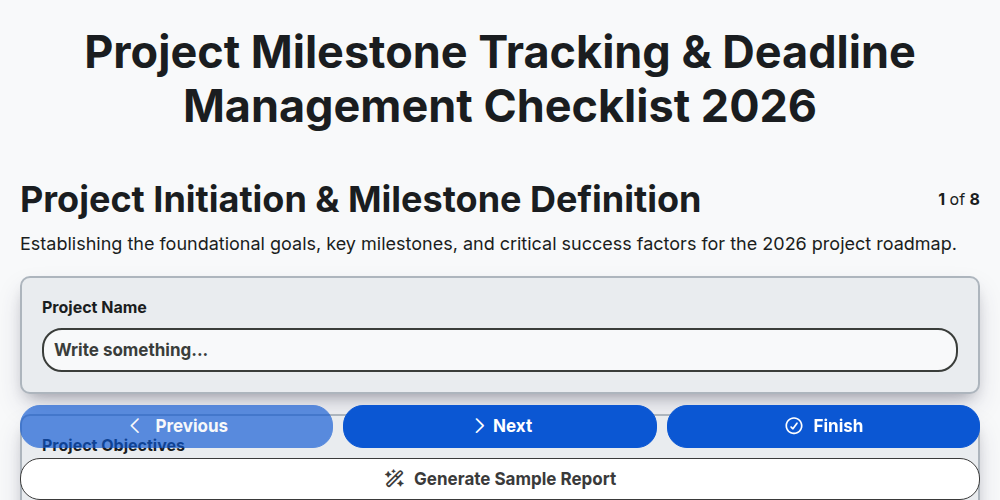
Project Milestone Tracking & Deadline Management Checklist 2026
Need help with
Управление на задачите?
Have a question? We're here to help. Please submit your inquiry, and we'll respond promptly.