 ChecklistGuro
 Farm Produce Grading and Quality Control Workflow
Optimize your harvest value with our Farm Produce Grading and Quality Control Workflow. Streamline post-harvest sorting, implement rigorous quality standards, and ensure consistent product excellence from field to market. Reduce waste and boost profitability through automated inspection processes and precision grading protocols designed for modern farm management.
Този шаблон е инсталиран 2 пъти.
Старт
Начало на работния поток/процеса.
1. Initialize Inspection Batch
Create a new entry in the 'Produce Batch' data model to track the arrival of a new shipment.
2. Fetch Batch Specifications
Retrieve the predefined quality standards and target grading parameters for the specific crop type from the 'Product Standards' model.
3. Perform Physical Grading
Assign a task to the Floor Supervisor to manually inspect the produce for size, color, and defects.
4. Record Grading Results
Update the 'Produce Batch' entry with specific metrics such as weight, grade (A, B, or C), and defect count.
5. Calculate Rejection Rate
Calculate the percentage of rejected produce relative to the total batch weight using (Defect_Weight / Total_Weight) * 100.
6. Summarize Daily Yield
Aggregate all 'Produce Batch' entries from the current day to calculate the total volume of Grade A produce processed.
7. Update Batch Status
Change the status of the batch entry to 'Passed', 'Failed', or 'Requires Re-inspection' based on the inspection results.
8. Generate Non-Conformance Report
If the rejection rate exceeds the threshold, create a new entry in the 'Quality Incidents' data model.
9. Notify Procurement of Rejection
Send an automated email to the Procurement Team if a batch fails to meet the minimum quality threshold.
10. Alert Warehouse Manager
Send an SMS to the Warehouse Manager to prepare storage space for 'Passed' batches.
11. Labeling and Packaging Task
Create a task for the Packaging Team once the batch has been officially graded and approved.
12. Daily Quality Compliance Report
Generate a summary report at the end of the shift containing all grading metrics and incident logs for management review.
13. Cleanup Temporary Samples
Delete the temporary 'Sample Log' entries used during the inspection process to maintain data hygiene.
Край
Край на работния поток/процеса.
Начало на работния поток/процеса.
Create a new entry in the 'Produce Batch' data model to track the arrival of a new shipment.
Retrieve the predefined quality standards and target grading parameters for the specific crop type from the 'Product Standards' model.
Assign a task to the Floor Supervisor to manually inspect the produce for size, color, and defects.
Update the 'Produce Batch' entry with specific metrics such as weight, grade (A, B, or C), and defect count.
Calculate the percentage of rejected produce relative to the total batch weight using (Defect_Weight / Total_Weight) * 100.
Aggregate all 'Produce Batch' entries from the current day to calculate the total volume of Grade A produce processed.
Change the status of the batch entry to 'Passed', 'Failed', or 'Requires Re-inspection' based on the inspection results.
If the rejection rate exceeds the threshold, create a new entry in the 'Quality Incidents' data model.
Send an automated email to the Procurement Team if a batch fails to meet the minimum quality threshold.
Send an SMS to the Warehouse Manager to prepare storage space for 'Passed' batches.
Create a task for the Packaging Team once the batch has been officially graded and approved.
Generate a summary report at the end of the shift containing all grading metrics and incident logs for management review.
Delete the temporary 'Sample Log' entries used during the inspection process to maintain data hygiene.
Край на работния поток/процеса.
Коментари
Все още няма коментари. Бъдете първият, който добави!
Демонстрация на решението за управление на Ферма
Развивайте фермата си по-интелигентно и ефективно! ChecklistGuro рационализира планирането на реколтата, управлението на задачите и проследяването на ресурсите. Максимизирайте добивите, намалете отпадъците и подобрете рентабилността. Управлявайте всичко това с нашата платформа Work OS.
Свързани шаблони за работни потоци
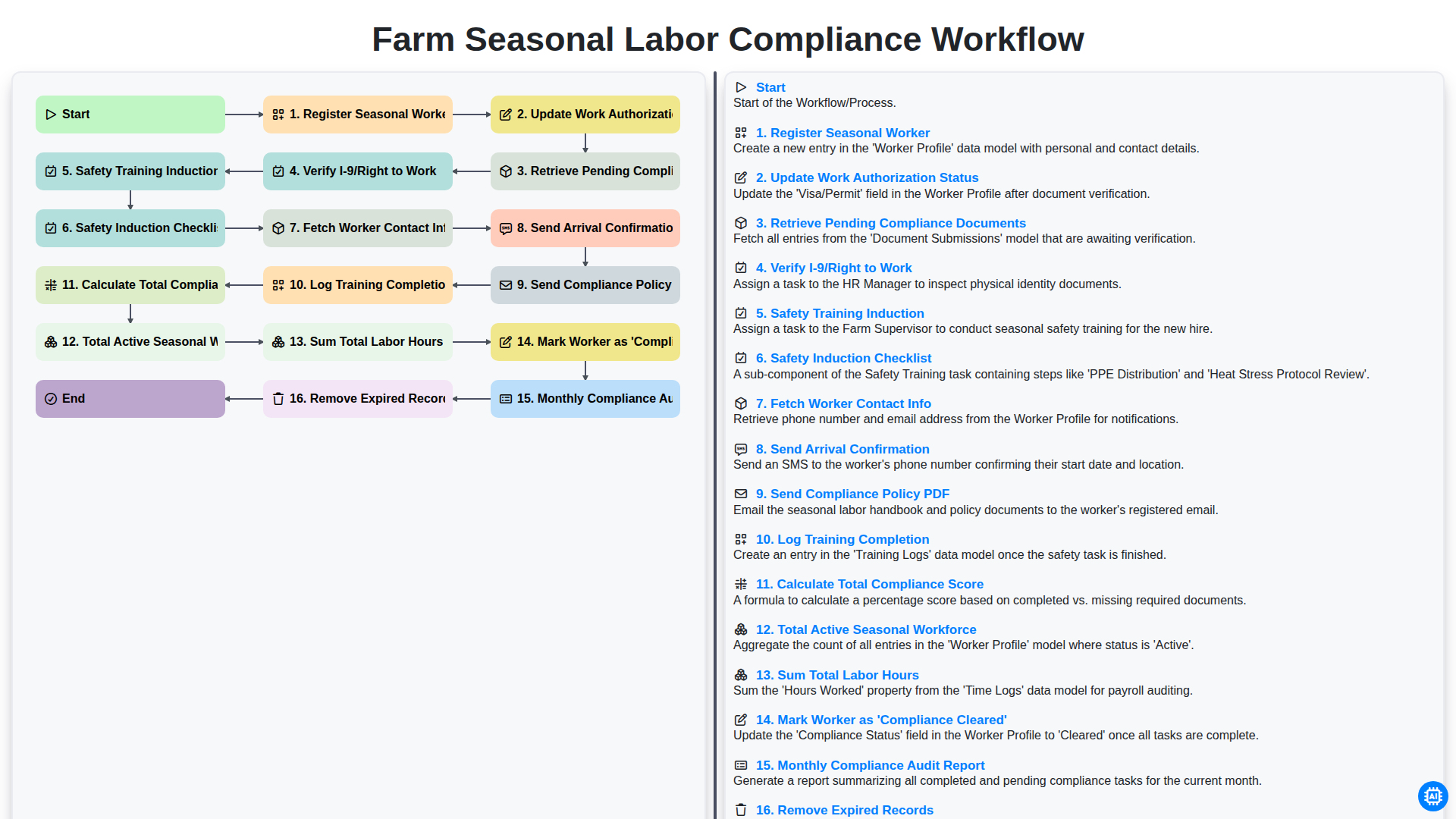
Farm Seasonal Labor Compliance Workflow
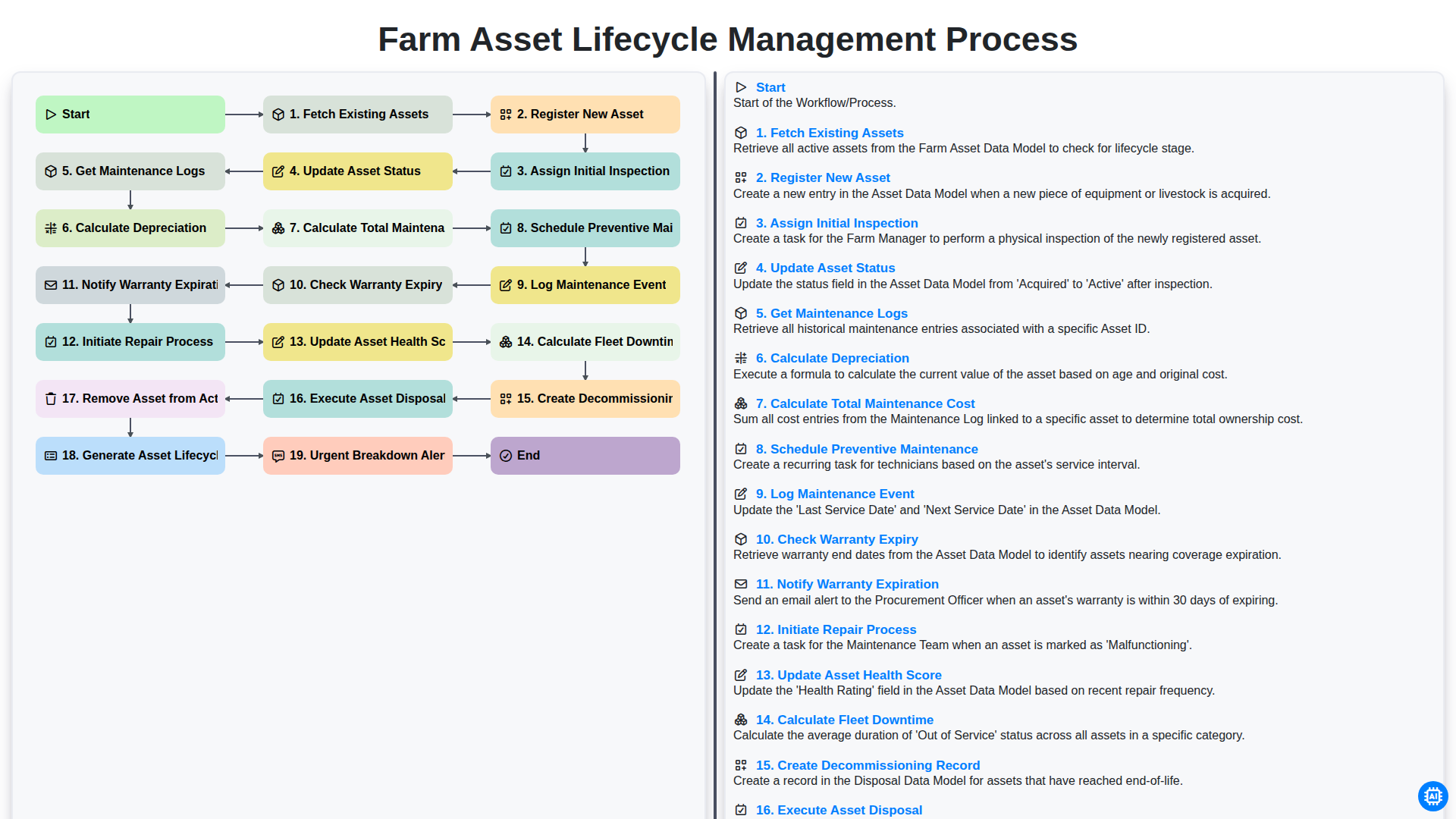
Farm Asset Lifecycle Management Process
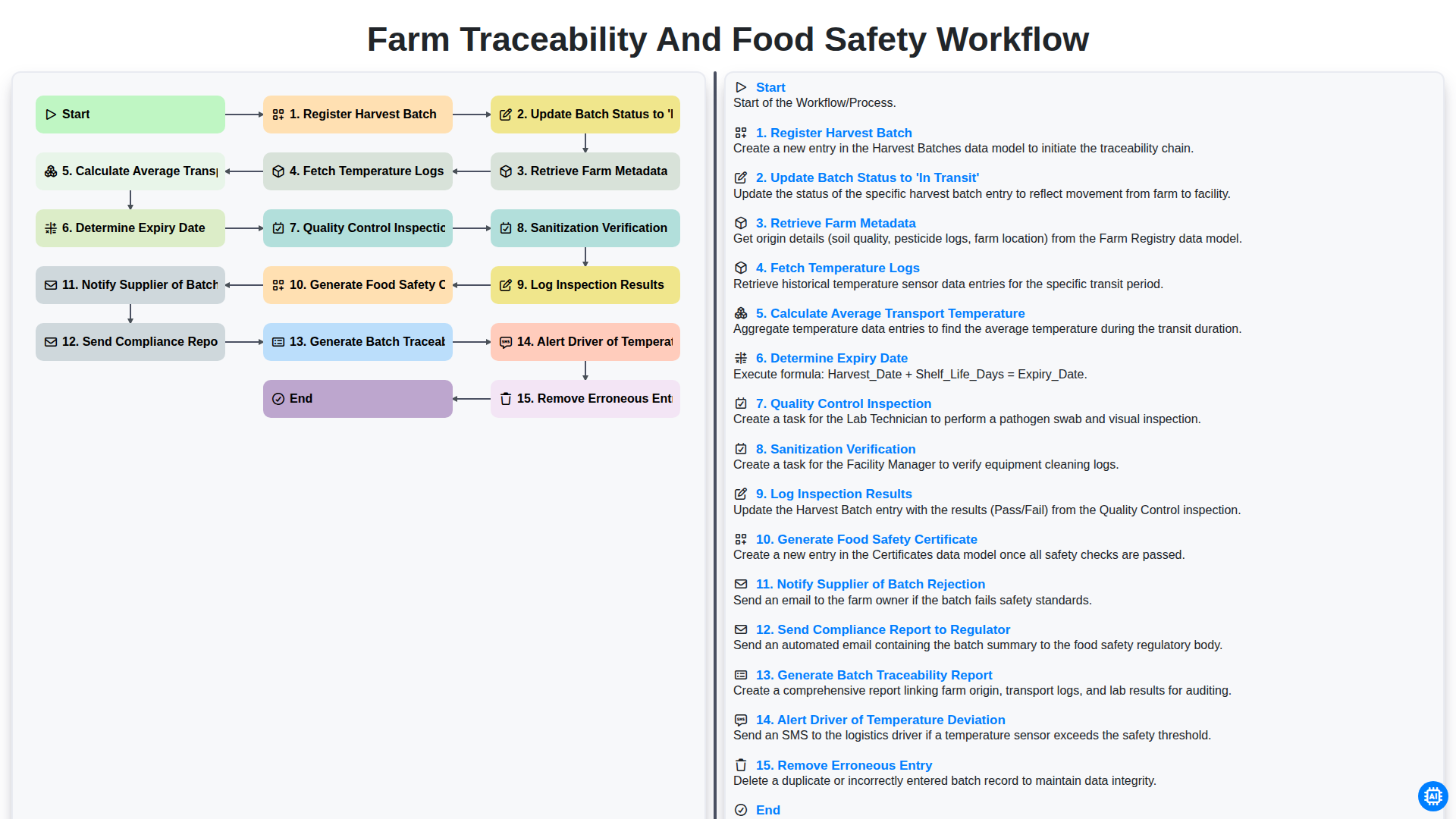
Farm Traceability and Food Safety Workflow
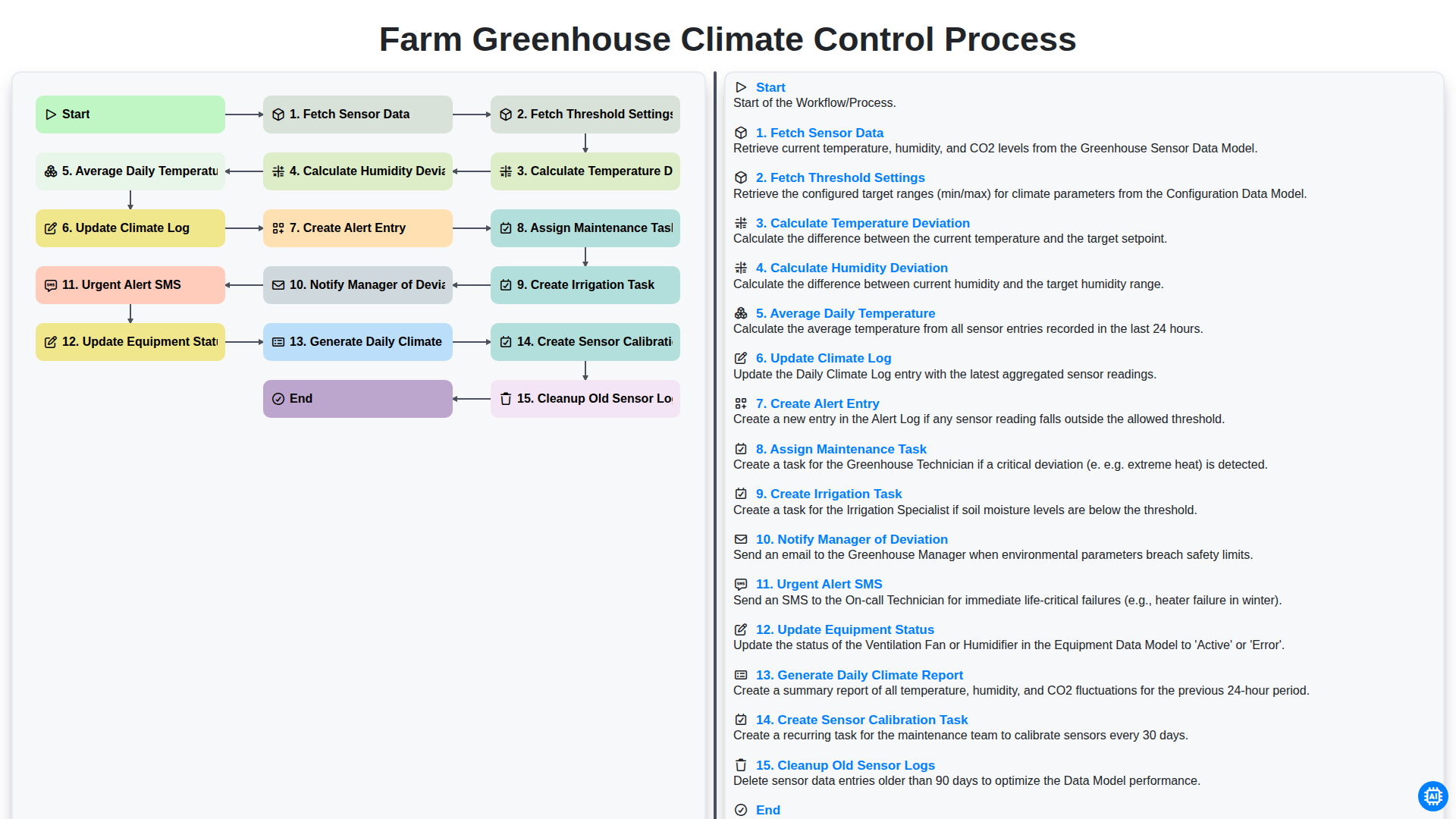
Farm Greenhouse Climate Control Process
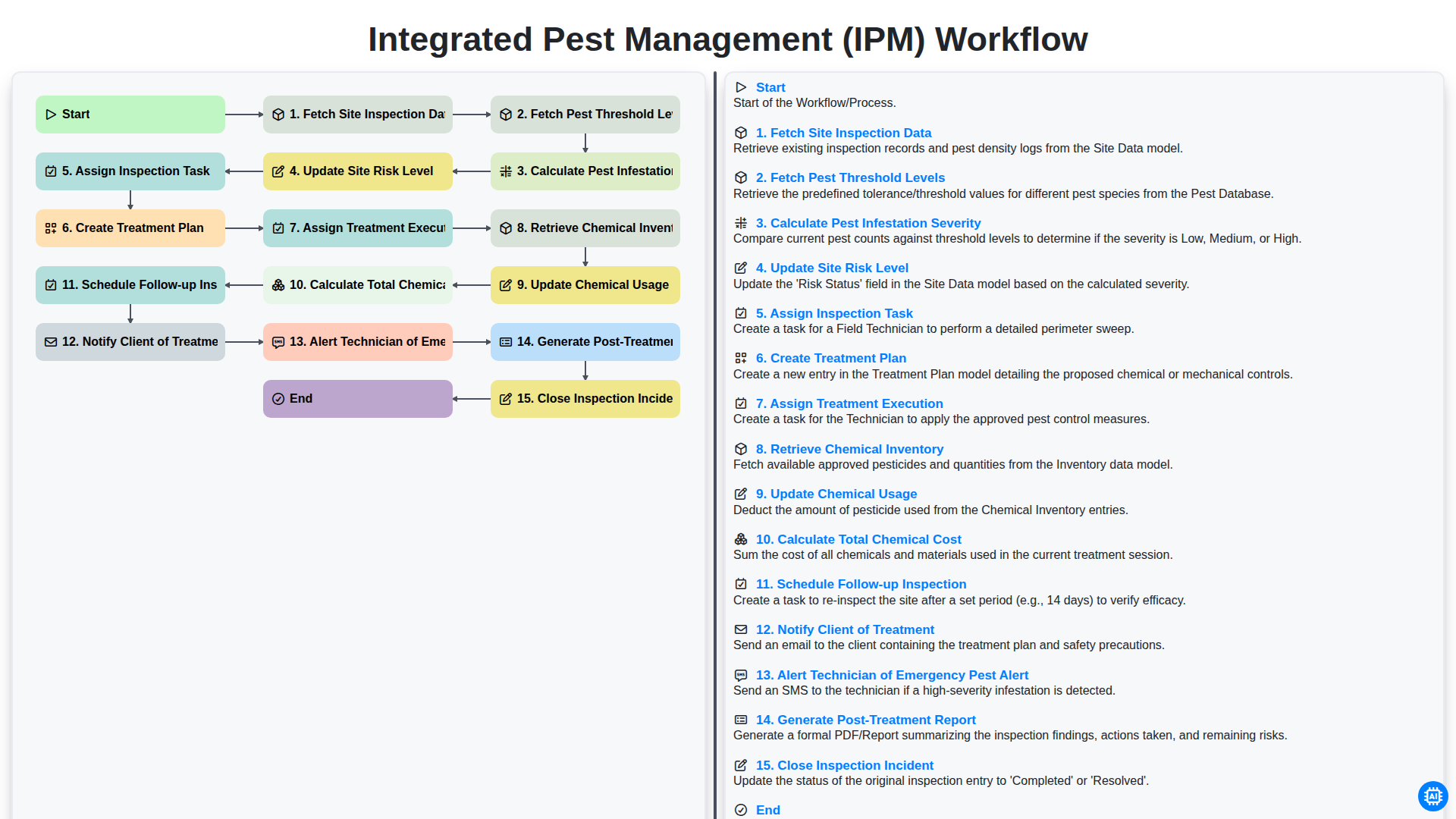
Integrated Pest Management (IPM) Workflow
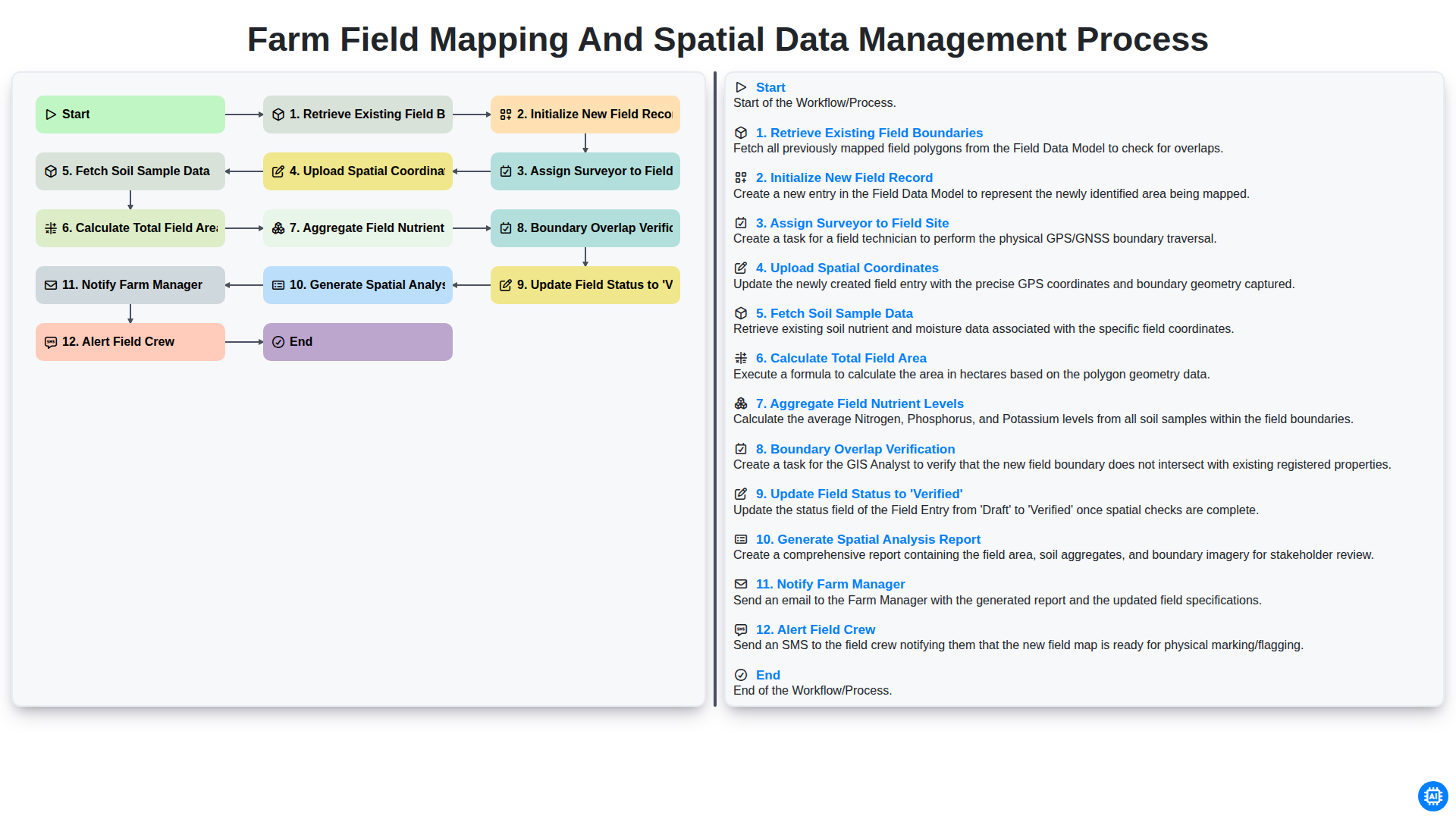
Farm Field Mapping and Spatial Data Management Process
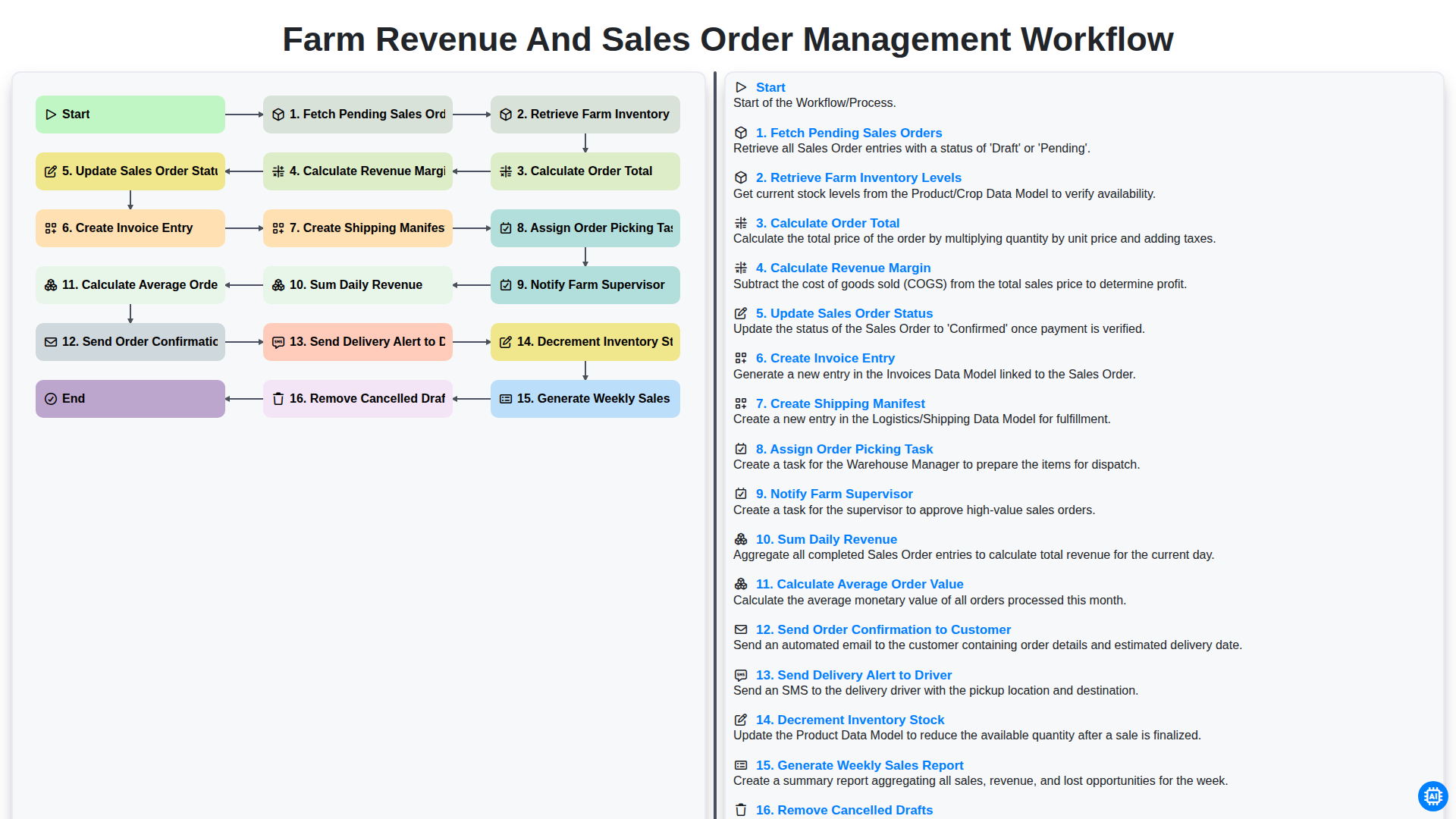
Farm Revenue and Sales Order Management Workflow
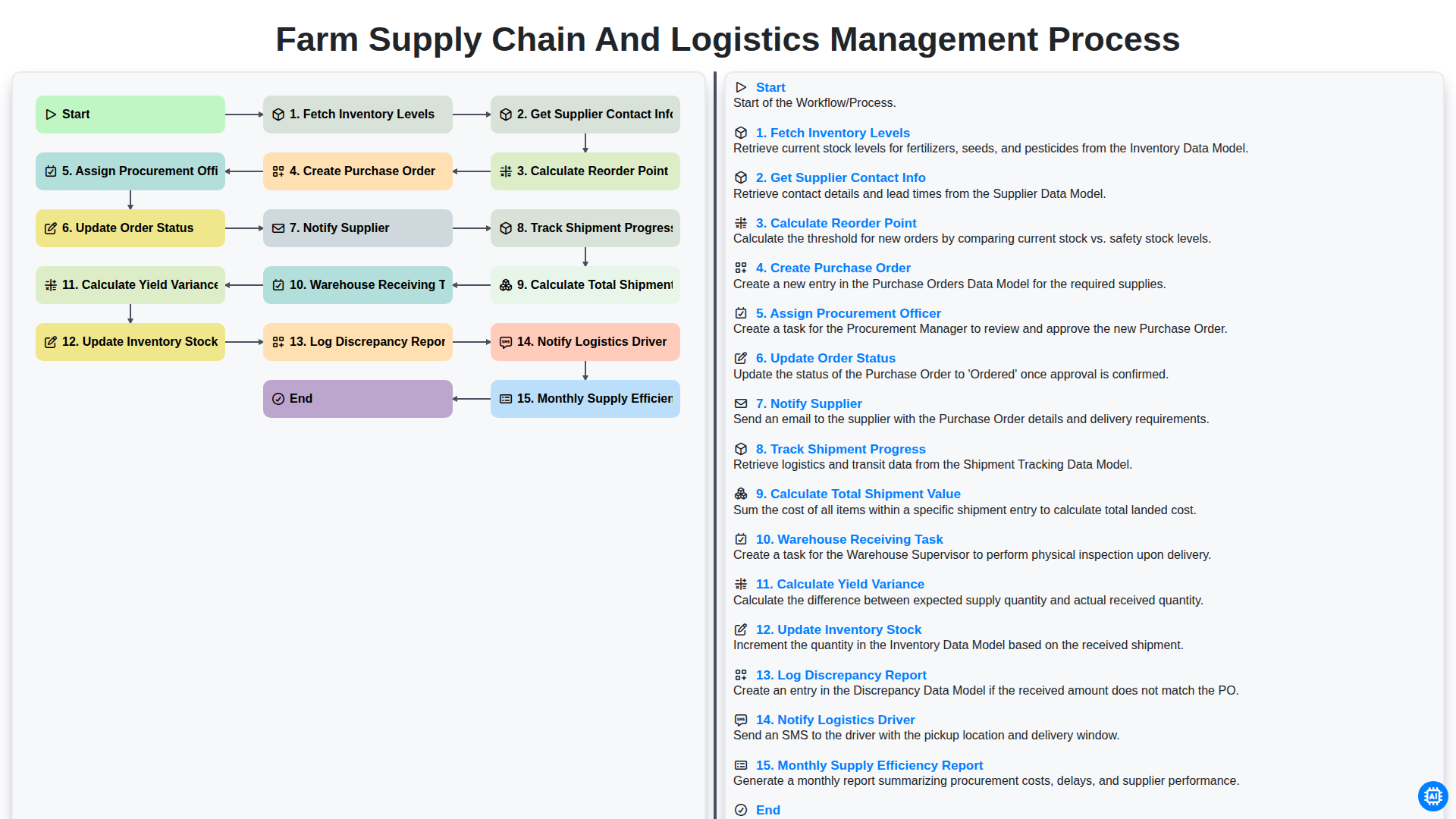
Farm Supply Chain and Logistics Management Process
Можем да го направим заедно
Нуждаете се от помощ с
Управление на фермата?
Имате въпрос? Тук сме, за да помогнем. Моля, изпратете запитването си и ние ще отговорим своевременно.