 ChecklistGuro
 Integrated Pest Management (IPM) Workflow
Optimize your crop protection strategy with our Integrated Pest Management (IPM) Workflow. Streamline pest monitoring, threshold setting, and biological control interventions to reduce chemical dependency, lower costs, and boost sustainable yields. Perfect for precision farmers looking to automate scouting data and implement data-driven decision-making in their farm management routine.
Този шаблон е инсталиран 5 пъти.
Старт
Начало на работния поток/процеса.
1. Fetch Site Inspection Data
Retrieve existing inspection records and pest density logs from the Site Data model.
2. Fetch Pest Threshold Levels
Retrieve the predefined tolerance/threshold values for different pest species from the Pest Database.
3. Calculate Pest Infestation Severity
Compare current pest counts against threshold levels to determine if the severity is Low, Medium, or High.
4. Update Site Risk Level
Update the 'Risk Status' field in the Site Data model based on the calculated severity.
5. Assign Inspection Task
Create a task for a Field Technician to perform a detailed perimeter sweep.
6. Create Treatment Plan
Create a new entry in the Treatment Plan model detailing the proposed chemical or mechanical controls.
7. Assign Treatment Execution
Create a task for the Technician to apply the approved pest control measures.
8. Retrieve Chemical Inventory
Fetch available approved pesticides and quantities from the Inventory data model.
9. Update Chemical Usage
Deduct the amount of pesticide used from the Chemical Inventory entries.
10. Calculate Total Chemical Cost
Sum the cost of all chemicals and materials used in the current treatment session.
11. Schedule Follow-up Inspection
Create a task to re-inspect the site after a set period (e.g., 14 days) to verify efficacy.
12. Notify Client of Treatment
Send an email to the client containing the treatment plan and safety precautions.
13. Alert Technician of Emergency Pest Alert
Send an SMS to the technician if a high-severity infestation is detected.
14. Generate Post-Treatment Report
Generate a formal PDF/Report summarizing the inspection findings, actions taken, and remaining risks.
15. Close Inspection Incident
Update the status of the original inspection entry to 'Completed' or 'Resolved'.
Край
Край на работния поток/процеса.
Начало на работния поток/процеса.
Retrieve existing inspection records and pest density logs from the Site Data model.
Retrieve the predefined tolerance/threshold values for different pest species from the Pest Database.
Compare current pest counts against threshold levels to determine if the severity is Low, Medium, or High.
Update the 'Risk Status' field in the Site Data model based on the calculated severity.
Create a task for a Field Technician to perform a detailed perimeter sweep.
Create a new entry in the Treatment Plan model detailing the proposed chemical or mechanical controls.
Create a task for the Technician to apply the approved pest control measures.
Fetch available approved pesticides and quantities from the Inventory data model.
Deduct the amount of pesticide used from the Chemical Inventory entries.
Sum the cost of all chemicals and materials used in the current treatment session.
Create a task to re-inspect the site after a set period (e.g., 14 days) to verify efficacy.
Send an email to the client containing the treatment plan and safety precautions.
Send an SMS to the technician if a high-severity infestation is detected.
Generate a formal PDF/Report summarizing the inspection findings, actions taken, and remaining risks.
Update the status of the original inspection entry to 'Completed' or 'Resolved'.
Край на работния поток/процеса.
Коментари
Все още няма коментари. Бъдете първият, който добави!
Демонстрация на решението за управление на Ферма
Развивайте фермата си по-интелигентно и ефективно! ChecklistGuro рационализира планирането на реколтата, управлението на задачите и проследяването на ресурсите. Максимизирайте добивите, намалете отпадъците и подобрете рентабилността. Управлявайте всичко това с нашата платформа Work OS.
Свързани шаблони за работни потоци
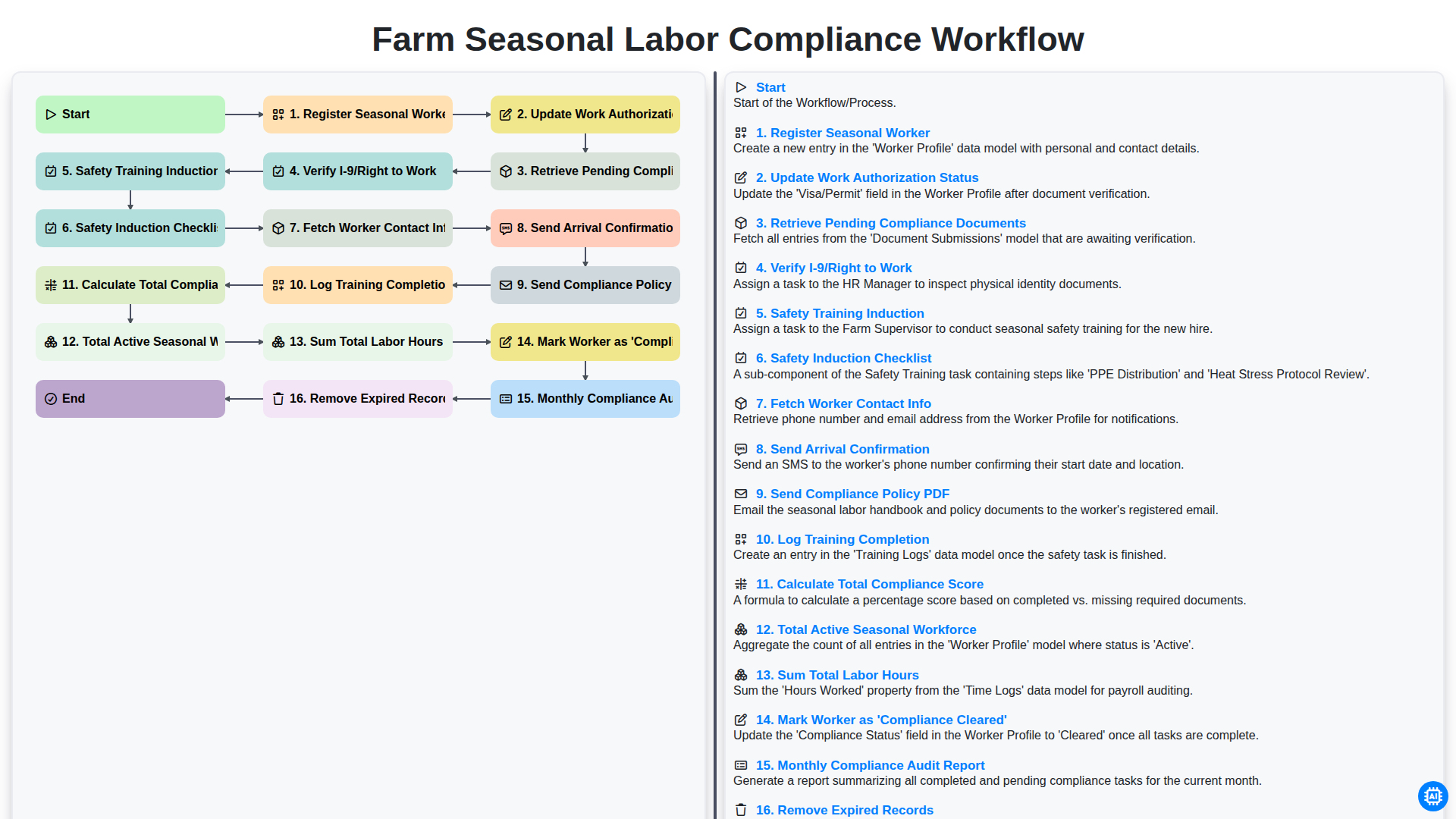
Farm Seasonal Labor Compliance Workflow
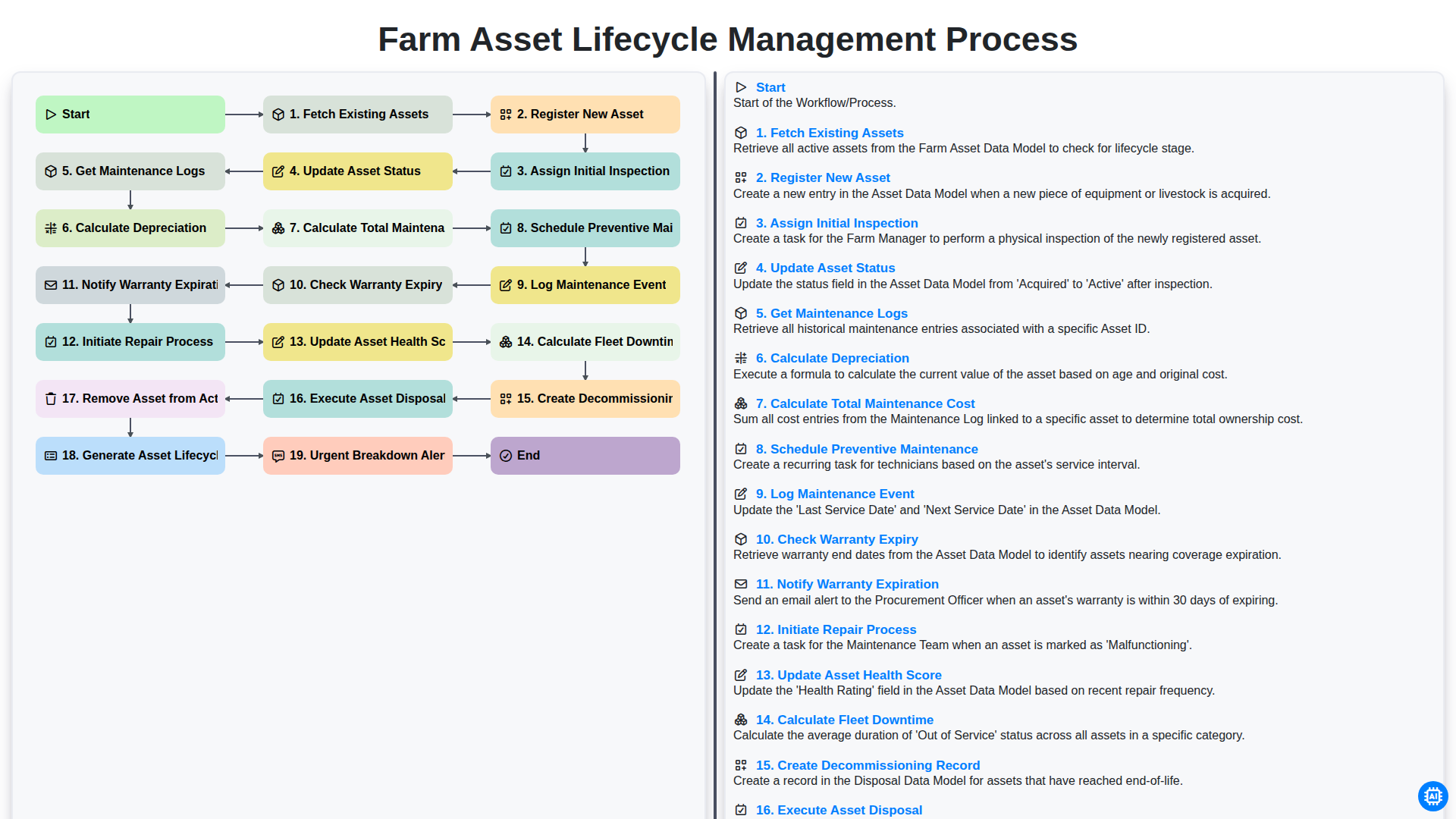
Farm Asset Lifecycle Management Process
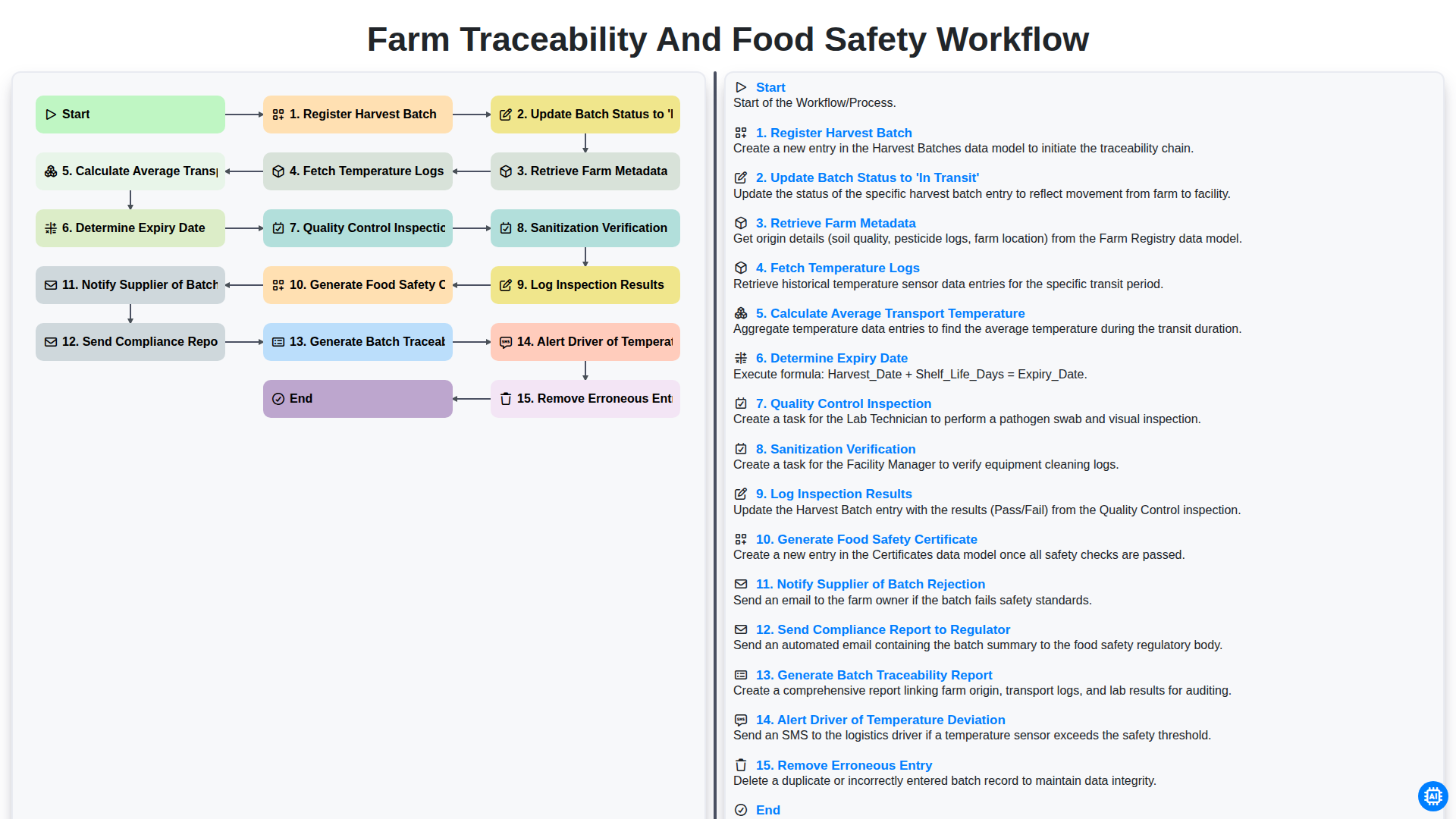
Farm Traceability and Food Safety Workflow
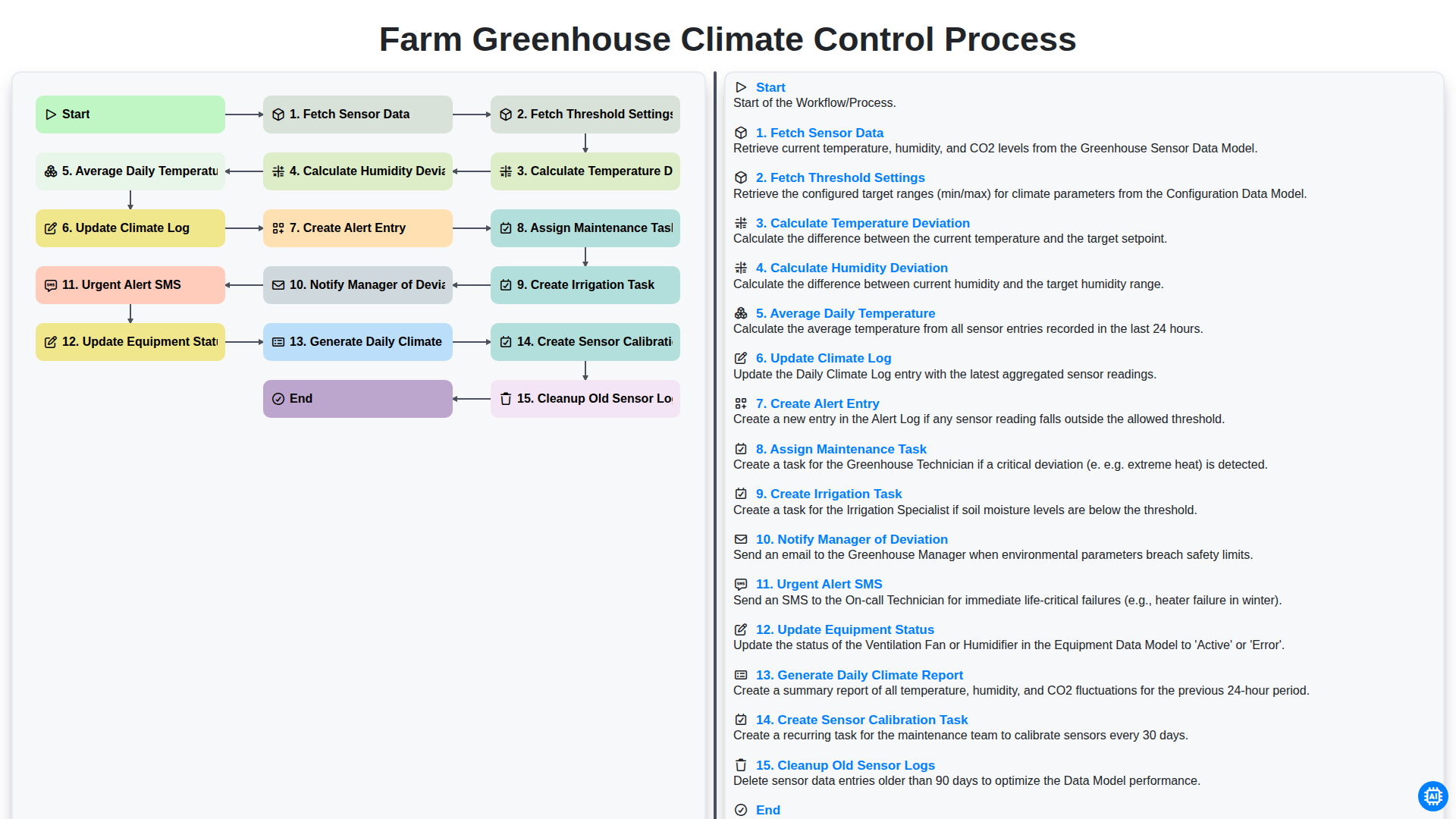
Farm Greenhouse Climate Control Process
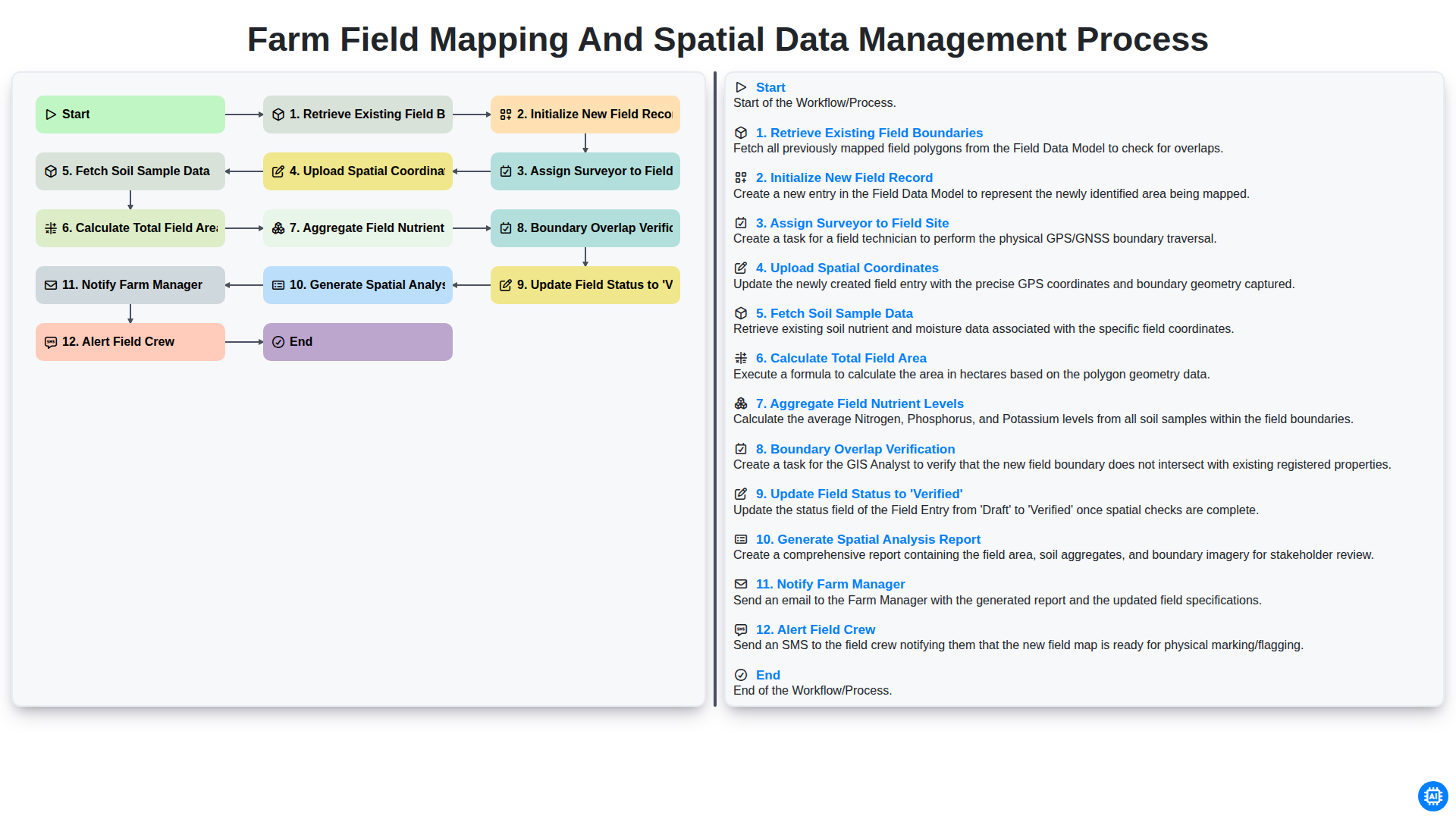
Farm Field Mapping and Spatial Data Management Process
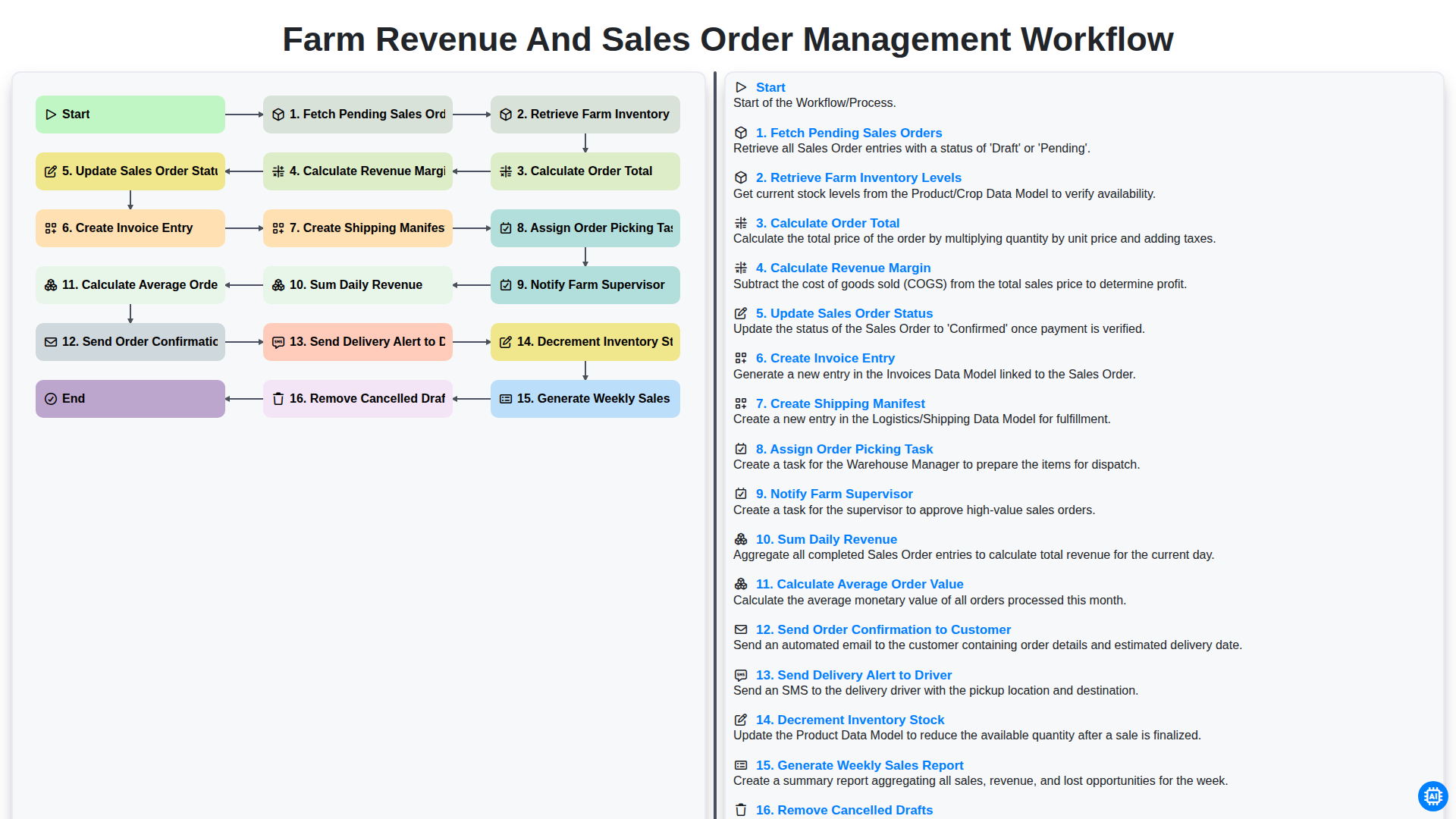
Farm Revenue and Sales Order Management Workflow
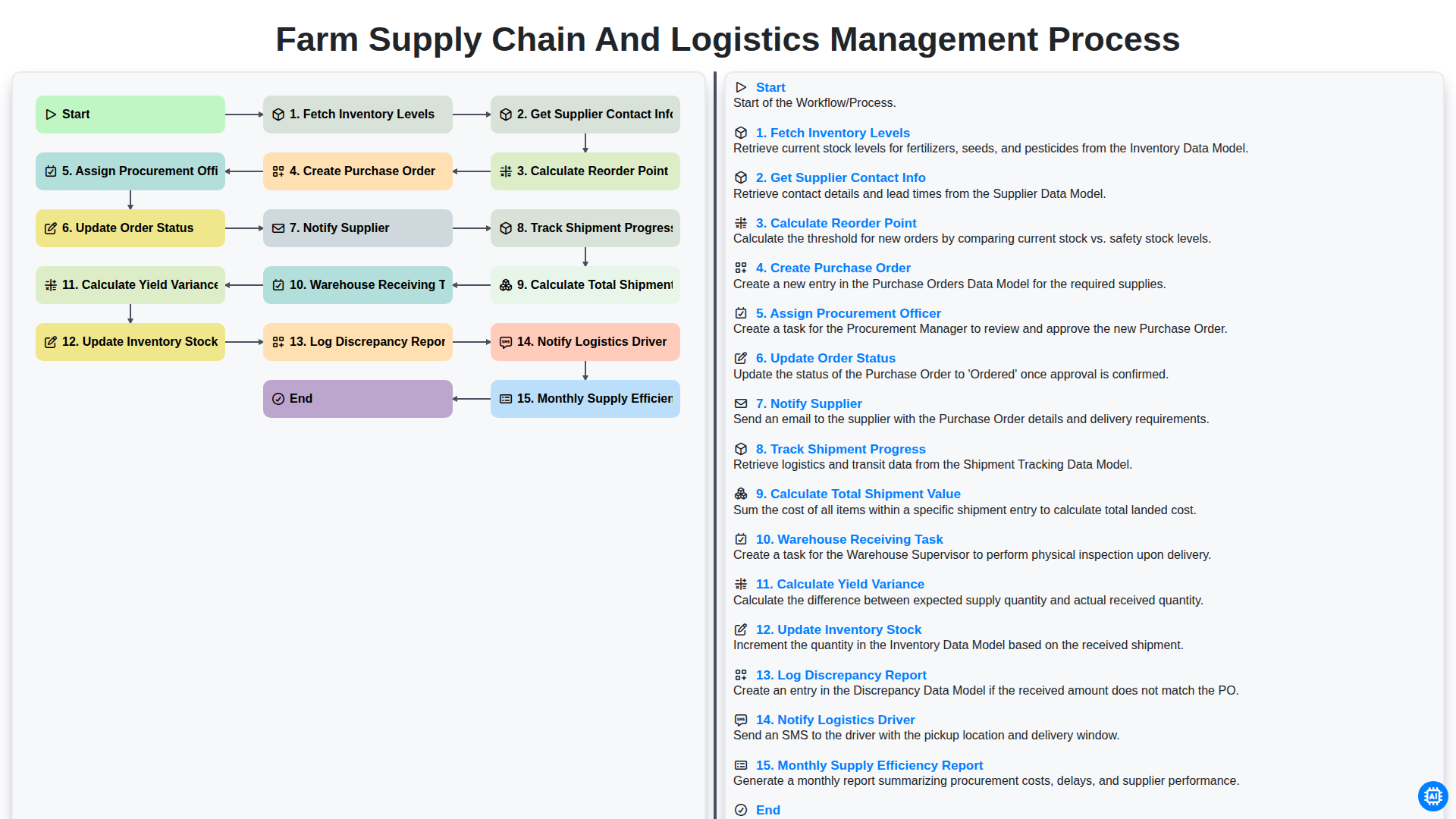
Farm Supply Chain and Logistics Management Process
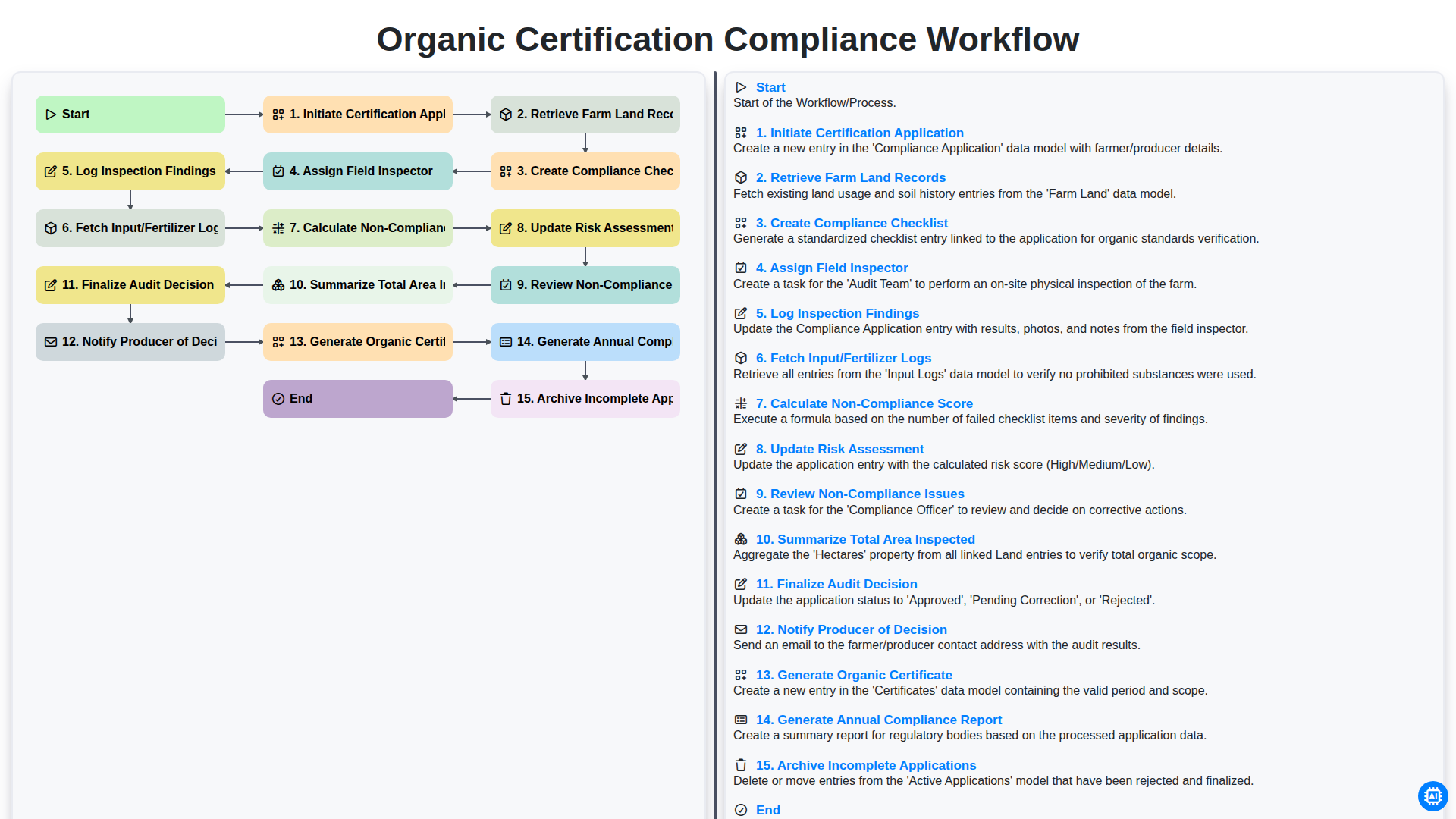
Organic Certification Compliance Workflow
Можем да го направим заедно
Нуждаете се от помощ с
Управление на фермата?
Имате въпрос? Тук сме, за да помогнем. Моля, изпратете запитването си и ние ще отговорим своевременно.