 ChecklistGuro
 Organic Certification Compliance Workflow
Streamline your organic journey with our Organic Certification Compliance Workflow. Automate audit readiness, track soil inputs, and manage certification documentation seamlessly to ensure total compliance and maintain your organic integrity from seed to sale.
Този шаблон е инсталиран 5 пъти.
Старт
Начало на работния поток/процеса.
1. Initiate Certification Application
Create a new entry in the 'Compliance Application' data model with farmer/producer details.
2. Retrieve Farm Land Records
Fetch existing land usage and soil history entries from the 'Farm Land' data model.
3. Create Compliance Checklist
Generate a standardized checklist entry linked to the application for organic standards verification.
4. Assign Field Inspector
Create a task for the 'Audit Team' to perform an on-site physical inspection of the farm.
5. Log Inspection Findings
Update the Compliance Application entry with results, photos, and notes from the field inspector.
6. Fetch Input/Fertilizer Logs
Retrieve all entries from the 'Input Logs' data model to verify no prohibited substances were used.
7. Calculate Non-Compliance Score
Execute a formula based on the number of failed checklist items and severity of findings.
8. Update Risk Assessment
Update the application entry with the calculated risk score (High/Medium/Low).
9. Review Non-Compliance Issues
Create a task for the 'Compliance Officer' to review and decide on corrective actions.
10. Summarize Total Area Inspected
Aggregate the 'Hectares' property from all linked Land entries to verify total organic scope.
11. Finalize Audit Decision
Update the application status to 'Approved', 'Pending Correction', or 'Rejected'.
12. Notify Producer of Decision
Send an email to the farmer/producer contact address with the audit results.
13. Generate Organic Certificate
Create a new entry in the 'Certificates' data model containing the valid period and scope.
14. Generate Annual Compliance Report
Create a summary report for regulatory bodies based on the processed application data.
15. Archive Incomplete Applications
Delete or move entries from the 'Active Applications' model that have been rejected and finalized.
Край
Край на работния поток/процеса.
Начало на работния поток/процеса.
Create a new entry in the 'Compliance Application' data model with farmer/producer details.
Fetch existing land usage and soil history entries from the 'Farm Land' data model.
Generate a standardized checklist entry linked to the application for organic standards verification.
Create a task for the 'Audit Team' to perform an on-site physical inspection of the farm.
Update the Compliance Application entry with results, photos, and notes from the field inspector.
Retrieve all entries from the 'Input Logs' data model to verify no prohibited substances were used.
Execute a formula based on the number of failed checklist items and severity of findings.
Update the application entry with the calculated risk score (High/Medium/Low).
Create a task for the 'Compliance Officer' to review and decide on corrective actions.
Aggregate the 'Hectares' property from all linked Land entries to verify total organic scope.
Update the application status to 'Approved', 'Pending Correction', or 'Rejected'.
Send an email to the farmer/producer contact address with the audit results.
Create a new entry in the 'Certificates' data model containing the valid period and scope.
Create a summary report for regulatory bodies based on the processed application data.
Delete or move entries from the 'Active Applications' model that have been rejected and finalized.
Край на работния поток/процеса.
Коментари
Все още няма коментари. Бъдете първият, който добави!
Демонстрация на решението за управление на Ферма
Развивайте фермата си по-интелигентно и ефективно! ChecklistGuro рационализира планирането на реколтата, управлението на задачите и проследяването на ресурсите. Максимизирайте добивите, намалете отпадъците и подобрете рентабилността. Управлявайте всичко това с нашата платформа Work OS.
Свързани шаблони за работни потоци
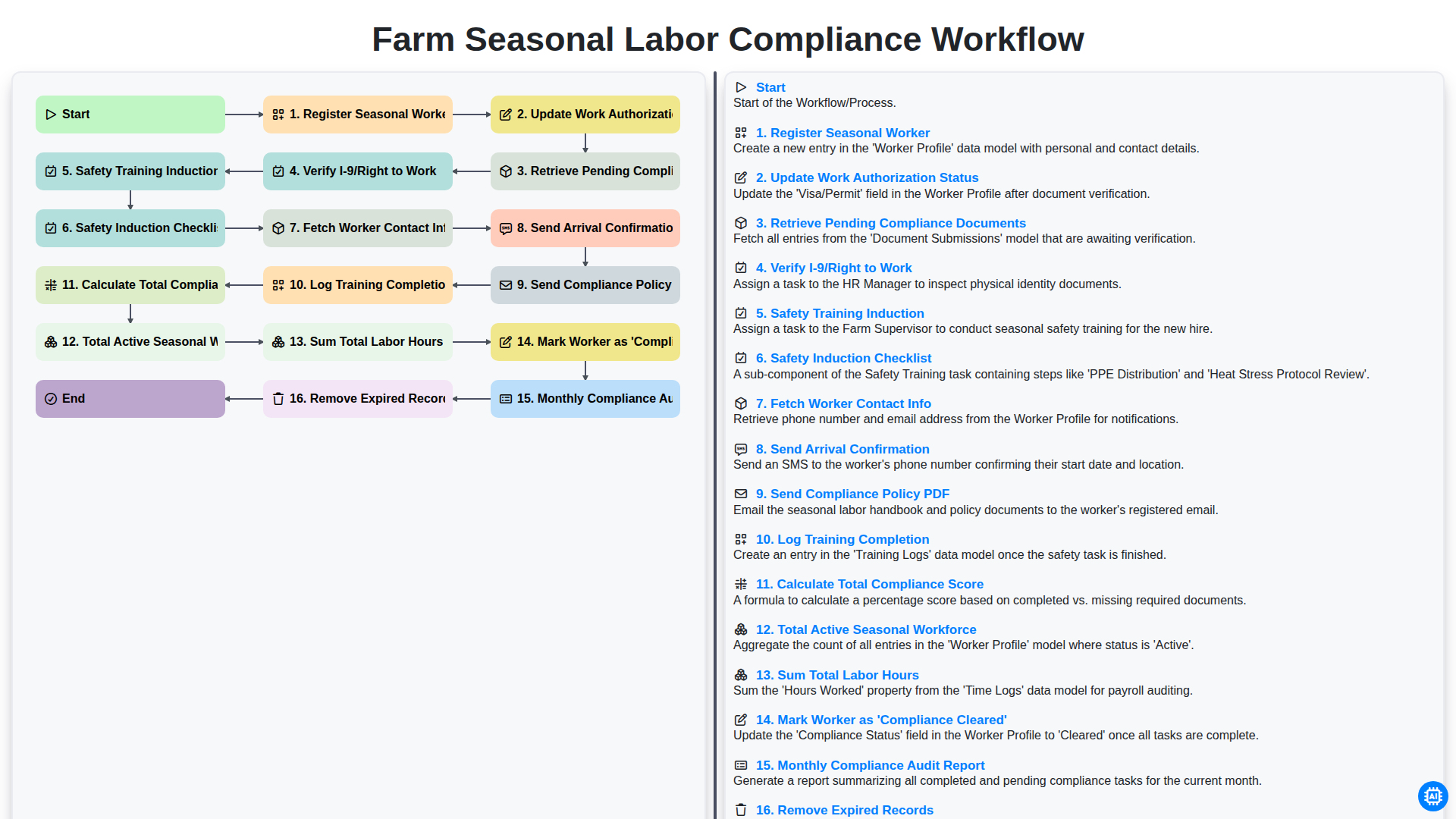
Farm Seasonal Labor Compliance Workflow
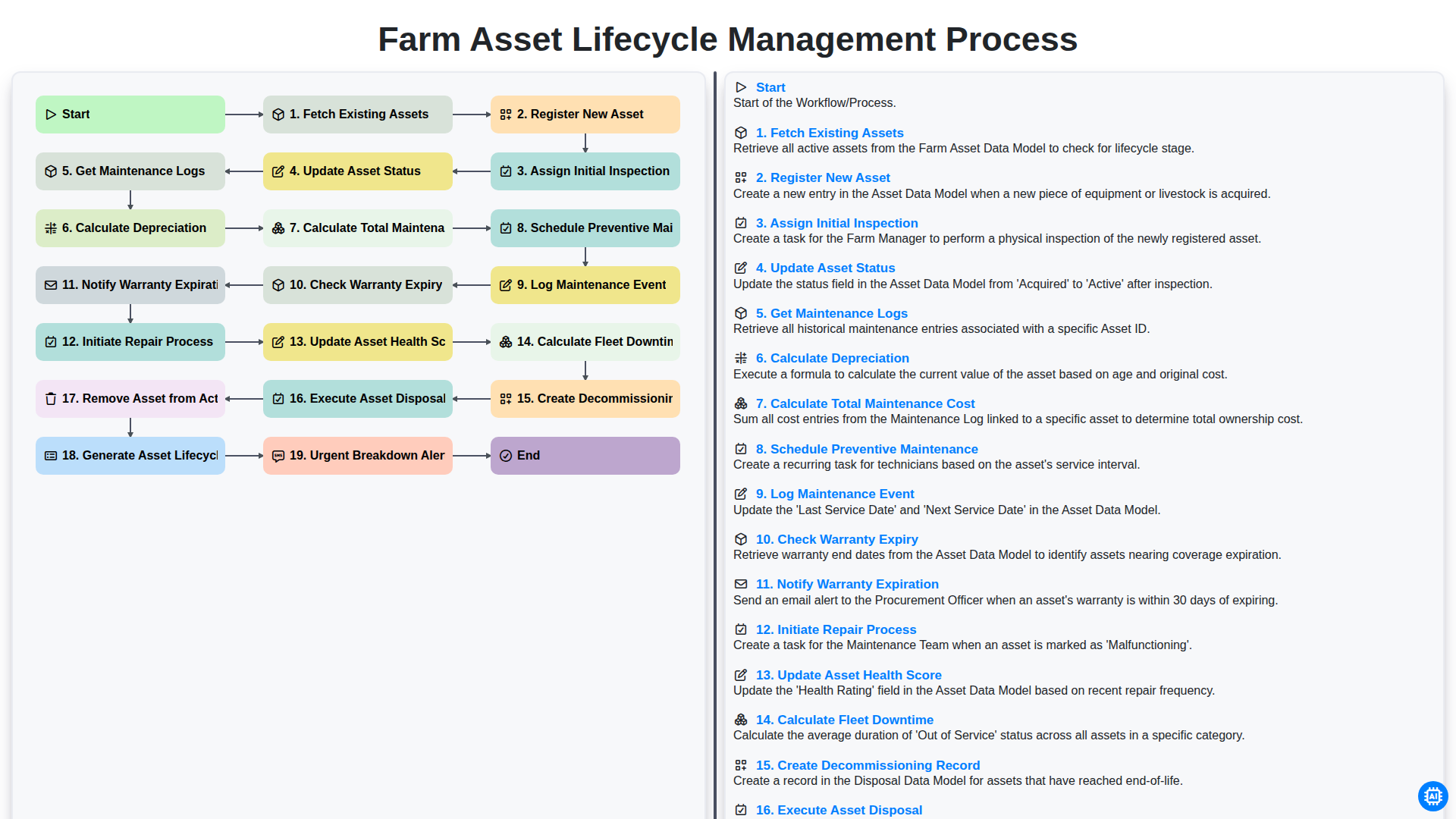
Farm Asset Lifecycle Management Process
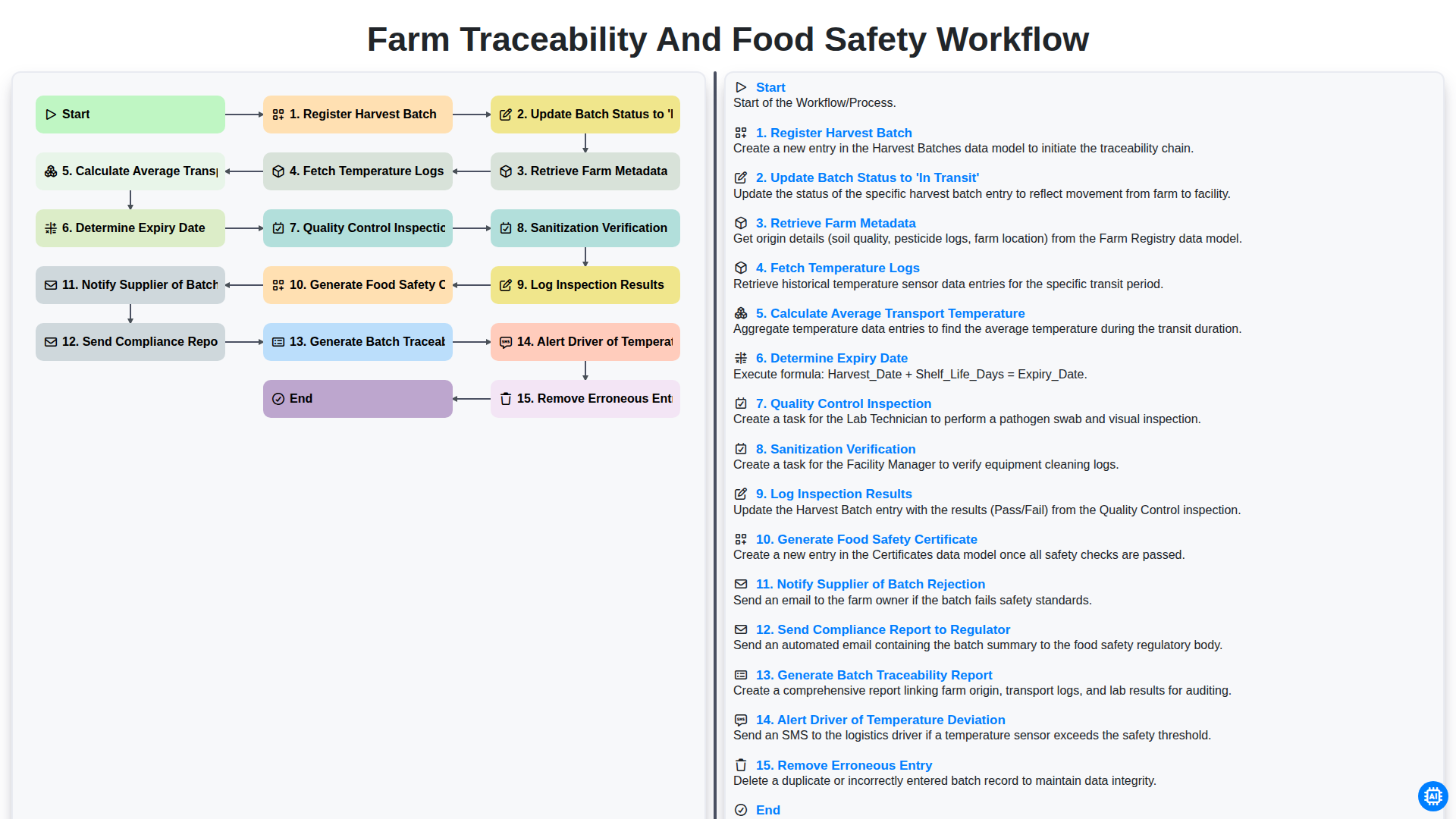
Farm Traceability and Food Safety Workflow
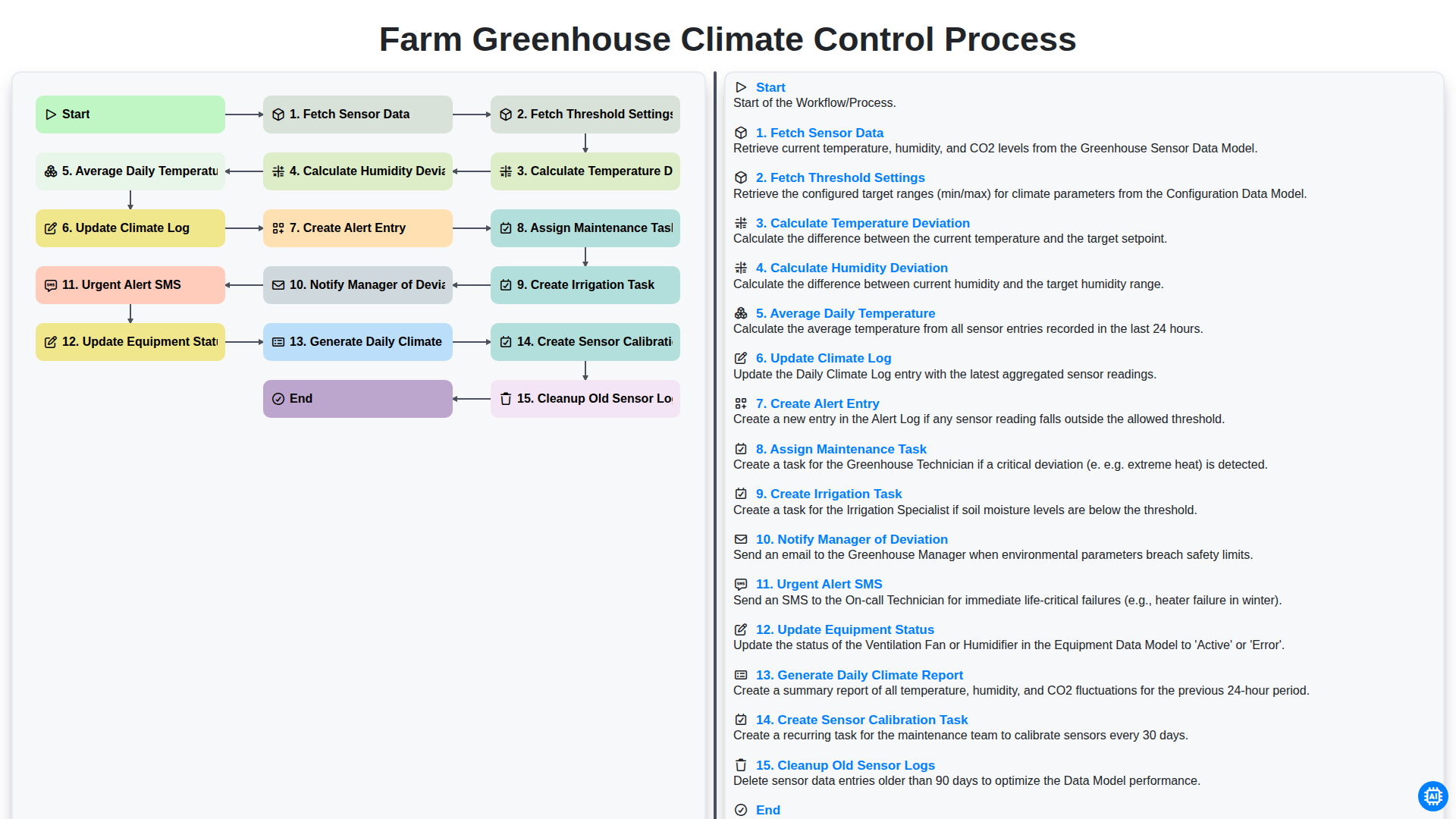
Farm Greenhouse Climate Control Process
Integrated Pest Management (IPM) Workflow
Farm Field Mapping and Spatial Data Management Process
Farm Revenue and Sales Order Management Workflow
Farm Supply Chain and Logistics Management Process
Можем да го направим заедно
Нуждаете се от помощ с
Управление на фермата?
Имате въпрос? Тук сме, за да помогнем. Моля, изпратете запитването си и ние ще отговорим своевременно.