 ChecklistGuro
 Управление на процеса калибриране на производствено оборудване
Осигурете точност и непрекъснатост с нашата Работна схема за управление на калибриране. Минимизирайте скъпоструващи престои и поддържайте качество на производството чрез оптимизиране на графиците за калибриране на оборудването, известията и документацията. Оптимизирайте производствения си процес и останете в съответствие с индустриалните стандарти.
Този шаблон е инсталиран 5 пъти.
Старт
Начало на работния поток/процеса.
1. Вземане на график за калибриране на оборудването
Вземете предстоящите задачи за калибриране от модела на данни за графиката на калибриране на оборудването.
2. Задаване на задача за калибриране
Създайте задача, възложена на подходящия техник, в зависимост от типа на оборудването и наличността му.
3. Извличане на данни за оборудването
Извлечете съответните данни за оборудването (модел, сериен номер, последна дата на калибрация) от Главния регистър на оборудването.
4. Уведомете Техник по калибриране.
Създайте задача за изпращане на известие до назначения техник.
5. Имейл за известие за калибриране
Изпратете имейл на техника с подробности за задачата за калибриране.
6. Обновете състоянието на калибровка
Актуализирайте статуса на записа за калибриране (напр. 'Планирано', 'В процес на изпълнение', 'Изпълнено').
7. Запис на резултатите от калибрирането
Създайте задача за техника да запише резултатите от калибрирането.
8. Създаване на запис с резултати от калибрация
Създайте запис в модела на данните за резултатите от калибрирането, за да съхранява резултатите.
9. Изчисляване на стойност на отместването
Изчислете стойността на отместването въз основа на първоначалните и калибрираните показания.
10. Обновяване на главните данни за оборудването
Актуализирайте основната информация за оборудването с нова дата на калибриране и резултати.
11. Генериране на отчет за калибриране
Създайте доклад, обобщаващ резултатите от калибрациите за следите за одит.
12. Обобщете статуса на калибриране.
Обобщете данните за калибрациите, за да покажете броя на калибрациите, които предстоят, са в процес на изпълнение и са завършени.
13. Уведомяване за завършване на калибриране
Изпратете имейл на съответния заинтересован, след успешно завършване на калибрирането.
Край
Край на работния поток/процеса.
Начало на работния поток/процеса.
Вземете предстоящите задачи за калибриране от модела на данни за графиката на калибриране на оборудването.
Създайте задача, възложена на подходящия техник, в зависимост от типа на оборудването и наличността му.
Извлечете съответните данни за оборудването (модел, сериен номер, последна дата на калибрация) от Главния регистър на оборудването.
Създайте задача за изпращане на известие до назначения техник.
Изпратете имейл на техника с подробности за задачата за калибриране.
Актуализирайте статуса на записа за калибриране (напр. 'Планирано', 'В процес на изпълнение', 'Изпълнено').
Създайте задача за техника да запише резултатите от калибрирането.
Създайте запис в модела на данните за резултатите от калибрирането, за да съхранява резултатите.
Изчислете стойността на отместването въз основа на първоначалните и калибрираните показания.
Актуализирайте основната информация за оборудването с нова дата на калибриране и резултати.
Създайте доклад, обобщаващ резултатите от калибрациите за следите за одит.
Обобщете данните за калибрациите, за да покажете броя на калибрациите, които предстоят, са в процес на изпълнение и са завършени.
Изпратете имейл на съответния заинтересован, след успешно завършване на калибрирането.
Край на работния поток/процеса.
Коментари
Все още няма коментари. Бъдете първият, който добави!
Демонстрация на решение за управление на производството
Спрете да се занимавате с документация и да се борите с несвързани системи! Нашето решение осигурява яснота и контрол върху производствения ви процес. От стандартни оперативни процедури (СОП) и поддръжка на оборудване до контрол на качеството и проследяване на инвентара, ние опростяваме всяка стъпка.
Свързани шаблони за работни потоци
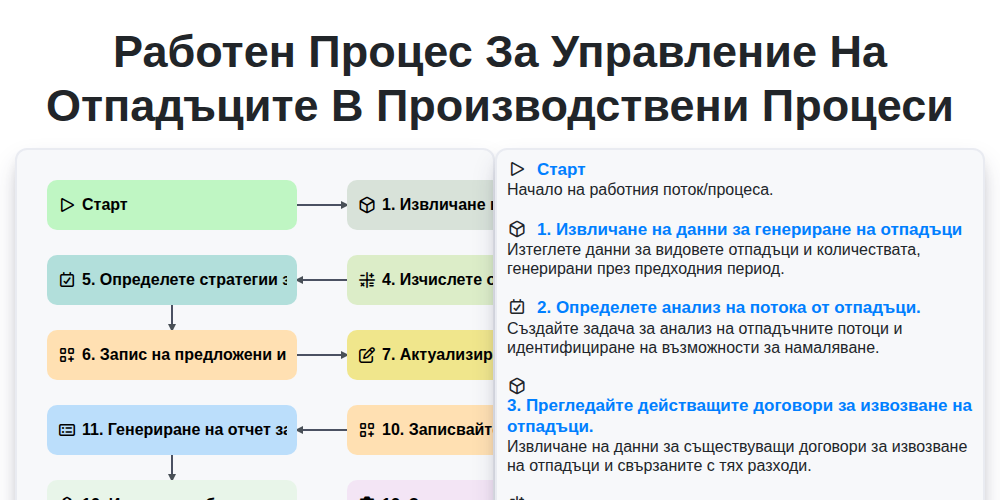
Работен процес за управление на отпадъците в производствени процеси
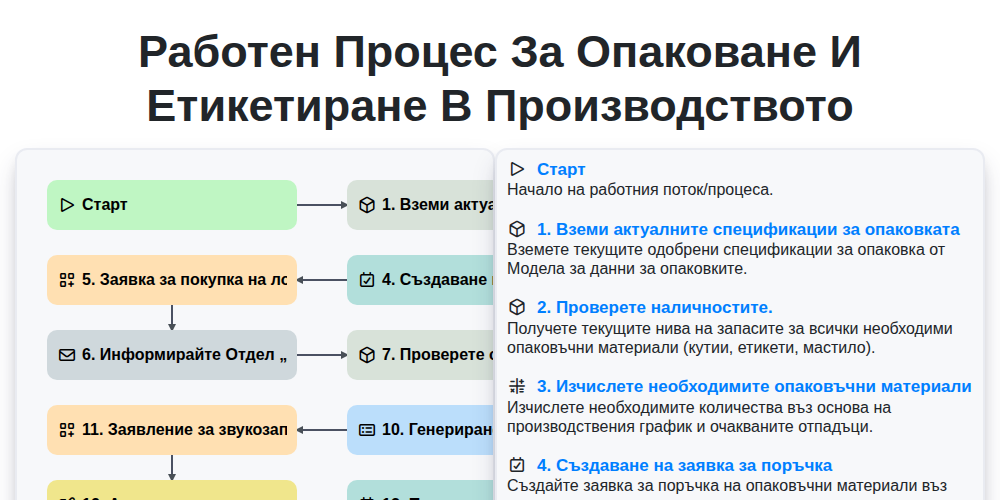
Работен процес за опаковане и етикетиране в производството
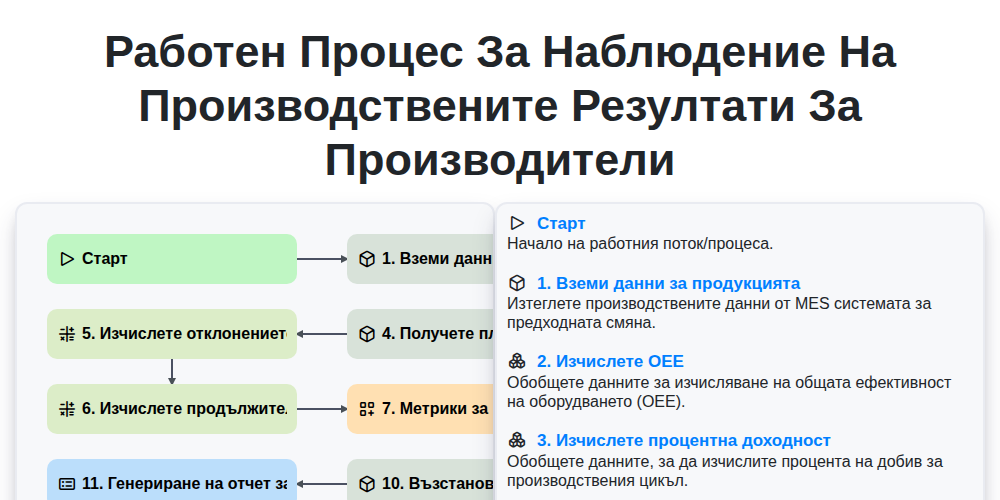
Работен процес за наблюдение на производствените резултати за производители
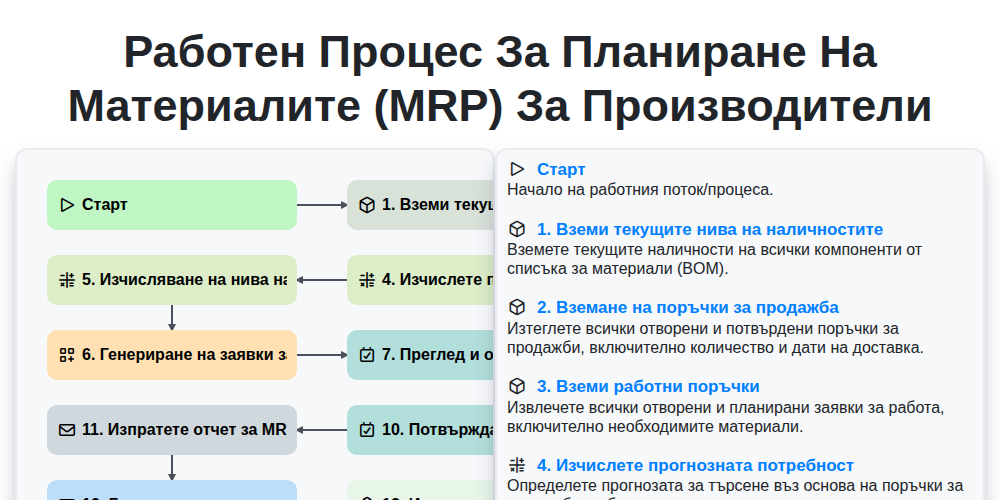
Работен процес за Планиране на материалите (MRP) за производители
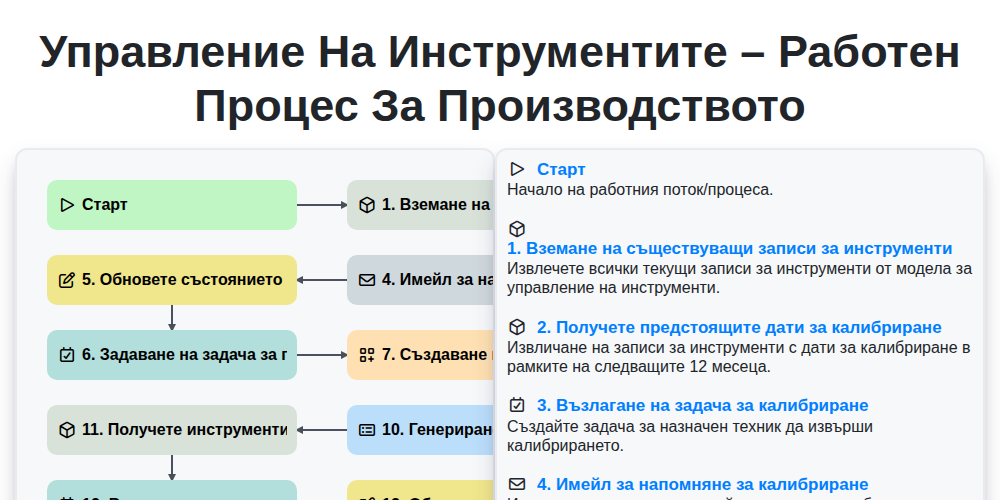
Управление на инструментите – работен процес за производството
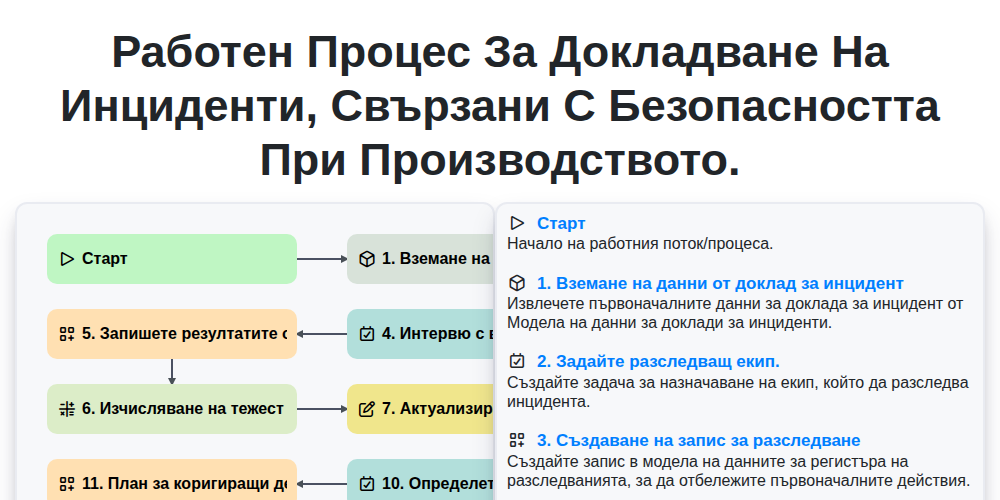
Работен процес за докладване на инциденти, свързани с безопасността при производството.
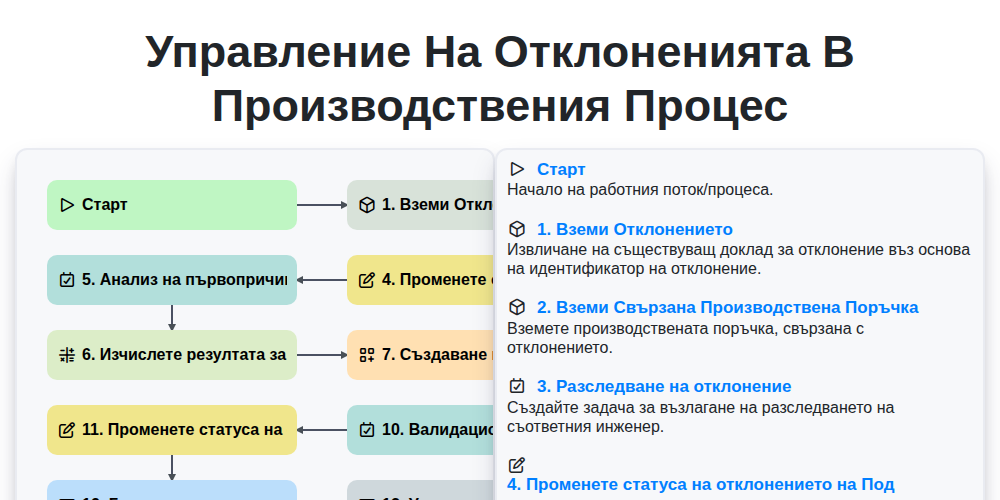
Управление на отклоненията в производствения процес
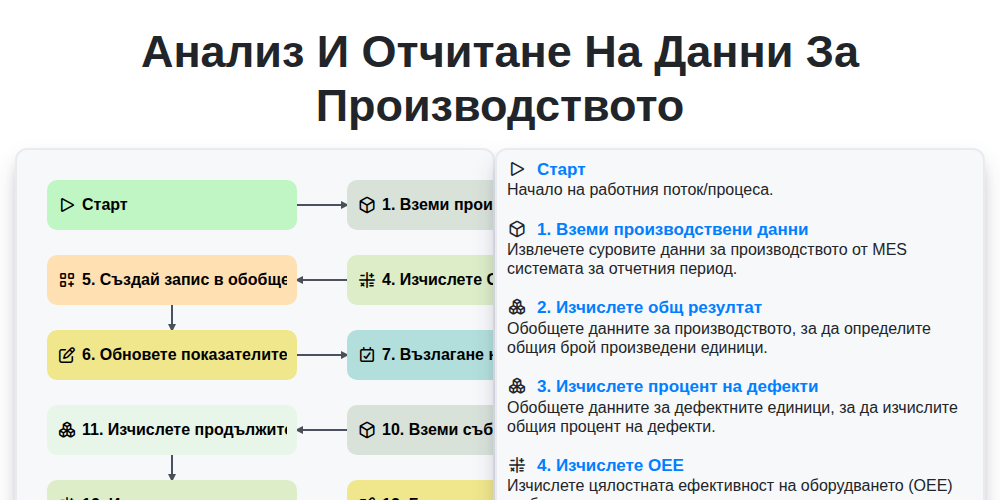
Анализ и отчитане на данни за производството
Можем да го направим заедно
Нуждаете се от помощ с
Производство?
Имате въпрос? Тук сме, за да помогнем. Моля, изпратете запитването си и ние ще отговорим своевременно.